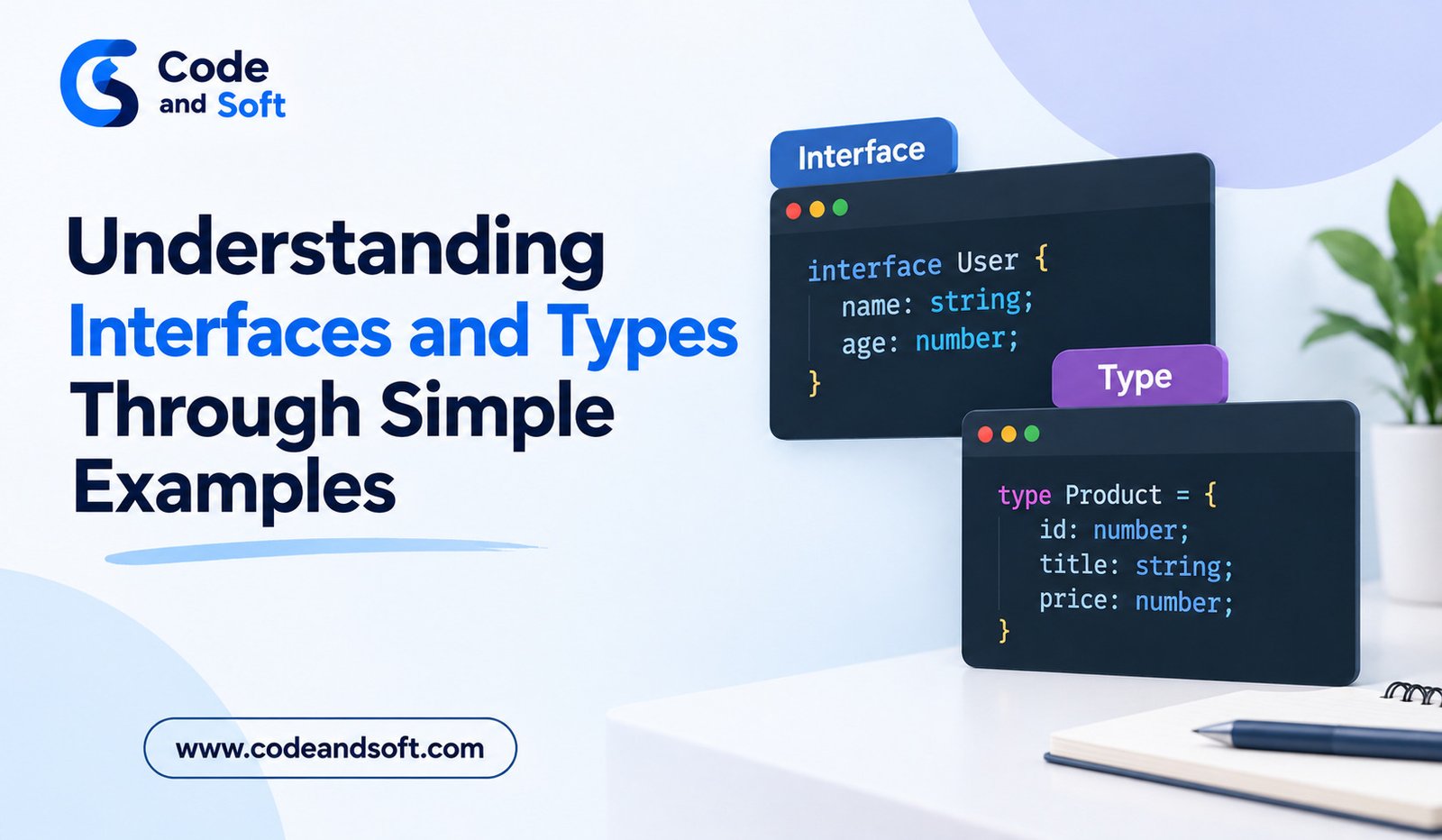

When developers begin learning TypeScript, two concepts often appear again and again: interfaces and type aliases. Both are used to describe the shape of data, and both can make TypeScript applications easier to understand and maintain.
For JavaScript developers, these concepts may initially seem like extra syntax. However, once you understand why they exist, interfaces and types become much easier to use.
They are especially useful when an application contains many objects, functions, API responses, or shared data structures. Instead of repeatedly describing the same information, developers can create reusable definitions that explain what their code expects.
What Are Types in TypeScript?
A type tells TypeScript what kind of value a variable, function, property, or expression is expected to contain.
For example, you can define a variable as a string:
let username: string = “Rahul”;
Here, TypeScript knows that username should contain text.
You can also work with numbers and Boolean values:
let age: number = 28;
let loggedIn: boolean = true;
These simple annotations are useful, but TypeScript can also describe much more complicated structures.
For example:
let product: {
name: string;
price: number;
available: boolean;
};
This tells TypeScript that a product should contain three specific properties.
When the same structure needs to be used in multiple places, creating a reusable type becomes more convenient.
What Is a Type Alias?
A type alias allows developers to give a name to a type definition.
For example:
type Product = {
name: string;
price: number;
available: boolean;
};
Now the Product type can be reused:
let product: Product = {
name: “Laptop”,
price: 55000,
available: true
};
The advantage is that the structure does not need to be written repeatedly.
If another function needs to accept a product, the same type can be used:
function displayProduct(product: Product) {
console.log(product.name);
}
This makes the relationship between different parts of the application easier to understand.
What Is an Interface?
An interface is another way to describe the structure of an object.
For example:
interface Product {
name: string;
price: number;
available: boolean;
}
You can then use it just like the previous type:
const product: Product = {
name: “Laptop”,
price: 55000,
available: true
};
The interface tells TypeScript which properties are expected and what types those properties should have.
For developers coming from JavaScript, an interface can be thought of as a clear description of what an object should look like.
Why Are Interfaces and Types Useful?
The main benefit is clarity.
Imagine a large application that handles customer information. Without reusable definitions, developers may repeatedly write or remember that a customer contains a name, email address, customer ID, and account status.
A reusable definition creates one clear description.
For example:
interface Customer {
id: number;
name: string;
email: string;
active: boolean;
}
Now developers can use Customer throughout the application.
This can also improve autocomplete and error checking in modern code editors.
Optional Properties
Not every property needs to be required.
TypeScript allows developers to mark properties as optional using a question mark.
For example:
interface User {
name: string;
email: string;
phone?: string;
}
Here, name and email are required, while phone is optional.
Both of these objects can be valid:
const userOne: User = {
name: “Amit”,
email: “amit@example.com”
};
const userTwo: User = {
name: “Neha”,
email: “neha@example.com”,
phone: “9876543210”
};
Optional properties are useful when certain information may not always be available.
Readonly Properties
Sometimes you want a property to be available but not changed after an object is created.
TypeScript provides the readonly keyword for this purpose.
For example:
interface Account {
readonly id: number;
owner: string;
}
The id can be read, but TypeScript will prevent normal reassignment through the typed object.
This can be helpful for values such as identifiers that should remain stable during the application’s operation.
Types Can Describe More Than Objects
One important difference beginners should understand is that type aliases are not limited to object structures.
They can describe unions, primitive types, tuples, and other combinations.
For example:
type UserRole = “admin” | “editor” | “viewer”;
Now a variable using this type can only contain one of those three values:
let role: UserRole = “editor”;
This can help prevent accidental values from entering parts of an application that expect a limited set of choices.
Combining Types With Union Types
Union types allow a value to have more than one possible type.
For example:
type ID = string | number;
Now an ID can be either a string or a number.
You could use it in a function:
function findUser(id: ID) {
console.log(id);
}
This is useful when working with systems where the same kind of information can arrive in different forms.
Extending Interfaces
Interfaces can also be extended.
Suppose an application has a basic employee structure:
interface Employee {
name: string;
department: string;
}
You can create another interface that builds on it:
interface Manager extends Employee {
teamSize: number;
}
A Manager must now contain the properties from Employee as well as teamSize.
For large applications, this can make related data structures easier to organize.
Intersection Types
Type aliases provide another useful feature called intersection types.
The & operator can combine multiple types.
For example:
type Contact = {
email: string;
};
type Profile = {
name: string;
};
type UserProfile = Contact & Profile;
A UserProfile must contain both email and name.
Intersection types can be useful when an application needs to combine several existing structures.
Interfaces vs Types: Which Should You Use?
For many everyday object definitions, interfaces and type aliases can both work well.
For example:
interface Car {
brand: string;
model: string;
}
And:
type Car = {
brand: string;
model: string;
};
Both describe a similar object structure.
The choice often depends on the team’s coding conventions and the particular situation.
Interfaces are especially convenient when describing object-oriented structures or when you expect interfaces to be extended.
Type aliases are particularly flexible when working with unions, intersections, tuples, and combinations of different types.
Beginners do not need to memorize every technical distinction immediately. The most important skill is understanding how reusable type definitions improve code clarity.
Interfaces and Types With Functions
Interfaces and types are not only useful for variables. They can also make function parameters easier to understand.
For example:
interface Order {
product: string;
quantity: number;
total: number;
}
function processOrder(order: Order) {
console.log(order.product);
}
Anyone reading the function can immediately understand what kind of object it expects.
This becomes increasingly useful when functions are shared across many files.
Using Interfaces and Types With API Data
Modern applications frequently communicate with APIs.
Suppose an application receives customer information from a server. A TypeScript definition can describe the expected response:
interface CustomerResponse {
id: number;
name: string;
email: string;
}
This gives developers a clear model for working with the data.
If the API structure changes, the type definition can also be updated, making it easier to identify code that depends on the changed properties.
Types do not guarantee that an external API will always send correct data at runtime, but they provide valuable development-time information.
Common Mistakes Beginners Make
One common mistake is creating types for every tiny value even when TypeScript can already infer the type.
For example:
let city: string = “Delhi”;
This is valid, but TypeScript can already understand that “Delhi” is a string.
Another mistake is using any whenever TypeScript reports an error. Although any has legitimate uses, depending on it too heavily can remove much of the protection provided by TypeScript.
It is better to understand why the type error occurs and create an appropriate type when possible.
A Simple Way to Practice
The best way to learn interfaces and types is to use them in small projects.
Create a simple task application and define a Task type. Build a shopping application and create Product and CartItem interfaces. If you build a user dashboard, define types for users, notifications, and account settings.
Start with simple structures and gradually add optional properties, unions, extensions, and more advanced combinations.
This practical approach makes the concepts easier to remember because you are solving real programming problems rather than simply memorizing syntax.
Final Thoughts
Interfaces and types are fundamental TypeScript features that help developers describe the structure and expected behavior of data.
A type alias can provide reusable definitions for objects, unions, intersections, and other structures, while interfaces offer a clear way to describe object shapes and build related structures through extension.
For JavaScript developers moving to TypeScript, these concepts may initially feel like additional work. With practice, however, they become useful tools for writing clearer and more maintainable applications.
The best approach is to begin with simple object definitions, use them in functions and small projects, and gradually explore more advanced features. Once you understand why interfaces and types are useful, TypeScript’s type system becomes much easier to work with.