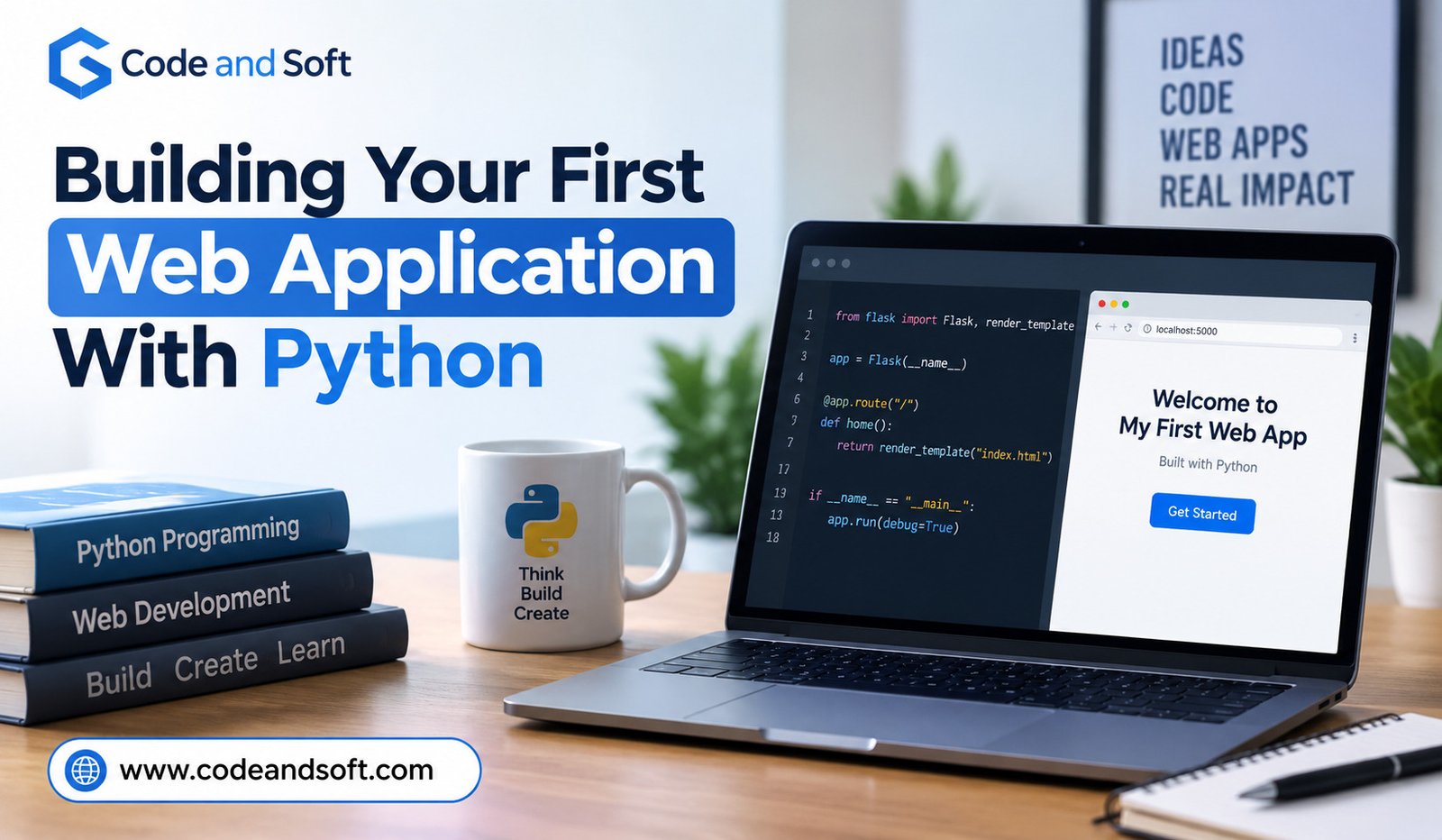

Building a web application may sound difficult when you are just starting out with programming. You may imagine that you need to know many programming languages, understand complicated computer systems, or spend months learning before you can make something useful. The good news is that this is not true. Python makes it possible to start building simple web applications without making the learning process too confusing.
Python is known for having simple and easy-to-read code. It is used for many different types of software, including websites and web applications. With the right tools and a little practice, you can create a small application that runs in a web browser and responds when people use it.
In this guide, we will look at how you can build your first web application with Python. We will keep things simple and focus on understanding what you are doing rather than filling the process with difficult technical words.
What Is a Web Application?
Before writing any code, it helps to understand what you are building.
A website usually gives you information to read or view. A web application goes a step further. It allows you to interact with the page and get something done.
For example, an online calculator is a web application because you enter numbers and receive an answer. A simple notes website can also be a web application because you can write, save, and view notes. Online shopping websites, booking websites, banking services, and social media platforms are much larger examples.
Your first Python web application does not need to be complicated. In fact, starting with something small is a better way to learn. You could create an application that displays a welcome message, asks for a person’s name, and then shows a personalized greeting.
That small project will teach you the basic idea behind how Python can work with a web browser.
Why Use Python?
Python is a popular choice for beginners because its code is generally easier to read than many other programming languages. The commands often look close to normal English, which makes it easier to understand what is happening.
Python is also useful because there are many tools available for creating web applications. Instead of building every part of a web application from the beginning, you can use a Python tool called Flask.
Flask is a small Python tool that helps you create websites and web applications. It gives you the basic features you need while allowing you to add more as your application grows.
For a first project, Flask is a good choice because you can start with just a few lines of code.
Getting Python Ready
The first thing you need is Python installed on your computer. You can download Python from its official website and install it for your operating system.
After installing Python, open the program you normally use to type commands on your computer. On Windows, this could be Command Prompt or PowerShell. On macOS or Linux, you can use the Terminal.
You can check whether Python is working by entering the Python version command. If everything is installed correctly, your computer will show the version of Python that is currently installed.
It is a good idea to use a fairly recent version of Python. Newer versions usually include improvements and security updates.
You will also need somewhere to write your code. A simple code editor is enough. Visual Studio Code is one popular choice, but you can use another editor if you prefer.
Creating Your Project
Once Python is ready, create a new folder for your project. You can give it a simple name such as my_web_app.
Inside this folder, create a Python file called app.py. This will contain the main code for your application.
Now you need Flask. Flask is installed separately from Python, so you can install it using Python’s package installer.
After Flask has been installed, you are ready to create your first application.
The first version can be very small:
from flask import Flask
app = Flask(__name__)
@app.route(“/”)
def home():
return “Hello! Welcome to my first web application.”
if __name__ == “__main__”:
app.run(debug=True)
At first, this code may look unfamiliar. Do not worry about remembering every part of it. The important thing is understanding what each section is doing.
The first line brings Flask into your program. The next line creates your application. The @app.route(“/”) part tells Flask what should happen when someone opens the main page of your application.
The home() function contains the message that the visitor will see. In this example, it simply returns a welcome message.
The final part tells Python to start the application when you run the file.
Running Your Application
Save your app.py file and open your command window in the project folder.
Run the Python file using the appropriate Python command. Flask will start a small web server on your computer.
You should see a local web address in the command window. It will usually look similar to http://127.0.0.1:5000.
Open that address in your web browser.
You should now see your welcome message.
This can feel surprisingly exciting because you have just created a working web application using Python. It may only display one sentence, but the basic idea is already there. Python is running your application, and your browser is showing the result.
The application is running on your own computer, which is why the address is called a local address. Other people on the internet cannot normally open it yet.
Making the Application More Useful
A welcome message is a good starting point, but you probably want your application to do something more interesting.
Let’s imagine you want visitors to enter their name. You can create a page with a simple form and then use Python to respond to the information they enter.
For this, you can create an HTML file. HTML is the language used to structure content on web pages. You do not need to become an expert in HTML before using it with Python. For a simple project, you only need to understand a few basic parts.
Create a folder called templates inside your project folder. Inside it, create a file called index.html.
You can put simple page content inside that file, such as a heading and a form where the visitor can enter their name.
Your Python application can then tell Flask to show this page instead of displaying plain text.
For example, the Python code can use Flask’s render_template feature to open the HTML page.
The idea is simple. Python handles what the application needs to do, while HTML controls what the visitor sees in the browser.
This separation makes it easier to build larger applications later.
Adding User Input
One of the most useful things about web applications is that they can receive information from users.
Imagine a greeting application. A visitor enters their name and presses a button. The application receives the name and displays something like, “Hello, Sarah! Welcome to my website.”
This small interaction teaches you an important part of web development. The browser sends information to your Python application, Python works with that information, and then the application sends a response back to the browser.
You can use the same basic idea for many other projects.
A simple calculator can receive numbers. A contact form can receive a message. A notes application can receive text. A small quiz can receive answers.
As you practice, you will begin to see that many web applications are built around this same basic process.
Understanding Pages and Addresses
A web application can have more than one page.
For example, your application might have a home page at /, an about page at /about, and a contact page at /contact.
Flask makes it easy to create these pages.
You could write a function for the about page and connect it to the /about address. When someone visits that address, Flask knows which part of your Python program should handle the request.
This is useful because your application can grow without putting everything on one page.
You can also create links between pages using HTML. A visitor can click a link on your home page and move to another part of your application.
With only a few simple ideas, you can begin creating a small website that feels like a real application.
Making Your Pages Look Better
At this point, your application may work, but it may not look very attractive. This is where CSS can help.
CSS controls the appearance of a web page. It can change things such as text size, spacing, backgrounds, buttons, and page layout.
You do not need advanced design skills to improve a simple Python application. Even a small amount of CSS can make a page much easier to read.
You might create a clean heading, place your form in the center of the page, give your button a comfortable size, and add some space between different parts of the page.
The important thing is not to worry about making your first application perfect. Your first goal should be making it work. You can improve its appearance after you understand how the basic parts fit together.
Saving Information
A web application becomes even more useful when it can save information.
For example, suppose you decide to build a simple notes application. A visitor could type a note and save it. When they return later, the application could show the saved note.
To do this, you need a database or another method for storing information.
Python can work with several database options. For a beginner project, SQLite is a convenient choice because it is simple and does not require a separate database server.
You can store information such as names, notes, messages, or other details in the database.
This is where your application starts becoming more powerful. Instead of simply showing information, it can remember information.
You should also learn about safe handling of user information before creating an application that stores real people’s private details. A practice project can use simple information, but real applications need stronger protection.
Testing Your Application
Building an application is not only about writing code. You also need to test it.
Try opening every page. Click the buttons. Enter different types of information. See what happens when you leave a field empty. Try unusual input.
You will probably find problems. That is normal.
When something goes wrong, read the error message carefully. Error messages can look confusing at first, but they often tell you where Python found the problem.
For example, Python may tell you which file and line caused an error. You can then look at that part of your code and check for spelling mistakes, missing symbols, or other problems.
Learning to fix errors is one of the most important parts of becoming comfortable with programming.
Taking Your Project Further
Once your first application works, you can slowly add new features.
You could turn a greeting application into a small personal website. You could create a simple to-do application where users can add and remove tasks. You could build a basic blog where posts are saved in a database.
You might also create a simple expense tracker, recipe collection, book organizer, or study notes application.
The best project is usually something you actually want to use. When you build something useful to yourself, learning becomes more interesting because every new feature has a clear purpose.
You do not need to understand everything before starting. In fact, trying to build something and learning what you need along the way can be one of the easiest ways to improve.
Moving From a Local Project to a Real Website
Your application currently runs on your own computer. If you want other people to use it, you will eventually need to put it on a web hosting service.
This means your Python application needs to run on a computer that is connected to the internet and available to visitors.
There are many services that can host Python applications. The exact process depends on the service you choose.
Before putting an application online, it is important to make sure it is ready for other people. You should remove development settings, protect private information, check forms, and make sure users cannot easily access information they should not see.
For your first project, however, you do not need to worry too much about publishing it. Getting the application working on your own computer is already a valuable achievement.
When building your first web application with Python, you can also explore Python automation ideas for repetitive office tasks to discover how Python can simplify everyday tasks and improve productivity.
Final Thoughts
Building your first web application with Python does not have to be overwhelming. You can begin with a few lines of code, learn how Flask connects Python to a web browser, and slowly add new features as your confidence grows.
The most important part is to start small. A simple application that works is more useful for learning than a large project that becomes too difficult to understand.
Python gives beginners a friendly way to explore web development. With Flask, HTML, CSS, and a little practice, you can move from displaying a simple message to creating applications that accept information, save data, and provide useful features.
You will make mistakes along the way, and that is completely normal. Every error gives you an opportunity to understand your code a little better.
Your first web application does not need to impress everyone. It only needs to teach you something. Once you have built one small application, the next one becomes easier. Over time, those small projects can give you the skills and confidence needed to build much bigger things with Python.