
Python is one of the most popular programming languages for people who are starting their journey in software development. One reason for its popularity is that Python is easy to read and has a large collection of libraries that can make development faster and easier. Instead of writing every part of a program from the beginning, developers can use libraries that already provide useful features.
For a new developer, however, the number of available Python libraries can feel overwhelming. There are libraries for working with data, building websites, creating charts, handling files, connecting to the internet, working with images, testing programs, and much more. You do not need to learn everything at once. Understanding a few useful libraries can give you a strong starting point.
This guide looks at some Python libraries that every new developer should explore. The goal is not to make you memorize them, but to help you understand what each library does and when it can be useful.
What Is a Python Library?
A Python library is a collection of ready-made code that you can use in your own programs. Think of it like a toolbox. When you need a particular tool, you can take it from the toolbox instead of making the tool yourself.
For example, imagine that you want your Python program to work with dates. You could write your own code to handle dates, months, years, and time differences. That would take a lot of work. Python already provides libraries that can handle these tasks for you.
Libraries can save time and also make programs easier to build. As you become more comfortable with Python, learning how to find and use the right library becomes an important part of becoming a better developer.
NumPy for Working With Numbers
NumPy is a useful library for developers who want to work with numbers and large collections of data. It is especially popular in data science, scientific work, engineering, and machine learning.
Python already has lists that can store multiple values, but NumPy provides a special type of collection that is designed for working with numbers. This makes it easier to perform calculations on many values at once.
For example, suppose you have the marks of hundreds of students and want to find their average. NumPy can make this kind of calculation simple. It can also help with mathematical operations involving large amounts of numerical data.
A new developer does not need to learn every part of NumPy immediately. Start by understanding how it stores numbers and how simple calculations work. Once you become comfortable with basic Python, NumPy can be a good next step.
Pandas for Understanding Data
Pandas is another important Python library, especially for anyone interested in data. It helps developers work with information arranged in rows and columns, much like a spreadsheet.
Imagine you have a file containing customer names, ages, locations, and purchases. Reading and organizing that information manually would be difficult if the file contained thousands of records. Pandas can load the data and make it easier to examine, change, sort, and analyze.
Pandas is commonly used with CSV files, which are simple files used to store table-like information. You can use it to find missing information, select certain records, calculate totals, and create new columns.
Learning Pandas can also improve your understanding of how real-world data is handled. Many applications collect information, and developers often need to clean and organize that information before using it.
Matplotlib for Creating Charts
Numbers are useful, but sometimes a chart makes information much easier to understand. Matplotlib is a Python library that allows developers to create charts and graphs.
You can use it to create simple line charts, bar charts, and other visual displays. For example, if you have monthly sales information, you could create a chart showing how sales changed throughout the year.
For beginners, Matplotlib is useful because it connects programming with something you can see. Instead of only looking at numbers in your program, you can turn those numbers into a visual chart.
You can start with very simple charts and slowly learn how to change titles, labels, and other parts of the chart. This makes Matplotlib a useful library for learning how Python can present information in a clear way.
Requests for Working With Websites
Many modern programs need to communicate with websites and online services. The Requests library makes this easier in Python.
With Requests, a program can send a request to a website and receive information back. For example, a program might need to get weather information from an online service or send information to another application.
The library is popular because its basic use is relatively simple. A new developer can learn how to make a basic request and then understand how information comes back from a website.
Learning Requests can also help you understand how applications communicate with each other. You do not need to know everything about internet communication at the beginning. Start with simple examples and learn as your projects become more advanced.
Flask for Building Websites
If you want to use Python to build websites, Flask is a library worth exploring. It gives developers a simple way to create web applications.
Flask is often appreciated by beginners because you can start with a small application and add features as you learn. You can create a basic webpage, respond to different website addresses, and connect your application to other parts of your project.
For example, you could create a small website that displays information about your favorite books. Later, you could add a page for adding new books and another page for searching them.
Flask is useful for understanding how a Python program can work behind a website. It can give beginners a practical introduction to web development without requiring them to start with a very large project.
Django for Larger Web Applications
Django is another well-known Python option for web development. While Flask is often used for smaller and more flexible projects, Django provides many features that can help when building larger websites.
Django can help with areas such as user accounts, website pages, data storage, and administration. It has been used to build many types of websites and online services.
For a new developer, Django may feel bigger than Flask. That is normal. You do not have to learn all of Django at once. It can be useful after you understand basic Python and have some idea of how websites work.
Learning Django can show you how different parts of a web application fit together. It can also help you understand how developers organize larger projects.
Pillow for Working With Images
If you are interested in image editing or applications that work with pictures, Pillow is a useful library to explore.
Pillow allows Python programs to open, create, resize, crop, rotate, and save images. It can also be used to make simple changes to pictures.
Imagine that you have a folder containing hundreds of images and want to resize all of them. Doing this manually would take a lot of time. A Python program using Pillow could handle the task much faster.
This makes Pillow a great library for small automation projects. It can also be a fun way for beginners to see how programming can solve everyday problems.
Beautiful Soup for Reading Web Pages
Sometimes developers need to collect information from web pages. Beautiful Soup is a Python library that can help read and work with information inside HTML pages.
For example, imagine you want to collect the names of products displayed on a webpage. Beautiful Soup can help your program find the relevant information in the page.
It is important to use this kind of tool responsibly and follow the rules of the websites you access. Some websites do not allow automated collection of their content.
For beginners, Beautiful Soup can be an interesting way to learn how webpages are structured and how Python can work with information found online.
OpenPyXL for Excel Files
Excel files are still widely used by businesses, schools, offices, and many other organizations. OpenPyXL is a useful Python library for working with Excel files.
With OpenPyXL, a Python program can read information from Excel spreadsheets, add new information, change existing cells, and create new spreadsheet files.
Imagine an office employee receives a spreadsheet every week and has to perform the same calculations each time. A Python program could automate much of that work.
This makes OpenPyXL especially useful for beginners who want to build practical programs. Even a small project that changes or organizes an Excel file can teach you valuable programming skills.
Tkinter for Simple Desktop Applications
Not every application needs to run inside a web browser. Tkinter is included with Python and can be used to create simple desktop applications.
With Tkinter, you can create windows, buttons, text boxes, labels, and other basic parts of a desktop program.
A beginner could use it to create a simple calculator, note-taking application, or personal expense tracker. These projects are useful because you can see the results of your Python code in a window.
Tkinter can also help you understand how programs respond when a user clicks a button or enters information.
Pytest for Checking Your Code
Writing code is only part of being a developer. You also need to make sure that your code works correctly. Pytest is a popular Python library for testing programs.
Testing allows you to check whether a part of your program produces the result you expect. For example, if you create a function that adds two numbers, a test can check whether the answer is correct.
At first, testing may seem less exciting than building an application. However, it becomes very important as projects grow. A small change in one part of a program can sometimes affect another part without you realizing it.
Learning basic testing early can help you develop better habits and become more confident when changing your code.
Scikit-Learn for Beginners Interested in Machine Learning
If you are interested in machine learning, Scikit-Learn is one Python library worth knowing about. It provides tools for working with common machine learning tasks.
For example, it can be used to build programs that make predictions based on existing information. You could create a simple project that predicts house prices using information such as size and location.
You do not need to begin with complicated machine learning projects. Start by understanding what the library does and how information is given to a machine learning program.
It is also important to learn basic Python and understand data before going too far into machine learning. A strong foundation will make this area much easier to understand.
Why New Developers Should Not Learn Everything at Once
Python has thousands of libraries, and new developers sometimes make the mistake of trying to learn as many as possible. This usually creates confusion rather than improving programming skills.
A better approach is to choose libraries based on the kind of projects you want to build.
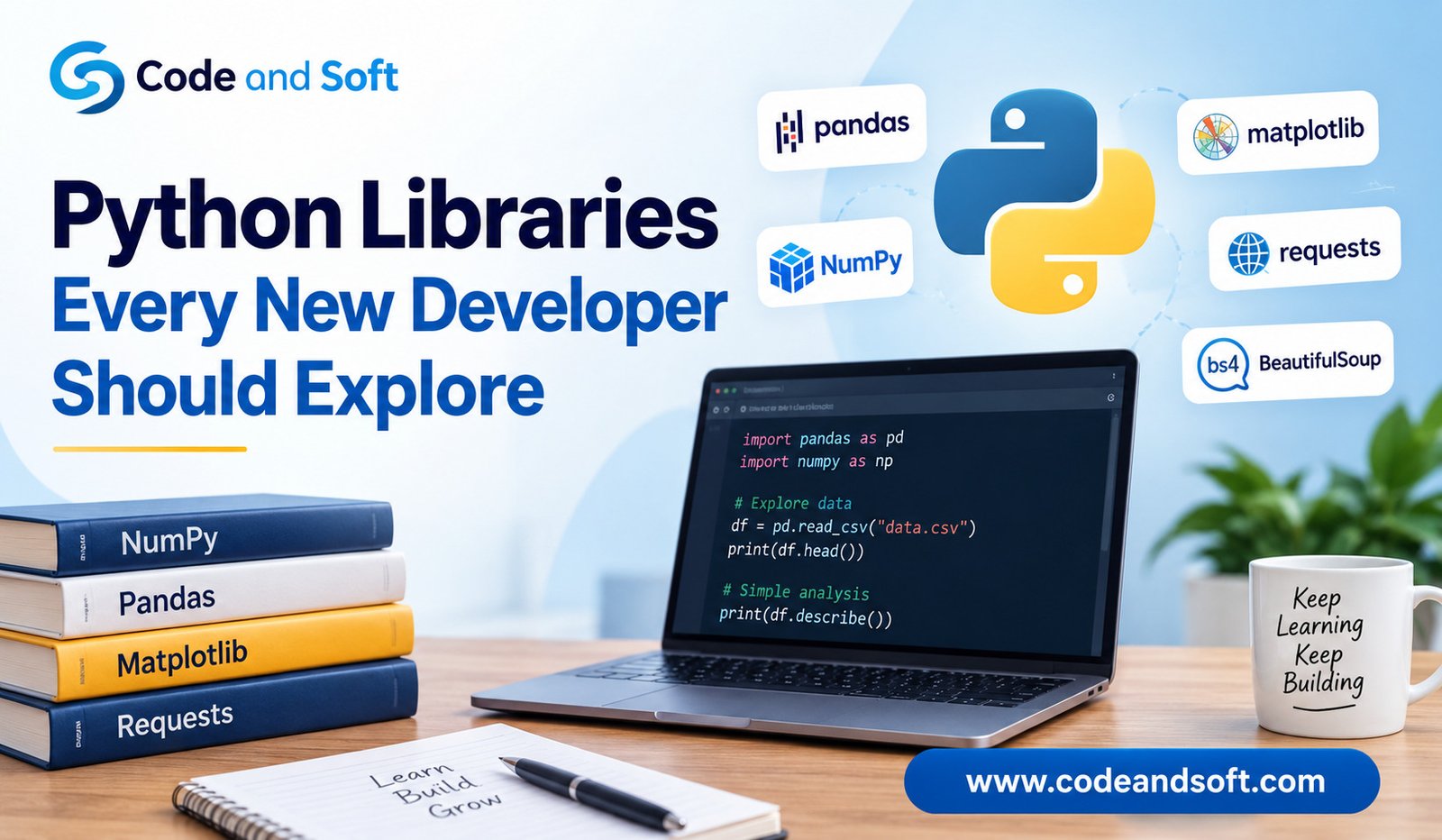
If you are interested in data, you might begin with NumPy, Pandas, and Matplotlib. If websites interest you, Flask or Django could be useful. If you want to automate office tasks, OpenPyXL could be a good choice. If you enjoy working with images, Pillow may be more interesting.
The important thing is to use what you learn in a real project. Reading about a library can help, but using it in a small application will usually teach you much more.
How to Start Learning Python Libraries
When you begin learning a new library, do not try to understand every feature. Start with its main purpose.
Read a simple example and understand what each part of the code is doing. Then change something in the example and see what happens. After that, try to create a tiny project of your own.
For example, after learning Pandas, you could create a small program that reads your personal expense data and shows how much you spend each month. After learning Pillow, you could create a program that resizes a folder of images.
Small projects are powerful because they give you a reason to use what you have learned. They also make it easier to remember the ideas later.
Choosing the Right Library
The best Python library is not always the most popular one. The right choice depends on your project.
Before installing a library, think about what you actually need your program to do. Search for reliable documentation and simple examples. Check whether the library is still actively maintained and whether it works with your version of Python.
You should also avoid adding a library when Python already provides a simple way to solve the problem. Every extra library adds another thing your project needs to manage.
As you gain experience, you will become better at deciding when a library is helpful and when simple Python code is enough.
New developers exploring Python libraries should also understand how the language supports modern technologies, particularly how Python is used in artificial intelligence projects, where different libraries help build intelligent applications and automate complex tasks.
Final Thoughts
Python libraries can make programming much easier because they give developers ready-made tools for common tasks. From working with numbers and data to building websites, editing images, handling spreadsheets, and testing programs, there is a library for almost every kind of project.
New developers do not need to learn all of them. The better approach is to understand the basics of Python first and then explore libraries that match your interests.
NumPy, Pandas, Matplotlib, Requests, Flask, Django, Pillow, Beautiful Soup, OpenPyXL, Tkinter, Pytest, and Scikit-Learn are all useful places to begin exploring. Each one can teach you something different about what Python can do.
The most important step is to practice. Choose one library, build a small project, make mistakes, fix them, and slowly add new features. Over time, you will become more comfortable choosing the right tools for your work. Python libraries are not something you need to memorize. They are tools you can learn to use when a project needs them.