
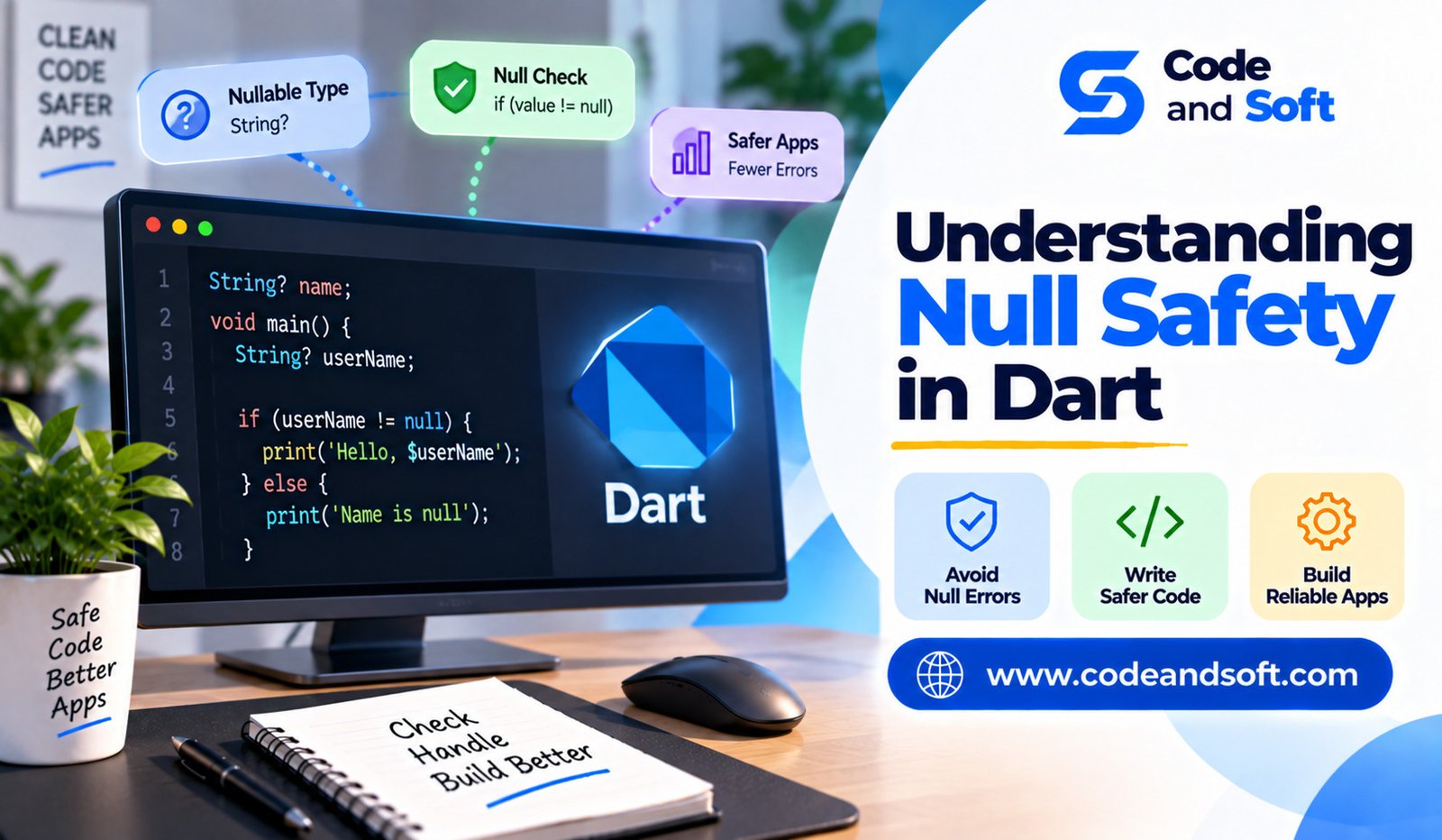

Null safety is one of the most important concepts developers need to understand when learning Dart. It is especially important for Flutter developers because mobile applications constantly work with data that may or may not be available. A network response can be incomplete, a user can leave a field empty, or a database query may return no matching record.
Without careful handling, missing values can cause runtime errors and unexpected application behavior. Dart addresses this problem with a sound null safety system that makes nullable and non-nullable values explicit in the type system.
Understanding null safety is not just about learning a few symbols. It changes how developers think about variables, functions, objects, and data throughout an application.
What Does Null Mean?
null represents the absence of a value.
For example, imagine an application that stores a user’s optional nickname. A user may provide a nickname, or they may leave it empty.
In a traditional programming approach, a variable might contain either a normal string or null.
Dart makes this distinction explicit.
String name = ‘Aarav’;
String? nickname = null;
The first variable is a non-nullable String. The second is a nullable String, indicated by the ?.
This simple distinction forms the foundation of Dart’s null safety system.
Nullable and Non-Nullable Types
In Dart, variables are non-nullable by default.
That means this declaration:
String name = ‘Kiran’;
is expected to always contain a valid string.
The following declaration is different:
String? nickname;
The ? tells Dart that nickname can contain a string or null.
This distinction allows the compiler to identify code that may attempt to use a missing value incorrectly.
For developers, this means that uncertainty becomes visible in the program instead of remaining hidden until runtime.
Why Null Safety Matters
Null-related errors are common in software because applications frequently work with incomplete information.
Consider a user profile:
String? profileImage;
Perhaps the user has not uploaded a profile picture. If code assumes that profileImage always contains a valid value, an application can fail.
Null safety encourages developers to ask an important question before using a value: can this value actually be missing?
This extra check may seem restrictive at first, but it can prevent difficult-to-find runtime problems.
For large applications, knowing which values can be absent also makes the code easier for other developers to understand.
The Null-Aware Access Operator
One of the simplest ways to work with nullable values is the null-aware access operator, ?..
Suppose you have:
String? nickname;
You can safely check its length with:
print(nickname?.length);
If nickname contains a string, Dart can access its length.
If it is null, the expression evaluates safely instead of trying to access a property on a missing value.
This is useful when dealing with information that may or may not exist.
For example, an API response might contain an optional field. Null-aware access allows developers to use the field without assuming it is always present.
The Null Coalescing Operator
Dart also provides the ?? operator for supplying a fallback value.
For example:
String? nickname;
String displayName = nickname ?? ‘Guest’;
If nickname is not null, its value is used.
If it is null, ‘Guest’ becomes the fallback.
This pattern is extremely common in Flutter applications.
A UI might display a user’s name when available and show a default label when the name is missing.
The operator keeps the code compact while clearly expressing the intended behavior.
The Null-Aware Assignment Operator
Dart also provides ??=.
It assigns a value only when the current variable is null.
For example:
String? theme;
theme ??= ‘light’;
If theme is null, it becomes ‘light’.
If it already contains a value, that value remains unchanged.
This can be useful for setting defaults during application initialization or preparing optional configuration values.
Checking for Null With if Statements
Null safety does not require developers to rely only on special operators.
You can also use a normal condition:
String? username = ‘Riya’;
if (username != null) {
print(username);
}
After the null check, Dart can recognize that the variable is safe to use in the relevant code path.
This behavior is known as type promotion.
For beginners, ordinary null checks are often a good way to understand how Dart reasons about nullable values before moving to more concise syntax.
Understanding Type Promotion
Type promotion allows Dart to treat a nullable variable as non-nullable after a successful check in appropriate situations.
Consider:
String? name = ‘Aman’;
if (name != null) {
print(name.length);
}
Inside the condition, Dart understands that name cannot be null at that point.
This helps developers write safe code without repeatedly converting or casting values.
Type promotion becomes especially useful in functions that process optional data.
The Danger of the ! Operator
Dart includes the ! operator, which tells the compiler that you believe a nullable value is definitely not null.
For example:
String? name = ‘Neha’;
print(name!.length);
This tells Dart to treat name as a non-nullable string.
However, the promise must be correct.
If name is actually null when the code runs, the application can fail.
For that reason, beginners should avoid using ! simply to silence a compiler warning.
Before using it, ask why the value is nullable and whether there is a safer way to handle the situation.
Null-aware operators and explicit checks are often better choices.
Null Safety in Functions
Null safety also applies to function parameters and return values.
A function that requires a value can define a non-nullable parameter:
void greet(String name) {
print(‘Hello, $name’);
}
The caller is expected to provide a valid string.
If the function can accept a missing value, the parameter can be nullable:
void greet(String? name) {
print(‘Hello, ${name ?? ‘Guest’}’);
}
The return type can also be nullable:
String? findUsername() {
return null;
}
This makes the function’s contract clear. Developers using the function know that its result may be absent.
Null Safety and Collections
Collections can also contain nullable values.
For example:
List<String?> names = [‘Asha’, null, ‘Rohan’];
The list itself exists, but individual elements may be null.
Developers may need to check each value before using it.
Alternatively, a collection can be non-nullable:
List<String> names = [‘Asha’, ‘Rohan’];
This means every element is expected to be a valid string.
The distinction becomes useful when designing data models because it helps communicate exactly where missing information is allowed.
Null Safety in Flutter
Null safety is particularly important in Flutter because interfaces often depend on external or optional data.
Imagine a user profile screen that receives information from a server. Some fields might not exist for every user.
A model could define an optional property:
class User {
final String name;
final String? profileImage;
User({
required this.name,
this.profileImage,
});
}
The interface can then handle the missing image:
profileImage != null
? Image.network(profileImage!)
: const Icon(Icons.person);
A more null-aware design can avoid force unwrapping where appropriate and provide a fallback interface for users without an image.
This pattern is common in real Flutter applications because external data is rarely guaranteed to be complete.
Null Safety With API Data
Network requests are another area where null safety becomes valuable.
An API response may omit fields, return empty values, or change according to different records.
Suppose a decoded object contains an optional email address:
class Customer {
final String name;
final String? email;
Customer({
required this.name,
this.email,
});
}
The application can safely display a default message if an email is unavailable.
This is more reliable than assuming every API response will always contain every field.
Null Safety and Constructors
Dart constructors work naturally with nullable and non-nullable properties.
For example:
class Product {
final String name;
final double price;
final String? description;
Product({
required this.name,
required this.price,
this.description,
});
}
Here, name and price are required, while description is optional.
This makes the expected structure of a product clear.
Flutter widgets commonly use this approach because widgets can have required configuration values alongside optional customization settings.
Common Null Safety Mistakes
One common mistake is making too many values nullable.
Developers sometimes add ? to variables simply because it avoids initialization issues.
However, unnecessary nullability makes the code more complicated because every use may require additional checks.
A better practice is to make a value nullable only when the application genuinely allows it to be absent.
Another common mistake is using ! everywhere. This may make code compile temporarily but removes some of the protection null safety is designed to provide.
Developers should also avoid hiding missing data behind arbitrary defaults when the absence of information actually matters.
The goal is not to eliminate every null value. It is to model uncertainty accurately.
Better Practices for Working With Nulls
A strong Dart developer treats nullability as part of application design.
Decide whether a value is genuinely optional. Use non-nullable types when a value should always exist. Use nullable types when absence is meaningful.
Prefer safe calls, fallback operators, and explicit checks over unnecessary force unwrapping.
Keep data models clear about which fields are required and which are optional.
When working with APIs, assume external data may be incomplete and validate it appropriately.
These practices make code easier to understand and reduce unexpected runtime failures.
Final Thoughts
Null safety in Dart provides a structured way to manage values that may or may not exist. By distinguishing nullable and non-nullable types, Dart allows developers to identify many potential null-related problems during development rather than discovering them unexpectedly at runtime.
Important tools such as ?, ?., ??, ??=, and ! give developers different ways to work with uncertain data. The key is learning when each one is appropriate.
For Flutter developers, null safety is especially valuable because applications frequently work with user input, APIs, databases, and optional interface data.
The best approach is to treat nullability as a design decision rather than an inconvenience. Use non-nullable types whenever possible, make optional values explicit, handle missing information deliberately, and avoid force unwrapping without a strong reason.
Once these habits become natural, Dart’s null safety system becomes less of a restriction and more of a useful tool for building reliable, predictable, and maintainable Flutter applications.


