
Introduction
Choosing the right Business VoIP provider can have a major impact on how efficiently a company communicates with customers, employees, suppliers, and business partners. Voice over Internet Protocol, commonly known as VoIP, allows businesses to make and receive calls using an internet connection instead of relying entirely on traditional telephone infrastructure.
Modern Business VoIP systems offer much more than basic phone calls. Businesses can access features such as call forwarding, virtual receptionists, business texting, call queues, voicemail, video meetings, mobile applications, CRM integration, analytics, call recording, and artificial intelligence tools.
However, having many options can make the buying process difficult. The best provider for a small company may not be suitable for a growing organization or a busy customer support team.
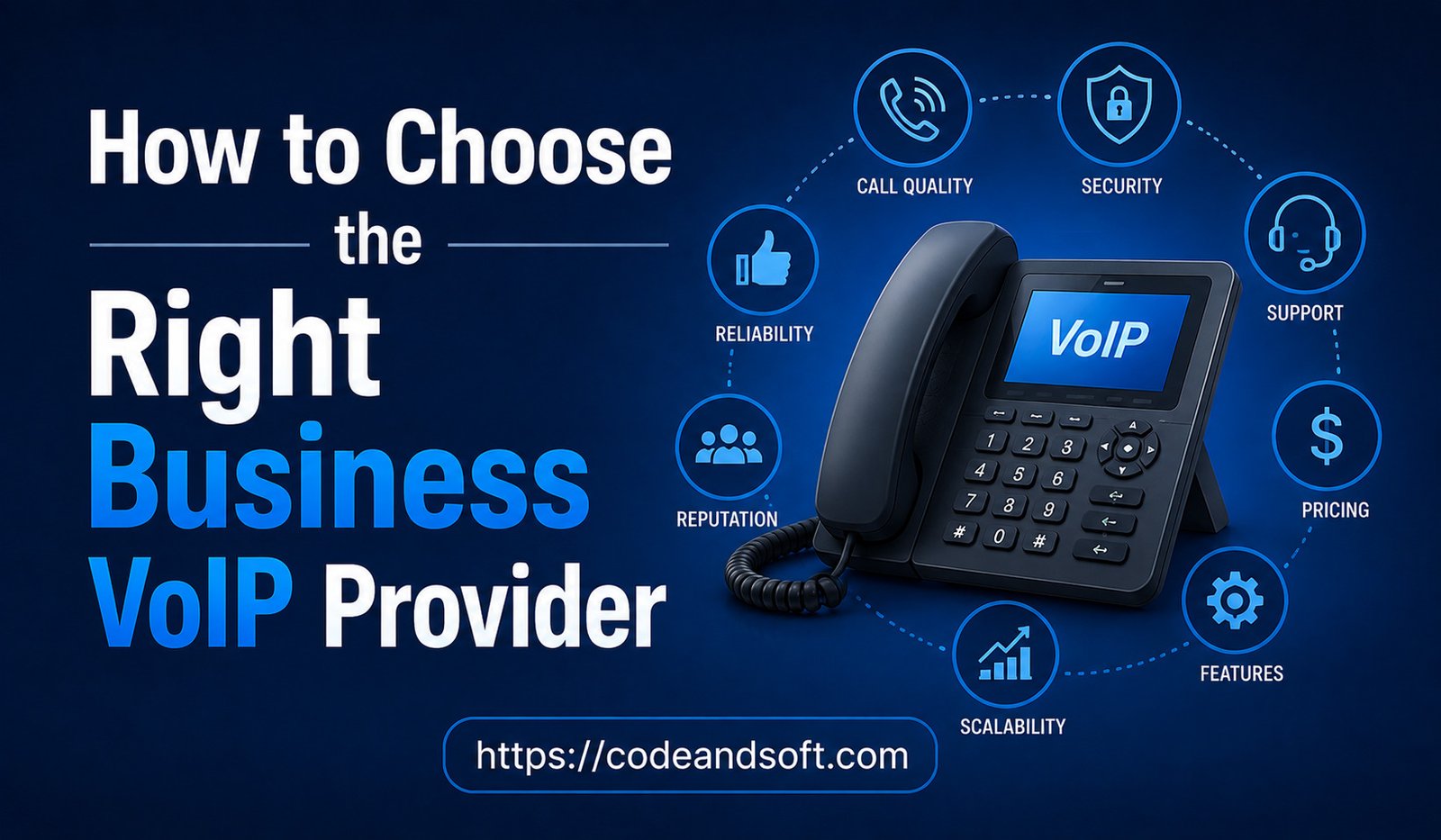
The right approach is to evaluate your business requirements first and then compare providers based on reliability, call quality, features, security, scalability, pricing, integrations, and support.
What Is a Business VoIP Provider?
A Business VoIP provider delivers internet-based communication services designed for companies.
Depending on the provider, the service may include:
- Business phone numbers
- Internet-based calling
- Call forwarding
- Voicemail
- Auto attendants
- Call queues
- Business SMS
- Mobile applications
- Video conferencing
- Call recording
- Analytics
- CRM integration
- AI-powered communication features
Some providers focus primarily on phone services, while others offer complete unified communication or contact-center platforms.
Understanding what type of service your business needs is the first step toward choosing the right provider.
1. Identify Your Business Communication Needs
Before comparing providers, determine exactly how your company uses its phone system.
Consider the following questions:
- How many employees need phone service?
- How many calls does the company handle?
- Do employees work remotely?
- Do you have multiple offices?
- Do you need international calling?
- Do customers contact you through text messages?
- Do you need CRM integration?
- Do you require call recording?
- Will your company expand soon?
This prevents you from paying for advanced tools that your employees may never use.
2. Decide Which Type of VoIP Service You Need
Not every Business VoIP solution follows the same model.
Cloud-Based VoIP
With cloud VoIP, the provider hosts much of the phone system. Businesses can access communication services through applications, browsers, smartphones, or compatible desk phones.
This option is often suitable for small businesses and remote teams because it reduces the need for on-site infrastructure.
Unified Communications
Unified communication platforms combine calling with services such as:
- Messaging
- Video meetings
- Team collaboration
- File sharing
- Presence information
These platforms can be useful for companies that want multiple communication tools in one environment.
Contact-Center VoIP
Customer support organizations may need more advanced capabilities, including:
- Automatic call distribution
- Call queues
- Agent monitoring
- Call recording
- Customer analytics
- Supervisor dashboards
If your company handles large volumes of customer calls, consider a provider with contact-center capabilities.
3. Check Call Quality
Call quality should be one of your highest priorities.
Poor-quality calls can make employees sound unprofessional and frustrate customers.
Common call-quality problems include:
- Echo
- Delayed audio
- Jitter
- Packet loss
- Robotic voices
- Dropped calls
Many of these problems are related to network conditions rather than the VoIP application itself.
Before choosing a provider, evaluate your internet connection and network capacity. If possible, test the VoIP service during normal business hours when other employees are using cloud applications, video meetings, and other online services.
A provider trial can help you determine whether the service performs reliably in your actual working environment.
4. Evaluate Reliability and Uptime
Your business phone system needs to be available when customers call.
Ask potential providers about:
- Service reliability
- Network redundancy
- Backup systems
- Disaster recovery
- Failover
- Data-center infrastructure
- Outage response
Find out what happens if the provider experiences a service interruption.
Some systems can redirect calls to alternative numbers or devices during outages. These capabilities can be valuable for businesses that depend heavily on telephone communication.
5. Compare Essential Calling Features
Every business has different requirements, but several features are commonly useful.
Auto Attendant
An auto attendant greets callers and provides options for reaching different departments.
Call Forwarding
Call forwarding allows employees to receive business calls on another device or number.
Call Transfer
Employees can move customers between departments without requiring them to call again.
Voicemail
Voicemail allows customers to leave messages when employees cannot answer.
Call Queues
Call queues allow multiple customers to wait for an available employee.
Business SMS
Business texting can provide another convenient way to communicate with customers.
Call Recording
Call recording can support training and quality management, although businesses should understand applicable consent and privacy requirements before using it.
6. Look for CRM Integration
CRM integration can be especially valuable for sales and customer service teams.
A well-integrated VoIP platform may allow employees to:
- Call customers directly from CRM records
- Automatically log calls
- Identify incoming callers
- View customer information
- Review communication history
- Add notes
- Create follow-up tasks
Some platforms also use AI to summarize conversations and generate notes.
Before purchasing, confirm that the provider supports your specific CRM and check exactly what the integration can do.
Simply seeing your CRM listed on a provider’s website does not necessarily mean that every desired feature is available.
7. Consider AI Capabilities
Artificial intelligence is becoming increasingly important in business communication.
Modern VoIP platforms may provide features such as:
- Call transcription
- Automatic call summaries
- Conversation intelligence
- Sentiment analysis
- AI receptionists
- Intelligent call routing
- Automated notes
- Follow-up recommendations
AI can reduce administrative work and help employees focus on customers.
However, businesses should evaluate AI based on practical benefits.
For example, a small sales team may gain more value from automatic call summaries and CRM updates than from advanced contact-center AI.
8. Check Mobile and Remote Work Support
A modern Business VoIP system should support employees who work outside the traditional office.
Look for:
- iOS applications
- Android applications
- Desktop applications
- Browser-based calling
- Mobile call management
- Business caller ID
- Voicemail synchronization
Employees should be able to make business calls without exposing personal phone numbers.
This is particularly important for companies with remote employees, sales representatives, consultants, and field workers.
9. Review Security Features
Business phone systems can contain sensitive communication and customer information.
Security should therefore be part of the provider selection process.
Look for features such as:
- Multi-factor authentication
- Encryption
- User permissions
- Role-based access
- Fraud detection
- Secure administration
- Activity monitoring
Businesses should also ask how call recordings, transcripts, and customer information are stored.
10. Compare Pricing Carefully
Potential charges can include:
- Per-user subscriptions
- Phone numbers
- International calls
- Toll-free numbers
- Premium integrations
- Call recording
- AI features
- Hardware
- Setup
- Number porting
- Premium support
Calculate the expected total cost for your business rather than comparing only the basic monthly subscription.
A slightly more expensive plan may provide features that eliminate the need for additional services.
11. Understand the Contract
Read the agreement carefully before signing.
Check:
- Contract duration
- Renewal conditions
- Cancellation policies
- Early termination fees
- User minimums
- Usage limits
- Price increases
- Additional service charges
If possible, test the platform before signing a long-term contract.
12. Check Number Porting
If your company already has business phone numbers, you may want to keep them after switching providers.
Ask whether the provider supports number porting and determine how the process works.
Important questions include:
- Can all existing numbers be transferred?
- How long will the transfer take?
- Is there a porting fee?
- Will calls continue during the transition?
Keeping established phone numbers can prevent confusion among existing customers.
13. Evaluate Scalability
Check how easily you can:
- Add users
- Remove users
- Create extensions
- Add phone numbers
- Open new locations
- Create departments
- Support remote employees
- Expand internationally
A platform that is easy to manage with 10 employees should not become difficult when the company reaches 50 or 100 users.
14. Consider International Calling
If your business communicates internationally, examine the provider’s international calling options carefully.
Compare:
- International calling rates
- Included minutes
- International phone numbers
- Supported countries
- Calling packages
15. Review Customer Support
Even a reliable VoIP platform can occasionally experience technical problems.
When something goes wrong, you need access to effective support.
Evaluate:
- Support hours
- Phone support
- Live chat
- Email support
- Knowledge bases
- Technical documentation
- Response times
- Dedicated account managers
Also check whether higher support levels require additional fees.
16. Check Hardware Compatibility
Some businesses prefer traditional IP desk phones, while others rely entirely on computers and smartphones.
If your company already owns VoIP equipment, check whether it is compatible with the new provider.
Potential hardware includes:
- IP phones
- Conference phones
- Headsets
- Adapters
- Network equipment
Buying a new phone system can significantly increase the total cost of migration, so hardware compatibility should be checked early.
17. Test the Provider Before Buying
A trial is one of the best ways to evaluate a VoIP provider.
Test:
- Incoming calls
- Outgoing calls
- Call transfers
- Call forwarding
- Voicemail
- Mobile applications
- CRM integration
- Call recording
- Analytics
- AI features
Testing the service under real working conditions can reveal issues that are difficult to identify during a sales demonstration.
18. Calculate Total Cost of Ownership
The total cost of a VoIP system can include much more than monthly user subscriptions.
Consider:
Software + Hardware + Setup + Migration + Integrations + Calling Costs + Support = Total Cost of Ownership
For example, a provider with a higher monthly subscription might be more economical if it includes essential CRM integration and requires little hardware.
Always calculate costs based on your expected usage.
19. Plan the Migration
Switching to a new VoIP provider should be planned carefully.
Phase 1: Inventory
Document current phone numbers, extensions, employees, departments, and call-routing rules.
Phase 2: Configuration
Set up users, numbers, voicemail, business hours, call queues, and integrations.
Phase 3: Testing
Test the system using different devices and locations.
Phase 4: Number Porting
Transfer existing business numbers according to the provider’s instructions.
Phase 5: Employee Training
Teach employees how to make calls, transfer customers, manage voicemail, and use mobile applications.
Phase 6: Launch
Move users to the new platform and monitor performance.
Common Mistakes to Avoid
Choosing Only on Price
A cheap provider may not offer the reliability, support, or features your business needs.
Ignoring Internet Requirements
Poor network performance can cause VoIP problems regardless of provider quality.
Paying for Unused Features
Do not purchase advanced features simply because they are available.
Overlooking Security
VoIP accounts should be protected with strong authentication and access controls.
Forgetting Future Growth
Choose a system that can accommodate your expected expansion.
Skipping the Trial
Testing the platform before committing can reduce the risk of an unsuitable purchase.
Business VoIP Provider Checklist
Before selecting a provider, evaluate:
- User capacity
- Call volume
- Call quality
- Reliability
- Essential calling features
- Mobile support
- CRM integrations
- AI capabilities
- Security
- Scalability
- International calling
- Number porting
- Hardware compatibility
- Customer support
- Contract terms
- Total cost
Conclusion
Choosing the right Business VoIP provider requires a careful evaluation of your company’s communication needs, budget, technical environment, and future growth.
The best provider is not necessarily the one with the largest feature list or the lowest monthly price. Instead, it should provide reliable call quality, useful features, strong security, appropriate integrations, responsive support, and enough flexibility to grow with your business.
Start by identifying your essential requirements. Compare providers based on those requirements, test shortlisted platforms, review the complete pricing structure, and understand the contract before making a commitment.
For small businesses, simplicity and affordability may be the most important factors. Growing companies may prioritize scalability and CRM integration, while sales and customer service teams may need advanced analytics, call routing, recording, and AI capabilities.
By taking a structured approach, businesses can avoid unnecessary costs and select a VoIP provider that supports reliable communication today while preparing the organization for future growth.