
Introduction
Call recording has become an important part of modern call center management. Customer conversations can contain valuable information about service quality, employee performance, customer concerns, sales opportunities, and operational problems. Without a reliable recording system, managers may have limited visibility into what happens during customer interactions.
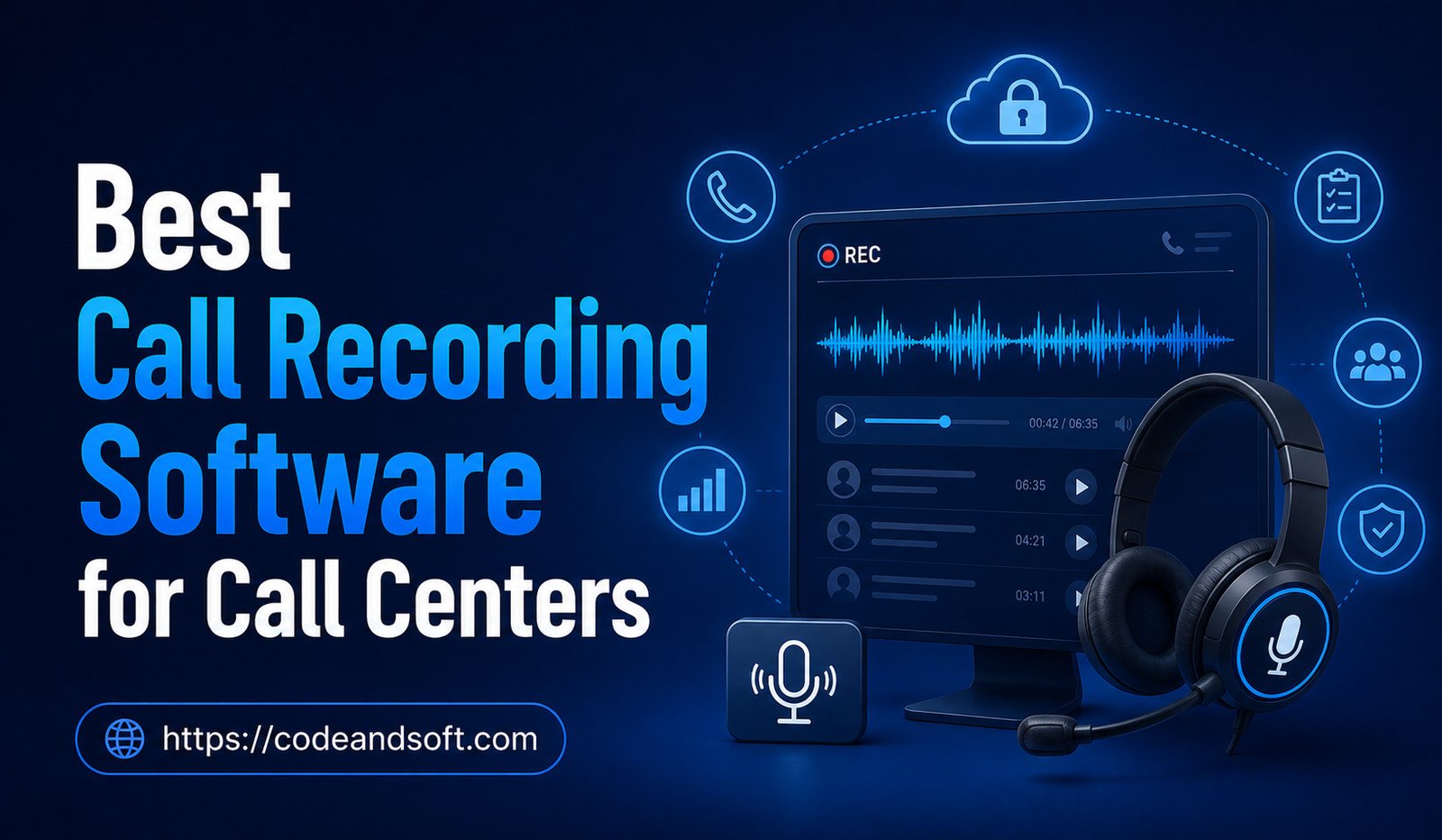
Call recording software allows businesses to capture, store, search, and review customer conversations. Modern solutions go beyond simply saving audio files. Many platforms now include transcription, quality management, analytics, artificial intelligence, sentiment analysis, compliance controls, and CRM integrations.
For call centers, the right recording software can support employee training, improve quality assurance, resolve disputes, and provide valuable insights into customer interactions.
However, selecting a solution requires careful consideration. Businesses need to evaluate recording quality, storage, security, integrations, compliance capabilities, search functionality, pricing, and scalability.
This guide explores some of the best call recording software options for call centers and explains the features businesses should consider before making a decision.
What Is Call Recording Software?
Call recording software is a system that captures audio conversations between agents and customers.
Depending on the platform, recordings can be stored automatically and accessed by authorized employees through a dashboard.
Modern call recording systems may also provide:
- Automatic recording
- Call transcription
- Searchable conversations
- Quality monitoring
- Call analytics
- Sentiment analysis
- AI-generated summaries
- CRM integration
- Secure storage
- Access controls
- Retention policies
These capabilities allow businesses to turn recorded conversations into useful operational data.
Why Call Centers Need Call Recording Software
Quality Assurance
Managers can review calls to determine whether agents are following customer service procedures.
Employee Training
Recorded conversations can provide real examples for employee coaching.
Dispute Resolution
Businesses can review previous conversations when customers or employees have different recollections of an interaction.
Compliance
Certain industries may need to document communications or follow specific recording requirements.
Performance Improvement
Call recordings can reveal communication problems, missed opportunities, and areas where employees need additional training.
Customer Experience Analysis
Businesses can analyze conversations to understand common complaints and customer expectations.
Best Call Recording Software for Call Centers
1. NICE CXone
NICE CXone is a comprehensive contact center platform that includes call recording, quality management, analytics, workforce management, and AI capabilities.
Its recording tools can be used as part of a broader customer experience management strategy.
Key Features
- Call recording
- Quality management
- Interaction analytics
- Workforce management
- AI capabilities
- Searchable interactions
- Reporting
- Omnichannel support
Best For
NICE CXone is particularly suitable for larger organizations that need advanced contact center management and quality assurance.
2. Genesys Cloud CX
Genesys Cloud CX provides cloud-based contact center technology with recording and customer experience capabilities.
The platform can connect recorded interactions with broader customer journey information.
Key Features
- Automatic call recording
- Quality management
- Interaction analytics
- Transcription
- Customer journey management
- AI tools
- CRM integration
Best For
Genesys Cloud CX is a strong choice for businesses with complex customer service environments and larger contact center operations.
3. Five9
Five9 provides cloud contact center software that includes recording, analytics, workforce management, and customer interaction tools.
Its recording capabilities can be used for agent coaching and quality assurance.
Key Features
- Call recording
- Recording search
- Quality management
- Analytics
- CRM integration
- AI-powered tools
- Omnichannel support
Best For
Five9 is suitable for businesses that want recording integrated into a broader cloud contact center platform.
4. Talkdesk
Talkdesk provides cloud contact center technology with call recording and conversation intelligence features.
Its platform can help organizations review customer interactions and identify opportunities for improving agent performance.
Key Features
- Call recording
- Transcription
- Conversation analytics
- Quality management
- AI assistance
- CRM integrations
- Reporting
Best For
Talkdesk is a good option for businesses that want modern recording tools combined with customer experience and AI capabilities.
5. Dialpad
Dialpad combines business communication with AI-powered conversation intelligence.
Its recording capabilities can be especially useful for organizations interested in automatic transcription and call summaries.
Key Features
- Call recording
- Transcription
- AI summaries
- Conversation intelligence
- Sentiment analysis
- Analytics
- CRM integration
Best For
Dialpad is suitable for businesses that want AI-assisted analysis of recorded conversations.
6. RingCentral
RingCentral provides cloud communication and contact center services that can include call recording and analytics.
Businesses can use its communication tools to manage calls while maintaining records for quality and operational analysis.
Key Features
- Call recording
- Call management
- Analytics
- Contact center tools
- CRM integration
- Business communication
- AI capabilities
Best For
RingCentral can work well for businesses that want call recording within a broader unified communications environment.
7. Aircall
Aircall is a cloud-based business phone platform designed with sales and customer support teams in mind.
Its call recording capabilities are relatively easy to use and can be integrated with customer relationship management systems.
Key Features
- Call recording
- Call history
- Call routing
- Analytics
- CRM integrations
- Call monitoring
Best For
Aircall is a practical option for small and medium-sized teams that need straightforward call recording and business phone functionality.
8. 8×8
8×8 provides business communications and contact center technology that can include call recording, analytics, and quality management.
Its platform can help businesses connect recorded interactions with broader customer service data.
Key Features
- Call recording
- Quality management
- Analytics
- Call routing
- CRM integrations
- Omnichannel communication
Best For
8×8 is suitable for organizations looking for integrated communication and contact center capabilities.
9. Zendesk Talk
Zendesk Talk integrates voice communication into the Zendesk customer service environment.
For businesses already using Zendesk, recorded calls can be connected with support tickets and customer information.
Key Features
- Call recording
- Call history
- Ticket integration
- Call monitoring
- Reporting
- Customer information
Best For
Zendesk Talk is particularly useful for businesses that already rely heavily on the Zendesk customer service ecosystem.
10. Nextiva
Nextiva provides business communication and customer experience solutions that include call management and recording capabilities.
Its broader communication environment can help businesses connect phone interactions with other customer communication activities.
Key Features
- Call recording
- Call management
- Analytics
- Customer communication
- CRM integration
- Contact center features
Best For
Nextiva can be considered by growing businesses that want communication and customer service features within one platform.
Key Features to Look For in Call Recording Software
Choosing the best recording platform requires looking beyond the basic recording function.
Automatic Recording
Automatic recording ensures agents do not need to manually start every recording.
Businesses should be able to define which calls are recorded according to their operational requirements.
Recording Search
Large call centers may generate thousands of recordings.
Search functionality can help managers find specific conversations using information such as:
- Agent
- Customer
- Date
- Phone number
- Call type
- Keywords
Transcription
Speech-to-text technology can convert conversations into written transcripts.
This makes conversations easier to search and analyze.
AI Call Summaries
AI can summarize conversations and highlight important points.
This can reduce the time managers spend reviewing entire recordings.
Quality Management
Quality management tools help supervisors evaluate conversations against predefined criteria.
This can make employee coaching more consistent.
CRM Integration
CRM integration allows recordings and related information to be connected with customer profiles.
Agents and managers can access communication history without switching between multiple systems.
Secure Storage
Recorded calls may contain confidential customer information.
Look for strong security controls, access permissions, encryption, and appropriate storage policies.
Retention Controls
Businesses should be able to determine how long recordings are stored.
Automatic deletion policies can help organizations manage storage and follow internal data-retention requirements.
Legal and Privacy Considerations
Call recording should never be treated solely as a technical issue.
Recording laws can vary by jurisdiction and circumstance. Some locations require consent from one participant, while others may require consent from all relevant parties.
Businesses should determine what legal requirements apply to their operations before enabling recording.
Important considerations include:
- Customer notification
- Consent requirements
- Data storage
- Access permissions
- Retention periods
- Recording deletion
- Sensitive information handling
Businesses operating across multiple regions should consider local requirements rather than applying one recording policy everywhere.
How Call Recording Improves Agent Performance
Call recordings can provide managers with concrete examples of employee performance.
Instead of giving general feedback, supervisors can review specific conversations.
They can identify:
- Communication problems
- Missed questions
- Incorrect information
- Long pauses
- Poor call handling
- Successful techniques
This can lead to more focused coaching.
Recording should be used as a development tool rather than only as a way to find mistakes. A balanced quality program can highlight strong calls as examples for other employees.
How AI Is Changing Call Recording
Artificial intelligence is making recorded conversations more useful.
Traditional recording creates an audio file that managers must listen to manually.
AI can transform that recording into structured information.
For example, AI can potentially:
- Transcribe conversations
- Summarize calls
- Identify topics
- Detect sentiment
- Recognize customer objections
- Highlight important moments
- Identify compliance-related phrases
- Recommend follow-up actions
This allows businesses to analyze larger numbers of conversations without manually reviewing every recording.
How to Choose the Best Call Recording Software
Assess Your Call Volume
A small support team may need only basic recording and storage.
Review Integrations
Confirm compatibility with your CRM, help desk, workforce management platform, and other important systems.
Evaluate Security
Ask how recordings are encrypted, stored, accessed, and deleted.
Test Search and Playback
A recording platform should make it easy for supervisors to find and review calls.
Consider AI Capabilities
If your team needs automated transcription, summaries, or conversation analysis, evaluate the quality of these features before purchasing.
Compare Total Costs
Consider subscription fees, storage, transcription, AI usage, integrations, implementation, and support.
Common Mistakes When Choosing Call Recording Software
Choosing Based Only on Price
A low-cost platform may lack important security or quality management features.
Ignoring Storage Costs
Thousands of recordings can consume significant storage capacity.
Forgetting Compliance
Recording customer conversations can create legal and privacy responsibilities.
Buying Too Many Features
Advanced AI and analytics may not be necessary for every business.
Not Testing the Platform
A demo can reveal whether the interface is practical for managers and agents.
Final Thoughts
Call recording software has evolved from a simple tool for saving audio files into a broader technology for quality management, employee coaching, customer experience analysis, and business intelligence.
Platforms such as NICE CXone, Genesys Cloud CX, Five9, Talkdesk, Dialpad, RingCentral, Aircall, 8×8, Zendesk Talk, and Nextiva offer different approaches to call recording and customer communication. The right choice depends on your organization’s size, call volume, existing technology, budget, compliance requirements, and need for advanced analytics.
When comparing solutions, prioritize automatic recording, secure storage, searchable conversations, transcription, CRM integration, quality management, analytics, and flexible retention controls.
Businesses should also establish clear policies around consent, privacy, access, and data retention before recording customer conversations.
Ultimately, the best call recording software should do more than preserve conversations. It should help your organization understand customers, coach employees, improve service quality, and make better operational decisions. With the right platform and responsible implementation, recorded conversations can become one of the most valuable sources of insight in a modern call center.