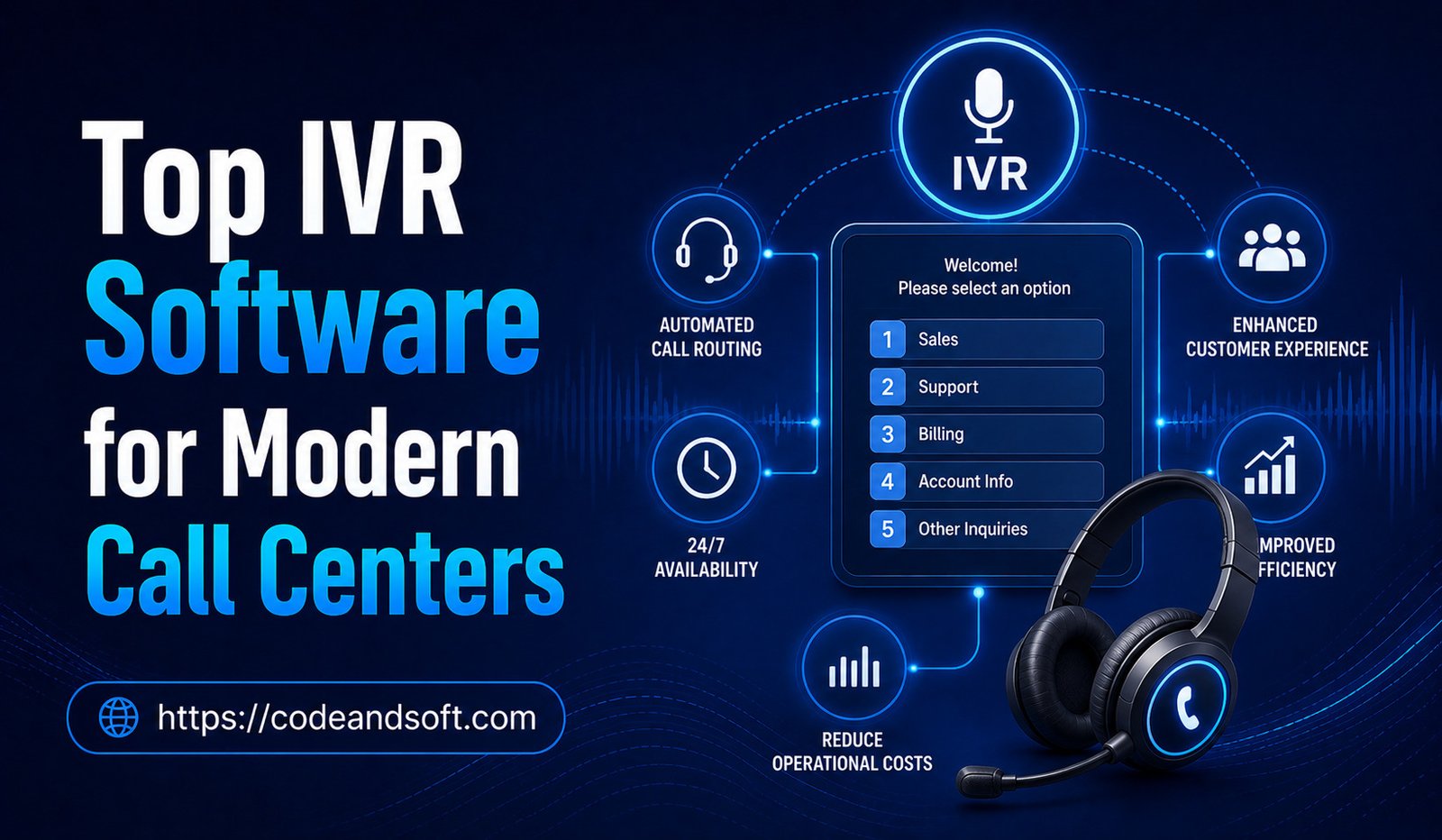

Introduction
Interactive Voice Response, commonly known as IVR, has become a core technology for modern call centers. Instead of requiring an employee to answer every incoming call and manually direct customers, IVR systems can greet callers, collect information, provide self-service options, and route conversations to the appropriate department.
Traditional IVR systems were often associated with simple phone menus such as “Press 1 for Sales” or “Press 2 for Support.” Modern IVR software has evolved considerably. Cloud platforms can now combine voice recognition, artificial intelligence, customer data, CRM integration, call routing, analytics, and automated self-service.
For businesses handling large numbers of customer calls, a well-designed IVR system can reduce waiting times, improve call routing, increase agent productivity, and create a more organized customer experience.
However, choosing the right IVR software requires more than comparing feature lists. Businesses need to consider call volume, customer expectations, integrations, scalability, security, pricing, and ease of administration.
This guide explores the top IVR software options for modern call centers and explains what businesses should look for when selecting an IVR platform.
What Is IVR Software?
Interactive Voice Response software allows callers to interact with an automated telephone system using voice commands or keypad inputs.
A typical IVR process may look like this:
- A customer calls the business.
- The IVR system answers automatically.
- The caller hears a welcome message.
- The system presents menu options.
- The customer selects an option or speaks a request.
- The IVR identifies the appropriate destination.
- The caller is routed to an agent or self-service function.
Modern IVR systems can also connect with databases and business applications.
For example, a customer may enter an account number, and the system can retrieve relevant information before transferring the call.
Why Modern Call Centers Need IVR
Faster Call Routing
IVR helps direct callers to the right department without requiring an employee to manually transfer every conversation.
Reduced Agent Workload
Automated systems can handle basic requests, allowing employees to concentrate on more complicated interactions.
24/7 Availability
Cloud-based IVR systems can provide automated assistance outside normal business hours.
Better Customer Experience
Customers can often reach the correct department faster when menus are designed effectively.
Improved Efficiency
Automation can reduce repetitive work and allow call center employees to focus on higher-value tasks.
Top IVR Software for Modern Call Centers
1. Genesys Cloud CX
Genesys Cloud CX provides cloud-based contact center technology with IVR, call routing, analytics, workforce management, and customer experience capabilities.
Its IVR tools can be used to create automated customer journeys and connect callers with the appropriate resources.
Key Features
- IVR
- Intelligent call routing
- Speech recognition
- Customer journey management
- Analytics
- AI capabilities
- CRM integrations
- Omnichannel communication
Best For
Genesys Cloud CX is a strong option for medium-sized and large organizations that need sophisticated contact center capabilities.
2. NICE CXone
NICE CXone combines IVR with broader contact center and customer experience technology.
Its platform can support automated interactions, intelligent routing, analytics, quality management, and workforce management.
Key Features
- IVR
- Intelligent routing
- Self-service
- AI capabilities
- Speech analytics
- Reporting
- Workforce management
- CRM integration
Best For
NICE CXone is particularly suitable for larger organizations with complex customer service requirements.
3. Five9
Five9 provides cloud contact center software with IVR, outbound and inbound calling, analytics, and AI-powered customer experience tools.
Businesses can use its IVR capabilities to automate common interactions and route callers efficiently.
Key Features
- IVR
- Call routing
- Self-service
- Voice recognition
- Analytics
- AI tools
- CRM integrations
- Call recording
Best For
Five9 is suitable for growing and enterprise-level call centers that want IVR integrated with a larger contact center platform.
4. Talkdesk
Talkdesk offers cloud-based customer experience technology with IVR and automation capabilities.
Its platform can connect customer interactions with CRM information and other business systems.
Key Features
- IVR
- Automated workflows
- Call routing
- AI features
- CRM integration
- Analytics
- Call recording
Best For
Talkdesk is suitable for businesses looking for modern cloud IVR combined with automation and customer experience tools.
5. RingCentral
RingCentral provides business communication and contact center technology that includes interactive voice response capabilities.
Its broader communication environment can help businesses manage calls, messaging, collaboration, and customer interactions.
Key Features
- IVR
- Call routing
- Business phone systems
- Contact center tools
- Analytics
- CRM integrations
- AI capabilities
Best For
RingCentral can be a good choice for organizations that want IVR alongside unified business communications.
6. Dialpad
Dialpad combines business communications with artificial intelligence.
Its voice platform can support automated call handling, routing, transcription, and AI-powered conversation tools.
Key Features
- IVR
- Voice recognition
- AI transcription
- Call routing
- Analytics
- CRM integration
- Conversation intelligence
Best For
Dialpad is suitable for businesses interested in combining IVR with AI-powered communication capabilities.
7. 8×8
8×8 offers cloud communications and contact center solutions with IVR, analytics, routing, and omnichannel capabilities.
Its platform can help businesses manage customer communication through multiple channels.
Key Features
- IVR
- Automatic call distribution
- Analytics
- Call recording
- CRM integrations
- Omnichannel communication
Best For
8×8 is useful for organizations looking for integrated communication and contact center technology.
8. Twilio
Twilio provides programmable communication technology that allows businesses and developers to build customized voice experiences.
Rather than being limited to a traditional preconfigured IVR interface, businesses can create workflows tailored to their requirements.
Key Features
- Programmable voice
- IVR development
- Speech recognition
- APIs
- Call routing
- Custom workflows
- CRM integration possibilities
Best For
Twilio is particularly useful for organizations that need highly customized IVR experiences and have technical resources available for development.
9. Amazon Connect
Amazon Connect is a cloud contact center service that provides IVR and customer interaction capabilities.
It can connect voice interactions with other cloud services and business workflows.
Key Features
- IVR
- Call routing
- Self-service
- Contact flows
- Analytics
- AI integration
- Cloud scalability
Best For
Amazon Connect can be suitable for organizations that want flexible cloud contact center infrastructure and integration with cloud-based technologies.
10. Avaya Experience Platform
Avaya provides contact center technology with IVR, routing, analytics, and customer experience features.
Its solutions can support organizations with complex communication environments.
Key Features
- IVR
- Call routing
- Self-service
- Analytics
- Customer experience tools
- AI capabilities
- Omnichannel support
Best For
Avaya can be considered by larger organizations with established contact center infrastructure and complex customer communication requirements.
Key Features to Look for in IVR Software
Choosing the right platform requires understanding the features that directly affect customer experience.
Customizable Call Flows
Businesses should be able to design and modify IVR menus without rebuilding the entire system.
Custom workflows can help organizations adapt their phone systems to changing customer needs.
Speech Recognition
Modern IVR platforms can allow customers to speak naturally instead of relying entirely on keypad menus.
For example, a caller could say “billing” rather than pressing a specific number.
Natural Language Understanding
Advanced IVR systems can interpret conversational requests.
This can make interactions feel more natural and reduce frustrating menu navigation.
Self-Service
A good IVR system should allow customers to complete simple tasks without speaking to an agent.
Potential examples include:
- Checking order status
- Confirming appointments
- Obtaining account information
- Making basic requests
- Checking balances
Intelligent Call Routing
The system should route callers based on relevant information.
Routing can consider:
- Customer department
- Language
- Agent skills
- Customer priority
- Call history
- Business hours
CRM Integration
Connecting IVR with CRM software can allow the system to recognize customers and retrieve relevant information.
Agents can receive useful context before answering the call.
Analytics
IVR analytics can show:
- Call volumes
- Menu selections
- Abandoned calls
- Transfer rates
- Self-service completion
- Average wait time
These insights can help businesses identify inefficient menus.
Multilingual Support
Businesses serving international customers may need multiple languages.
Check whether the platform supports the languages, voices, and speech recognition capabilities required by your customers.
AI Integration
AI-powered IVR can potentially provide more natural conversations, automated summaries, intelligent routing, and advanced self-service.
However, businesses should evaluate the accuracy and reliability of AI features before deploying them widely.
How IVR Improves Customer Experience
A well-designed IVR should make it easier for customers to accomplish their goals.
Customers generally want:
- Quick answers
- Short waiting times
- Simple menus
- Easy access to human assistance
- Accurate information
Poorly designed IVR systems can create the opposite experience.
Long menus, repetitive prompts, unclear instructions, and difficult transfers can frustrate callers.
The goal should therefore be simplicity rather than maximum automation.
IVR Best Practices
Keep Menus Short
Avoid giving callers too many options at once.
Use Simple Language
Customers should immediately understand what each option means.
Provide a Human Option
Customers should have a reasonable way to reach a representative when automation cannot solve their problem.
Avoid Repetition
Do not force customers to repeatedly provide information already available to the system.
Update Menus Regularly
Business hours, departments, products, and processes change.
IVR menus should be reviewed periodically.
Test the Customer Journey
Ask employees or real customers to test the system and identify confusing steps.
IVR Security Considerations
IVR systems can process sensitive information, so security should be taken seriously.
Businesses should consider:
- Authentication
- Access controls
- Encryption
- Secure integrations
- Fraud detection
- Data retention
- Call recording policies
If the IVR handles account information or financial transactions, additional security measures may be necessary.
How AI Is Changing IVR Software
Artificial intelligence is transforming traditional phone menus.
Traditional IVR depends heavily on fixed options.
AI-powered IVR can understand more natural language and respond dynamically.
For example, instead of navigating through multiple menus, a customer might say:
“I need to change my appointment.”
The system can identify the intent and guide the customer through the appropriate process.
AI may also analyze customer history and use context to determine the best routing option.
However, AI should not be introduced simply for marketing purposes. Businesses should focus on whether it genuinely improves the customer journey.
How to Choose the Right IVR Software
Start by identifying your call volume and customer service requirements.
Then consider:
Business Size
Small businesses may prefer simple cloud IVR systems, while large call centers may require advanced routing and analytics.
Call Complexity
If most calls involve simple questions, self-service features may provide significant value.
Integration Needs
Check compatibility with your CRM, help desk, contact center, and business applications.
Scalability
The platform should support additional agents, departments, locations, and customers as your organization grows.
Pricing
Compare subscription costs, usage fees, setup charges, integrations, AI costs, and support.
Ease of Management
Administrators should be able to modify menus and workflows without excessive technical effort.
Support
Review customer support availability, documentation, training, and implementation assistance.
Common IVR Mistakes to Avoid
Creating Too Many Menu Options
Complex menus can frustrate callers.
Hiding the Human Agent Option
Customers should not feel trapped inside automation.
Using Unclear Prompts
Every option should be easy to understand.
Ignoring Analytics
Businesses should review IVR data to identify where callers frequently abandon the process.
Automating Everything
Not every interaction should be automated.
Failing to Update the System
Outdated information can create unnecessary customer frustration.
Final Thoughts
IVR software remains an important part of modern call center technology, but today’s systems are much more advanced than traditional phone menus. Cloud platforms can combine automated self-service, intelligent routing, speech recognition, CRM integration, analytics, and artificial intelligence to create more efficient customer journeys.
Solutions such as Genesys Cloud CX, NICE CXone, Five9, Talkdesk, RingCentral, Dialpad, 8×8, Twilio, Amazon Connect, and Avaya offer different approaches to IVR and contact center automation.
The best platform depends on your organization’s size, call volume, customer expectations, technology environment, and budget.
When selecting IVR software, focus on customizable workflows, intelligent routing, self-service, analytics, integrations, security, scalability, and ease of use. Most importantly, design the system around the customer’s needs.
An effective IVR should help callers reach the right solution quickly rather than forcing them through complicated menus. When automation is combined with easy access to knowledgeable human agents, businesses can reduce operational pressure while delivering a smoother and more efficient customer experience.