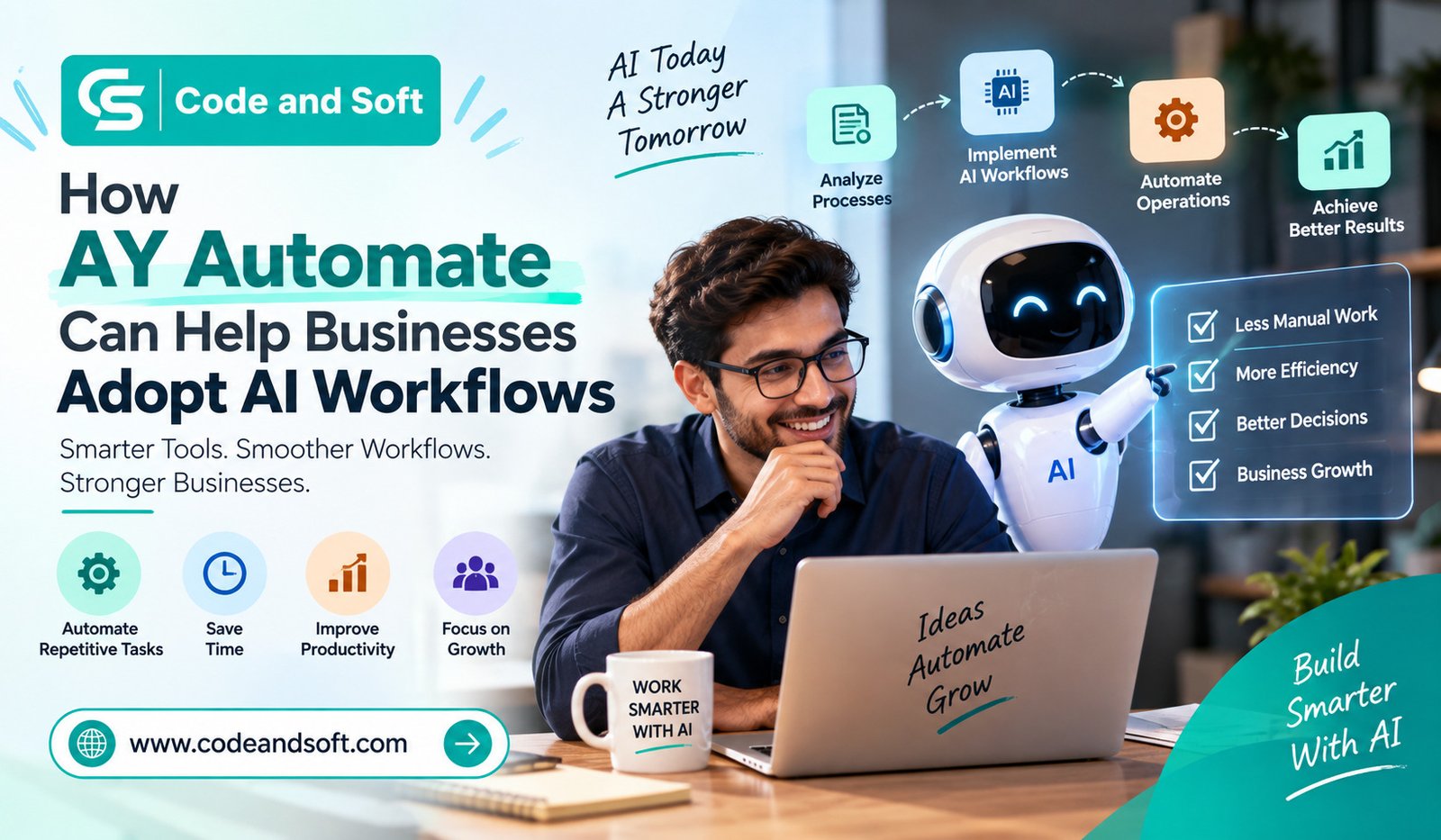

Artificial intelligence is no longer something you only hear about in tech conferences or see in futuristic products. It is becoming part of everyday business operations. From handling customer questions to organizing data, creating content, processing documents, and supporting employees, AI can now take care of many repetitive tasks that once required hours of manual work.
But there is one challenge you may face when trying to bring AI into your business: Where do you actually start?
Simply adding an AI tool to your existing software stack does not automatically create an AI-powered business. You need workflows that connect different tools, move information between them, and trigger the right actions at the right time. This is where AY Automate can become useful.
AY Automate can help you connect business processes with AI capabilities so that repetitive work becomes easier to manage and automate. Instead of treating AI as a standalone tool, you can look at it as part of your overall workflow.
What Are AI Workflows?
Before looking at how AY Automate can help, it is important to understand what an AI workflow actually means.
An AI workflow is a series of connected steps where artificial intelligence is used to perform, improve, or assist with specific business tasks. These workflows can involve collecting information, analyzing it, generating a response, updating another application, or notifying a team member.
For example, imagine that you receive customer inquiries through a website. Traditionally, someone might need to read every message, identify the customer’s issue, categorize the request, write a response, and update your CRM.
With an AI workflow, these steps can be connected. A new inquiry could trigger AI to understand the message, classify it, suggest a response, and send the relevant information to your CRM or support system.
You are not simply using AI—you are building a process around it.
Why Businesses Are Moving Toward AI Automation
Employees may spend time copying information between applications, responding to similar questions, sorting emails, creating reports, or updating spreadsheets.
These tasks may not seem significant individually, but they can consume a considerable amount of time when repeated every day.
AI automation gives you an opportunity to rethink those processes.
Instead of asking your employees to manually complete every step, you can identify tasks that are predictable and repetitive and determine where automation can help.
The biggest advantage is not necessarily replacing people. It is allowing your team to spend less time on routine administration and more time on activities that require judgment, creativity, communication, and strategic thinking.
How AY Automate Can Help You Build AI Workflows
1. You Can Start With Repetitive Business Tasks
One of the easiest ways to introduce AI into your business is to start small.
You do not need to automate your entire organization on day one. Look for processes that happen frequently and follow predictable steps.
- Processing incoming leads
- Sorting customer inquiries
- Summarizing documents
- Organizing information
- Creating routine reports
- Sending follow-up messages
- Managing internal notifications
- Updating records across different systems
AY Automate can help you approach these processes as connected workflows rather than isolated tasks.
This gives you a practical starting point. Once you see where automation works well, you can gradually expand it to other parts of your business.
2. You Can Connect AI With Existing Business Processes
Your business probably already relies on several applications. You may use one platform for customer management, another for communication, another for documents, and additional tools for marketing or internal operations.
The problem is that these applications do not always work together automatically.
With AY Automate, you can think about how information moves from one stage of a process to another. An event in one application can become the starting point for another action, while AI can be introduced where analysis or content generation is required.
For you, this means AI does not have to exist separately from the tools your employees already use.
Instead, it can become another layer within your existing workflow.
3. You Can Automate Information Processing
Businesses deal with large amounts of information every day. Emails, forms, customer messages, documents, notes, and reports can quickly become difficult to manage manually.
AI is particularly useful when a workflow requires understanding or organizing information.
For example, you could create a process where incoming information is analyzed and categorized before being sent to the appropriate team.
Instead of asking an employee to inspect every item manually, you can use automation to handle the initial processing.
This does not mean every decision needs to be automated. You can keep people involved when a task requires approval or more complex judgment.
4. You Can Reduce Manual Data Entry
Manual data entry is one of those business tasks that often feels unavoidable.
You may have employees transferring information from emails into spreadsheets, from forms into CRM systems, or from one application into another.
Apart from taking time, repetitive data entry can also introduce errors.
An automated workflow can move information between connected systems without requiring someone to repeatedly copy and paste it.
When AI is added to the process, it can also help interpret unstructured information before that information is passed to the next step.
For you, this can mean fewer repetitive tasks and a smoother flow of information throughout your business.
5. You Can Improve Customer Response Times
Customers generally do not want to wait unnecessarily for basic answers.
If your team receives a large number of similar questions, AI workflows can help you manage the initial stage of customer communication.
For instance, an AI-powered workflow could identify the nature of an inquiry, provide a suitable response for straightforward questions, or route more complicated requests to the right person.
You can therefore use automation to handle the repetitive part of customer service while allowing your employees to focus on conversations that genuinely need human attention.
The result can be a more responsive customer experience without continuously increasing the workload on your support team.
6. You Can Create Smarter Marketing Workflows
Marketing teams are another area where AI workflows can be useful.
You may already spend time creating content ideas, organizing leads, analyzing campaign information, preparing social media posts, or sending follow-up communications.
Rather than handling every step manually, you can create workflows that automate parts of the process.
For example, new lead information could trigger a workflow that organizes the lead, analyzes available information, and prepares the next action for your sales or marketing team.
Similarly, repetitive content-related tasks can be streamlined so your team spends more time developing strategy and less time handling administrative work.
7. You Can Give Employees More Time for Valuable Work
One of the strongest reasons to adopt AI workflows is the time they can give back to your employees.
Think about the tasks your team performs repeatedly every week. If a task does not require much creativity or decision-making, there may be an opportunity to automate part of it.
When you remove some of that repetitive workload, employees can concentrate on activities that have greater business value.
Your sales team can spend more time talking to customers. Your marketing team can focus on campaigns and strategy. Your operations team can work on improving processes rather than constantly maintaining them.
Automation therefore becomes less about doing more with fewer people and more about helping your existing team work more effectively.
How You Can Get Started With AY Automate
Adopting AI workflows does not have to be complicated.
Start by choosing one business process that is repetitive, time-consuming, and relatively easy to define.
Next, break that process into individual steps. Ask yourself:
- What triggers the workflow?
- What information needs to be collected?
- Where can AI add value?
- Which tasks can happen automatically?
- Where does human approval make sense?
- What should happen if something goes wrong?
Once you understand the process, you can design an automation around it.
It is also important to measure the result. Look at the amount of time saved, the number of manual steps removed, error rates, response times, or other metrics that matter to your business.
If the workflow delivers a positive result, you can use what you have learned to automate another process.
Why a Gradual AI Strategy Makes Sense
You might be tempted to automate everything at once after seeing what AI can do. However, a gradual approach is usually easier to manage.
When you start with one or two workflows, you have an opportunity to understand how automation affects your employees and customers.
You can identify unexpected problems, adjust your processes, and establish appropriate human oversight before expanding further.
AY Automate can be part of this gradual approach by helping you think about AI as a practical business tool rather than simply an emerging technology.
Your goal should not be to automate something just because you can. The goal should be to create a workflow that solves a real business problem.
The Future of AI Workflows for Businesses
AI adoption is moving beyond simple chatbots and individual AI applications. Businesses are increasingly looking at how AI can become part of complete operational processes.
That shift is important.
Instead of asking, “Which AI tool should you use?” you may increasingly need to ask, “Which business workflow could work better with AI?”
That change in thinking can help you find more meaningful opportunities for automation.
Whether you are a small business looking to save time or a growing organization trying to manage increasingly complex operations, AI workflows can provide a way to improve efficiency without completely rebuilding your existing systems.
Final Thoughts
Adopting AI does not mean you need to transform your entire business overnight. You can start with a single repetitive process and gradually build from there.
AY Automate can help you approach AI adoption through connected workflows, allowing you to combine automation with the tools and processes you already rely on.
The real value comes when you stop viewing AI as just another software tool and start considering where it can become part of your everyday operations.
By identifying repetitive work, connecting your applications, automating information processing, and keeping people involved where their judgment matters, you can create workflows that are faster, more consistent, and easier to manage.
For your business, the next step may be simple: look at the tasks your team repeats every day and ask which one could be handled more intelligently through automation. That could be the starting point for your AI workflow strategy.