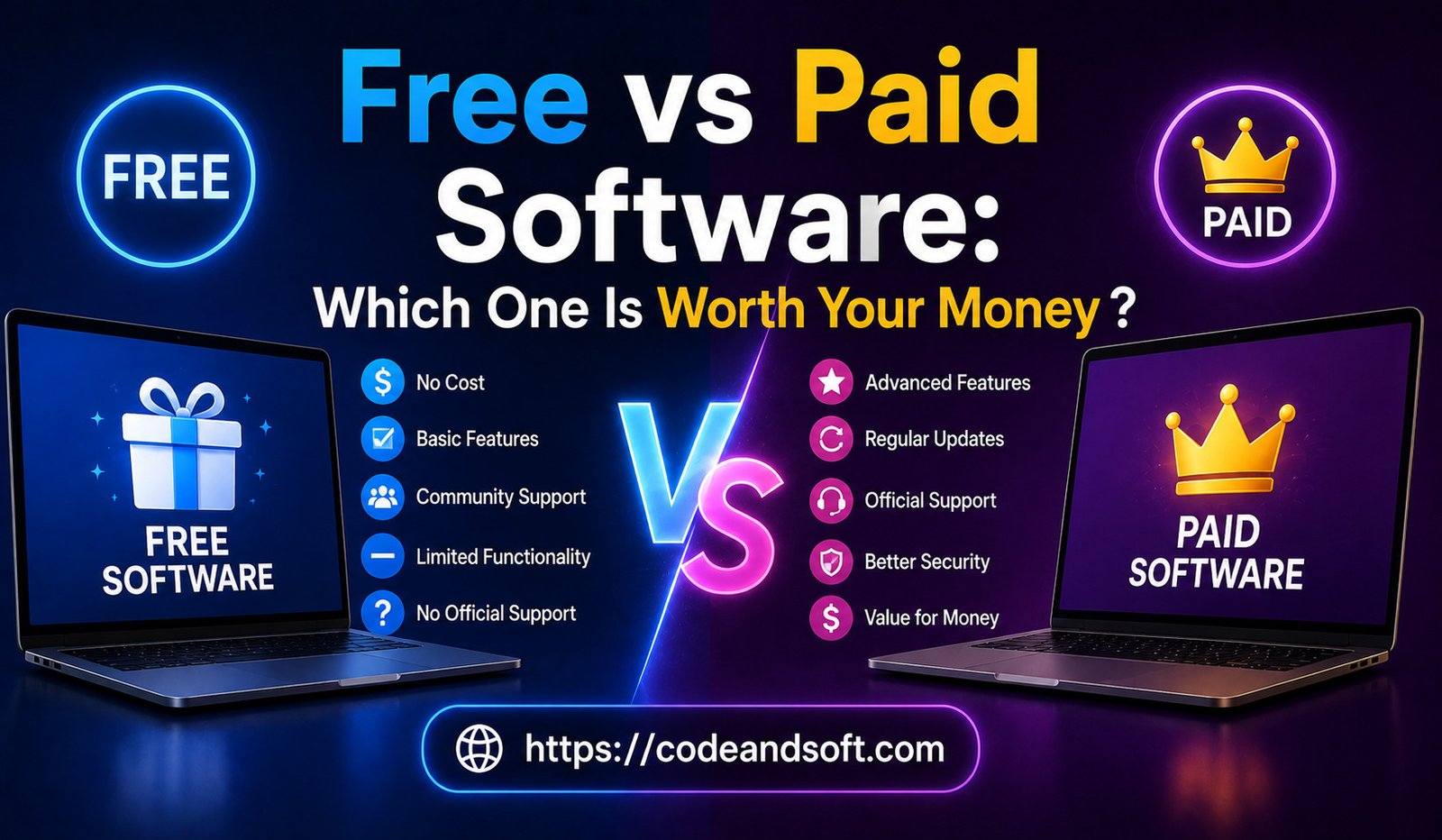

Software has become an essential part of modern life. From office work and online learning to business operations, content creation, cybersecurity, and entertainment, people depend on software every day. However, when choosing a new application, one common question always appears: should you use free software or invest in a paid version?
Free software can save money and provide useful features without any financial commitment. On the other hand, paid software often offers advanced tools, better security, professional support, and improved performance.
In 2026, the difference between free and paid software has become more complex. Many free applications now provide powerful features, while premium software continues to offer advantages for professionals and businesses.
The right choice depends on your needs, budget, usage level, and expectations. This guide explains the differences between free and paid software, their benefits and limitations, and helps you understand which option is worth your money.
What Is Free Software?
Free software refers to applications that users can download and use without paying a subscription or license fee.
Examples include:
- Free antivirus programs
- Open-source applications
- Free productivity tools
- Basic photo editors
- Free cloud storage plans
Free software is often created by developers, communities, or companies that provide basic features to attract users.
Some free software may generate revenue through:
- Advertisements
- Premium upgrades
- Donations
- Additional paid services
What Is Paid Software?
Examples include:
- Professional editing software
- Business management platforms
- Accounting applications
- Premium security tools
- Enterprise software
Paid software usually provides more advanced capabilities, better support, and regular updates.
Common payment models include:
- Monthly subscriptions
- Annual plans
- One-time purchases
- Business licenses
Advantages of Free Software
1. No Financial Investment
The biggest advantage of free software is that users can access useful tools without spending money.
This makes it ideal for:
- Students
- Beginners
- Small businesses with limited budgets
- Casual users
For example, someone learning graphic design may start with a free editing tool before investing in professional software.
2. Easy to Try Before Upgrading
Free software allows users to test features before deciding whether they need a paid version.
Many companies offer free versions as a way to introduce users to their ecosystem.
3. Good Enough for Basic Tasks
Many free applications provide enough features for everyday needs.
Examples:
- Writing simple documents
- Editing basic images
- Managing personal files
- Creating simple designs
4. Open-Source Flexibility
Some free software is open-source, meaning developers can modify and improve the program.
Benefits include:
- Customization options
- Community support
- Transparency
Popular open-source software is often maintained by large communities.
Disadvantages of Free Software
1. Limited Features
Free versions often provide only basic tools.
Advanced features may require payment.
For example:
- Basic photo editing may be free
- Professional editing tools may require a premium plan
2. Advertisements and Restrictions
Some free software includes advertisements or limits certain functions.
These restrictions can affect user experience.
3. Limited Customer Support
Free software often provides limited support options.
Users may need to depend on:
- Online forums
- Community discussions
- Self-help guides
4. Security Concerns
Not all free software is equally reliable.
Some unknown applications may create security risks, especially if downloaded from unreliable sources.
Users should always choose trusted software providers.
Advantages of Paid Software
Paid software offers additional benefits that make it valuable for professional and business users.
1. Advanced Features
Premium software usually includes more powerful tools.
Examples:
- Advanced editing capabilities
- Automation features
- Business analytics
- Professional templates
These features help users complete complex tasks efficiently.
2. Better Security
Paid software companies often invest more in cybersecurity.
Premium applications usually provide:
- Regular security updates
- Threat monitoring
- Data protection features
3. Professional Customer Support
Paid software generally includes better customer support.
Users may receive:
- Email support
- Live chat assistance
- Technical help
- Training resources
This can save time when problems occur.
4. Regular Updates and Improvements
Premium software receives continuous development and new features.
Companies invest in improving performance and responding to user feedback.
5. Better Performance
Paid software is often optimized for professional use.
It may provide:
- Faster processing
- Better reliability
- Improved compatibility
Disadvantages of Paid Software
Paid software also has some limitations.
1. Higher Cost
The biggest disadvantage is the financial investment.
Subscription-based software can become expensive over time.
Businesses need to carefully evaluate whether the benefits justify the cost.
2. Unused Features
Some users pay for advanced features they never use.
Choosing expensive software without understanding requirements can waste money.
3. Subscription Dependence
Many modern software companies use subscription models.
This means users must continue paying to maintain access.
Free vs Paid Software: Feature Comparison
| Feature | Free Software | Paid Software |
| Cost | Usually free | Requires payment |
| Features | Basic tools | Advanced capabilities |
| Security | Varies | Usually stronger |
| Support | Limited | Professional support |
| Updates | Less frequent | Regular updates |
| Customization | Limited or open-source options | More professional options |
| Best For | Basic users | Professionals and businesses |
Free vs Paid Software Examples
Productivity Software
Free Options:
- Google Docs
- LibreOffice
- Free note-taking applications
Paid Options:
- Microsoft 365
- Premium project management tools
Which Is Better?
For basic writing and personal use, free tools may be enough. Businesses and professionals often benefit from premium productivity suites.
Photo and Design Software
Free Options:
- GIMP
- Canva Free
- Basic online editors
Paid Options:
- Adobe Photoshop
- Adobe Creative Cloud
Which Is Better?
Beginners may prefer free tools, but professional designers usually need advanced paid software.
Video Editing Software
Free Options:
- DaVinci Resolve Free
- Basic video editors
Paid Options:
- Adobe Premiere Pro
- Final Cut Pro
Which Is Better?
Casual creators can use free software, while professional video editors require premium tools.
Antivirus Software
Free Options:
- Basic antivirus programs
Paid Options:
- Advanced security suites
Which Is Better?
Free antivirus can provide basic protection, but paid solutions usually offer stronger security features such as ransomware protection, privacy tools, and identity monitoring.
Accounting Software
Free Options:
- Basic bookkeeping tools
Paid Options:
- Professional accounting platforms
Which Is Better?
Small businesses with simple needs may use free options, but growing companies often require paid solutions for reporting, payroll, and automation.
When Free Software Is the Better Choice
Free software is a good option when:
You Have Basic Requirements
If you only need simple features, paying may not be necessary.
You Are Learning Something New
Beginners can start with free tools before investing in professional solutions.
You Have a Limited Budget
Students, startups, and individuals can save money with free alternatives.
You Need Temporary Access
Free tools are useful for short-term projects.
When Paid Software Is Worth the Money
Paid software is usually better when:
Your Work Depends on It
Professionals should invest in tools that directly impact income and productivity.
You Need Advanced Features
Complex tasks often require premium capabilities.
Security Is Important
Businesses should prioritize reliable security solutions.
Time Is Valuable
Paid software often saves time through automation and better performance.
How to Decide Between Free and Paid Software
Before choosing software, consider these factors:
Identify Your Purpose
Ask yourself:
- What problem am I solving?
- How often will I use the software?
- Which features are necessary?
Calculate Long-Term Value
Do not only consider the price. Consider:
- Time saved
- Productivity improvement
- Business growth potential
Check Reviews and Comparisons
Research user experiences before making a decision.
Use Free Trials
Many paid software providers offer trials. Testing the software helps determine if it is worth purchasing.
Conclusion
The choice between free and paid software depends on your requirements, budget, and expectations. Free software can be an excellent option for basic tasks, learning, and personal use. It provides valuable features without financial commitment.
However, paid software often delivers greater value for professionals and businesses through advanced features, better security, customer support, and improved performance.
There is no single answer to whether free or paid software is better. For simple tasks, free software may be enough. For important work where efficiency, security, and reliability matter, investing in paid software can provide better long-term value.
In 2026, smart users do not simply choose the cheapest option—they choose software that delivers the right balance of features, performance, security, and cost.