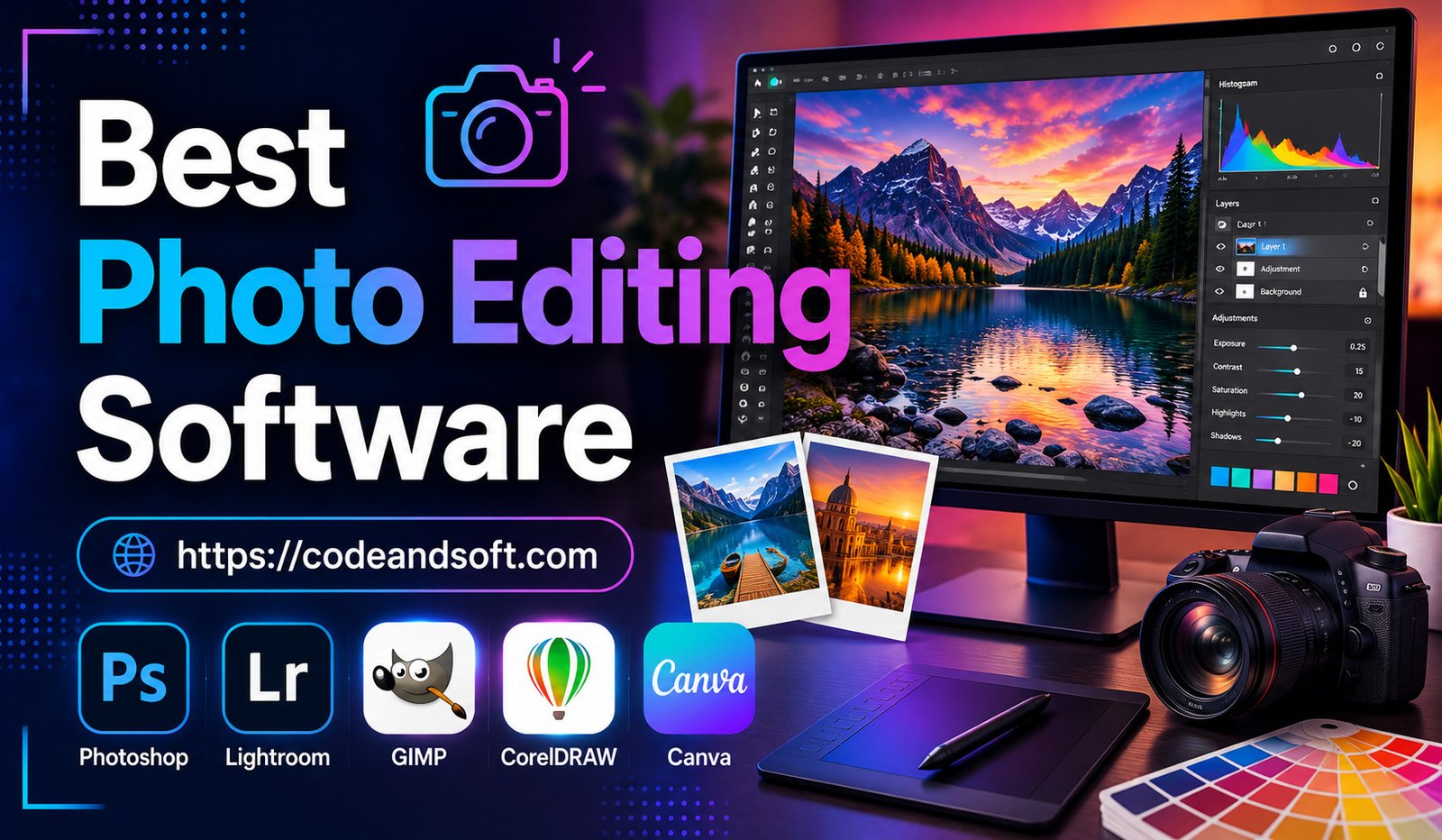
Photography has become an important part of digital communication, content creation, marketing, and personal branding. Whether you are a professional photographer, social media creator, business owner, or someone who enjoys capturing memories, photo editing software helps transform ordinary pictures into visually stunning images.
In 2026, photo editing technology has reached a new level with artificial intelligence, automation, advanced color correction, and smart enhancement features. Modern editing tools can improve image quality, remove unwanted objects, enhance lighting, create creative effects, and even generate new visual elements.
Choosing the right photo editing software depends on your experience level, creative goals, device, and budget. Beginners need simple tools with automated features, while professionals require advanced editing capabilities for commercial photography and creative projects.
This article explores the best photo editing software for creating stunning images in 2026, including their features, benefits, and ideal users.
Why Photo Editing Software Is Important in 2026
A great photograph is not always created when the shutter button is pressed. Editing plays an important role in improving colors, correcting mistakes, and enhancing the overall visual impact.
Professional photo editing software allows users to:
- Improve image quality
- Adjust brightness and contrast
- Enhance colors
- Remove unwanted objects
- Create artistic effects
- Restore old photographs
- Prepare images for websites and social media
With artificial intelligence becoming more advanced, photo editing has become faster and easier. Many tools can now automatically improve images with minimal effort.
Important Features to Look for in Photo Editing Software
Before choosing a photo editing application, users should understand the features that make software effective.
AI-Powered Editing
Artificial intelligence helps automate complex tasks such as background removal, image enhancement, noise reduction, and object replacement.
Advanced Color Correction
Professional photographers need accurate control over colors, exposure, shadows, and highlights.
Layer-Based Editing
Layers allow users to make detailed changes without affecting the original image.
Filters and Creative Effects
Creative filters help users create unique styles for personal and professional projects.
RAW Image Support
Professional photographers require software that can process high-quality RAW files from cameras.
Easy User Interface
Beginners need simple layouts that make editing easier to understand.
Best Photo Editing Software for Stunning Images in 2026
1. Adobe Photoshop – Best Professional Photo Editing Software
Adobe Photoshop remains one of the most powerful and popular photo editing programs in the world.
It is widely used by photographers, graphic designers, marketers, and creative professionals because of its advanced editing capabilities.
Key Features:
- AI-powered editing tools
- Advanced layers and masking
- Object removal
- Professional retouching
- Digital artwork creation
- Color correction tools
Advantages:
Photoshop provides complete creative control and supports almost every type of image editing. Its AI features make complex editing tasks faster and easier.
Best For:
Professional photographers, designers, digital artists, and advanced creators.
2. Adobe Lightroom – Best for Professional Photography Workflow
Adobe Lightroom is designed specifically for photographers who need efficient image organization and editing.
It is especially popular for processing large collections of photos.
Key Features:
- RAW image editing
- Preset support
- Advanced color grading
- Photo organization
- Cloud synchronization
- AI enhancement tools
Advantages:
Lightroom provides an excellent workflow for photographers who edit hundreds or thousands of images. It allows users to quickly improve photos while maintaining quality.
Best For:
Professional photographers, wedding photographers, travel photographers, and content creators.
3. Canva Photo Editor – Best Beginner-Friendly Tool
Canva has become one of the most popular creative platforms because of its simplicity and wide range of design features.
Its photo editing tools are suitable for users who want quick improvements without learning complicated software.
Key Features:
- Easy photo adjustments
- AI image tools
- Templates
- Background removal
- Filters and effects
- Social media designs
Advantages:
Canva makes photo editing accessible to beginners.
Best For:
Beginners, marketers, social media creators, and small businesses.
4. Capture One – Best Professional RAW Editor
Capture One is a professional photo editing application known for excellent RAW processing and color accuracy.
It is widely used by commercial photographers and studio professionals.
Key Features:
- Advanced color editing
- RAW processing
- Layer adjustments
- Tethered shooting
- Professional workflow tools
Advantages:
Capture One provides exceptional image quality and precise control over colors and details.
Best For:
Commercial photographers, fashion photographers, and studio professionals.
5. Affinity Photo – Best Photoshop Alternative
Serif Affinity Photo is a powerful editing tool that provides professional features without requiring a subscription.
Key Features:
- Layer-based editing
- RAW development
- Retouching tools
- HDR editing
- Digital painting features
Advantages:
Affinity Photo offers many professional capabilities at a lower cost, making it attractive for photographers and designers.
Best For:
Professional users and creators looking for affordable editing software.
6. GIMP – Best Free Photo Editing Software
GIMP is a free and open-source photo editing program with many advanced features.
It has been a popular alternative for users who do not want to purchase premium software.
Key Features:
- Layer editing
- Image retouching
- Custom plugins
- Color adjustments
- Digital artwork tools
Advantages:
GIMP provides powerful editing options without cost. It is suitable for users willing to spend time learning the software.
Best For:
Students, beginners, hobby photographers, and budget-conscious creators.
7. Luminar Neo – Best AI Photo Editor
Skylum Luminar Neo focuses heavily on artificial intelligence-powered editing.
It is designed to help users create professional-looking images quickly.
Key Features:
- AI sky replacement
- AI portrait enhancement
- Automatic lighting adjustments
- Background editing
- Creative effects
Advantages:
Luminar Neo simplifies advanced editing tasks by using AI automation.
Best For:
Photographers who want fast results and creative improvements.
8. Pixlr – Best Online Photo Editor
Pixlr provides browser-based photo editing tools that work without installing heavy software.
Key Features:
- AI editing tools
- Filters
- Templates
- Background removal
- Quick adjustments
Advantages:
Pixlr is convenient for users who need fast edits from any device.
Best For:
Students, social media users, and casual editors.
9. Fotor – Best AI-Powered Editing Tool for Beginners
Fotor combines traditional editing tools with artificial intelligence features.
Key Features:
- AI image enhancement
- Portrait retouching
- Effects and filters
- Collage creation
- Background editing
Advantages:
Fotor helps beginners improve photos quickly without requiring advanced knowledge.
Best For:
Casual photographers and social media creators.
Photo Editing Software Comparison 2026
| Software | Best For | Main Strength |
| Adobe Photoshop | Professionals | Advanced creative editing |
| Lightroom | Photographers | Image management and RAW editing |
| Canva | Beginners | Easy designs and quick edits |
| Capture One | Professionals | Color accuracy |
| Affinity Photo | Designers | Affordable professional features |
| GIMP | Budget users | Free editing tools |
| Luminar Neo | AI editing | Automated enhancements |
| Pixlr | Online editing | Fast browser-based tools |
How AI Is Transforming Photo Editing
Artificial intelligence has become one of the biggest trends in image editing. AI-powered features allow users to complete tasks that previously required advanced skills.
AI Background Removal
Users can remove backgrounds automatically and replace them with new environments.
Smart Image Enhancement
AI can adjust lighting, colors, and sharpness to improve image quality.
Object Removal
Unwanted objects can be removed from images with a few clicks.
AI Portrait Editing
AI tools can improve skin tones, facial details, and lighting.
Image Generation
Some modern platforms can create new visual elements based on user instructions.
Best Photo Editing Software Based on User Type
For Beginners
Recommended tools:
- Canva
- Fotor
- Pixlr
- GIMP
These platforms are easy to learn and provide useful automated features.
For Professional Photographers
Recommended tools:
- Adobe Lightroom
- Adobe Photoshop
- Capture One
These programs offer advanced controls and professional workflows.
For Social Media Creators
Recommended tools:
- Canva
- Luminar Neo
- Pixlr
Creators need quick editing, templates, and attractive effects.
For Graphic Designers
Recommended tools:
- Photoshop
- Affinity Photo
- GIMP
Designers require advanced layers, creative tools, and precise editing options.
How to Choose the Right Photo Editing Software
Selecting the right software depends on your goals and editing requirements.
Consider Your Skill Level
Beginners should start with simple platforms, while professionals need advanced tools.
Check Device Compatibility
Some software works better on specific operating systems, so users should check compatibility.
Evaluate Features
Choose software that provides the tools you actually need, such as RAW editing, AI features, or design templates.
Consider Pricing
Free tools can be enough for casual users, while professionals may benefit from premium software.
Think About Future Growth
Choose software that allows you to improve your skills as your editing needs increase.
Conclusion
The best photo editing software in 2026 depends on your experience, creative goals, and budget. Professional photographers can choose powerful tools like Adobe Photoshop, Lightroom, and Capture One, while beginners can start with Canva, Fotor, or Pixlr for simple and effective editing.
AI technology has made photo editing faster and more accessible, allowing anyone to create stunning images. Whether you are editing personal memories, creating social media content, or producing professional photography projects, the right photo editing software can help turn ordinary pictures into impressive visual experiences.