
Introduction
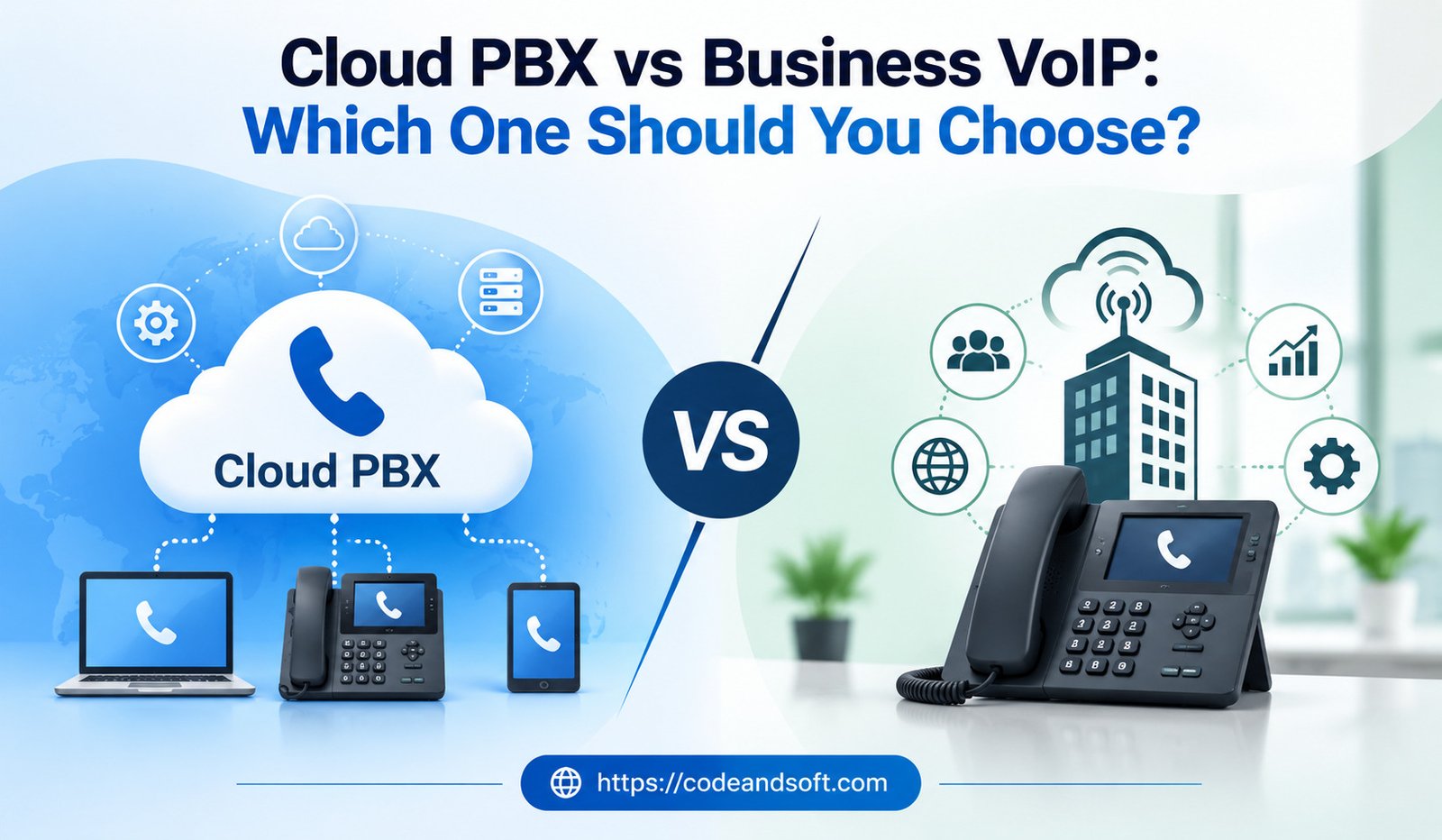
Business communication has moved far beyond traditional desk phones. Companies today need flexible systems that support remote employees, customer service teams, mobile workers, and multiple office locations. Two technologies that frequently appear when businesses explore modern phone systems are Cloud PBX and Business VoIP.
Although these terms are sometimes used interchangeably, they are not exactly the same. Business VoIP describes the technology used to transmit voice calls over an internet connection, while Cloud PBX refers to a cloud-hosted business phone system that uses VoIP technology to manage calls, extensions, routing, and other communication features.
Understanding the difference between Cloud PBX and Business VoIP can help businesses choose a communication system that fits their budget, workforce, and long-term goals.
This guide explains how both technologies work, their key differences, advantages, limitations, costs, and the situations in which each option may be the better choice.
What Is Business VoIP?
Business VoIP stands for Voice over Internet Protocol. It allows companies to make and receive calls through an internet connection instead of relying entirely on traditional telephone networks.
VoIP converts voice into digital data and transfers it over an IP network.
Modern Business VoIP services can include:
- Business phone numbers
- Call forwarding
- Voicemail
- Call recording
- Business SMS
- Mobile applications
- Call analytics
- Video meetings
- CRM integrations
- AI-powered communication features
Business VoIP can be used by companies of different sizes, from small businesses to large enterprises.
What Is Cloud PBX?
Cloud PBX stands for Cloud Private Branch Exchange. It is a business phone system hosted by a service provider in the cloud rather than being maintained on physical equipment at the company’s premises.
A Cloud PBX can manage:
- Extensions
- Incoming calls
- Outgoing calls
- Call routing
- Auto attendants
- Call queues
- Voicemail
- Conference calling
- User permissions
Instead of purchasing and maintaining an on-site PBX server, businesses access their phone system through a cloud platform.
Cloud PBX commonly uses VoIP technology to transmit calls.
Cloud PBX vs Business VoIP: The Basic Difference
The simplest way to understand the difference is:
VoIP is the communication technology, while Cloud PBX is a cloud-hosted business phone system that can use that technology.
Think of Business VoIP as the method used to carry voice communication over the internet. Cloud PBX is the broader phone-system environment that manages users, extensions, routing, and business calling features.
Because modern Cloud PBX systems generally rely on VoIP, the two technologies overlap significantly.
Key Differences Between Cloud PBX and Business VoIP
| Feature | Cloud PBX | Business VoIP |
| Main Purpose | Complete cloud-based phone system | Internet-based voice communication |
| Technology | Usually uses VoIP | Uses internet protocols for voice |
| Call Management | Extensive | Depends on provider |
| Extensions | Common | Usually available |
| Auto Attendant | Common | Often available |
| Cloud Hosting | Yes | Often yes |
| Scalability | High | High |
| Remote Access | Strong | Strong |
| Best For | Businesses needing a complete phone system | Businesses needing flexible internet calling |
How Cloud PBX Works
A Cloud PBX system is hosted by a third-party provider.
The provider manages much of the infrastructure, including servers and system software.
When a customer calls a business number, the Cloud PBX can:
- Receive the call.
- Identify the configured routing rules.
- Play an automated greeting.
- Direct the caller to the correct department.
- Send the call to an employee, queue, or voicemail.
Employees can often access the system through desk phones, computers, or mobile applications.
This eliminates the need for a traditional PBX server in the office.
How Business VoIP Works
Business VoIP uses an internet connection to transmit voice data.
A VoIP system can connect calls between:
- Computers
- Smartphones
- IP phones
- Business phone applications
- Other compatible communication devices
The provider handles the call infrastructure, while the business uses the internet to communicate.
Some VoIP services are relatively simple, while others provide complete communication suites.
Advantages of Cloud PBX
1. Complete Business Phone Management
Cloud PBX provides a centralized system for managing users, extensions, departments, and call routing.
This makes it suitable for businesses with more complex communication structures.
2. Easy Scalability
Businesses can generally add users and extensions through an online administration system.
This can be useful for companies that are expanding rapidly.
3. Advanced Call Routing
Cloud PBX can route calls based on:
- Department
- Business hours
- Employee availability
- Caller selection
- Geographic location
This improves how incoming calls are handled.
4. Auto Attendant
An automated receptionist can greet callers and direct them to the appropriate department.
This can improve customer experiences and reduce manual call transfers.
5. Remote Work Support
Employees can often access their business phone system from home or other locations.
This makes Cloud PBX particularly useful for hybrid and remote teams.
6. Centralized Administration
Administrators can manage the entire phone system from a web-based interface.
They can often control:
- Users
- Extensions
- Phone numbers
- Call settings
- Permissions
Advantages of Business VoIP
1. Flexible Communication
VoIP allows employees to communicate using internet-connected devices.
2. Potential Cost Savings
Businesses may reduce expenses related to traditional phone infrastructure and long-distance calling, depending on their provider and usage.
3. Mobile Access
Employees can use supported VoIP applications on smartphones and computers.
4. Business Integrations
Modern VoIP platforms can connect with CRM, help desk, and productivity applications.
5. Advanced Features
Depending on the provider, VoIP can offer:
- Call analytics
- Call recording
- Business texting
- Voicemail transcription
- AI features
Cloud PBX vs Business VoIP: Which Is More Scalable?
Both technologies can support business growth, but Cloud PBX is particularly useful when a company needs a structured phone system.
For example, a growing company may need:
- Multiple departments
- Hundreds of extensions
- Call queues
- Automated routing
- Different user permissions
A Cloud PBX can centralize these functions.
Business VoIP can also scale effectively, especially when the provider offers cloud-based user management.
Winner: Cloud PBX for structured phone-system expansion, although both can scale well.
Which Is Better for Remote Teams?
Both Cloud PBX and Business VoIP can support remote work.
Employees can access communication services through:
- Mobile applications
- Desktop applications
- Web interfaces
- IP phones
However, businesses should verify the provider’s remote-work capabilities before choosing a platform.
Important features include:
- Mobile calling
- Business SMS
- Call forwarding
- Presence management
- Voicemail
- Team messaging
Winner: Tie
Both can be highly effective for remote teams when properly configured.
Which Is More Cost-Effective?
The answer depends on the provider and business requirements.
Traditional on-premises PBX systems often require significant investments in equipment and maintenance.
Cloud PBX reduces the need for physical infrastructure because the provider hosts the phone system.
Business VoIP can also reduce infrastructure and calling expenses.
Businesses should consider:
- Monthly user fees
- Phone numbers
- International calls
- Hardware
- Premium features
- Installation
- Support
- Contract terms
A lower monthly price does not necessarily mean a lower total cost.
Winner: Depends on the provider and business size.
Cloud PBX vs Business VoIP for Small Businesses
Small businesses typically need:
- Affordable calling
- Simple setup
- Professional phone numbers
- Call forwarding
- Voicemail
- Auto attendants
- Mobile access
A Cloud PBX can provide a professional business phone system without requiring an on-site PBX server.
Business VoIP can also be a good option for companies that mainly need internet-based calling.
For a small company with simple requirements, a straightforward VoIP service may be enough.
For a company expecting rapid growth, Cloud PBX may provide a more structured communication system.
Cloud PBX vs Business VoIP for Large Businesses
Large organizations may need:
- Multiple locations
- Complex call routing
- Contact centers
- Advanced analytics
- User permissions
- CRM integrations
- International calling
- High availability
Cloud PBX can be particularly useful because it provides centralized management of a larger phone environment.
However, enterprise-grade Business VoIP platforms can also provide these capabilities.
Large companies should focus on security, reliability, scalability, integration capabilities, and provider support.
Reliability and Internet Requirements
Both Cloud PBX and Business VoIP rely heavily on internet connectivity.
A poor internet connection can cause:
- Delayed audio
- Dropped calls
- Poor voice quality
Businesses should have:
- Reliable broadband
- Sufficient bandwidth
- Network monitoring
- Backup connectivity where necessary
- Proper network configuration
Companies with mission-critical phone services should consider redundancy and failover options.
Security Considerations
Cloud phone systems require proper security practices.
Businesses should protect accounts through:
- Strong passwords
- Multi-factor authentication
- User permissions
- Regular software updates
- Network security
- Monitoring for unusual activity
Businesses should also review the provider’s security practices and data protection policies before signing a contract.
Features to Compare Before Choosing
When comparing Cloud PBX and Business VoIP providers, look at more than the technology label.
Call Management
Check whether the system supports:
- Call queues
- Call forwarding
- Auto attendants
- Call routing
Collaboration
Look for:
- Team messaging
- Video meetings
- File sharing
Analytics
Useful features include:
- Call reports
- Performance dashboards
- Call recordings
- Usage analytics
Integration
Check compatibility with:
- CRM platforms
- Help desk tools
- Productivity applications
Mobile Support
Ensure employees can use the system effectively from smartphones.
AI Features
Some modern providers offer:
- Automatic call summaries
- Transcription
- Sentiment analysis
- AI-generated notes
- Intelligent call assistance
Cloud PBX vs Business VoIP: Which One Should You Choose?
The best choice depends on your communication requirements.
Choose Cloud PBX if:
- You need a complete business phone system.
- You have multiple departments.
- You need advanced call routing.
- You want centralized phone administration.
- You expect your organization to grow.
- You need structured extensions and call queues.
Choose Business VoIP if:
- You primarily need internet-based calling.
- You want flexible communication options.
- You have a small or distributed team.
- You need mobile calling.
- You want integrations with other business applications.
- You prefer a simpler communication setup.
However, remember that these options are not always mutually exclusive. Many modern Business VoIP services include Cloud PBX functionality, meaning a single platform can provide both internet-based calling and complete business phone management.
Questions to Ask a VoIP Provider
Before purchasing a solution, businesses should ask:
- What features are included in the subscription?
- Are there additional charges for phone numbers?
- How much do international calls cost?
- Does the platform support mobile devices?
- Can it integrate with existing CRM software?
- What security features are available?
- Is call recording included?
- What customer support options are provided?
- Are there setup or cancellation fees?
- How does the provider handle outages?
These questions can prevent unexpected costs and compatibility problems.
Conclusion
Cloud PBX and Business VoIP are closely related technologies, but they serve slightly different purposes. Business VoIP describes internet-based voice communication, while Cloud PBX generally refers to a complete cloud-hosted business phone system that manages calls, extensions, routing, and other features.
For businesses that need structured call management and a centralized phone system, Cloud PBX can be an excellent choice. Companies looking primarily for flexible internet calling, mobile communication, and software integrations may find a Business VoIP service more suitable.
In many cases, businesses do not have to choose between the two because modern VoIP platforms often include Cloud PBX functionality.
The best approach is to evaluate the company’s size, communication requirements, budget, remote-work needs, integrations, security expectations, and future growth plans. By focusing on these factors rather than simply comparing technology names, businesses can select a communication solution that delivers long-term value and supports efficient customer and employee communication.