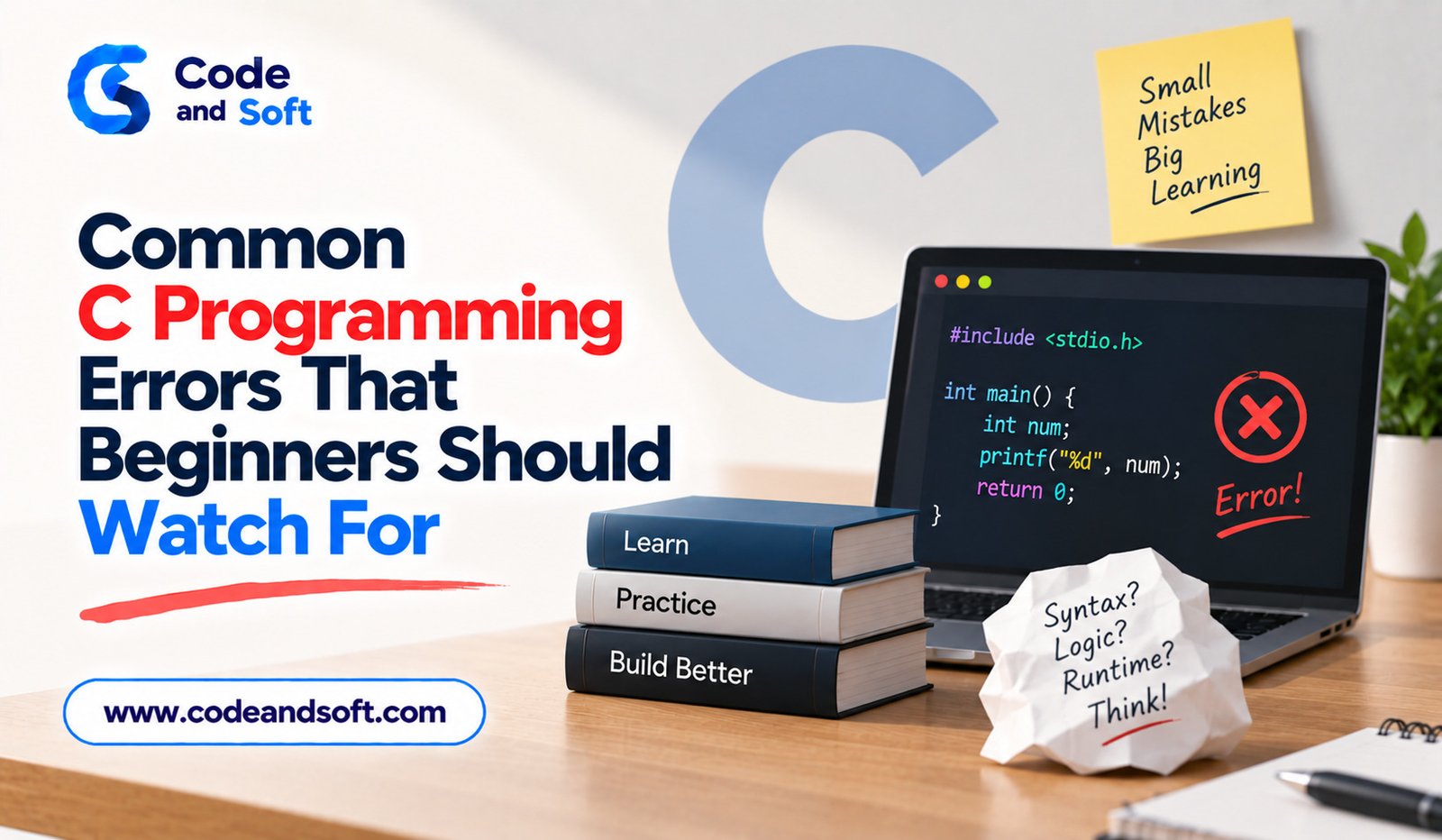

Learning C programming can be an exciting experience because it teaches developers how software works at a fundamental level. At the same time, beginners often encounter errors that can make their first programs frustrating to debug. Some mistakes prevent a program from compiling, while others allow the program to run but produce incorrect results.
Understanding common C programming errors can make the learning process much easier. Instead of treating every error as a completely new problem, beginners can learn to recognize patterns and understand why certain mistakes happen.
From incorrect syntax and uninitialized variables to pointer problems and memory leaks, the following errors are worth watching for when learning C programming.
1. Forgetting the Semicolon
One of the simplest C programming mistakes is forgetting a semicolon at the end of a statement.
For example:
int age = 20
printf(“%d”, age);
The first statement is missing its semicolon.
The corrected version is:
int age = 20;
printf(“%d”, age);
The compiler will usually report an error near the affected line, although the location shown in the message may not always be the exact location of the mistake.
Beginners should get into the habit of checking the statement immediately before the line mentioned in a compiler error.
2. Using an Undeclared Variable
C requires variables to be declared appropriately before they are used.
For example:
int main()
{
total = 50;
return 0;
}
The compiler does not know what total represents.
A correct version could be:
int main()
{
int total = 50;
return 0;
}
Variable declarations also help make programs easier to understand because they communicate what type of information a variable is expected to store.
3. Confusing Assignment With Comparison
The assignment operator = and equality operator == perform different operations.
The statement:
x = 10;
assigns the value 10 to x.
On the other hand:
x == 10
checks whether x is equal to 10.
A common beginner mistake is accidentally using assignment inside a condition:
if (x = 10)
{
printf(“Equal”);
}
This changes x rather than simply checking it.
Beginners should carefully distinguish between assignment and comparison whenever writing conditions.
4. Incorrect Use of Loops
Loops are useful for repeating operations, but beginners often create incorrect loop conditions.
For example:
int i = 0;
while (i < 5)
{
printf(“%d”, i);
}
The loop never changes i, so the condition remains true.
A corrected version is:
int i = 0;
while (i < 5)
{
printf(“%d”, i);
i++;
}
Understanding how the loop condition changes is essential for avoiding infinite loops.
5. Going Beyond Array Boundaries
Arrays have fixed boundaries, and accessing an element outside those boundaries can produce undefined behavior.
Consider:
int numbers[5];
numbers[5] = 100;
The valid indexes are 0 through 4. Index 5 is outside the array.
This type of mistake can overwrite unrelated memory and cause unpredictable results.
Beginners should always check the size of an array and remember that C array indexing begins at zero.
6. Using Uninitialized Variables
Another common problem is using a local variable before giving it a meaningful value.
For example:
int total;
printf(“%d”, total);
The variable has not been initialized with a defined value.
A safer approach is:
int total = 0;
printf(“%d”, total);
Initializing variables when appropriate makes program behavior easier to understand and can prevent unexpected results.
7. Incorrect Pointer Usage
Pointers are powerful but require careful handling.
A pointer should not be dereferenced unless it points to valid memory.
For example:
int *ptr = NULL;
printf(“%d”, *ptr);
The program attempts to access the value at a null address, which is invalid.
Beginners should understand the difference between a pointer and the value it points to. They should also check whether pointers contain valid addresses before dereferencing them when their validity is uncertain.
8. Forgetting to Free Dynamically Allocated Memory
C allows programmers to allocate memory dynamically.
For example:
int *data = malloc(10 * sizeof(int));
When the memory is no longer needed, it should be released:
free(data);
If dynamically allocated memory is repeatedly left unreleased, the program can develop memory leaks.
Memory leaks may become particularly problematic in applications that run for long periods or repeatedly allocate resources.
Good memory management should therefore become a habit early in a C programmer’s learning journey.
9. Using Memory After Freeing It
Freeing memory does not mean that the pointer automatically becomes safe to use.
For example:
int *value = malloc(sizeof(int));
*value = 25;
free(value);
printf(“%d”, *value);
The final operation attempts to access memory that has already been released.
This is known as a use-after-free error and can produce unpredictable behavior.
A useful practice is to set a pointer to NULL after freeing it when the pointer remains in use:
free(value);
value = NULL;
This can make accidental reuse easier to detect.
10. Forgetting to Check Memory Allocation
Dynamic memory allocation can fail. Therefore, programs should check the result of allocation functions.
For example:
int *data = malloc(100 * sizeof(int));
if (data == NULL)
{
printf(“Allocation failed”);
}
If allocation fails and the program attempts to use an invalid result, it can behave incorrectly.
Checking allocation results is particularly important in programs that request significant amounts of memory.
11. Incorrect Format Specifiers
Functions such as printf() rely on format specifiers to determine how values should be displayed.
For example:
int age = 25;
printf(“%f”, age);
The format specifier does not match the type of the variable.
For an integer, %d is appropriate:
printf(“%d”, age);
Beginners should learn common format specifiers and ensure that the format string matches the type of the corresponding argument.
12. Missing Braces in Conditional Statements
Braces define the body of a conditional statement or loop.
For example:
if (score >= 50)
printf(“Pass”);
printf(“Congratulations”);
Only the first statement belongs to the if condition.
If both statements are intended to execute conditionally, braces should be used:
if (score >= 50)
{
printf(“Pass”);
printf(“Congratulations”);
}
Using braces consistently can make program structure clearer and reduce logical mistakes.
13. Incorrect String Handling
Strings require special attention in C because they are represented as arrays of characters ending with a null character.
Beginners may accidentally allocate insufficient space for a string or forget that storage must include room for the terminating ‘\0’.
For example, storing a five-character word requires enough space for the five characters plus the terminating null character when using a character array.
Understanding string length and buffer size is important for avoiding memory-related errors.
14. Writing Everything Inside main()
Beginners often place their entire program inside the main() function. This may work for very small exercises, but larger programs quickly become difficult to understand.
Functions allow developers to divide a program into smaller, focused components.
For example, instead of putting calculations, input handling and output logic into one large block, separate functions can handle individual responsibilities.
This improves readability, testing and maintenance.
15. Ignoring Compiler Warnings
Many beginners focus only on errors that prevent compilation. Compiler warnings are also important.
A warning may indicate a suspicious conversion, unused variable, incorrect operation or another potential problem.
Treating warnings seriously can help identify bugs before they become difficult to diagnose.
Developers should learn to read compiler messages rather than simply trying random changes until the program builds successfully.
How Beginners Can Reduce C Programming Errors
The best way to reduce programming errors is to develop a systematic approach to writing and testing code.
Write small sections of code instead of creating a large program all at once. Compile frequently so that errors are discovered early. Test individual functions before combining them into a larger application.
When an error occurs, read the compiler message carefully. Identify the line involved and examine the surrounding code. Avoid changing several unrelated parts of the program at the same time because that can make debugging more confusing.
It is also useful to test unusual inputs rather than checking only the expected case.
Final Thoughts
C programming errors are a normal part of learning the language. Beginners will make syntax mistakes, misunderstand conditions, misuse pointers and occasionally create memory-related problems. These mistakes are not simply obstacles; they can become valuable learning opportunities.
Understanding common problems such as missing semicolons, incorrect comparisons, infinite loops, array boundary violations, uninitialized variables, pointer errors and memory leaks can make debugging much easier.
The most important skill is learning how to investigate an error instead of becoming dependent on copying fixes. Read compiler messages, test your assumptions and understand why the corrected code works.
With regular practice, beginners can gradually recognize common C programming mistakes before they occur and develop stronger habits for writing reliable, maintainable code.