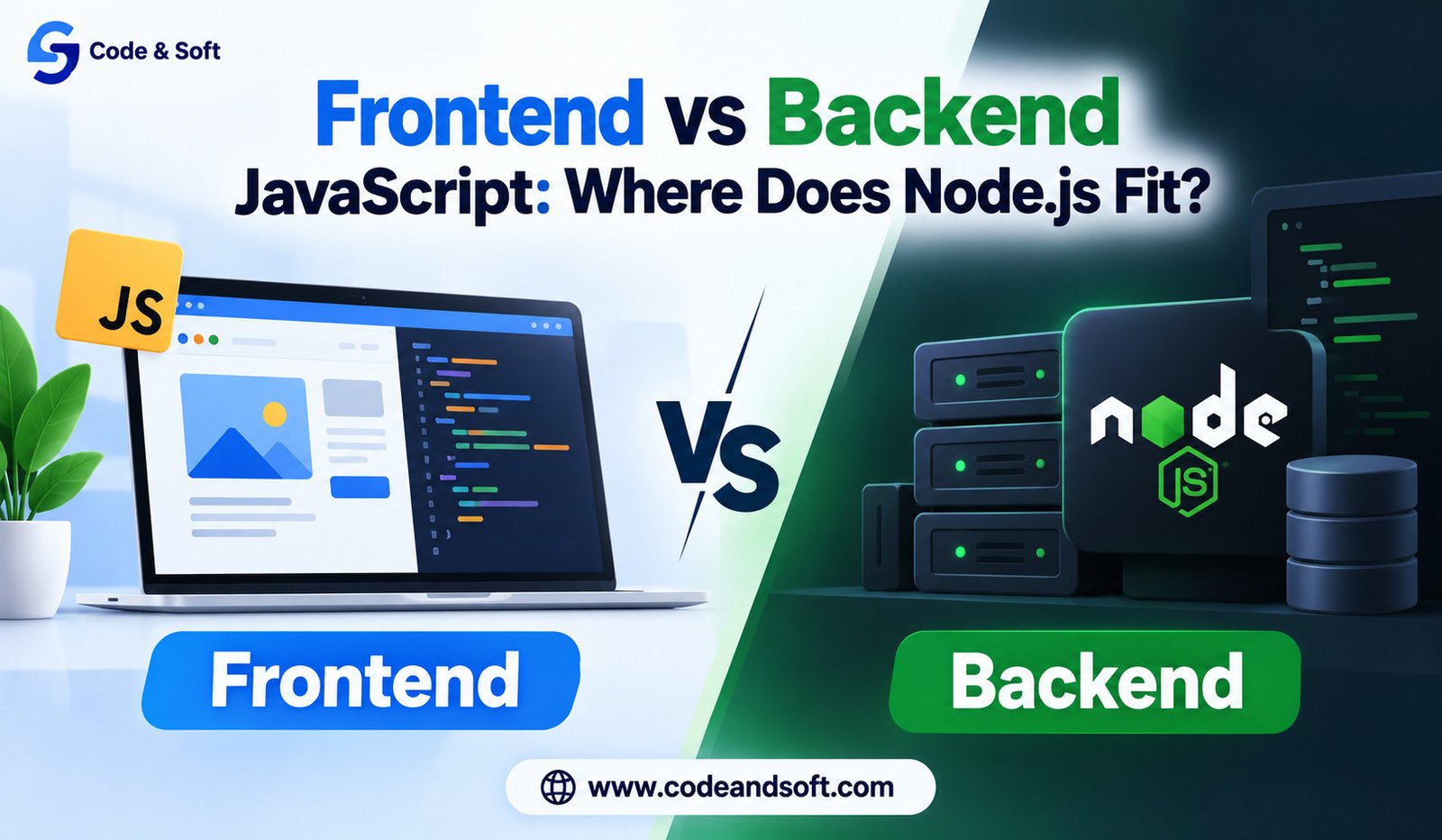

JavaScript is one of the most popular programming languages used to build websites and web applications. For a long time, people mainly connected JavaScript with the part of a website they could see and use. Buttons, menus, forms, animations, image sliders, and other interactive features were commonly created with JavaScript.
Today, JavaScript can do much more than control what happens inside a web browser. It can also be used to build the part of a web application that works behind the scenes. This is where Node.js comes into the picture.
If you are learning web development, you may have heard terms such as frontend JavaScript, backend JavaScript, and Node.js. These terms can sound confusing at first, especially because they all involve JavaScript. The easiest way to understand them is to look at what each one does and where it runs.
In this article, we will explain the difference between frontend and backend JavaScript, what Node.js actually is, and why Node.js has become an important part of modern web development.
What Is Frontend JavaScript?
Frontend JavaScript is JavaScript that runs in a user’s web browser. The frontend is the part of a website that visitors can see and interact with.
When you open a website, you may see a navigation menu, search box, login form, buttons, images, product cards, or other interactive parts. JavaScript can control how these parts behave.
For example, imagine you are shopping online. You click an “Add to Cart” button and the number next to the shopping cart changes without the entire page being refreshed. JavaScript running in your browser can make that happen.
The same idea applies to many common website features. A form can show a message when you enter incorrect information. A menu can open when you click a button. A picture gallery can change images when you select an arrow. A page can display new information after you perform a search.
All of these actions can be handled by JavaScript in the browser.
Frontend JavaScript works closely with HTML and CSS. HTML creates the basic structure of a webpage, CSS controls its appearance, and JavaScript adds behavior and interaction.
Because frontend JavaScript runs on the user’s device, it can respond quickly to actions such as clicks, typing, scrolling, and selecting options.
What Is Backend JavaScript?
Backend JavaScript works in a different place. Instead of running inside the user’s browser, it runs on a server.
The backend is the part of a web application that users normally do not see directly. It handles tasks that need to happen behind the website.
Think about logging into a website. You enter your email address and password into a form. The frontend collects that information and sends it to the backend. The backend can then check whether the details are correct.
The backend may also communicate with a database. If your login information is correct, the backend can tell the website that you are allowed to access your account.
The same process happens with many other websites. When you place an online order, the backend can process the order information. When you create an account, the backend can save your details. When you publish a post, the backend can store that post so it can be displayed later.
JavaScript can be used for these backend tasks with the help of Node.js.
This is one of the biggest reasons Node.js is important. It allows developers to use JavaScript outside the browser.
So, Where Does Node.js Fit?
Node.js is a tool that allows JavaScript to run outside a web browser.
This simple explanation is important because JavaScript itself is a programming language, while Node.js provides a way to use that language for server-side work.
Before Node.js became popular, JavaScript was mainly used inside web browsers. Developers who wanted to build the backend often had to learn another programming language.
For example, a developer might use JavaScript for the frontend and another language for the backend. Node.js changed this by making it possible to use JavaScript on the server as well.
With Node.js, the same basic language can be used for both sides of a web application.
This does not mean frontend JavaScript and Node.js are exactly the same thing. They are used in different environments and have different jobs. Frontend JavaScript runs in the browser, while Node.js provides an environment for running JavaScript on a server or computer.
Why Was Node.js Created?
JavaScript was originally designed to make webpages more interactive. Its use was closely connected to web browsers.
As websites became more advanced, developers wanted to use JavaScript for more types of work. They wanted to create servers, communicate with databases, handle user requests, manage files, and build complete web applications using JavaScript.
Node.js made this possible.
It was built around Google’s V8 JavaScript engine, which is also used by the Chrome browser. Node.js takes the JavaScript engine and provides additional features that make JavaScript useful outside the browser.
This means JavaScript is no longer limited to changing things on a webpage.
With Node.js, JavaScript can work with files, communicate with other computers, receive requests from users, connect with databases, and create web servers.
Frontend JavaScript and Backend JavaScript Work Together
Frontend and backend JavaScript are different, but they often work together.
Consider a simple weather website.
When you open the website, the frontend is responsible for showing the search box and other visible elements. You enter the name of a city and click the search button.
The frontend JavaScript can send the city name to the backend.
The backend, which could be built with Node.js, receives the request. It can then contact a weather service, receive the weather information, and send the required information back to the frontend.
The frontend then displays the result on the screen.
From the user’s point of view, it may feel like one simple action. Behind the scenes, several things have happened between the browser and the server.
This is a good example of how frontend JavaScript and backend JavaScript can work as two parts of the same application.
What Can Node.js Do?
Node.js can be used for many types of server-side work.
One common use is creating web servers. A Node.js application can receive requests from browsers and send information back.
Node.js can also work with databases. For example, a website may use a database to store customer accounts, product information, articles, orders, or comments.
Another common use is building applications that need information to move quickly between users and servers. Chat applications are a good example. When one person sends a message, the server needs to receive that message and make it available to another person.
Node.js can also be used to create services that connect different parts of an application. For example, an online store may have one part that handles customers, another that handles products, and another that handles orders.
Developers also use Node.js for tools that help them create and manage websites and applications.
Is Node.js a Programming Language?
No. This is a common misunderstanding.
Node.js is not a programming language.
JavaScript is the programming language. Node.js is an environment that allows JavaScript to run outside the browser.
A simple comparison can make this easier to understand.
Think of JavaScript as the language you speak and Node.js as a place where you can use that language for certain types of work.
You can write JavaScript code for a browser, where it controls parts of a webpage. You can also write JavaScript code that runs through Node.js, where it can perform server-side tasks.
Understanding this difference makes many Node.js explanations much easier to follow.
Can Node.js Replace Frontend JavaScript?
No, and it is not designed to.
Node.js and frontend JavaScript solve different problems.
If you want to make a webpage respond when someone clicks a button, frontend JavaScript is involved.
If you need to receive information from users, save it in a database, or send information from a server to a browser, Node.js can be used for that backend work.
A modern web application often needs both.
Node.js does not replace JavaScript in the browser. Instead, it expands what JavaScript can be used for.
Can You Use Only JavaScript for a Full Website?
Yes, this is one of the major advantages of Node.js.
A developer can use JavaScript for the frontend and Node.js for the backend. This means the developer can work with one main programming language across the application.
This can make learning and development easier, especially for people who are already comfortable with JavaScript.
For example, a developer might create the visible website using JavaScript and then use Node.js to create the server that receives requests and sends data back.
The database may still use its own technology, but JavaScript can be used for much of the application itself.
This approach is sometimes called using JavaScript across the full application, but you do not need to remember the name to understand the idea.
How Is Node.js Different From Browser JavaScript?
Although both use JavaScript, they do not provide exactly the same features.
A browser gives JavaScript access to things related to the webpage and the user’s browser. It can work with the page, respond to clicks, read certain browser information, and interact with visible content.
Node.js has access to features that are useful for server-side work. It can work with files on the server, create network connections, communicate with databases through available tools, and handle requests from users.
For safety reasons, a website’s JavaScript cannot simply access everything on your computer. Imagine if every website could freely read your private files. That would create serious security problems.
Node.js is designed for a different environment, where the developer controls the computer or server on which the code runs.
This difference between the two environments is very important.
Why Do Developers Like Node.js?
One reason developers like Node.js is that it allows them to use JavaScript on both the frontend and backend.
Another reason is its large collection of available packages. Developers can find ready-made tools for many common tasks, which can reduce the amount of code they need to write themselves.
Node.js is also widely used, so there are many learning resources and a large community around it.
It is particularly useful for applications that need to handle many users making requests at the same time. This includes websites, online services, chat applications, and many other types of software.
Node.js can also be a good choice for teams that already have strong JavaScript skills. Instead of switching between different programming languages for different parts of an application, developers can use JavaScript in both places.
Is Node.js Good for Beginners?
Node.js can be a good choice for beginners, but learning it becomes easier if you understand basic JavaScript first.
If you are completely new to programming, it is usually better to first learn how JavaScript works. You should become comfortable with variables, functions, conditions, loops, objects, and basic problem solving.
After that, Node.js becomes easier to understand because you are learning how to use JavaScript in a new environment rather than learning an entirely new language.
A beginner can start with something simple, such as creating a small server that sends a message to a browser.
From there, you can learn how to receive information from forms, save information, work with databases, and create more complete applications.
The best way to learn Node.js is to build small projects and slowly make them more advanced.
Frontend or Backend: Which One Should You Learn First?
If you are new to web development, starting with frontend JavaScript is often a comfortable choice.
Learning how JavaScript works inside the browser gives you a clear understanding of what users experience. You can immediately see the results of your code on a webpage.
Once you understand the basics, you can move toward Node.js and learn how the server side works.
However, there is no strict rule that says everyone must learn frontend first. Some people are more interested in server-side programming and may want to explore Node.js earlier.
The important thing is to understand that frontend and backend have different responsibilities. Knowing this difference will help you decide what you want to learn next.
Where Node.js Fits in Modern Web Development
Node.js sits on the backend side of web development.
Frontend JavaScript runs in the browser and controls the parts of the application that users interact with. Node.js allows JavaScript to run on a server and handle work that should happen away from the user’s browser.
The two can communicate with each other to create a complete web application.
For example, a social media website may use frontend JavaScript to show posts, buttons, comments, and menus. Node.js can handle requests, save information, retrieve posts, and communicate with other services.
An online store may use frontend JavaScript to display products and update the shopping cart. Node.js can handle orders, customer information, and communication with the database.
A booking website can use frontend JavaScript for its search and booking screens, while Node.js can handle booking requests and store booking information.
In each case, JavaScript has a role on both sides, but it is running in different places.
Final Thoughts
Frontend JavaScript and backend JavaScript are not competing versions of JavaScript. They are two ways of using the same programming language for different parts of a web application.
Frontend JavaScript runs in the browser and focuses on what users see and interact with. Backend JavaScript runs outside the browser and handles work that happens behind the scenes.
Node.js is the tool that makes it possible to run JavaScript outside the browser. This is where Node.js fits into the picture.
If you are learning JavaScript, understanding Node.js can open the door to backend development and allow you to create more complete applications. Instead of using JavaScript only for webpage interactions, you can use it to create servers, work with stored information, process requests, and build the parts of an application that users do not see.
The biggest idea to remember is simple: JavaScript is the language, the browser is one place where it runs, and Node.js is another environment where it can run. Once this idea is clear, the difference between frontend JavaScript, backend JavaScript, and Node.js becomes much easier to understand.