
In today’s digital business environment, companies are constantly searching for ways to improve efficiency, reduce costs, and simplify daily operations. One major change transforming financial management is the shift from traditional paper-based accounting to smart accounting software. Businesses that once depended on files, receipts, invoices, and physical documents are now moving toward automated digital solutions.
Going paperless with smart accounting software is not just about reducing paperwork. It is about creating a faster, more accurate, and more organized financial system. Modern accounting platforms help businesses manage invoices, track expenses, process payments, store documents, and analyze financial performance without relying on physical records.
From small businesses and startups to large enterprises, paperless accounting provides greater flexibility and control. With cloud technology, automation, and artificial intelligence, smart accounting software allows companies to manage finances anytime and anywhere.
This article explains how smart accounting software helps businesses go paperless, its benefits, key features, and why digital accounting is becoming essential for modern organizations.
What Does Going Paperless Mean in Accounting?
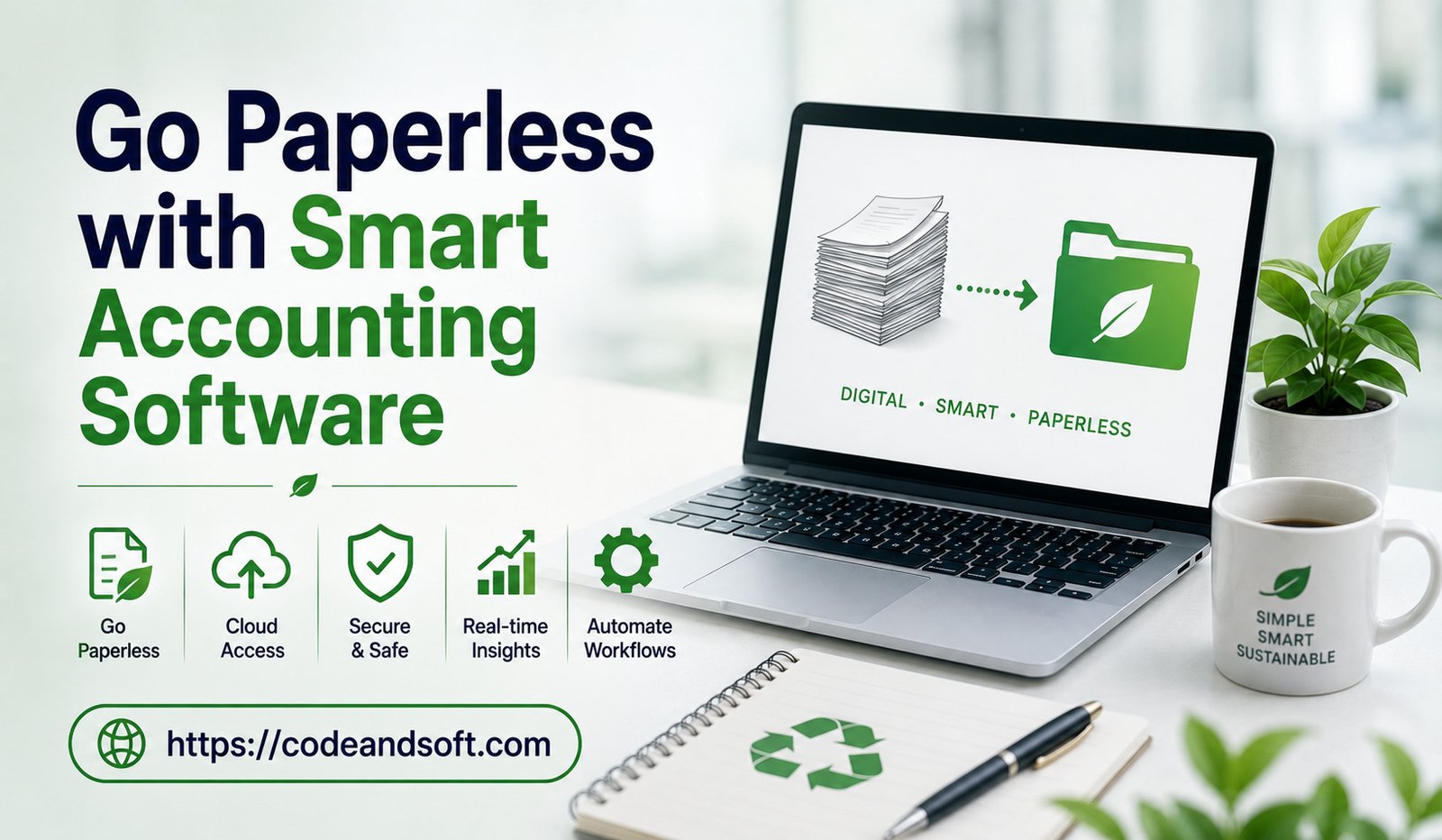
Going paperless in accounting means replacing physical financial documents with digital records. Instead of storing printed invoices, receipts, and reports, businesses use accounting software to create, manage, and store financial information electronically.
Traditional accounting systems often involve:
- Paper invoices
- Printed receipts
- Manual calculations
- Physical filing systems
- Handwritten records
- Large storage requirements
A paperless accounting system replaces these processes with digital solutions such as:
- Electronic invoices
- Digital receipts
- Online document storage
- Automated bookkeeping
- Cloud-based reporting
This transformation helps businesses create a more efficient and environmentally friendly financial workflow.
Why Businesses Are Moving Toward Paperless Accounting
Many organizations are adopting smart accounting software because traditional paperwork creates several challenges.
Reduced Administrative Work
Managing paper documents requires significant time and effort. Employees must organize files, search for documents, and manually update records.
Smart accounting software automates many of these activities, allowing teams to focus on more important business tasks.
Improved Data Accuracy
Manual accounting processes can lead to mistakes caused by incorrect calculations, lost documents, or duplicate entries. Digital accounting tools automatically record and organize financial information, improving accuracy.
Faster Access to Information
Finding a specific invoice or financial report in a paper filing system can take time. Digital accounting software allows users to search and access documents instantly.
Lower Storage Costs
Businesses spend money maintaining physical storage spaces for financial documents. Paperless accounting reduces the need for filing cabinets, storage rooms, and printing expenses.
Better Environmental Impact
Reducing paper usage helps businesses lower their environmental footprint. Paperless accounting supports sustainable business practices by minimizing unnecessary printing.
How Smart Accounting Software Enables a Paperless Workflow
Smart accounting software provides various features that help businesses eliminate paperwork and improve financial management.
Digital Invoice Management
Invoices are essential financial documents, but managing printed invoices can become complicated. Smart accounting software allows businesses to create, send, and store digital invoices.
Benefits include:
- Faster invoice creation
- Automated payment reminders
- Easy invoice tracking
- Reduced printing costs
- Improved customer communication
Digital invoicing helps businesses receive payments faster and maintain organized records.
Automated Receipt Management
Receipts are often lost or difficult to organize when managed manually. Smart accounting tools allow businesses to capture receipts digitally.
Many platforms provide receipt scanning features where users can upload images of receipts and automatically categorize expenses.
This makes expense tracking easier and reduces paperwork.
Cloud-Based Document Storage
Cloud storage is one of the most important features of paperless accounting. Instead of keeping physical documents, businesses can securely store financial records online.
Cloud-based storage provides:
- Easy document access
- Automatic backups
- Secure file management
- Remote accessibility
- Better organization
Business owners and accountants can access important financial information from any location.
Automated Bookkeeping
Traditional bookkeeping requires manual recording of transactions. Smart accounting software automates bookkeeping by connecting with bank accounts and financial systems.
Automation helps with:
- Transaction recording
- Expense categorization
- Bank reconciliation
- Financial updates
This reduces manual work and improves financial accuracy.
Real-Time Financial Reporting
Paper-based accounting often provides delayed financial information. Smart accounting software creates real-time reports that help businesses understand their current financial position.
Companies can monitor:
- Revenue
- Expenses
- Profit margins
- Cash flow
- Business performance
Real-time reporting supports faster and smarter decision-making.
Benefits of Going Paperless with Smart Accounting Software
1. Increased Productivity
Employees spend less time organizing documents and completing repetitive accounting tasks. Automation allows teams to work more efficiently.
2. Better Organization
Digital records are easier to categorize, search, and manage compared to physical files. Businesses can quickly locate financial information whenever needed.
3. Enhanced Security
Physical documents can be damaged, misplaced, or accessed by unauthorized individuals. Smart accounting software provides security features such as encryption, user permissions, and backups.
4. Improved Collaboration
Cloud-based accounting platforms allow business owners, accountants, and employees to work together easily.
Multiple users can access updated financial information without sharing physical documents.
5. Faster Audits and Compliance
During audits or tax preparation, businesses can quickly provide digital financial records. Organized digital documents make compliance processes easier.
6. Cost Savings
Paper, printing, storage, and administrative expenses can increase business costs. Paperless accounting reduces these expenses over time.
Key Features to Look for in Smart Accounting Software
Choosing the right accounting software is important for successful digital transformation.
Cloud Accessibility
Cloud-based software allows businesses to manage financial information from anywhere using computers or mobile devices.
Automation Capabilities
The software should automate tasks such as invoicing, expense tracking, and reporting.
Digital Document Management
Businesses should choose platforms that provide secure storage for invoices, receipts, and financial documents.
Integration Options
Smart accounting software should connect with:
- Banking platforms
- Payment systems
- Payroll software
- Inventory management tools
- Customer relationship management systems
Data Security
Financial information is sensitive, so businesses should select software with strong security features.
Popular Smart Accounting Software Solutions
Several accounting platforms help businesses move toward paperless financial management.
QuickBooks Online
QuickBooks Online provides cloud-based accounting features that help businesses manage invoices, expenses, reports, and digital records.
It is widely used by small and medium-sized businesses.
Xero
Xero offers online accounting tools with features such as bank reconciliation, invoicing, and financial reporting.
Its cloud-based system supports collaboration between businesses and accountants.
Zoho Books
Zoho Books provides affordable accounting solutions with digital invoicing, expense tracking, automation, and reporting features.
It is suitable for small businesses looking for a complete accounting platform.
FreshBooks
FreshBooks focuses on simple accounting management, invoicing, and expense tracking for freelancers and small businesses.
Sage Accounting
Sage provides professional financial management tools designed for businesses that need reliable accounting and reporting solutions.
Role of Artificial Intelligence in Paperless Accounting
Artificial intelligence is making smart accounting software even more powerful. AI helps businesses automate complex financial processes and improve accuracy.
AI-powered accounting systems can:
- Recognize information from receipts
- Automatically categorize expenses
- Identify unusual transactions
- Predict cash flow trends
- Generate financial insights
These capabilities allow businesses to reduce manual accounting work and make better decisions.
Challenges of Moving to Paperless Accounting
Although paperless accounting offers many benefits, businesses may face some challenges during the transition.
Employee Training
Employees need proper training to use new accounting systems effectively.
Data Migration
Moving existing paper records into digital systems requires planning and organization.
Security Concerns
Businesses must select reliable software providers and follow best practices for protecting financial data.
Initial Investment
Some accounting platforms require subscription costs or implementation expenses. However, long-term benefits usually outweigh the initial investment.
Steps to Successfully Adopt Paperless Accounting
Businesses can follow these steps to move toward a digital accounting system:
Analyze Current Processes
Identify which accounting activities rely on paper and determine areas that can be automated.
Select Suitable Software
Choose accounting software based on business size, requirements, and budget.
Digitize Existing Documents
Convert important financial records into digital formats and organize them properly.
Train Employees
Provide training to ensure employees understand how to use the new system.
Maintain Security Practices
Use strong passwords, access controls, and regular backups to protect financial information.
Conclusion
Going paperless with smart accounting software is a major step toward improving business efficiency, accuracy, and financial control. By replacing traditional paperwork with digital solutions, businesses can save time, reduce costs, and access financial information instantly.
Smart accounting software provides automated bookkeeping, digital document management, real-time reporting, and secure data storage. These features help companies manage finances more effectively while supporting sustainable business practices.
Whether a small business or a large organization, adopting paperless accounting technology can create a more organized, productive, and future-ready financial system. As businesses continue embracing digital transformation, smart accounting software will remain a crucial tool for modern financial management.