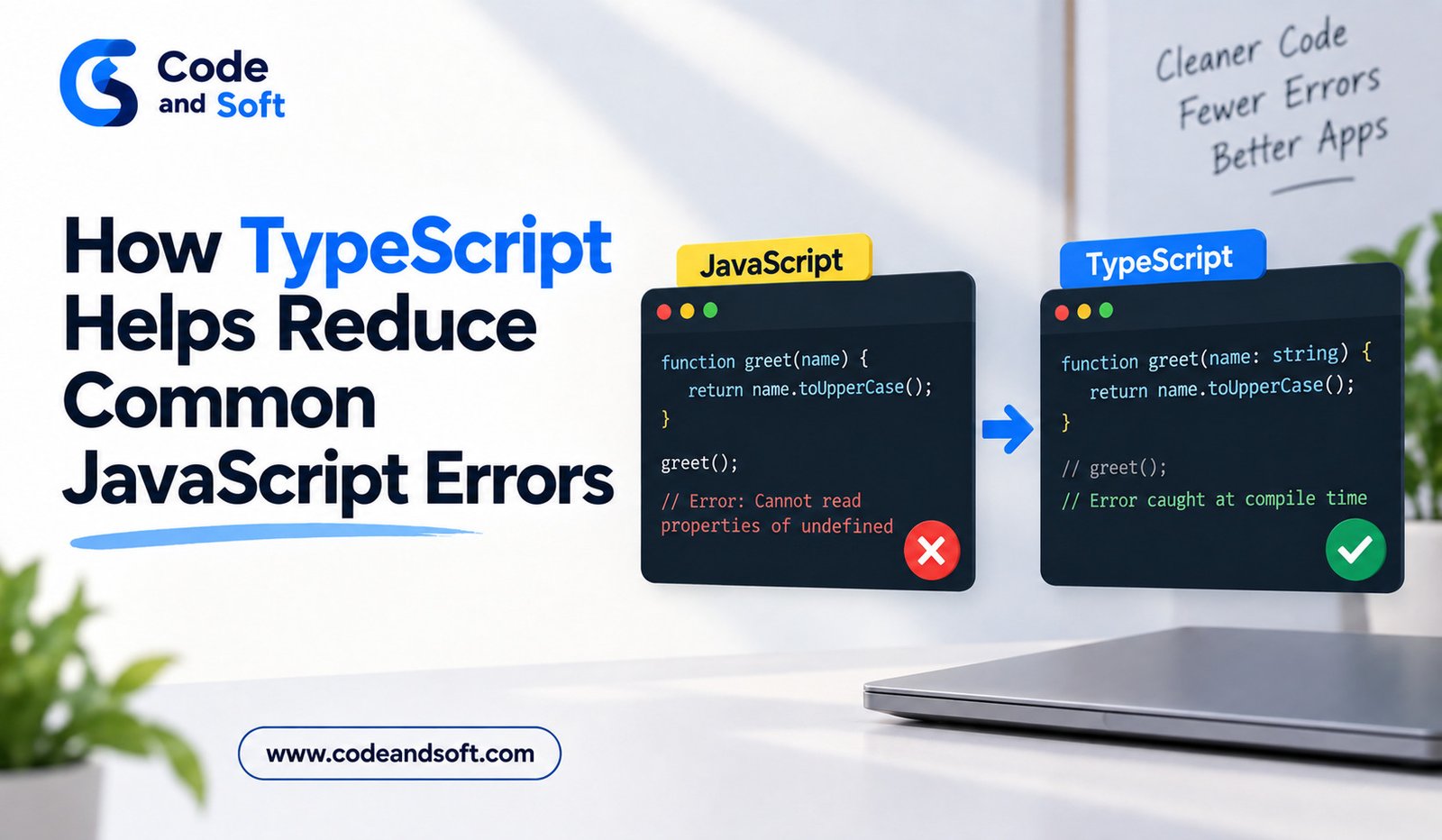

JavaScript gives developers a great deal of flexibility, which is one reason it has become such an important language for web development. However, that flexibility can sometimes make programming errors difficult to discover, particularly as an application becomes larger.
A small mistake in a variable, function, object, or API response may not become obvious until a particular part of the application runs. By that point, the error can affect users or become more difficult to trace.
TypeScript helps address some of these challenges by adding static typing and stronger development-time checks to JavaScript. It does not eliminate every possible bug, but it can identify many common problems before the code is executed.
Understanding how TypeScript reduces JavaScript errors can help developers decide when its additional structure is useful.
What Makes Some JavaScript Errors Difficult to Find?
JavaScript is dynamically typed. A variable does not have to be permanently associated with one type of value.
For example:
let value = “100”;
value = 100;
JavaScript allows this kind of flexibility.
That can be convenient, but it can also create unexpected behavior when different parts of an application assume that a value has a particular type.
In a small script, these issues may be easy to find. In a large application with hundreds of files, multiple developers, and external data sources, they can become harder to identify.
TypeScript adds additional information that can help detect certain problems earlier.
Type Mismatches Can Be Caught Earlier
One of the most important benefits of TypeScript is its ability to identify incompatible types during development.
Consider a JavaScript function:
function calculateTotal(price, quantity) {
return price * quantity;
}
There is no explicit information about what price or quantity should contain.
A TypeScript version can define those expectations:
function calculateTotal(price: number, quantity: number): number {
return price * quantity;
}
If another part of the application tries to pass an inappropriate value, TypeScript can report a type error during development.
This does not guarantee that the function will never receive invalid data at runtime, but it can prevent many mistakes in code that the compiler can analyze.
Helps Prevent Undefined Property Errors
JavaScript developers often encounter errors caused by attempting to access a property that does not exist or trying to use a value that is unexpectedly undefined.
For example:
const user = {};
console.log(user.name.toUpperCase());
The problem is that name does not contain a usable string.
TypeScript can help when an object’s structure is clearly defined.
For example:
interface User {
name: string;
email: string;
}
If a developer creates a User object without the required properties, TypeScript can report the problem.
Optional properties can also be represented explicitly:
interface User {
name: string;
phone?: string;
}
This tells the developer that phone may not exist and encourages appropriate handling.
Reduces Incorrect Function Arguments
Functions are used throughout almost every JavaScript application.
A common problem occurs when a function receives an argument that does not match what the function expects.
For example:
function showUserName(user) {
return user.name;
}
Without additional information, another developer may not know what structure user should have.
TypeScript allows the expected structure to be defined:
interface User {
name: string;
email: string;
}
function showUserName(user: User): string {
return user.name;
}
Now the function clearly communicates its requirements.
This can be especially useful in large applications where functions are shared between multiple components and modules.
Helps With Incorrect Return Values
TypeScript can also describe what a function should return.
For example:
function getPrice(): number {
return 500;
}
If the implementation accidentally returns a string instead, TypeScript can flag the mismatch.
This becomes valuable when functions are used in many different locations.
A developer can understand not only what information a function accepts but also what information it is expected to provide.
Makes Object Structures Clearer
JavaScript objects can contain almost any combination of properties.
That flexibility is useful, but large applications often benefit from predictable structures.
TypeScript allows developers to create reusable object definitions.
For example:
type Product = {
id: number;
name: string;
price: number;
available: boolean;
};
Now TypeScript can check whether objects used as Product actually contain the expected information.
This can reduce errors caused by misspelled property names, missing properties, or incorrect value types.
Helps Detect Property Name Mistakes
A simple spelling mistake can cause problems in JavaScript.
For example:
const user = {
firstName: “Riya”
};
console.log(user.firstname);
JavaScript may simply return undefined because firstname and firstName are different property names.
With a properly typed object, TypeScript can identify that the requested property does not exist.
This is a small example, but similar mistakes can become much more difficult to find in large applications.
Safer Refactoring
Refactoring means changing the internal structure of code without intentionally changing its overall behavior.
Large JavaScript projects often require refactoring as features evolve.
Suppose a developer renames a property from username to displayName. In a large codebase, it may be difficult to know every location where the old property is being used.
When the relevant structures are typed, TypeScript and modern development tools can provide better information about where a property is referenced.
This can make large changes easier to manage.
Better Protection When Working With Arrays
Arrays are another area where incorrect assumptions can lead to bugs.
Suppose an application expects an array of numbers:
let scores: number[] = [80, 92, 75];
TypeScript can prevent incompatible values from being added through type-checked code.
Developers can also create arrays of custom objects:
interface Product {
name: string;
price: number;
}
let products: Product[] = [];
This tells TypeScript that each item in the array should follow the Product structure.
Union Types Help Handle Multiple Possibilities
Sometimes a value legitimately has more than one possible type.
For example:
type ProductId = string | number;
Instead of pretending that the value has only one type, TypeScript makes the possibilities explicit.
Developers can then use type narrowing to determine which type they are dealing with.
For example:
function displayId(id: string | number) {
if (typeof id === “string”) {
return id.toUpperCase();
}
return id.toString();
}
This makes the different cases visible in the code and encourages developers to handle them deliberately.
Better Support for API-Related Code
Modern web applications frequently depend on APIs.
An API might return customer information, products, orders, articles, or other structured data.
TypeScript can describe the expected shape of that information.
For example:
interface Article {
id: number;
title: string;
author: string;
}
This can make it easier for developers to work with API data throughout the frontend.
However, an important limitation should be understood: TypeScript’s compile-time types do not automatically validate data received from an external server at runtime.
If an API sends unexpected information, the application still needs appropriate runtime validation when necessary.
TypeScript Does Not Eliminate Every Bug
It is important not to treat TypeScript as a complete bug-prevention system.
It can catch many type-related problems, but it cannot automatically detect every logical error.
For example, a function can have perfectly correct types and still calculate the wrong result.
A developer can also write incorrect business rules, design a poor user experience, create security vulnerabilities, or mishandle external data.
Testing, code reviews, debugging, runtime validation, and good architecture are still important.
TypeScript should be viewed as one layer of protection rather than a replacement for other development practices.
Why TypeScript Becomes More Valuable as Projects Grow
The benefits of TypeScript often become more noticeable as an application becomes larger.
In a small JavaScript script, a developer may easily understand every variable and function.
In a large application, however, there may be hundreds of components, shared utilities, API integrations, and multiple development teams.
TypeScript can provide a common language for describing data structures and function expectations.
This can make code easier to navigate, refactor, and maintain.
How Beginners Can Use TypeScript Effectively
New developers do not need to learn every TypeScript feature immediately.
Start with basic types such as strings, numbers, and Booleans. Then learn function parameter types, return types, arrays, object types, interfaces, type aliases, and union types.
After becoming comfortable with these concepts, explore generics, utility types, narrowing techniques, and more advanced patterns.
The goal should be to use types where they improve clarity rather than adding unnecessary complexity.
Final Thoughts
TypeScript helps reduce many common JavaScript errors by giving developers additional information about the code before it runs.
It can identify type mismatches, incorrect function arguments, missing object properties, misspelled property names, incompatible return values, and other problems that might otherwise become runtime issues.
Its benefits become particularly valuable in larger applications where developers need to understand and modify code written by other people.
TypeScript does not make applications completely bug-free, but it provides an additional layer of protection around JavaScript development. When combined with testing, good architecture, code reviews, and careful runtime handling, it can help developers build code that is easier to understand, maintain, and improve.