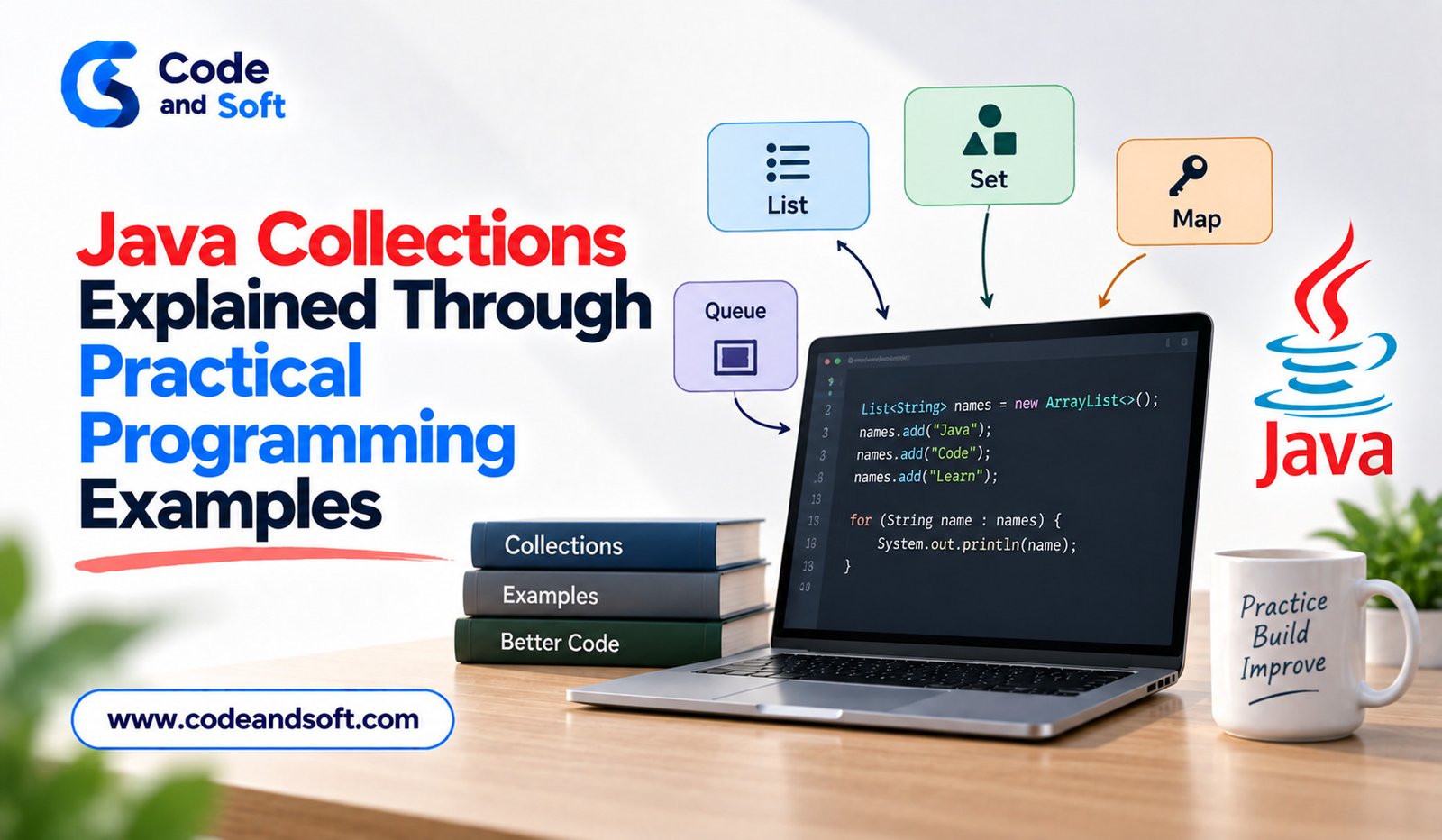

Java Collections are one of the most important parts of everyday Java programming. Whether you are building a banking application, an e-commerce platform, a web service, or a simple desktop program, you will often need to store, organize, search, update, and process groups of objects.
Instead of creating separate arrays and writing custom logic for every situation, Java provides the Java Collections Framework. It offers ready-to-use interfaces and classes for handling groups of data efficiently.
Understanding Java Collections becomes much easier when you connect each collection type with a practical programming problem. This article explains the main Java collection types through simple examples and shows when developers should use them.
What Are Java Collections?
A collection is an object that can hold multiple elements. For example, an application might need to maintain a list of customers, a set of unique product categories, or a mapping between employee IDs and employee names.
Java provides a structured framework for these requirements. Important interfaces include List, Set, Queue, and Map.
Each collection has different characteristics. Some preserve insertion order, some prevent duplicate values, and others are designed for fast lookup using keys.
The right choice depends on what the application needs to accomplish.
Working With List Using ArrayList
A List is useful when the order of elements matters and duplicate values are allowed. One of the most commonly used implementations is ArrayList.
Imagine an online shopping application that stores products selected by a customer.
import java.util.ArrayList;
import java.util.List;
public class ShoppingCart {
public static void main(String[] args) {
List<String> products = new ArrayList<>();
products.add(“Laptop”);
products.add(“Wireless Mouse”);
products.add(“Keyboard”);
System.out.println(products);
}
}
The ArrayList maintains the order in which products were added. It also allows the same product name to appear more than once.
Developers can retrieve an element using its index:
System.out.println(products.get(1));
This makes ArrayList particularly useful when applications frequently access elements by position.
It is commonly used for product lists, search results, customer records, messages, and other ordered data.
Using LinkedList for Sequential Data
LinkedList is another implementation of the List interface. It stores elements as connected nodes rather than using a dynamically sized array structure like ArrayList.
For example, consider a simple task management application:
import java.util.LinkedList;
public class TaskManager {
public static void main(String[] args) {
LinkedList<String> tasks = new LinkedList<>();
tasks.add(“Check emails”);
tasks.add(“Prepare report”);
tasks.add(“Attend meeting”);
tasks.addFirst(“Start work”);
tasks.addLast(“Review tasks”);
System.out.println(tasks);
}
}
LinkedList provides convenient methods for adding and removing elements from both ends.
However, choosing LinkedList simply because insertion is possible is not always a good idea. In many everyday applications, ArrayList is a better general-purpose choice because indexed access is typically more efficient.
The collection should therefore be selected according to the application’s actual access pattern.
Removing Duplicate Data With HashSet
A Set is useful when duplicate values should not be stored. HashSet is a popular implementation.
Suppose an application receives customer email addresses from several registration forms. The same address may appear more than once.
import java.util.HashSet;
import java.util.Set;
public class EmailManager {
public static void main(String[] args) {
Set<String> emails = new HashSet<>();
emails.add(“user1@example.com”);
emails.add(“user2@example.com”);
emails.add(“user1@example.com”);
System.out.println(emails);
}
}
Although the first email is added twice, a HashSet keeps only one occurrence.
This makes sets useful for unique usernames, tags, categories, permissions, and other data where duplicates are not meaningful.
One important point is that HashSet does not guarantee normal insertion-order iteration.
Preserving Order With LinkedHashSet
Sometimes an application needs both uniqueness and predictable insertion order. In that situation, LinkedHashSet can be useful.
import java.util.LinkedHashSet;
import java.util.Set;
public class CategoryManager {
public static void main(String[] args) {
Set<String> categories = new LinkedHashSet<>();
categories.add(“Technology”);
categories.add(“Business”);
categories.add(“Sports”);
categories.add(“Technology”);
System.out.println(categories);
}
}
The duplicate category is ignored, while the original insertion order is maintained.
This can be helpful when displaying unique items to users in the same order in which they were received.
Sorting Data With TreeSet
When values need to remain sorted, TreeSet provides a useful solution.
import java.util.TreeSet;
import java.util.Set;
public class ScoreManager {
public static void main(String[] args) {
Set<Integer> scores = new TreeSet<>();
scores.add(85);
scores.add(72);
scores.add(95);
scores.add(60);
System.out.println(scores);
}
}
The values are maintained in sorted order.
This can be useful when an application needs unique values in natural ordering, such as scores, names, or numerical identifiers.
The trade-off is that maintaining sorted data generally involves more processing than simply storing values in a hash-based collection.
Understanding Map With HashMap
A Map works differently from List and Set. It stores information as key-value pairs.
A practical example is an employee directory where each employee ID identifies a particular employee.
import java.util.HashMap;
import java.util.Map;
public class EmployeeDirectory {
public static void main(String[] args) {
Map<Integer, String> employees = new HashMap<>();
employees.put(101, “Aarav”);
employees.put(102, “Meera”);
employees.put(103, “Rohan”);
System.out.println(employees.get(102));
}
}
Here, the employee ID is the key and the employee name is the value.
A HashMap is particularly useful when applications need to retrieve information using a unique key.
Common examples include customer IDs, product codes, usernames, configuration values, and database record identifiers.
Keys in a map are unique. Adding another value with an existing key replaces the previous value associated with that key.
Preserving Map Insertion Order With LinkedHashMap
If a program needs key-value storage while retaining insertion order, LinkedHashMap is a useful option.
import java.util.LinkedHashMap;
import java.util.Map;
public class ProductCatalog {
public static void main(String[] args) {
Map<Integer, String> products = new LinkedHashMap<>();
products.put(1, “Laptop”);
products.put(2, “Monitor”);
products.put(3, “Printer”);
System.out.println(products);
}
}
This can be useful when information needs to be displayed in the same sequence in which it was inserted.
Sorting Key-Value Data With TreeMap
TreeMap maintains its keys in sorted order.
import java.util.Map;
import java.util.TreeMap;
public class CustomerRecords {
public static void main(String[] args) {
Map<Integer, String> customers = new TreeMap<>();
customers.put(300, “Neha”);
customers.put(100, “Arjun”);
customers.put(200, “Kabir”);
System.out.println(customers);
}
}
The keys are automatically arranged according to their natural ordering.
This can be helpful when an application frequently works with sorted keys.
Using Queue for Processing Tasks
A Queue is useful when items need to be processed in a particular sequence. A common example is a customer-support system where requests are handled in arrival order.
import java.util.LinkedList;
import java.util.Queue;
public class SupportQueue {
public static void main(String[] args) {
Queue<String> requests = new LinkedList<>();
requests.offer(“Request A”);
requests.offer(“Request B”);
requests.offer(“Request C”);
System.out.println(requests.poll());
}
}
The poll() method removes and returns the next available element.
Queues can be useful for task processing, message handling, print jobs, and scheduling systems.
Choosing the Right Java Collection
Choosing a collection should begin with the application’s requirements rather than the name of the class.
If ordered data and indexed access are important, ArrayList is often a practical choice. If duplicate values must be prevented, consider a Set. If information needs to be accessed using a key, a Map is usually more appropriate.
For sorted data, TreeSet or TreeMap can be useful. For processing elements sequentially, a Queue may provide a better design.
Performance should also be considered. A collection that works well for one operation may not be ideal for another. Developers should think about how frequently the application adds, removes, searches, sorts, or retrieves data.
Why Java Collections Matter in Real Applications
Java Collections reduce the amount of repetitive code developers need to write. Instead of building custom data structures for common requirements, programmers can use well-tested classes from the Java platform.
Collections also make code easier to organize. A developer reading a Map<Integer, String> can immediately understand that the program associates integer keys with string values.
They are used throughout modern Java development, including enterprise applications, backend services, Android-related development, APIs, data-processing programs, and business software.
Understanding collections also prepares developers for more advanced Java topics such as streams, generics, concurrency, sorting, filtering, and functional programming.
Final Thoughts
Java Collections provide a practical foundation for managing groups of data in Java applications. ArrayList, LinkedList, HashSet, LinkedHashSet, TreeSet, HashMap, LinkedHashMap, TreeMap, and Queue each solve different programming requirements.
The most important skill is not memorizing every collection class. It is understanding why a particular collection fits a particular problem.
By practicing with realistic examples such as shopping carts, employee directories, customer records, task queues, and unique categories, developers can build a stronger understanding of the Java Collections Framework and write cleaner, more maintainable Java programs.