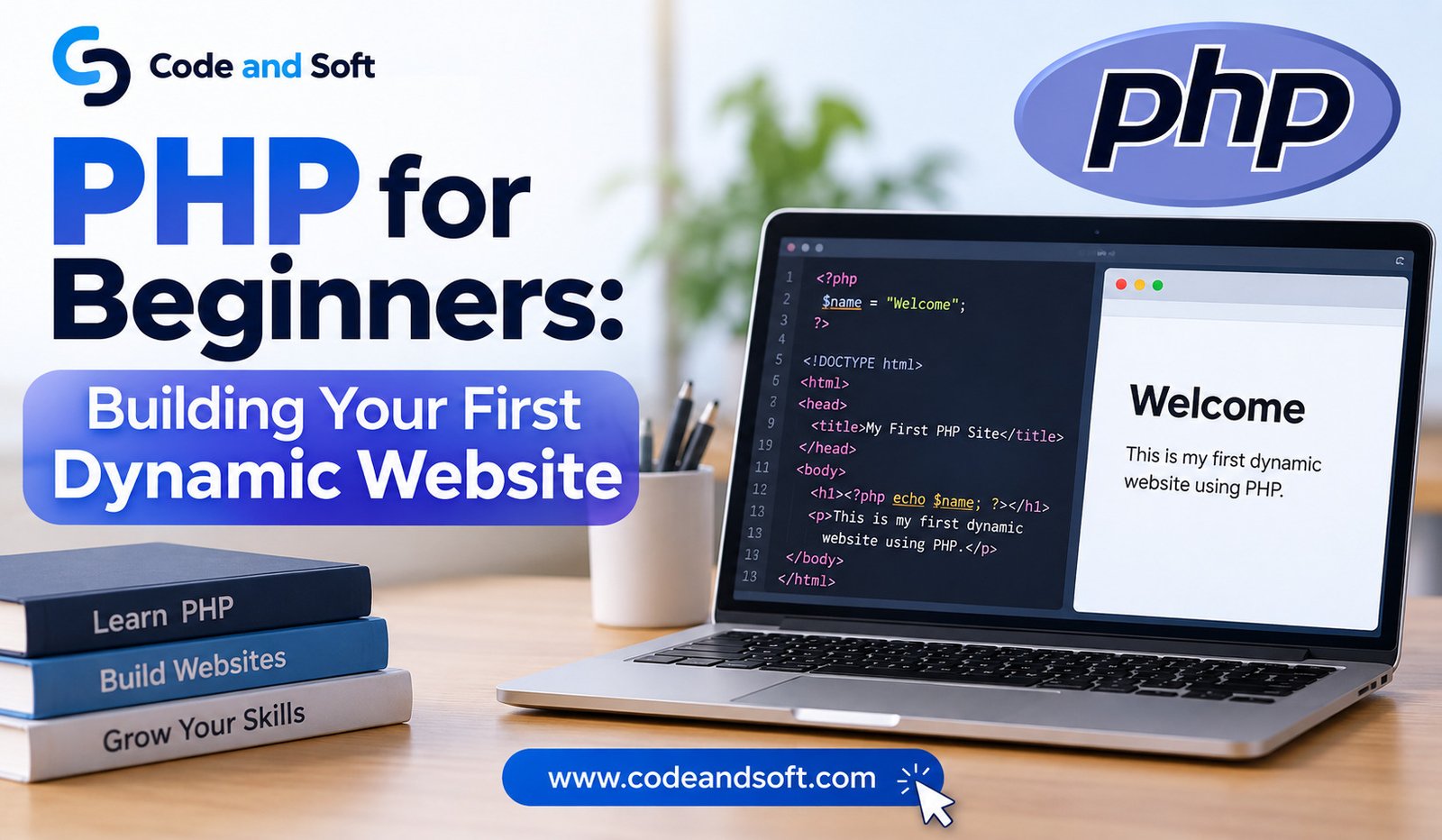

If you are interested in creating websites and want to move beyond simple pages, PHP is a great language to learn. It has been used to create websites for many years and is still popular for building pages that can change based on what a visitor does.
A simple HTML page can show text, images, buttons, and other content, but the information usually stays the same unless someone changes the page. PHP allows a website to respond to visitors and display different information when needed. This makes websites more useful and interactive.
The good news is that you do not need to be an expert in programming to start learning PHP. With some basic HTML knowledge, a computer, and a little patience, you can build your first dynamic website.
What Is PHP?
PHP is a programming language mainly used for creating websites. The name originally came from “Personal Home Page,” although PHP now stands for “PHP: Hypertext Preprocessor.”
Unlike HTML, which mainly describes what should appear on a web page, PHP can make decisions and work with information before a page is shown to a visitor.
For example, imagine you have a website that welcomes visitors. With a normal HTML page, everyone might see the same message. With PHP, you could show a different message depending on the visitor, the time of day, or information they have entered.
PHP works behind the scenes. A visitor opens a web page, the website processes the PHP code, and the visitor receives the finished page in their browser. The visitor normally does not see the PHP code itself.
This makes PHP useful for websites that need changing information, forms, user accounts, product pages, blogs, and many other features.
Why Should Beginners Learn PHP?
PHP is beginner-friendly because you can start with very small pieces of code. You do not have to understand everything at once.
It also works well with HTML. You can create the basic design of a page with HTML and then add PHP where you need changing information.
Another reason to learn PHP is that it has been used for a huge number of websites. Many popular website tools are built with PHP, including WordPress. Learning the basics can therefore help you understand how many websites work.
PHP is also free to use. You can install the software needed to practice without paying for expensive programs.
Most importantly, PHP gives you a chance to build something real while learning. Instead of only reading about programming, you can create a page, change it, test it, and see the result.
What Do You Need Before Starting?
You do not need a powerful computer to begin learning PHP. A normal computer is enough for simple practice.
You will need a code editor where you can write your PHP code. A simple editor can work, although many beginners prefer an editor designed for programming because it makes code easier to read.
You will also need a way to run PHP on your computer. PHP normally needs a web server to process the code. Beginners can make this easier by installing a local software package that includes PHP and the other basic tools needed to run a website.
Programs such as XAMPP can help beginners create a small website environment on their own computer. Once everything is installed, you can create PHP files and open them through your local website address.
You do not need to buy hosting or a domain name while learning. Your computer can act as your practice website.
Understanding Your First PHP File
PHP files normally use the .php extension. This tells the server that the file contains PHP code.
A very simple PHP example looks like this:
<?php
echo “Hello, welcome to my website!”;
?>
The echo command tells PHP to display the message.
When you open this page through a PHP-enabled server, the visitor will see:
Hello, welcome to my website!
The PHP code itself will not normally appear on the page.
This small example may not look exciting, but it teaches an important idea. PHP can create content that appears on a web page.
Combining PHP With HTML
One of the easiest ways to understand PHP is to use it together with HTML.
For example:
<!DOCTYPE html>
<html>
<head>
<title>My First PHP Website</title>
</head>
<body>
<h1>Welcome to My Website</h1>
<p>
<?php
echo “Thanks for visiting my website.”;
?>
</p>
</body>
</html>
Here, HTML creates the basic page while PHP displays the message.
This is one of the reasons PHP can be comfortable for beginners. You can start with HTML and slowly add PHP as you become more confident.
You do not need to build an entire website with PHP from the beginning. You can learn one small feature at a time.
Creating Changing Content
The real benefit of PHP becomes clear when you start creating content that can change.
For example, you could display a different message depending on the time.
<?php
$hour = date(“H”);
if ($hour < 12) {
echo “Good morning!”;
} else {
echo “Good afternoon!”;
}
?>
The website checks the current hour and chooses a message.
This is different from a normal HTML page because the result can change automatically.
You can use the same idea for many other things. A website could display a special message during a sale, show different information to logged-in users, or display content based on information entered into a form.
Learning PHP Variables
Variables are another basic part of PHP.
A variable is simply a place where you can keep some information while your program is running.
For example:
<?php
$name = “Rahul”;
echo “Hello ” . $name;
?>
The variable $name contains the word “Rahul.” PHP then uses that information when displaying the message.
You could change the name to another value, and the website would show the new name.
Variables become very useful when you start working with forms, user accounts, products, prices, and other information.
For example, a simple website could store a visitor’s name and then use it to create a personal greeting.
Using Conditions to Make Decisions
A dynamic website often needs to make decisions. PHP can do this with conditions.
Imagine you are creating a simple website that checks a person’s age.
<?php
$age = 20;
if ($age >= 18) {
echo “You are an adult.”;
} else {
echo “You are under 18.”;
}
?>
PHP checks the value and displays the appropriate message.
This basic idea is used everywhere in websites. A website may check whether someone is logged in, whether a product is available, whether a form has been completed correctly, or whether a user has permission to view something.
Learning how to make these simple decisions is an important step toward building useful websites.
Creating a Simple Form
Forms are one of the most useful features you can add to a website.
A form allows visitors to enter information. They might enter their name, email address, message, or search term.
A simple HTML form might look like this:
<form method=”post”>
<input type=”text” name=”name”>
<button type=”submit”>Send</button>
</form>
PHP can then receive the information entered by the visitor.
For example:
<?php
if ($_SERVER[“REQUEST_METHOD”] == “POST”) {
$name = $_POST[“name”];
echo “Hello, ” . $name;
}
?>
When someone enters their name and submits the form, PHP can read that information and display a response.
This is where your website starts to feel more interactive. Instead of simply showing information, it can receive information and respond to the visitor.
Building a Simple Personal Website
Once you understand basic PHP, you can start creating a small personal website.
You might create a homepage with your name and introduction. Another page could describe your interests, while a contact page could contain a simple form.
PHP can help you avoid repeating the same parts of your website on every page. For example, a website may have the same header and footer on many pages.
Instead of writing the same code again and again, you can keep common parts in separate PHP files and include them where needed.
For example:
<?php include “header.php”; ?>
<h1>About Me</h1>
<p>Welcome to my personal website.</p>
<?php include “footer.php”; ?>
This makes your website easier to manage. If you need to change the header later, you can update one file instead of changing every page.
Connecting PHP to a Database
As your skills improve, you may want your website to remember information.
This is where a database becomes useful.
A database can store information such as user names, blog posts, products, comments, or orders. PHP can communicate with the database and use the stored information on a web page.
For example, instead of writing every blog post directly into an HTML page, you could store your posts in a database. PHP could then retrieve the posts and display them on your website.
This is how websites can handle large amounts of changing information.
You do not need to learn databases on your first day of PHP. It is better to become comfortable with basic PHP first. Once you understand variables, conditions, forms, and simple page creation, working with a database becomes easier to understand.
Keeping Your PHP Code Safe
When you start building websites that accept information from visitors, safety becomes important.
You should never assume that information entered into a form is safe. A visitor could enter unexpected or harmful content.
For this reason, PHP developers learn how to check and clean information before using it. Passwords should also never be stored as plain text. PHP provides tools that can safely protect passwords before they are stored.
You should also keep PHP and other website software updated. Older software may contain security problems that have already been fixed in newer versions.
Even if you are only learning, it is useful to develop safe habits from the beginning.
Common Beginner Mistakes
Learning PHP can feel confusing at first, especially when a small spelling mistake causes an error.
One common mistake is forgetting a semicolon. Another is using a variable name incorrectly. PHP also treats uppercase and lowercase letters differently in many situations, so small differences can cause problems.
Beginners sometimes try to learn too many things at once. It is better to start with simple ideas and practice them several times.
Do not worry if your first website looks basic. The goal at the beginning is to understand how PHP works, not to create a huge professional website immediately.
When something does not work, read the error message carefully. It often gives you a clue about where the problem is.
How to Practice PHP Effectively
The best way to learn PHP is to build small projects.
Start with a page that displays your name. Then create a page that shows the current date. After that, try making a simple form that welcomes visitors by name.
Once these tasks become comfortable, you can create something slightly larger, such as a simple calculator, a small blog, or a basic contact page.
Each project will introduce a new problem to solve. This is useful because programming becomes easier when you regularly practice solving small problems.
You can also read PHP examples and then try changing them. Change the text, numbers, conditions, and page design to see what happens.
Making mistakes is a normal part of learning. In fact, fixing small mistakes can teach you more than simply reading tutorials.
What Can You Build With PHP?
PHP can be used for many types of websites.
You can create personal websites, blogs, company websites, news pages, online stores, membership websites, booking systems, and content management systems.
You can also use PHP to create websites where visitors can register accounts, log in, submit information, leave comments, and interact with stored content.
The size of the project does not matter when you are learning. A small project can teach you the same basic ideas that are used in much larger websites.
As you become more comfortable, you can learn how PHP works with databases, website design, and other tools. You can then move from simple practice pages to complete websites.
Final Thoughts
PHP is a useful choice for anyone who wants to learn how dynamic websites are created. It allows you to start with simple code and gradually build more useful features.
You do not need to understand everything before writing your first PHP program. Begin with a small page, learn how PHP displays information, and then slowly explore variables, conditions, forms, and shared website parts.
The most important thing is to practice regularly. Reading about PHP can give you an idea of how it works, but creating your own pages will help you understand it much better.
Your first PHP website may be very simple. It may only display a greeting or accept a visitor’s name. That is perfectly fine. Every experienced developer started with simple programs. With steady practice, those small pages can become complete websites that respond to visitors and handle real information.
PHP is not something you need to master in a single day. Take one concept at a time, experiment with your code, fix your mistakes, and keep building. Before long, you will have a better understanding of how dynamic websites work and the confidence to create your own.