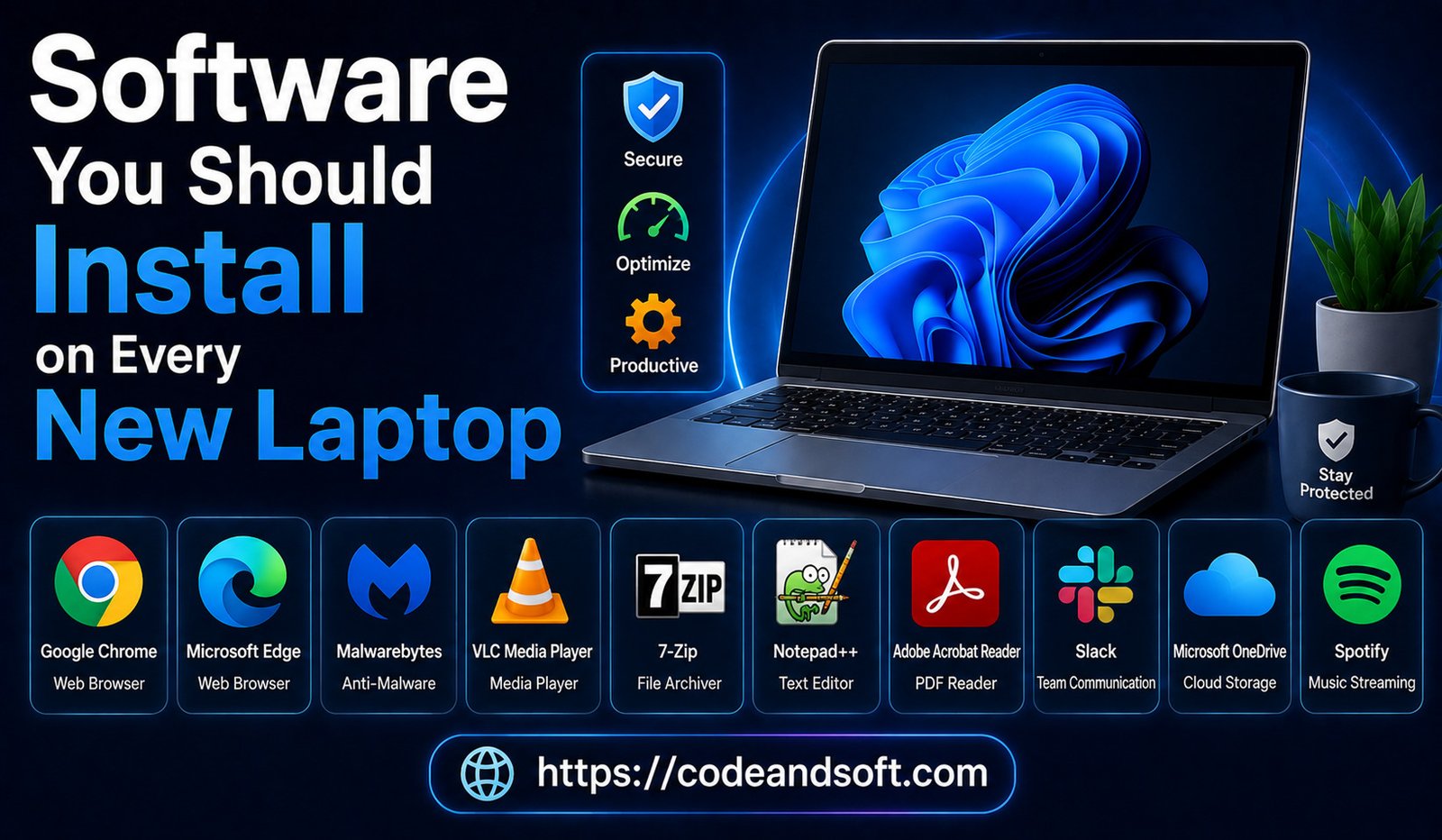

Buying a new laptop is always exciting. A fresh device usually comes with improved performance, better battery life, faster processing, and the latest operating system. However, a new laptop is not complete immediately after turning it on. To get the best experience, users need to install essential software that improves productivity, security, creativity, file management, and overall performance.
Most new laptops come with basic applications, but they often lack many important tools needed for everyday tasks. Whether you are a student, professional, business owner, content creator, or casual user, installing the right software can transform your laptop into a powerful digital workspace.
In 2026, software applications have become smarter with artificial intelligence, cloud integration, automation, and advanced security features. From protecting your device against cyber threats to organizing your files and improving productivity, the right software selection is essential.
Why Installing Essential Software Matters
A new laptop provides the hardware, but software determines how effectively you can use it.
The right applications help you:
- Improve productivity
- Protect personal data
- Manage files easily
- Create professional content
- Communicate effectively
- Maintain system performance
Without essential software, users may experience limited functionality and reduced security.
1. Antivirus and Security Software
Modern cyber threats include:
- Malware
- Viruses
- Ransomware
- Phishing attacks
- Spyware
Recommended Antivirus Software:
Bitdefender
Key Features:
- Real-time threat protection
- Malware detection
- Ransomware defense
- Safe browsing
- Privacy tools
Why Install It?
Best for:
- Students
- Professionals
- Businesses
- Home users
2. Web Browser
Recommended Browsers:
Google Chrome
Features:
- Fast browsing
- Large extension library
- Cross-device synchronization
- Strong compatibility
Mozilla Firefox
Features:
- Privacy-focused browsing
- Customization options
- Security controls
Microsoft Edge
Features:
- Built-in productivity tools
- AI features
- Smooth Windows integration
3. Office and Productivity Software
Every laptop user needs productivity software for documents, spreadsheets, presentations, and daily work.
Recommended Software:
Microsoft 365
Features:
- Microsoft Word
- Excel
- PowerPoint
- Outlook
- OneDrive
- Teams
Benefits:
- Professional document creation
- Business collaboration
- Cloud access
Alternative:
Google Workspace
Features:
- Google Docs
- Sheets
- Slides
- Drive storage
Best for:
- Students
- Office workers
- Remote teams
4. Cloud Storage Software
Cloud storage is essential for keeping files safe and accessible from multiple devices.
Instead of storing everything only on your laptop, cloud services create online backups.
Recommended Cloud Storage:
Google Drive
Features:
- File backup
- File sharing
- Collaboration tools
Microsoft OneDrive
Features:
- Windows integration
- Automatic synchronization
- Office integration
Dropbox
Features:
- Easy file sharing
- Team collaboration
- File recovery
Why Install Cloud Storage?
Benefits include:
- Protection against data loss
- Easy access anywhere
- Simple file sharing
5. Media Player Software
A good media player improves your entertainment experience by supporting different video and audio formats.
Recommended Software:
VLC Media Player
Features:
- Supports almost all media formats
- Plays HD and 4K videos
- Subtitle support
- Audio controls
Why Install VLC?
Many built-in media players cannot open every file format. VLC provides a simple and reliable solution.
Best for:
- Movie watching
- Music playback
- Video files
6. File Compression Software
Compressed files are common when downloading software, documents, or large files.
A file compression tool allows users to open and create archive files.
Recommended Software:
7-Zip
Features:
- File compression
- ZIP and other archive support
- Encryption options
Benefits:
- Saves storage space
- Opens downloaded files
- Improves file management
7. PDF Reader Software
PDF files are used everywhere, from business documents to educational materials.
A dedicated PDF reader provides better features than basic browser viewing.
Recommended Software:
Adobe Acrobat Reader
Features:
- PDF viewing
- Document searching
- Digital signatures
- Annotation tools
Best For:
- Students
- Professionals
- Businesses
8. Password Manager
Managing multiple passwords manually is difficult and unsafe.
A password manager stores passwords securely and helps users create stronger login credentials.
Recommended Software:
1Password
Features:
- Secure password storage
- Password generation
- Multi-device synchronization
Bitwarden
Features:
- Secure vault
- Open-source security approach
- Cross-platform support
Why Install a Password Manager?
Benefits include:
- Better security
- Easier login management
- Reduced password reuse
9. Communication Software
Modern work and education depend heavily on online communication.
Recommended Applications:
Zoom Video Communications
Features:
- Video meetings
- Screen sharing
- Online collaboration
Slack Technologies
Features:
- Team messaging
- File sharing
- Workplace communication
Best for:
- Remote workers
- Businesses
- Online learning
10. Photo Editing Software
Whether you edit personal photos or create professional designs, photo editing software is useful.
Recommended Software:
Adobe Photoshop
Features:
- Professional image editing
- Advanced tools
- Creative effects
Alternative:
Canva
Features:
- Templates
- Simple editing
- Social media designs
Best for:
- Creators
- Students
- Marketing professionals
11. Video Editing Software
Video content has become extremely popular, making video editing software valuable for many users.
Recommended Software:
DaVinci Resolve
Features:
- Video editing
- Color correction
- Audio processing
- Visual effects
Final Cut Pro
Best For:
- Mac users
- Professional editors
Why Install Video Editing Software?
It allows users to:
- Create YouTube videos
- Edit personal videos
- Produce professional content
12. System Optimization Software
Over time, laptops collect unnecessary files that can reduce performance.
Optimization software helps maintain system health.
Useful features include:
- Storage cleaning
- Startup management
- Performance monitoring
Users should choose trusted optimization tools and avoid unknown programs that make unrealistic performance claims.
13. Note-Taking and Organization Software
Organization tools help users manage ideas, tasks, and important information.
Recommended Software:
Notion
Features:
- Notes
- Task management
- Project planning
- Team collaboration
Alternative:
Evernote
Features:
- Digital notes
- Document organization
- Search tools
Best for:
- Students
- Entrepreneurs
- Professionals
14. Backup Software
Backing up important files is one of the most important laptop maintenance steps.
Backup software protects against:
- Hardware failure
- Accidental deletion
- Malware attacks
Recommended backup options:
- Cloud backups
- External drive backups
- Automatic backup tools
Essential Software Checklist for a New Laptop
| Category | Recommended Software |
| Security | Bitdefender |
| Browser | Chrome, Firefox, Edge |
| Productivity | Microsoft 365, Google Workspace |
| Cloud Storage | Google Drive, OneDrive, Dropbox |
| Media Player | VLC |
| PDF Reader | Adobe Acrobat Reader |
| Password Manager | 1Password, Bitwarden |
| Communication | Zoom, Slack |
| Design | Photoshop, Canva |
| Video Editing | DaVinci Resolve |
| Organization | Notion |
Tips Before Installing Software
Before downloading applications, follow these safety tips:
Download From Official Websites
Avoid unknown sources that may contain harmful files.
Check Reviews
Read user feedback before installing unfamiliar software.
Avoid Installing Too Many Programs
Too many applications can slow down your laptop.
Keep Software Updated
Updates improve security and performance.
Conclusion
A new laptop becomes much more powerful when equipped with the right software. Security tools protect your device, productivity applications improve workflow, cloud storage keeps files safe, and creative software helps you produce professional content.
Essential programs such as antivirus software, office suites, browsers, cloud storage tools, media players, password managers, and editing applications should be among the first installations on any new laptop.
The best software combination depends on your personal needs, but choosing reliable and trusted applications will help you maximize performance, security, and productivity throughout the life of your device. In 2026, a well-equipped laptop is not just about hardware—it is about having the right software ecosystem.