
SQL is one of the most important skills a developer can learn when working with data. Whether you are building a website, mobile application, business platform, backend service, or analytics tool, there is a good chance that your software will eventually need to store, retrieve, update, or organize information.
SQL, which stands for Structured Query Language, provides a standard way to communicate with relational databases. Developers use it to work with information such as user accounts, products, orders, payments, messages, application settings, and many other types of data.
You do not need to become a database administrator to benefit from SQL. Understanding the fundamentals can make developers more effective when building applications and troubleshooting data-related problems. Learning the core SQL concepts also makes it easier to work with popular relational database systems such as MySQL, PostgreSQL, SQLite, and Microsoft SQL Server.
What Is SQL?
SQL is a language used to interact with relational databases.
A relational database organizes information into tables. Each table contains rows and columns, with each row representing a record and each column describing a particular property of that record.
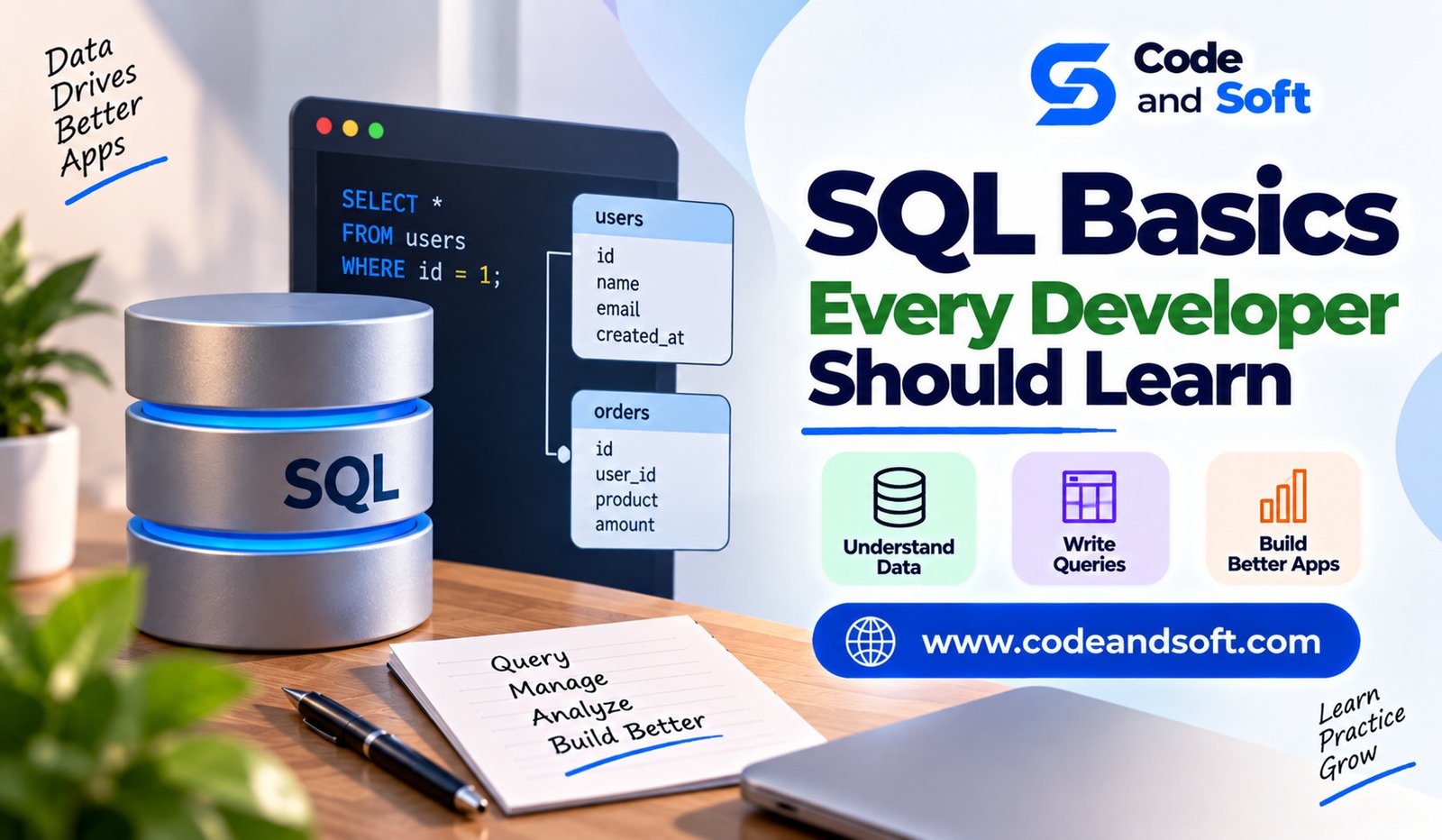
For example, a users table might contain columns such as id, name, email, and created_at.
A developer can use SQL to create tables, insert data, retrieve records, modify existing information, and remove data.
SQL is important because applications rarely operate only on information stored temporarily in memory. Most useful applications need persistent storage so information remains available after the program closes.
Understanding Tables, Rows, and Columns
Before writing SQL queries, developers should understand how relational data is organized.
A table represents a particular category of information. For example, an e-commerce application might have separate tables for customers, products, orders, and payments.
A row represents one record.
A column represents a specific attribute of that record.
For example, a products table could include:
id
name
price
category
stock
One row might represent a particular product.
This basic structure is the foundation of relational database design, so beginners should become comfortable with the relationship between tables, rows, and columns before learning advanced SQL.
Creating a Database Table
SQL allows developers to define database structures using commands such as CREATE TABLE.
For example:
CREATE TABLE users (
id INT PRIMARY KEY,
name VARCHAR(100),
email VARCHAR(150)
);
This example creates a table with three columns.
The id column is defined as a primary key, while name and email store text values.
Different database systems may support different data types and additional features, but understanding basic table creation is a useful starting point.
The SELECT Statement
The SELECT statement is one of the most frequently used SQL commands.
It is used to retrieve information from a database.
For example:
SELECT name, email
FROM users;
This query returns the name and email columns from the users table.
You can also select every column:
SELECT *
FROM users;
Although SELECT * is convenient while exploring data, production applications often benefit from requesting only the columns they actually need.
This can make queries clearer and can reduce unnecessary data transfer.
Filtering Data With WHERE
Applications rarely need every record in a table. The WHERE clause allows developers to filter results.
For example:
SELECT *
FROM users
WHERE id = 10;
You can also combine conditions:
SELECT *
FROM products
WHERE price > 500 AND stock > 0;
Common comparison operators include =, >, <, >=, <=, and <>.
Developers should become comfortable with filtering because almost every practical application needs to locate specific records.
Sorting Results With ORDER BY
The ORDER BY clause allows results to be sorted.
For example:
SELECT name, price
FROM products
ORDER BY price ASC;
ASC sorts values in ascending order, while DESC sorts them in descending order.
Sorting can be useful for displaying products from cheapest to most expensive, showing recently created records first, or ordering search results.
SQL also allows sorting based on multiple columns when more detailed control is needed.
Limiting Results
Sometimes an application needs only a small number of records.
SQL provides mechanisms for limiting results, although the exact syntax can vary between database systems.
A common example is:
SELECT *
FROM products
LIMIT 10;
This is useful when building features such as recent-item lists, search results, dashboards, and pagination.
Understanding result limits can also help developers avoid retrieving far more data than necessary.
INSERT: Adding New Data
The INSERT statement adds new records to a table.
For example:
INSERT INTO users (id, name, email)
VALUES (1, ‘Neha’, ‘neha@example.com’);
When inserting data, developers need to ensure that values match the expected column types and satisfy database constraints.
In real applications, SQL statements are usually generated or executed through a programming language rather than manually typed by users.
Understanding basic INSERT syntax still helps developers understand what their application is doing behind the scenes.
UPDATE: Changing Existing Data
The UPDATE statement modifies existing records.
For example:
UPDATE users
SET name = ‘Neha Sharma’
WHERE id = 1;
The WHERE clause is extremely important here.
Without an appropriate condition, an update can affect every row in the table.
Developers should therefore treat update queries carefully and test them before applying them to important production data.
DELETE: Removing Data
The DELETE statement removes records.
For example:
DELETE FROM users
WHERE id = 1;
As with UPDATE, the filtering condition matters.
A missing or incorrect WHERE clause can remove far more data than intended.
Developers should understand the difference between deleting selected records and clearing a complete table. Destructive database operations should always be handled carefully, especially in production environments.
Primary Keys and Unique Values
A primary key identifies a record uniquely within a table.
For example:
id INT PRIMARY KEY
A good primary-key design makes it easier to reference individual records and establish relationships between tables.
Databases can also enforce uniqueness on specific columns.
For example, an application’s email address may need to be unique:
email VARCHAR(150) UNIQUE
Constraints help protect data integrity by preventing values that violate the database’s rules.
Understanding Foreign Keys
Relational databases become powerful when multiple tables are connected.
A foreign key creates a relationship between records in different tables.
Imagine a customers table and an orders table. An order can contain a customer_id that references the corresponding customer.
This allows the database to represent relationships without duplicating the customer’s complete information in every order.
Understanding primary keys and foreign keys is essential for developers working with multi-table applications.
SQL JOINs
JOINs allow developers to retrieve related information from multiple tables.
For example:
SELECT customers.name, orders.id
FROM customers
JOIN orders
ON customers.id = orders.customer_id;
This query connects customers with their orders.
Common JOIN types include INNER JOIN, LEFT JOIN, RIGHT JOIN, and, depending on the database system, other variations.
You do not need to memorize every JOIN immediately. Start by understanding why joins are necessary and how a relationship between two tables is used to retrieve combined information.
Aggregate Functions
SQL includes functions for summarizing data.
Common aggregate functions include COUNT, SUM, AVG, MIN, and MAX.
For example:
SELECT COUNT(*)
FROM users;
This returns the number of records.
Another example:
SELECT AVG(price)
FROM products;
This calculates the average product price.
Aggregate functions are useful for dashboards, reports, analytics, and business logic.
GROUP BY and HAVING
When working with aggregated information, developers often need to group records.
For example:
SELECT category, COUNT(*)
FROM products
GROUP BY category;
This produces a count for each product category.
The HAVING clause can then filter grouped results:
SELECT category, COUNT(*)
FROM products
GROUP BY category
HAVING COUNT(*) > 5;
Understanding GROUP BY is an important step toward writing reporting and analytics queries.
NULL Values
A NULL value represents missing or unknown information. It is important to understand that NULL is not the same as an empty string or zero.
Developers often need to check for null values explicitly:
SELECT *
FROM users
WHERE email IS NULL;
Using = NULL does not work as a normal comparison.
Understanding null behavior prevents many confusing query results and data-handling bugs.
SQL Injection and Safe Queries
Security is one of the most important SQL concepts developers should understand.
SQL injection can occur when untrusted user input is directly combined with SQL statements in an unsafe way.
Developers should use parameterized queries or prepared statements rather than constructing SQL by directly concatenating user-provided values.
For example, application code should pass values separately from the SQL command whenever the database library supports parameter binding.
This is an essential development practice because database security cannot be treated as an afterthought.
Indexes and Query Performance
As tables grow, searching every row can become expensive.
Indexes help databases locate records more efficiently for certain queries.
For example, a frequently searched email column may benefit from an index.
However, indexes also have costs. They require storage and can add overhead to insert and update operations.
Developers do not need to become database performance experts immediately, but they should understand that query design and indexing can have a major impact on application performance.
Transactions
A transaction groups multiple database operations into a unit of work.
This becomes important when several changes must either succeed together or fail together.
For example, transferring money between accounts may require one account to be debited and another to be credited. Allowing only one operation to succeed could create incorrect data.
Transactions help protect data consistency in these situations.
Understanding the basic purpose of transactions prepares developers for building more reliable applications.
Final Thoughts
SQL is an essential skill for developers who work with relational databases. Learning the fundamentals does not require mastering every advanced database feature. Start with tables, rows, columns, SELECT, filtering, sorting, inserting, updating, and deleting data.
From there, learn primary keys, foreign keys, JOINs, aggregate functions, grouping, null values, transactions, indexes, and safe query practices.
The most valuable SQL skill is not memorizing hundreds of commands. It is understanding how data is organized and how queries can retrieve or modify that information safely and efficiently.
Whether you are building an Android application, web platform, backend API, or business system, strong SQL fundamentals can help you write better software, troubleshoot database problems more effectively, and communicate more confidently with database-driven systems.