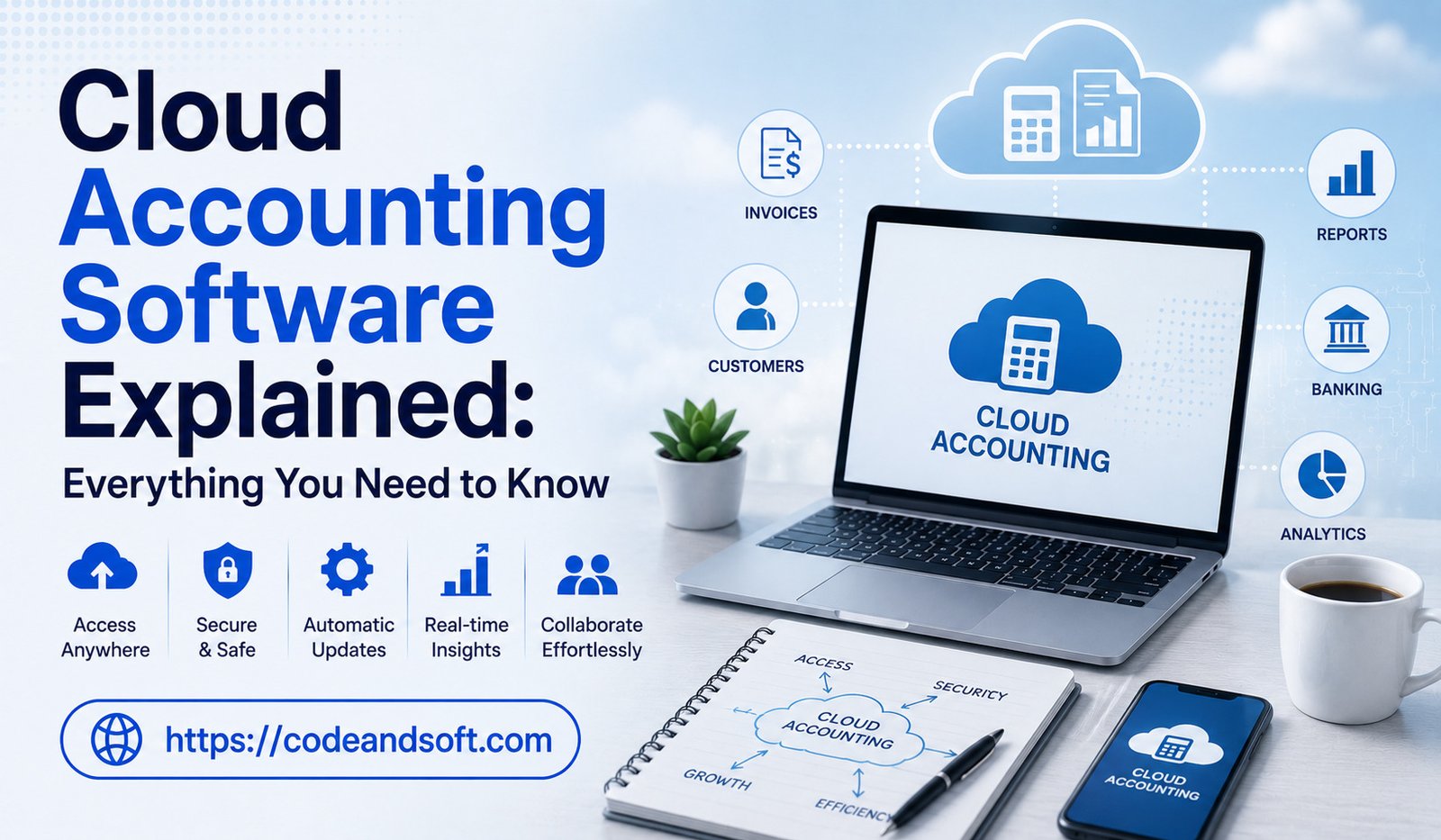
The way businesses manage their finances has changed significantly with the growth of digital technology. Traditional accounting systems that depended on desktop software, paper records, and manual processes are gradually being replaced by cloud-based solutions. Cloud accounting software has become one of the most important innovations in modern financial management, helping businesses automate accounting tasks, improve accuracy, and access financial information from anywhere.
Whether it is a small business owner managing daily expenses, a startup tracking cash flow, or a large company handling complex financial operations, cloud accounting software provides flexibility and efficiency. It allows businesses to store financial data online, automate routine tasks, and collaborate with accountants and team members in real time.
This article explains what cloud accounting software is, how it works, its benefits, key features, challenges, and why businesses are adopting it for smarter financial management.
What Is Cloud Accounting Software?
Cloud accounting software is an online accounting solution that allows businesses to manage their financial activities through the internet instead of using traditional desktop-based accounting programs.
Users can access their accounts through web browsers or mobile applications from any location.
Cloud accounting software helps businesses manage tasks such as:
- Bookkeeping
- Invoicing
- Expense tracking
- Payroll management
- Financial reporting
- Tax preparation
- Bank reconciliation
The main difference between traditional accounting and cloud accounting is accessibility. Cloud solutions allow businesses to manage financial information anytime and anywhere without being limited to a specific device.
How Does Cloud Accounting Software Work?
Cloud accounting software works through internet-based technology. Instead of saving financial information on a local computer, data is stored on secure cloud servers maintained by the software provider.
The basic process includes:
- A business creates an account with a cloud accounting provider.
- Financial data is entered manually or imported automatically.
- The software organizes transactions, invoices, expenses, and reports.
- Authorized users can access updated financial information online.
- The system automatically saves and updates data.
Many cloud accounting platforms also connect with other business tools such as banking systems, payment platforms, inventory software, and payroll applications.
Why Businesses Are Choosing Cloud Accounting Software
Businesses of all sizes are adopting cloud accounting solutions because they offer greater flexibility, automation, and financial visibility.
Access Financial Data Anywhere
One of the biggest advantages of cloud accounting software is remote access. Business owners and accountants can review financial information from offices, homes, or while traveling.
This flexibility is especially valuable for businesses with remote teams or multiple locations.
Real-Time Financial Updates
Traditional accounting methods often require waiting for reports to understand business performance. Cloud accounting provides real-time updates on income, expenses, and cash flow.
Business owners can quickly identify financial issues and make faster decisions.
Reduced Manual Work
Cloud accounting software automates many repetitive accounting tasks, including:
- Data entry
- Invoice creation
- Payment reminders
- Bank reconciliation
- Report generation
Automation saves time and reduces accounting errors.
Better Collaboration
Cloud platforms allow multiple users to access financial data at the same time. Business owners, accountants, and employees can collaborate without exchanging physical documents.
This improves communication and speeds up financial processes.
Key Features of Cloud Accounting Software
Modern cloud accounting platforms offer various features designed to simplify financial management.
Automated Bookkeeping
Cloud accounting software can automatically record transactions by connecting with bank accounts and payment systems.
This reduces manual data entry and keeps financial records updated.
Online Invoicing
Businesses can create professional invoices, send them digitally, and track payments easily.
Invoice features often include:
- Custom invoice templates
- Automated reminders
- Payment tracking
- Customer records
Expense Management
Cloud accounting tools help businesses monitor spending by organizing and categorizing expenses.
Many platforms allow users to upload digital receipts and attach them to transactions.
Bank Integration
Connecting bank accounts allows automatic transaction imports and faster reconciliation.
This helps businesses maintain accurate financial records.
Financial Reporting
Cloud accounting software generates important reports such as:
- Profit and loss statements
- Balance sheets
- Cash flow reports
- Expense summaries
These reports help businesses understand financial performance.
Tax Management
Many cloud accounting platforms provide tax-related features that help businesses calculate taxes, maintain records, and prepare reports.
Mobile Access
Mobile applications allow business owners to manage finances using smartphones and tablets.
Users can:
- Check financial reports
- Send invoices
- Record expenses
- Monitor payments
Benefits of Cloud Accounting Software
1. Cost Efficiency
Traditional accounting systems often require expensive hardware, software installation, and maintenance. Cloud accounting usually works through subscription-based pricing, reducing upfront costs.
Businesses do not need to invest heavily in servers or IT infrastructure.
2. Improved Security
Reliable cloud accounting providers use advanced security measures to protect financial information.
Security features may include:
- Data encryption
- Regular backups
- User authentication
- Access controls
Cloud storage also reduces the risk of losing financial records due to hardware failure.
3. Increased Productivity
Teams can focus more on strategic financial planning instead of administrative tasks.
4. Better Cash Flow Management
Businesses can track unpaid invoices, upcoming expenses, and available funds more effectively.
5. Easier Scalability
As businesses grow, their accounting needs become more complex. Cloud accounting platforms can usually expand with additional features, users, and integrations.
This makes them suitable for growing companies.
Popular Cloud Accounting Software Solutions
Several cloud accounting platforms are widely used by businesses worldwide.
QuickBooks Online
QuickBooks Online is a popular cloud accounting solution designed for small and medium-sized businesses. It provides tools for bookkeeping, invoicing, expense tracking, and financial reporting.
Xero
Xero is a cloud-based accounting platform known for collaboration features and real-time financial management.
It helps businesses manage invoices, transactions, and financial reports efficiently.
Zoho Books
Zoho Books provides accounting automation, invoicing, expense management, and tax features. It is suitable for small businesses looking for affordable cloud solutions.
FreshBooks
FreshBooks focuses on simple accounting management, invoicing, and expense tracking, making it popular among freelancers and service-based businesses.
Sage Accounting
Sage offers cloud-based financial management tools that support accounting, reporting, and business growth.
Cloud Accounting Software for Different Types of Businesses
Small Businesses
Small businesses benefit from cloud accounting because it reduces costs and simplifies financial management.
They can manage invoices, expenses, and reports without hiring large accounting teams.
Startups
Startups need financial visibility while controlling costs. Cloud accounting helps founders track spending and understand business performance.
Freelancers
Freelancers can use cloud accounting tools to manage client invoices, payments, and expenses from anywhere.
Challenges of Cloud Accounting Software
Despite its numerous benefits, cloud accounting also comes with certain challenges that businesses need to evaluate.
Internet Dependency
Cloud accounting requires a stable internet connection. Limited connectivity can affect access to financial information.
Data Security Concerns
Businesses must choose reliable providers with strong security systems to protect sensitive financial information.
Learning Curve
Staff members may require proper training to become familiar with new accounting software and its features.
Subscription Costs
Cloud accounting usually requires monthly or annual payments. Businesses should evaluate pricing based on their needs.
How to Choose the Right Cloud Accounting Software
Selecting the right platform depends on business requirements.
Identify Business Needs
Businesses should determine whether they need features such as payroll, inventory management, tax support, or advanced reporting.
Consider Ease of Use
A simple and user-friendly interface helps employees adopt the software quickly.
Check Integration Options
The software should connect with existing business tools such as payment systems and customer management platforms.
Review Security Features
Businesses should choose providers that offer strong data protection and backup options.
Compare Pricing Plans
Companies should select software that provides useful features within their budget.
Conclusion
Cloud accounting software has transformed the way businesses manage finances by providing flexibility, automation, and real-time financial insights. It eliminates many limitations of traditional accounting systems and allows companies to manage financial operations more efficiently.
With features such as automated bookkeeping, digital invoicing, expense tracking, financial reporting, and mobile access, cloud accounting solutions help businesses save time and make better decisions.
As technology continues to advance, cloud accounting will become even more intelligent and essential for organizations of all sizes. Businesses that adopt cloud accounting software can improve financial control, increase productivity, and build a stronger foundation for future growth.