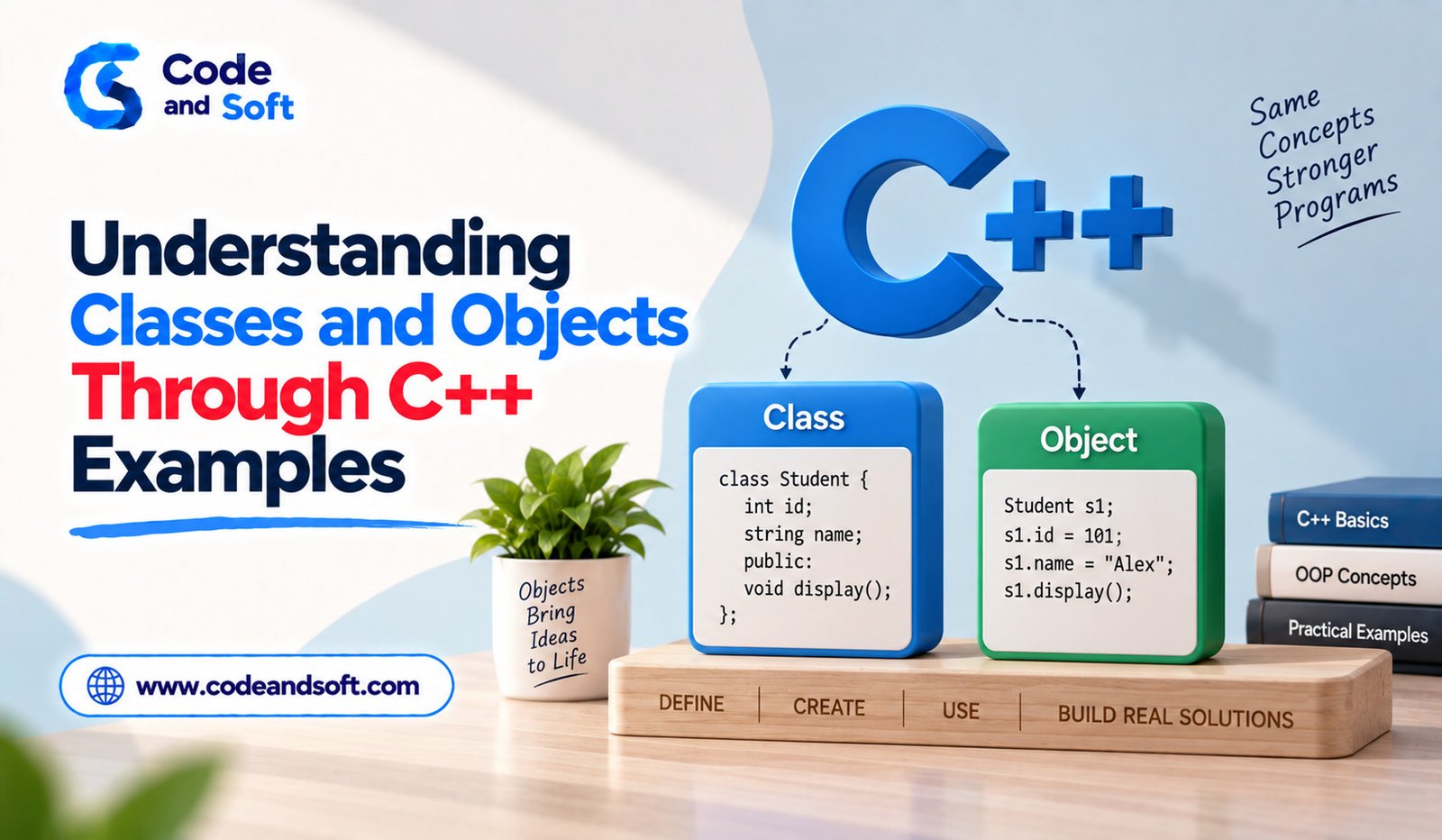

Classes and objects are two of the most important concepts in C++ programming. They form the foundation of object-oriented programming and help developers organize related data and functions into meaningful structures.
For beginners, the words “class” and “object” can initially sound abstract. However, the basic idea is straightforward: a class describes what something should contain and do, while an object is an actual instance created from that class.
Understanding this relationship is essential before moving into more advanced C++ topics such as inheritance, polymorphism, encapsulation and abstraction. The best way to learn these concepts is through simple examples that show how they work in real programs.
What Is a Class in C++?
A class is a user-defined type that can combine data and functions in one structure.
Consider a real-world student. A student may have information such as a name, age and course. A student can also perform actions such as displaying their details.
In C++, these properties and behaviors can be represented inside a class.
#include <iostream>
#include <string>
class Student
{
public:
std::string name;
int age;
void display()
{
std::cout << “Name: ” << name << std::endl;
std::cout << “Age: ” << age << std::endl;
}
};
Here, Student is the class. It contains two data members, name and age, along with a function called display().
The class itself acts as a blueprint. It describes what a student object can contain, but it does not represent one particular student until an object is created.
What Is an Object?
An object is an instance of a class.
Once the Student class has been created, a program can create individual student objects from it.
Student student1;
student1.name = “Rahul”;
student1.age = 20;
student1.display();
The object student1 has its own values for name and age.
The same class can be used to create another object:
Student student2;
student2.name = “Priya”;
student2.age = 21;
student2.display();
Both objects are based on the same class, but they contain different data.
This is one of the key benefits of classes and objects. Developers can define a structure once and create many independent objects from it.
Class vs Object
The difference becomes easier to understand with a simple analogy.
A class can be compared to a blueprint for a house. The blueprint describes the structure, rooms and other characteristics. The actual houses built using that blueprint are similar to objects.
In programming terms, the class defines the structure and behavior, while objects represent individual instances.
A Car class, for example, could describe properties such as model and speed and functions such as start() or stop(). Individual cars created from that class could have different models and speeds.
Data Members and Member Functions
Classes commonly contain two major types of components: data members and member functions.
Data members store information about an object.
For example:
class Car
{
public:
std::string model;
int speed;
};
Here, model and speed are data members.
Member functions define behavior associated with the object.
class Car
{
public:
std::string model;
int speed;
void showSpeed()
{
std::cout << “Speed: ” << speed << std::endl;
}
};
Keeping related data and behavior together makes programs easier to organize.
Access Specifiers in C++
C++ provides access specifiers that control how members of a class can be accessed.
The commonly used access specifiers are public, private and protected.
Members declared under public can generally be accessed from outside the class.
Members declared under private cannot normally be accessed directly from outside the class.
For example:
class BankAccount
{
private:
double balance;
public:
void setBalance(double amount)
{
balance = amount;
}
double getBalance()
{
return balance;
}
};
In this example, balance is private. External code cannot directly modify it. Instead, it uses the public functions provided by the class.
This approach is an important part of encapsulation.
Understanding Encapsulation
Encapsulation means keeping data and the operations that work with that data together while controlling direct access to internal details.
Consider a bank account. It would be undesirable for every part of a program to freely change the account balance.
A class can restrict direct access and provide controlled functions for operations such as depositing and withdrawing money.
class BankAccount
{
private:
double balance = 0;
public:
void deposit(double amount)
{
if (amount > 0)
{
balance += amount;
}
}
double getBalance()
{
return balance;
}
};
This design makes it possible to protect the object’s internal state and apply rules when values are changed.
Constructors in C++
Constructors are special member functions that are automatically called when an object is created.
They are commonly used to initialize an object’s data.
class Product
{
public:
std::string name;
double price;
Product(std::string productName, double productPrice)
{
name = productName;
price = productPrice;
}
};
An object can now be created with initial values:
Product item(“Laptop”, 55000);
The constructor receives the values and assigns them to the object’s members.
Constructors can make object creation more convenient because the required initial information can be supplied immediately.
The this Pointer
C++ provides the this pointer to refer to the current object.
It is especially useful when constructor parameters have the same names as class members.
class Employee
{
private:
std::string name;
public:
Employee(std::string name)
{
this->name = name;
}
};
Here, this->name refers to the class member, while name refers to the constructor parameter.
Beginners do not need to use this everywhere, but understanding its purpose becomes useful when working with larger classes.
Creating Multiple Objects
One of the strongest advantages of classes is that a single class can be used to create many objects.
For example:
class Mobile
{
public:
std::string brand;
void showBrand()
{
std::cout << brand << std::endl;
}
};
The program can create several mobile objects:
Mobile phone1;
Mobile phone2;
phone1.brand = “Brand A”;
phone2.brand = “Brand B”;
phone1.showBrand();
phone2.showBrand();
Each object maintains its own data while sharing the structure and behavior defined by the class.
Objects and Memory
When an object is created, memory is allocated for its data members according to the object’s requirements.
For beginners, the important idea is that two separate objects generally maintain separate copies of their non-static data.
If two Student objects have different names, changing one object’s name does not automatically change the other object’s name.
Understanding this relationship becomes increasingly important when learning pointers, references, dynamic memory and object lifetimes.
Why Classes and Objects Matter in C++
Classes and objects help developers model real-world or logical entities inside software.
A school management program might use classes such as Student, Teacher and Course. A shopping application might use Product, Customer and Order. A banking application could contain Account, Transaction and Customer classes.
This approach can make large programs easier to organize because related information and operations are grouped together.
Instead of keeping unrelated variables and functions scattered throughout a program, developers can create meaningful structures that represent different parts of the application.
Classes as the Foundation of Object-Oriented Programming
Classes are more than a way to group variables. They provide the foundation for several major object-oriented programming concepts.
Encapsulation allows internal data to be protected. Inheritance allows one class to build upon another. Polymorphism allows different objects to respond to common interfaces in different ways. Abstraction helps developers focus on important functionality while hiding unnecessary implementation details.
Beginners should learn these concepts progressively. A strong understanding of classes, objects, constructors and access control makes the advanced topics much easier.
Practical Ways to Practice Classes and Objects
The best way to become comfortable with classes is to build small programs.
A beginner could create a Student class that stores marks and calculates an average. Another project could use a Book class to store book information. A simple bank-account project could demonstrate deposits, withdrawals and balance checking.
These projects do not need to be large. The goal is to practice creating classes, constructing objects, accessing members and designing useful member functions.
As skills improve, multiple classes can be combined into larger applications.
Final Thoughts
Understanding classes and objects is a major step in learning C++. A class provides a blueprint containing data and behavior, while an object represents an actual instance of that class.
Concepts such as data members, member functions, constructors, access specifiers and encapsulation build the foundation for object-oriented C++ programming.
The easiest way to understand these ideas is through practical examples. Creating small classes for students, cars, products or bank accounts can help beginners see how object-oriented design works in real programs.
Once classes and objects become comfortable, developers can move toward inheritance, polymorphism, abstraction, templates and other advanced C++ concepts with greater confidence.