
From YouTube creators and social media influencers to filmmakers, marketers, and businesses, millions of people rely on video editing software to create professional-quality content.
In 2026, video editing has become more accessible than ever. Beginners can create impressive videos using simple drag-and-drop tools, while professionals can use advanced software with artificial intelligence, cinematic effects, color grading, and professional audio editing capabilities.
Choosing the right video editing software depends on your experience level, creative goals, budget, and the type of content you want to create. A beginner creating social media videos has different requirements compared to a filmmaker producing a feature-length project.
This article explores the best video editing software for beginners and professionals in 2026, including their features, advantages, and ideal users.
Why Video Editing Software Is Important in 2026
Video has become a major part of online communication. Businesses use videos for marketing, creators use them for audience growth, and professionals use them for films, advertisements, and educational content.
Modern video editing software helps users transform raw footage into engaging visual stories.
The benefits of using professional editing tools include:
- Better video quality
- Creative control over content
- Professional effects and transitions
- Improved storytelling
- Faster editing workflows
- AI-powered automation
With advancements in technology, many editing platforms now include features such as automatic captions, background removal, AI scene detection, and smart editing suggestions.
Key Features to Look for in Video Editing Software
Before selecting an editing program, users should understand the important features that make software effective.
User-Friendly Interface
Beginners need simple layouts with easy-to-understand tools, while professionals require advanced controls and customization options.
AI-Powered Editing
AI technology can simplify video editing tasks by automating processes like background removal, subtitle generation, audio enhancement, and creating fast edits.
Effects and Transitions
Creative effects, animations, and transitions help make videos more engaging.
Color Correction and Grading
Professional editors need advanced color tools to create cinematic visuals.
Audio Editing
Good software should provide tools for noise reduction, voice enhancement, and music management.
Export Options
The software should support multiple formats and resolutions, including 4K and high-quality professional formats.
Best Video Editing Software for Beginners and Professionals
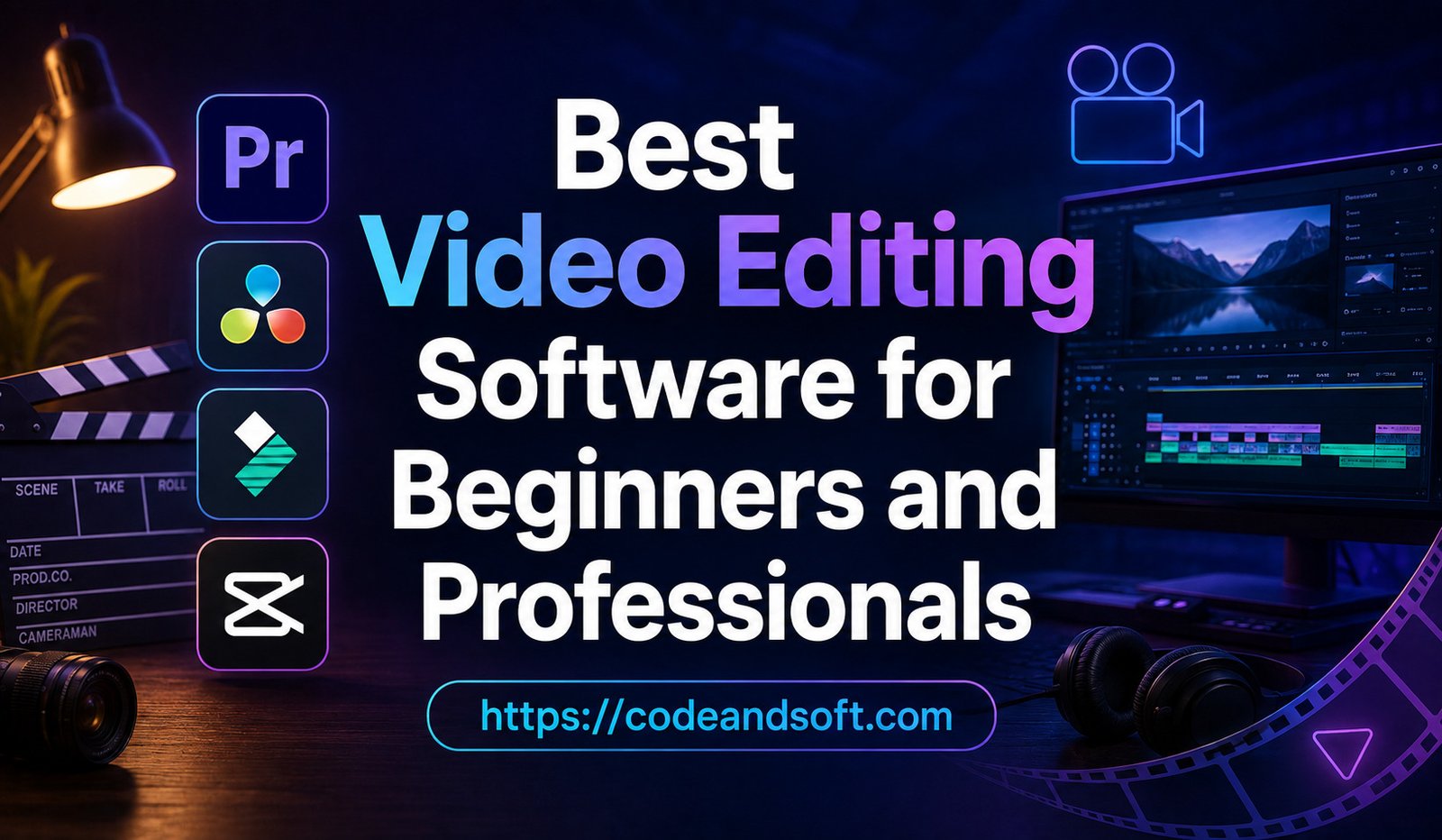
1. Adobe Premiere Pro – Best Professional Video Editing Software
Adobe Premiere Pro is one of the most widely used video editing programs in the professional industry.
It is used by filmmakers, television editors, YouTube creators, and production companies worldwide.
Key Features:
- Advanced timeline editing
- Professional color correction
- Multi-camera editing
- AI-powered editing tools
- Motion graphics integration
- High-quality export options
Advantages:
Adobe Premiere Pro provides complete creative control and supports complex video projects. It works well with other Adobe applications, making it useful for professional workflows.
Best For:
Professional filmmakers, content creators, video production companies, and advanced editors.
2. Final Cut Pro – Best Video Editor for Mac Users
Apple Final Cut Pro is a powerful video editing application designed specifically for Mac users.
It is popular among professional editors because of its speed, performance, and advanced features.
Key Features:
- Magnetic timeline editing
- High-performance rendering
- Advanced color grading
- 360-degree video editing
- AI-based tools
- Professional audio controls
Advantages:
Final Cut Pro is optimized for Apple devices, providing smooth performance even with large video projects.
Best For:
Mac users, professional editors, filmmakers, and content creators.
3. DaVinci Resolve – Best Free Professional Video Editor
Blackmagic Design DaVinci Resolve has become one of the most popular editing tools because it combines professional features with a powerful free version.
It is especially famous for its color grading capabilities.
Key Features:
- Professional video editing
- Advanced color correction
- Visual effects
- Audio post-production
- Motion graphics
- AI-powered editing tools
Advantages:
DaVinci Resolve offers many features that are normally found in expensive professional software. It is suitable for beginners who want to learn professional editing skills.
Best For:
Beginners, filmmakers, YouTubers, and professional editors.
4. CapCut – Best Video Editing Software for Social Media Creators
CapCut has become extremely popular among social media creators because of its simple interface and powerful features.
It is widely used for TikTok, Instagram Reels, YouTube Shorts, and other short-form content.
Key Features:
- AI effects
- Auto captions
- Templates
- Background removal
- Music integration
- Mobile and desktop editing
Advantages:
CapCut makes professional-looking videos easy for beginners without requiring advanced editing knowledge.
Best For:
Social media creators, beginners, influencers, and mobile video editors.
5. Filmora – Best Beginner-Friendly Video Editor
Wondershare Filmora is designed for users who want simple editing tools with professional results.
It provides an easy interface while still offering advanced features.
Key Features:
- Drag-and-drop editing
- AI editing tools
- Effects library
- Audio enhancement
- Screen recording
- Templates
Advantages:
Filmora allows beginners to create high-quality videos quickly without a steep learning curve.
Best For:
Beginners, students, small businesses, and YouTube creators.
6. iMovie – Best Free Editor for Apple Beginners
Apple iMovie is a free video editing application available for Apple users.
It is designed for simple video creation and basic editing.
Key Features:
- Simple timeline editing
- Video templates
- Music integration
- Basic effects
- Easy sharing
Advantages:
iMovie is beginner-friendly and requires no professional editing experience.
Best For:
Students, casual users, and beginners using Apple devices.
7. CyberLink PowerDirector – Best Fast Video Editing Software
CyberLink PowerDirector is known for combining speed, powerful features, and user-friendly controls.
Key Features:
- AI video tools
- Fast rendering
- Motion graphics
- Advanced effects
- 360-degree video editing
Advantages:
PowerDirector provides professional features while remaining accessible to beginners.
Best For:
Creators, small businesses, and advanced beginners.
8. Adobe Premiere Elements – Best for Casual Creators
Adobe Premiere Elements is designed for users who want Adobe-quality editing without the complexity of professional software.
Key Features:
- Guided editing
- Automated effects
- Simple organization tools
- AI-powered editing assistance
Advantages:
It helps beginners learn video editing while offering more features than basic editors.
Best For:
Family videos, personal projects, and beginner creators.
Video Editing Software Comparison 2026
| Software | Best For | Main Strength |
| Adobe Premiere Pro | Professionals | Industry-standard editing |
| Final Cut Pro | Mac users | Performance and speed |
| DaVinci Resolve | Professionals and beginners | Color grading |
| CapCut | Social media creators | Easy AI editing |
| Filmora | Beginners | Simple interface |
| iMovie | Apple beginners | Free basic editing |
| PowerDirector | Fast editing | Speed and features |
AI Features Transforming Video Editing
Artificial intelligence is changing the video editing industry by making complex tasks easier.
Automatic Subtitles
AI can generate captions quickly, helping creators reach larger audiences.
Background Removal
Editors can remove or replace backgrounds without complicated techniques.
Smart Scene Detection
AI can identify important moments and organize footage automatically.
Audio Enhancement
AI tools can remove background noise and improve voice quality.
Automated Editing Suggestions
Some software can recommend cuts, transitions, and effects based on video content.
Best Video Editing Software Based on User Type
For Beginners
Recommended options:
- CapCut
- Filmora
- iMovie
- Adobe Premiere Elements
These tools provide simple interfaces and require minimal technical knowledge.
For YouTube Creators
Recommended options:
- Adobe Premiere Pro
- DaVinci Resolve
- CapCut
- Final Cut Pro
Creators need flexible editing tools, effects, and efficient workflows.
For Professional Filmmakers
Recommended options:
- Adobe Premiere Pro
- Final Cut Pro
- DaVinci Resolve
Professional editors require advanced color grading, audio control, and cinematic features.
For Businesses
Recommended options:
- Filmora
- Adobe Premiere Pro
- PowerDirector
Businesses need software that can create marketing videos, presentations, and promotional content efficiently.
How to Choose the Right Video Editing Software
Selecting the right software depends on several factors.
Consider Your Experience Level
Beginners should choose simple tools, while professionals need advanced editing capabilities.
Check Hardware Requirements
Professional editing software often requires powerful computers with strong processors and graphics capabilities.
Evaluate Your Budget
Free tools can be enough for beginners, while professionals may benefit from paid software.
Identify Your Content Type
Different videos require different features. Social media videos need speed, while films require advanced controls.
Look for Future Growth
Choose software that allows you to improve your skills as your editing experience increases.
Conclusion
The best video editing software in 2026 depends on your goals, experience, and creative needs. Beginners can start with easy-to-use platforms like CapCut, Filmora, or iMovie, while professionals can choose powerful solutions like Adobe Premiere Pro, Final Cut Pro, or DaVinci Resolve.
As video content continues growing across social media, entertainment, education, and business, investing in the right editing software can help creators produce better-quality content and build stronger digital experiences.
Whether you are creating your first video or producing professional films, the right video editing tool can turn creative ideas into impressive visual stories.