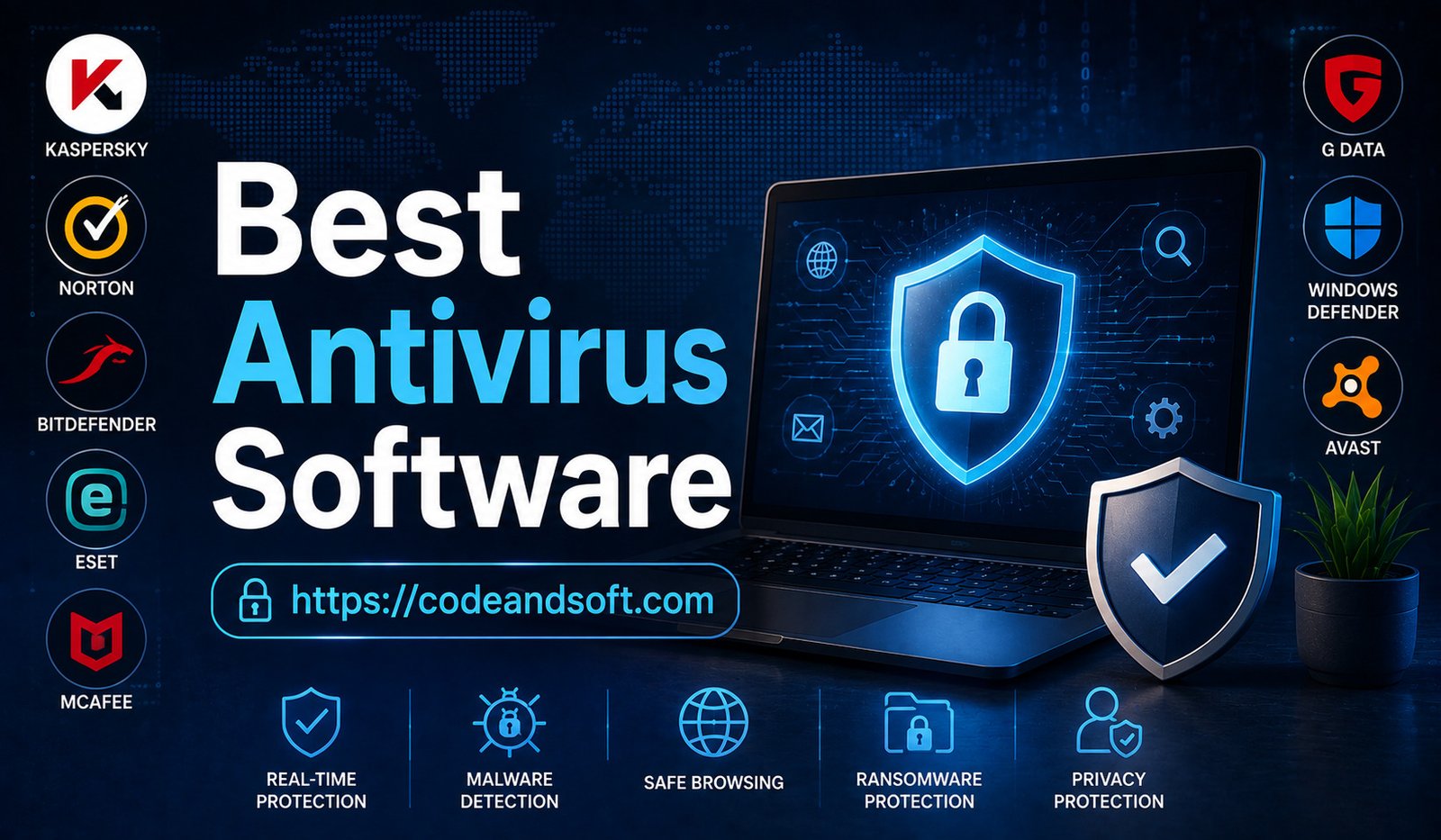
Antivirus software plays an essential role in protecting devices from digital threats. They now include features such as real-time protection, ransomware defense, password management, secure browsing, privacy monitoring, and artificial intelligence-powered threat detection.
Whether you are an individual user, a small business owner, or a large organization, choosing the right antivirus software can help protect your valuable data and maintain online security.
This article explores the best antivirus software to keep your devices safe in 2026, including their features, advantages, and ideal users.
Why Antivirus Software Is Important in 2026
Cybercriminals are constantly developing new methods to attack devices and steal sensitive information. Traditional viruses are no longer the only threat. Modern users face various security risks, including:
- Malware infections
- Ransomware attacks
- Phishing scams
- Spyware
- Identity theft
- Data breaches
- Unsafe websites
- Online fraud
Antivirus software provides a security layer that detects, blocks, and removes harmful programs before they damage your device.
The main benefits of antivirus software include:
- Real-time threat protection
- Safer online browsing
- Protection against malicious files
- Privacy protection
- Improved device security
- Protection of personal and financial information
Key Features to Look for in Antivirus Software
Choosing the right antivirus program requires understanding the features that provide effective protection.
Real-Time Protection
A good antivirus solution continuously monitors your device and blocks threats as they appear.
Malware Detection
Advanced antivirus software can identify and remove viruses, spyware, trojans, and other malicious programs.
Ransomware Protection
Ransomware can lock files and demand payment. Modern antivirus tools include special protection against these attacks.
Phishing Protection
Phishing attacks attempt to steal passwords and financial information through fake websites or emails. Antivirus software can identify suspicious links.
Privacy Protection
Many antivirus programs now include tools to protect personal data, webcams, passwords, and online activity.
Performance Optimization
Some security tools include features that improve device speed by removing unnecessary files and managing system resources.
Best Antivirus Software to Keep Your Devices Safe in 2026
1. Bitdefender – Best Overall Antivirus Software
It provides protection for Windows, macOS, Android, and iOS devices.
Key Features:
- Advanced malware protection
- Real-time threat detection
- Ransomware defense
- Anti-phishing protection
- Password manager
- VPN features
- Privacy monitoring
Advantages:
Bitdefender offers strong security while using fewer system resources. Its artificial intelligence-based detection helps identify new and emerging threats.
Best For:
Individuals, families, professionals, and businesses looking for reliable protection.
2. Norton – Best for Complete Online Security
Norton is one of the most recognized names in digital security.
It provides comprehensive protection against viruses, identity theft, online scams, and privacy threats.
Key Features:
- Malware protection
- Identity theft monitoring
- Secure VPN
- Password manager
- Dark web monitoring
- Cloud backup options
Advantages:
Norton provides more than basic antivirus protection by offering tools designed to protect users’ online identities.
Best For:
Users who want complete security protection beyond virus detection.
3. McAfee – Best for Multi-Device Protection
It is especially useful for families and users with several connected devices.
Key Features:
- Virus protection
- Identity monitoring
- Secure browsing
- Password management
- File encryption
- Device optimization tools
Advantages:
McAfee offers easy-to-use security solutions that protect a wide range of devices, including computers, smartphones, and tablets.
Best For:
Families, households, and users managing multiple devices.
4. Kaspersky – Best Malware Detection
Key Features:
- Real-time antivirus protection
- Secure online payments
- Ransomware defense
- Privacy protection
- Application control
- Network security
Advantages:
Kaspersky provides powerful threat detection and protection against advanced malware.
Best For:
Users who prioritize strong malware protection and security features.
5. Avast – Best Free Antivirus Option
Avast offers a popular free antivirus solution with essential protection features.
Key Features:
- Virus scanning
- Real-time protection
- Wi-Fi security checks
- Browser protection
- Malware detection
Advantages:
Avast offers essential security tools at no cost, making it a good option for users who need basic protection for their devices.
Best For:
Students, casual users, and people looking for free antivirus protection.
6. ESET – Best Lightweight Antivirus Software
ESET is known for providing strong security while maintaining excellent device performance.
Key Features:
- Malware detection
- Anti-phishing protection
- Banking security
- Network monitoring
- Low system impact
Advantages:
ESET runs efficiently and is suitable for users who want security without slowing down their devices.
Best For:
Gamers, professionals, and users with older computers.
7. Trend Micro – Best for Online Protection
Trend Micro focuses on protecting users from online threats such as phishing, ransomware, and malicious websites.
Key Features:
- Web threat protection
- Email security
- Ransomware protection
- Privacy tools
- Social media protection
Advantages:
Trend Micro provides strong protection while browsing, shopping, and using online services.
Best For:
Users who spend significant time online.
8. Malwarebytes – Best Malware Removal Tool
Malwarebytes is well known for detecting and removing malware that traditional antivirus programs may miss.
Key Features:
- Malware scanning
- Spyware removal
- Ransomware protection
- Browser security
- Real-time monitoring
Advantages:
Malwarebytes is especially useful as an additional security layer for detecting suspicious software.
Best For:
Users who want extra malware protection.
Antivirus Software Comparison 2026
| Antivirus Software | Best For | Main Strength |
| Bitdefender | Overall security | Advanced threat detection |
| Norton | Complete protection | Identity and privacy security |
| McAfee | Multiple devices | Family protection |
| Kaspersky | Malware detection | Strong security engine |
| Avast | Free protection | Basic antivirus features |
| ESET | Performance | Lightweight protection |
| Trend Micro | Online safety | Web protection |
| Malwarebytes | Malware removal | Threat scanning |
How Artificial Intelligence Is Improving Antivirus Protection
Artificial intelligence has become an important part of modern cybersecurity.
Traditional antivirus programs mainly relied on known virus databases. However, AI-powered security tools can detect suspicious behavior and identify new threats.
Behavioral Threat Detection
AI can analyze how programs behave and identify unusual activity.
Faster Malware Detection
Machine learning helps security software detect unknown threats more quickly.
Automated Response
AI systems can automatically block dangerous files and prevent attacks.
Improved Phishing Detection
AI can analyze websites and emails to identify potential scams.
Antivirus Software for Different Users
Home Users
Recommended options:
- Bitdefender
- Norton
- McAfee
Home users need protection for personal data, online banking, and everyday browsing.
Business Users
Recommended options:
- Bitdefender Business Security
- ESET Business Solutions
- Trend Micro Business Security
Businesses require advanced protection against data breaches and cyber attacks.
Gamers
Recommended options:
- ESET
- Bitdefender
- Norton
Gamers need security software that protects devices without reducing performance.
Mobile Users
Recommended options:
- Norton Mobile Security
- Bitdefender Mobile Security
- McAfee Mobile Security
Smartphones contain personal information and require protection from malicious applications.
How to Choose the Right Antivirus Software
Selecting antivirus software depends on your security needs and device usage.
Identify Your Requirements
Basic users may need simple virus protection, while businesses require advanced security features.
Check Device Compatibility
Make sure the software supports your operating system, including Windows, macOS, Android, or iOS.
Consider Performance Impact
Choose antivirus programs that provide protection without slowing down your device.
Evaluate Additional Features
Features like VPN, password managers, and identity monitoring can provide extra security.
Compare Pricing
Free antivirus programs may provide basic protection, while premium plans offer advanced security tools.
Conclusion
Antivirus software is no longer optional in the modern digital environment. With increasing cyber threats, protecting personal information and devices has become a major priority.
Solutions like Bitdefender, Norton, McAfee, Kaspersky, Avast, ESET, Trend Micro, and Malwarebytes provide different levels of security for various users. The best choice depends on your device usage, budget, and security requirements.
By investing in reliable antivirus software and following safe online practices, users can protect their devices, secure personal data, and enjoy a safer digital experience in 2026 and beyond.