
Introduction
Managing a call center workforce is more complicated than simply assigning employees to shifts. Customer demand can change throughout the day, call volumes can suddenly increase, employees may take leave, and different interactions may require different skill sets. Without accurate planning, businesses can end up with too many agents during quiet periods or too few employees when customer demand is high.
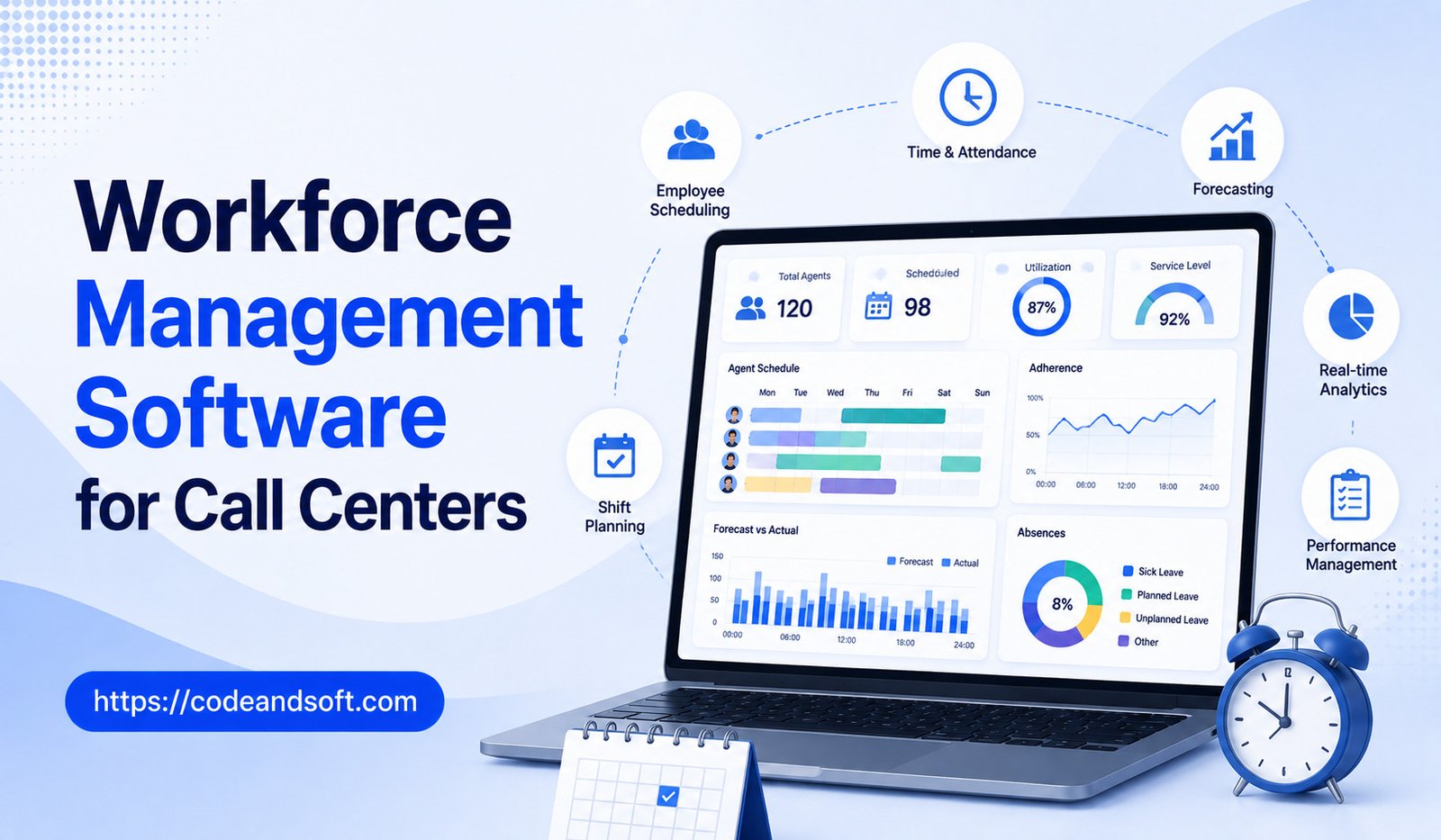
Workforce management software helps call centers solve these challenges by using data, forecasting, scheduling, monitoring, and automation to organize employee resources more effectively.
Modern workforce management platforms can forecast customer demand, create employee schedules, track adherence, manage time-off requests, monitor staffing levels, and provide performance insights. Some solutions also use artificial intelligence to improve forecasting and automate administrative tasks.
For organizations that manage large customer service teams, workforce management software can improve staffing efficiency while helping employees maintain healthier and more predictable schedules.
This guide explains how workforce management software works, its major features, benefits, challenges, and the factors businesses should consider before choosing a platform.
What Is Workforce Management Software?
Workforce management software is a technology platform that helps businesses plan, schedule, monitor, and optimize their employees.
In a call center environment, the software focuses on matching agent availability with expected customer demand.
It can help managers answer questions such as:
- How many agents are needed tomorrow?
- When will call volume be highest?
- Which employees should work during peak hours?
- Are agents following their schedules?
- How many employees are currently available?
- What happens if several employees are absent?
Instead of relying entirely on spreadsheets and manual calculations, managers can use software to make workforce decisions based on historical and real-time data.
Why Call Centers Need Workforce Management
Call centers operate in an environment where demand can change rapidly.
A business may receive 100 calls in one hour and several hundred during the next.
If staffing does not match demand, customers may experience:
- Long waiting times
- Abandoned calls
- Slow responses
- Reduced service quality
At the same time, excessive staffing during low-demand periods can increase labor costs without improving productivity.
Workforce management software attempts to create a balance between customer demand and employee availability.
How Call Center Workforce Management Works
A typical workforce management process includes several stages.
Forecasting
The system examines historical data to estimate future customer demand.
Capacity Planning
Managers determine how many employees are needed to meet the expected workload.
Scheduling
The software creates shifts based on forecasted demand and employee availability.
Intraday Management
Managers monitor conditions throughout the day and make adjustments when actual demand differs from forecasts.
Performance Monitoring
The system evaluates schedule adherence, staffing levels, and operational performance.
These activities work together to create a more organized workforce management process.
Key Features of Workforce Management Software
Demand Forecasting
Forecasting is one of the most important capabilities.
The software can analyze historical information such as:
- Call volume
- Call duration
- Day of week
- Time of day
- Seasonal patterns
- Holidays
- Campaign activity
The system can then estimate future staffing requirements.
Automated Scheduling
Creating schedules manually can take considerable time.
Workforce management software can generate schedules based on:
- Expected demand
- Employee availability
- Skills
- Shift preferences
- Labor rules
- Break requirements
Managers can review and adjust the generated schedule before publishing it.
Real-Time Monitoring
Actual call volumes do not always match forecasts.
Real-time dashboards can help managers see whether staffing is sufficient at a particular moment.
They may monitor:
- Active agents
- Calls waiting
- Queue size
- Agent status
- Service levels
- Absences
This allows managers to respond to unexpected changes.
Schedule Adherence
Schedule adherence measures whether employees are following their planned schedules.
For example, the software can identify whether an employee starts a shift late, takes an extended break, or returns late from lunch.
The goal should be understanding staffing impact rather than using the metric solely as a disciplinary tool.
Time-Off Management
Employees need vacation, personal leave, and other time away from work.
Workforce management software can allow employees to submit requests through a centralized system.
Managers can approve or decline requests based on staffing requirements.
Shift Swapping
Some platforms allow employees to exchange shifts while maintaining staffing requirements.
This can give workers greater flexibility while reducing administrative work for managers.
Skills-Based Scheduling
Not every agent can handle every customer request.
Workforce management platforms can schedule employees based on skills such as:
- Language
- Product knowledge
- Technical expertise
- Customer tier
- Department
This helps ensure the right employees are available when specific skills are needed.
Overtime Management
The software can help managers identify potential overtime requirements.
This can support better labor-cost control.
Reporting and Analytics
Managers can use reports to analyze workforce performance.
Reports may cover:
- Staffing levels
- Schedule adherence
- Absenteeism
- Overtime
- Agent availability
- Forecast accuracy
- Service levels
Benefits of Workforce Management Software
Better Staffing Accuracy
Forecasting and scheduling tools can help businesses align staffing with customer demand.
Reduced Labor Costs
Better scheduling can reduce unnecessary overtime and overstaffing.
Improved Customer Service
Having enough employees during peak periods can reduce waiting times.
Increased Agent Productivity
Employees can spend more time handling customer interactions when staffing is properly organized.
Reduced Administrative Work
Automation can reduce the time managers spend creating schedules and processing requests.
Greater Employee Flexibility
Self-service features can make it easier for employees to manage availability and shift requests.
Better Decision-Making
Managers can use data rather than intuition to make workforce decisions.
AI and Workforce Management
AI can analyze large volumes of historical information and identify patterns that may be difficult to detect manually.
Potential AI applications include:
- Demand forecasting
- Staffing recommendations
- Schedule optimization
- Absence prediction
- Real-time staffing alerts
- Automated schedule adjustments
AI can also help managers understand why actual demand differs from forecasts.
However, AI-generated recommendations should still be reviewed by managers because real-world events can create unusual circumstances that historical data cannot predict.
Workforce Management and Remote Call Centers
Remote work has added new challenges to workforce management.
Managers may have employees working from different locations and time zones.
Modern workforce management software can help coordinate distributed teams through:
- Digital schedules
- Remote attendance
- Time-zone management
- Employee availability
- Performance tracking
- Real-time status monitoring
This can make it easier to maintain consistent staffing across geographically distributed teams.
Workforce Management for Different Call Center Types
Customer Support Centers
Support centers can use workforce management to match staffing with expected customer inquiries.
Sales Call Centers
Sales teams can schedule employees around lead availability and campaign activity.
Technical Support Centers
Technical support teams may require specialized employees with different skills.
Skill-based scheduling can help ensure sufficient technical expertise is available.
Healthcare Contact Centers
Healthcare organizations can use workforce management to coordinate administrative customer service teams while considering staffing and operational requirements.
Financial Services
Banks and financial institutions can use workforce planning to manage customer inquiries and specialized support teams.
Important Metrics to Monitor
Forecast Accuracy
This measures how closely predicted demand matches actual demand.
Service Level
Service level measures whether customer interactions are answered within a defined target.
Occupancy
Occupancy shows how much of an agent’s available time is spent handling customer interactions.
Schedule Adherence
This measures how closely employee activity follows the planned schedule.
Absenteeism
Absenteeism tracks employee absence patterns.
Attrition
High employee turnover can affect staffing stability and recruitment costs.
Average Handle Time
Average handle time indicates how long employees typically spend handling customer interactions.
These metrics should be evaluated together rather than in isolation.
How to Choose Workforce Management Software
Identify Your Workforce Challenges
For example:
- Manual scheduling
- Poor forecasts
- Excessive overtime
- High absenteeism
- Staffing shortages
- Low schedule adherence
Consider Team Size
Small teams may need basic scheduling capabilities, while large contact centers may require sophisticated forecasting and optimization.
Check Integrations
The software should work with your existing:
- Contact center platform
- CRM
- Payroll system
- HR software
- Time-tracking tools
Evaluate Forecasting
Ask how the platform generates forecasts and whether managers can adjust assumptions.
Test Scheduling
Make sure the scheduling system can handle your shifts, breaks, employee availability, and skill requirements.
Review Employee Self-Service
Employee portals can reduce administrative work by allowing staff to manage schedules and requests directly.
Check Reporting
Managers should have access to reports that support practical workforce decisions.
Compare Pricing
Consider the total cost, including implementation, users, integrations, training, support, and optional features.
Common Workforce Management Mistakes
Relying Only on Historical Data
Past patterns are useful, but unusual events can dramatically change customer demand.
Ignoring Employee Preferences
Schedules that completely ignore employee needs can contribute to dissatisfaction and turnover.
Focusing Only on Cost
Reducing staffing too aggressively can create poor customer experiences.
Overlooking Skill Requirements
Having enough agents is not enough if the available employees lack the skills needed for incoming interactions.
Failing to Monitor Intraday Changes
A good forecast does not guarantee that actual demand will follow the prediction.
Treating Adherence as the Only Performance Measure
Schedule adherence should be considered alongside service quality, employee experience, and customer outcomes.
Best Practices for Call Center Workforce Management
Start forecasting with reliable historical data.
Review forecasts regularly and adjust them when business conditions change.
Create schedules that balance customer requirements with employee availability.
Use real-time dashboards to identify staffing gaps.
Give employees access to self-service scheduling tools.
Monitor overtime and absenteeism.
Review forecast accuracy regularly.
Use workforce analytics to identify long-term staffing trends.
Most importantly, maintain communication between workforce managers, team leaders, and agents.
Technology can improve planning, but effective workforce management still requires human judgment.
Final Thoughts
Workforce management software has become an important tool for modern call centers because staffing decisions directly influence customer service, employee productivity, and operational costs.
By combining demand forecasting, automated scheduling, real-time monitoring, adherence tracking, time-off management, skills-based planning, and analytics, these platforms can help organizations build more efficient workforce strategies.
The best workforce management solution depends on the size and complexity of the call center. Businesses should evaluate forecasting capabilities, scheduling flexibility, integrations, reporting, employee self-service, scalability, and pricing before making a decision.
It is also important to remember that workforce management is not simply about putting the maximum number of employees on the phone. Effective planning means having the right people available at the right time while creating sustainable working conditions for employees.
As artificial intelligence and automation continue to improve, workforce management software will become increasingly capable of predicting demand, optimizing schedules, and helping managers respond to changes in real time.
For call centers that want to reduce staffing inefficiencies while improving customer service, workforce management software can provide the data and automation needed to make smarter workforce decisions.