
Managing social media sounds simple until you have several platforms to handle at the same time. You may start your morning by planning an Instagram post, then switch to Facebook, check LinkedIn comments, prepare content for X, and suddenly realize that half your day has disappeared.
If you manage social media for a business, agency, personal brand, or multiple clients, this constant switching can become exhausting. You need to create content, schedule posts, respond to your audience, track performance, and keep every channel active without making your workflow unnecessarily complicated.
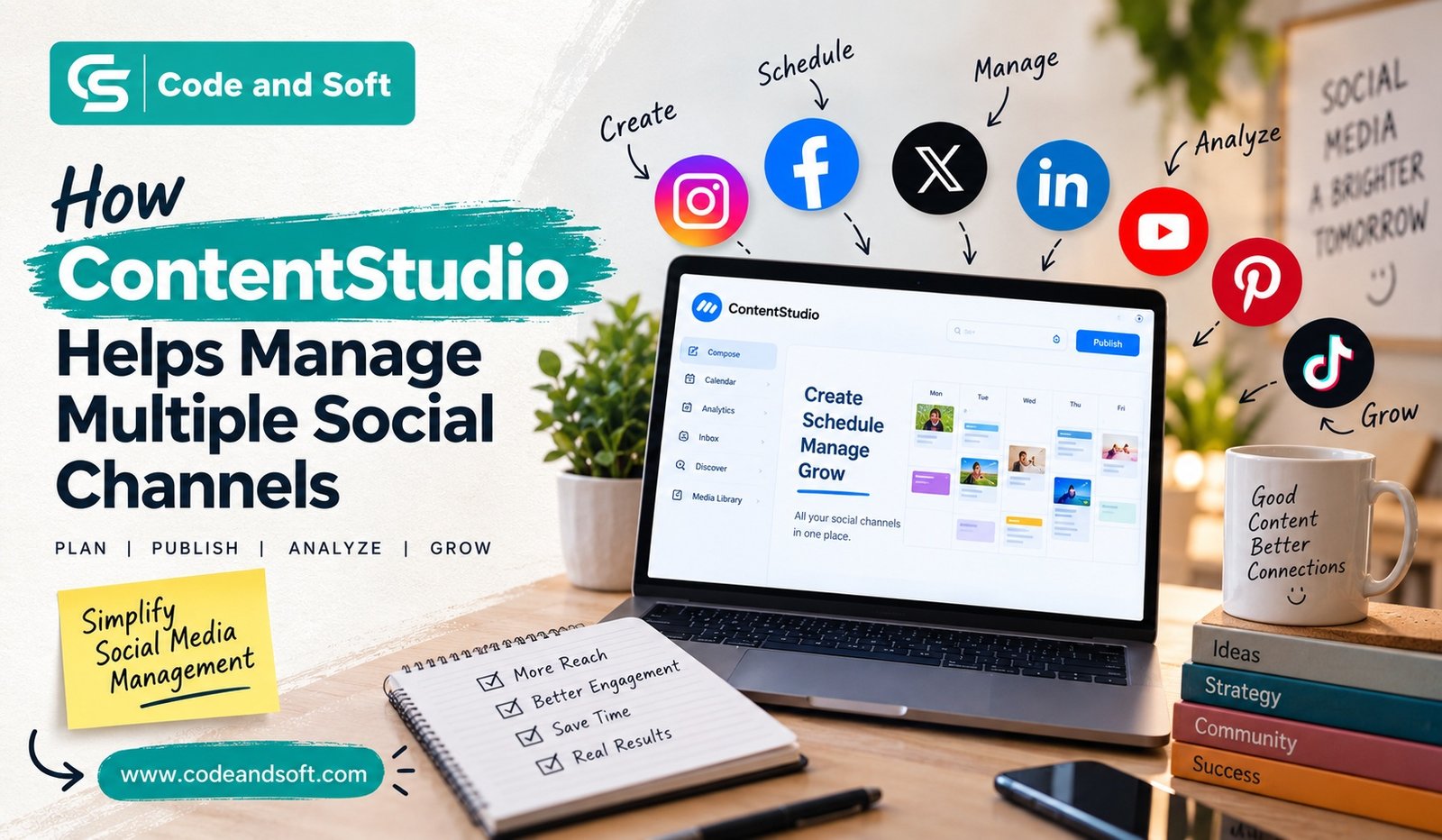
This is where ContentStudio helps multiple social channels work together from one place. Instead of treating every social network as a separate task, you can bring much of your content planning, publishing, scheduling, and monitoring into a more organized workflow.
Why Managing Multiple Social Channels Can Be Difficult
When you manage only one social account, keeping things organized is relatively easy. The challenge begins when you expand to several platforms.
Each channel has its own audience, content style, posting habits, and requirements. A post that works well on LinkedIn may feel too formal for Instagram. A short update suitable for X may need more context when you publish it on Facebook.
You also have to remember different publishing schedules. If you manage five or six channels manually, you may constantly jump between browser tabs and apps.
Over time, this can lead to common problems:
- Missed publishing dates
- Repetitive content
- Poor scheduling
- Difficulty tracking campaigns
- Inconsistent posting
- Too much time spent on repetitive tasks
- Limited visibility into overall social media performance
You don’t necessarily need to work harder to solve these problems. You need a better system.
What Is ContentStudio?
The platform can be useful when you’re responsible for several accounts because it brings important parts of your social workflow into one environment.
You can use it to plan content, create publishing schedules, organize your posts, manage social interactions, and review performance.
The biggest advantage is convenience. Rather than constantly moving between different platforms, you can create a workflow where more of your daily social media work happens in one place.
ContentStudio Helps Multiple Social Channels From One Dashboard
One of the biggest reasons to consider ContentStudio is its centralized approach.
When you manage multiple social networks, your biggest problem may not be content creation itself. It may be keeping everything organized.
With ContentStudio, you can connect your supported social accounts and manage your social media activities through a central interface.
This means you can get a clearer picture of what you have planned and what needs to be published.
For example, imagine that you’re preparing a product campaign. You may want to publish:
- An Instagram post announcing the product
- A Facebook update explaining the offer
- A LinkedIn post discussing the business value
- An X post highlighting a key feature
Instead of handling these as completely separate activities, you can plan them as part of the same campaign.
That makes your social media workflow easier to understand and maintain.
Plan Your Content Before Publishing
One of the easiest ways to make social media stressful is to create posts at the last minute.
You may know that you need to publish something today, but you don’t know what. Then you rush to create a caption, search for an image, publish it, and repeat the same process tomorrow.
Content planning helps you avoid this cycle.
ContentStudio gives you tools for organizing and scheduling your social media content in advance. You can prepare posts ahead of time and build a publishing calendar around your marketing goals.
You can dedicate a specific period to content preparation and schedule posts for later.
Schedule Posts Across Your Social Accounts
Scheduling becomes especially valuable when you manage multiple channels.
Suppose you have a busy week ahead. You may not have time to manually publish content every morning, afternoon, and evening.
Instead, you can prepare your content in advance and schedule it according to your publishing plan.
This helps you maintain consistency even when you’re busy with other responsibilities.
You can also think beyond individual posts. A proper schedule lets you plan themes, campaigns, promotional periods, educational content, and seasonal posts.
Create a More Consistent Publishing Routine
Consistency matters on social media.
You don’t necessarily need to publish constantly, but your audience should have a reasonable idea of when and how often they can expect content from you.
Managing several platforms manually can make consistency difficult. One account may receive regular updates while another becomes inactive for several days.
A centralized content management system can help you maintain a more balanced publishing routine.
You can review your planned posts and identify gaps before they become a problem.
This is particularly useful for small businesses and individuals who don’t have a large social media team. You can spend less time remembering what needs to be posted and more time thinking about what your audience actually wants to see.
Adapt Content for Different Platforms
Managing multiple social channels doesn’t mean copying exactly the same post everywhere.
Your audience behaves differently on each platform.
For example, you may use a professional and informative tone on LinkedIn, while Instagram content may focus more heavily on visuals and concise captions.
ContentStudio can help you organize your publishing workflow so you can prepare content for different channels while keeping your overall campaign message consistent.
This gives you a useful middle ground.
You don’t have to create completely unrelated content for every platform, but you also don’t have to publish identical posts everywhere.
You can start with one campaign idea and adapt the message to fit each audience.
Keep Your Social Media Calendar Organized
When you have dozens of scheduled posts, remembering everything can become difficult.
A content calendar gives you a visual overview of your publishing activity.
You can use it to understand what you have planned, identify empty periods, and maintain a better balance between different types of content.
For example, you might notice that you’ve scheduled several promotional posts but very little educational content.
That simple observation can help you adjust your strategy before the content goes live.
You can also plan campaigns around product launches, festivals, industry events, announcements, or special offers.
Instead of looking at social media as a collection of random posts, you can start treating it as a structured publishing program.
Monitor Audience Engagement
Publishing content is only one part of social media management.
Once your posts are live, you need to know how people are responding.
Comments, messages, mentions, and other interactions can become difficult to track when they are spread across multiple platforms.
A social media management platform can help bring these interactions into a more manageable workflow.
This matters because engagement is often where relationships with your audience are built.
If someone asks a question about your product, you want to notice it. If someone leaves useful feedback, you want to respond. If a customer needs assistance, ignoring the message can damage their experience.
Having a centralized approach can make it easier for you to stay aware of these conversations.
Understand What Is Actually Working
Another major part of social media management is measurement.
You can spend hours creating beautiful posts, but without looking at performance data, you may not know which content is helping you achieve your goals.
ContentStudio provides analytics and reporting features that can help you review social media performance.
Depending on the connected platforms and available features, you can use performance information to understand engagement and identify content that deserves more attention.
This gives you an opportunity to improve your strategy over time.
For example, if educational posts consistently generate more interaction than promotional posts, you may decide to increase educational content.
The goal isn’t simply to collect numbers. It’s to use those numbers to make better decisions.
Useful for Businesses, Agencies and Content Teams
ContentStudio can be particularly useful if you’re responsible for more than one social media account.
For a small business owner, it can help reduce the amount of manual social media work you have to handle.
For a marketing team, it can provide a shared environment for organizing campaigns and publishing content.
For an agency, managing multiple clients becomes easier when your workflow is centralized rather than scattered across different applications.
You can spend more time on strategy, creative ideas, and audience engagement instead of repeatedly performing the same administrative tasks.
How to Get More From ContentStudio
Simply connecting your social accounts won’t automatically create a successful social media strategy.
You still need to understand your audience and establish clear goals.
Start by deciding what you want each platform to achieve. Maybe Instagram is important for brand awareness, LinkedIn is focused on professional credibility, and Facebook is useful for community engagement.
Then create content categories around those objectives.
You can also prepare content in batches. Instead of creating one post whenever you remember, dedicate a few hours to preparing several pieces of content at once.
Finally, review your analytics regularly. Use the information to refine your posting frequency, topics, formats, and messaging.
Final Thoughts
Managing several social media channels can quickly become overwhelming when every platform requires separate attention.
That’s why a centralized workflow can make such a difference. ContentStudio helps multiple social channels by bringing content planning, scheduling, publishing, engagement management, and analytics into a more organized environment.
You still need creativity, a clear strategy, and an understanding of your audience. No software can replace those things. But the right platform can reduce repetitive work and give you more control over your social media routine.
If you’re tired of jumping between different platforms just to keep your accounts active, ContentStudio can give you a more structured way to manage your social presence.
Instead of spending your time wondering what needs to be posted next, you can focus on creating better content, understanding your audience, and building a stronger social media strategy.