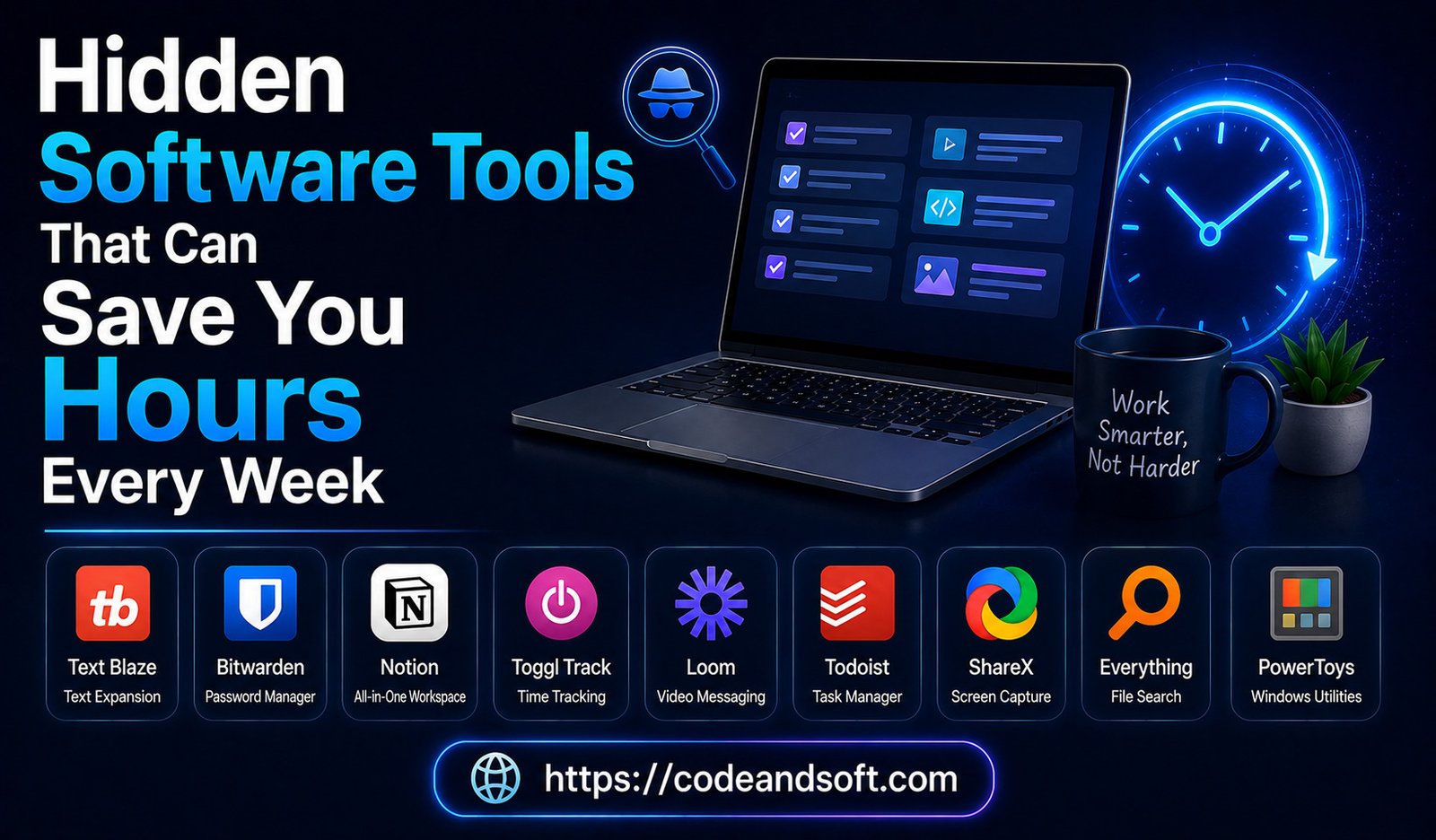

In today’s fast-moving digital world, time has become one of the most valuable resources. Whether you are a business owner, freelancer, student, remote worker, or professional, managing daily tasks efficiently can make a huge difference in productivity.
Many people use popular software applications for communication, documents, and basic work. However, there are thousands of lesser-known software tools that can automate repetitive tasks, improve organization, reduce manual work, and save several hours every week.
These hidden productivity tools are designed to solve specific problems, from managing passwords and organizing information to automating workflows and improving focus. By using the right software, you can spend less time on routine activities and more time on important tasks.
In 2026, artificial intelligence, automation, and cloud technology have made these tools more powerful than ever. This guide explores hidden software tools that can help individuals and businesses save time and work smarter.
Why Hidden Software Tools Matter
Many users only rely on well-known applications, but specialized tools often provide better solutions for specific needs.
Hidden productivity software can help with:
- Automating repetitive tasks
- Managing information efficiently
- Reducing distractions
- Improving teamwork
- Organizing projects
- Saving manual effort
The right tools can turn time-consuming processes into simple automated workflows.
1. Notion – The All-in-One Organization Tool
Notion is more than a note-taking application. It is a complete workspace for managing information, projects, and personal organization.
Many users do not realize how powerful Notion can be when customized properly.
How It Saves Time:
- Creates project dashboards
- Organizes client information
- Tracks tasks
- Stores important documents
- Manages content calendars
Freelancers and businesses can use Notion to replace multiple separate applications.
Best For:
- Remote workers
- Students
- Entrepreneurs
- Content creators
2. Zapier – Automate Repetitive Tasks
Zapier is a powerful automation platform that connects different applications.
Many daily tasks require repeating the same actions, such as copying information between apps or sending notifications.
Zapier automates these processes.
Examples:
- Automatically save email attachments
- Create tasks from emails
- Send notifications when forms are submitted
- Update spreadsheets automatically
How It Saves Time:
Instead of manually completing repetitive tasks, automation handles them instantly.
Best For:
- Businesses
- Marketers
- Freelancers
- Online professionals
3. Todoist – Smart Task Management
Todoist is a simple but powerful task management application.
Many people create to-do lists but struggle to manage priorities effectively.
Todoist helps organize tasks based on:
- Deadlines
- Priorities
- Projects
- Labels
Time-Saving Features:
- Quick task creation
- Recurring tasks
- Productivity tracking
- Smart reminders
Best For:
- Professionals
- Students
- Busy entrepreneurs
4. Grammarly – Improve Writing Faster
Grammarly helps users write clearer and more professional content.
Writing emails, reports, proposals, and documents can consume significant time.
Grammarly provides:
- Grammar corrections
- Sentence improvement
- Tone suggestions
- Writing recommendations
How It Saves Time:
Instead of manually proofreading every sentence, users receive instant suggestions.
Best For:
- Writers
- Business professionals
- Students
5. Loom – Record Instead of Explaining
Loom is a screen recording tool that helps users explain information through videos.
Many professionals waste time writing long explanations or scheduling unnecessary meetings.
Loom allows users to record:
- Screen demonstrations
- Tutorials
- Project updates
- Feedback videos
How It Saves Time:
A five-minute video can replace a long email conversation or meeting.
Best For:
- Remote teams
- Managers
- Trainers
- Freelancers
6. Calendly – Simplify Scheduling
Calendly removes the frustration of arranging meetings.
Instead of exchanging multiple messages to find available times, users can share a scheduling link.
Features:
- Automatic availability checking
- Calendar integration
- Meeting reminders
- Time zone management
How It Saves Time:
It eliminates unnecessary scheduling conversations.
Best For:
- Consultants
- Sales professionals
- Remote workers
7. Bitwarden – Manage Passwords Securely
Bitwarden is a password management tool that improves both security and efficiency.
Many people waste time resetting forgotten passwords.
A password manager stores login information securely.
Features:
- Password storage
- Password generation
- Secure sharing
- Multi-device access
How It Saves Time:
Users can quickly access accounts without remembering dozens of passwords.
Best For:
- Everyone using multiple online accounts
8. Canva – Faster Design Creation
Canva allows users to create professional designs without advanced graphic design skills.
Creating graphics manually can take hours.
Canva provides:
- Templates
- Presentations
- Social media designs
- Marketing materials
Time-Saving Benefits:
- Ready-made designs
- Drag-and-drop editing
- Brand templates
Best For:
- Small businesses
- Content creators
- Marketers
9. ClickUp – Manage Everything in One Place
ClickUp combines project management, task tracking, documents, and collaboration features.
Many teams use separate applications for different tasks.
ClickUp helps combine workflows into one platform.
Features:
- Task management
- Project dashboards
- Time tracking
- Automation
- Team collaboration
How It Saves Time:
Less switching between different applications means better productivity.
Best For:
- Businesses
- Remote teams
- Agencies
10. RescueTime – Understand Your Productivity
RescueTime tracks how users spend time on computers and devices.
RescueTime provides insights about:
- App usage
- Website activity
- Focus patterns
How It Saves Time:
Users can identify productivity problems and improve their habits.
Best For:
- Remote workers
- Students
- Professionals
11. Evernote – Better Information Management
Evernote helps users collect and organize information.
It is useful for storing:
- Meeting notes
- Research
- Ideas
- Documents
- Checklists
Time-Saving Benefits:
Instead of searching through scattered files, users can find information quickly.
Best For:
- Researchers
- Writers
- Business professionals
12. Pocket – Save and Organize Online Content
Pocket helps users save articles, videos, and online resources for later.
Many professionals waste time searching for useful information repeatedly.
Pocket allows users to organize valuable content.
Features:
- Save articles
- Offline reading
- Content organization
Best For:
- Researchers
- Students
- Knowledge workers
13. Obsidian – Build a Personal Knowledge System
Obsidian is a note-taking application designed for creating connected knowledge systems.
It helps users link ideas and information together.
Features:
- Connected notes
- Knowledge graphs
- Custom organization
How It Saves Time:
Users can quickly find relationships between information.
Best For:
- Researchers
- Writers
- Professionals managing large amounts of information
14. Miro – Faster Team Brainstorming
Miro is a digital whiteboard tool for teams.
It helps remote teams collaborate visually.
Features:
- Brainstorming boards
- Project planning
- Diagrams
- Team workshops
Time-Saving Benefits:
Teams can collaborate without physical meetings.
Best For:
- Remote teams
- Designers
- Project managers
15. IFTTT – Simple Automation for Everyday Tasks
IFTTT connects different services to automate actions.
Examples:
- Automatically save photos
- Control smart devices
- Create reminders
- Sync information
How It Saves Time:
Small automated actions reduce daily manual work.
Best For:
- Personal productivity
- Smart home users
How to Choose Time-Saving Software
Not every tool will improve productivity. Choosing the right software requires understanding your needs.
Identify Repetitive Tasks
Look for activities you perform regularly.
Examples:
- Scheduling meetings
- Creating reports
- Organizing files
- Sending emails
Avoid Software Overload
Installing too many applications can create more complexity.
Choose tools that solve real problems.
Focus on Integration
Software that works together creates smoother workflows.
Test Before Paying
Many productivity tools offer free versions or trials.
Conclusion
Hidden software tools can significantly improve productivity by reducing repetitive work and helping users manage tasks more efficiently. Applications like Notion, Zapier, Loom, Calendly, ClickUp, Grammarly, and automation platforms provide simple solutions to everyday challenges.
The goal is not to use dozens of applications but to find the right tools that save time and improve your workflow.
In 2026, smart software usage can help freelancers, professionals, students, and businesses achieve more with less effort. By discovering powerful but lesser-known tools, you can save hours every week and focus on the work that truly matters.