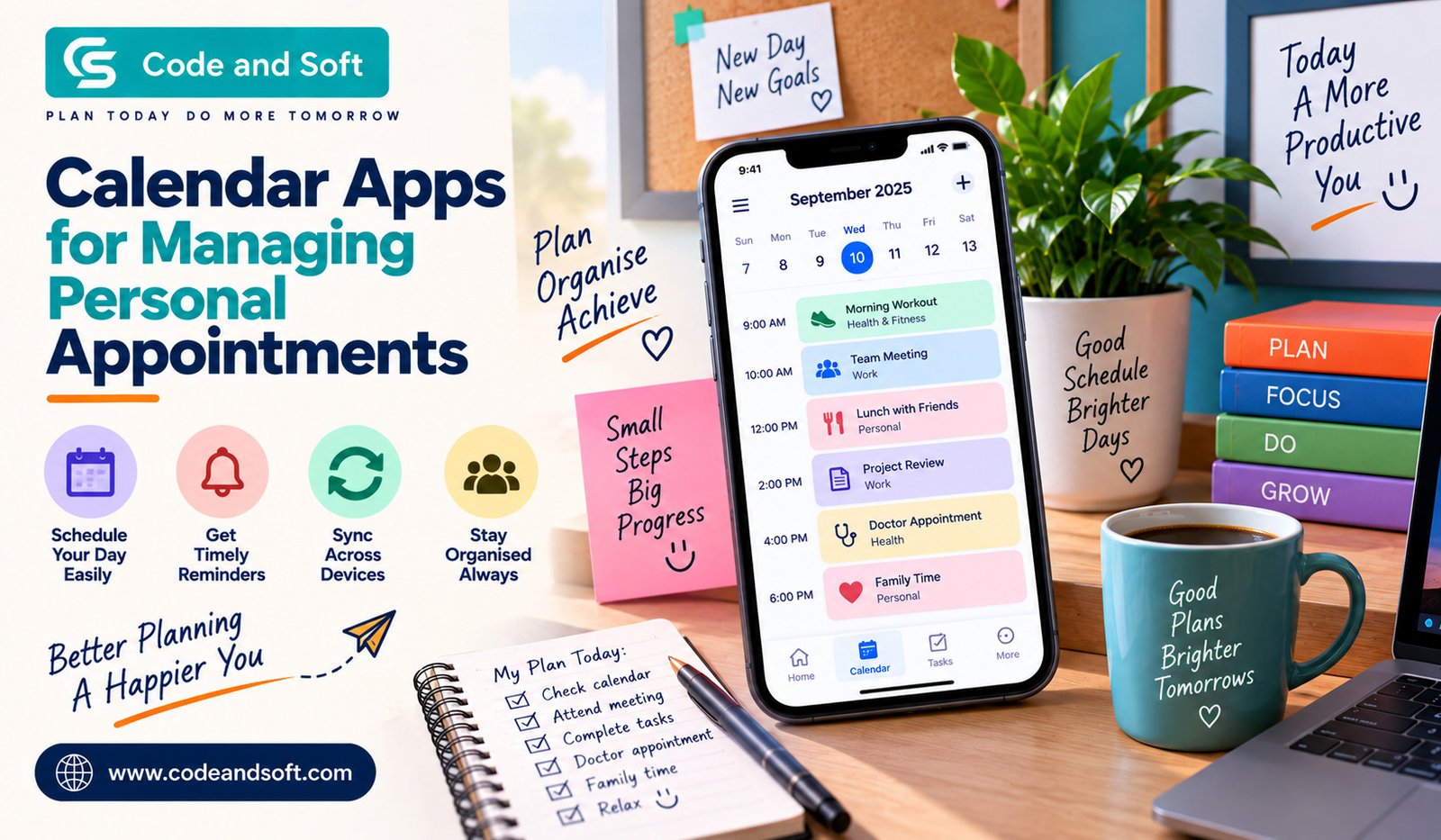

Your day can get surprisingly complicated when you have appointments, errands, family commitments, work calls, social plans, and personal tasks competing for your attention. You may remember most of them, but eventually, something gets missed. That is where Calendar Apps can make everyday planning much easier.
Instead of keeping appointments in your head or writing them on random pieces of paper, you can use a digital calendar to organize everything in one place. Whether you need to remember a doctor’s appointment, schedule a haircut, plan a dinner with friends, or simply block out some quiet time for yourself, the right calendar app can help you stay on track.
The best part is that you do not need to be extremely organized to benefit from one. Once you start adding your appointments and setting reminders, your schedule becomes easier to understand at a glance.
Why Should You Use Calendar Apps for Personal Appointments?
Personal appointments often seem easy to remember because they are usually planned days or weeks in advance. However, when your schedule becomes busy, remembering every detail can become difficult.
Calendar Apps give you a simple way to keep track of your commitments. You can add an appointment, choose its date and time, set a reminder, and move on with your day.
For example, if you have a dentist appointment next Thursday at 4 PM, you can add it to your calendar and receive a notification beforehand. You do not have to repeatedly remind yourself about it.
A calendar also gives you a bigger picture of your day or week. Before making a new plan, you can quickly check whether you are already busy.
What Features Should You Look For?
Not every calendar app works in exactly the same way. Some focus on simplicity, while others offer advanced scheduling and productivity features. When choosing one for personal appointments, a few features are particularly useful.
1. Easy Appointment Creation
You should be able to add an appointment quickly without going through complicated menus.
A good calendar lets you enter the event name, date, time, and location in just a few steps. If you are adding appointments regularly, this simplicity can save you considerable time.
2. Reminders and Notifications
One of the biggest reasons to use a digital calendar is to avoid forgetting appointments.
Look for an app that allows you to customize reminders. You may want a notification one day before an appointment and another reminder 30 minutes before you need to leave.
Having flexible reminders means you can choose what works for you rather than relying entirely on memory.
3. Recurring Events
Some appointments happen regularly. You might have a monthly salon appointment, weekly fitness session, or recurring family commitment.
Instead of entering the same event every time, you can create a recurring appointment. The calendar automatically adds it to your schedule according to the frequency you select.
This small feature can make calendar management much more convenient.
4. Multiple Calendar Views
Your preferred way of looking at your schedule may change depending on what you are doing.
A daily view is useful when you want to see exactly what is happening today. A weekly view helps you understand how busy the next few days will be, while a monthly view gives you a broader picture.
Having different calendar views allows you to plan at the level that feels most comfortable.
5. Sync Across Devices
You may check your schedule on your smartphone in the morning, use a laptop during the day, and then look at a tablet in the evening.
Calendar synchronization keeps your appointments updated across supported devices. If you add an event from one device, you can access the updated schedule elsewhere without manually entering it again.
For people who regularly switch between devices, this can be one of the most useful features.
Popular Calendar Apps You Can Consider
There are several well-known options available, and the right choice depends on how you prefer to organize your life.
Google Calendar
Google Calendar is a popular choice if you want a straightforward calendar that works across devices.
You can create appointments, add reminders, schedule recurring events, and organize different types of activities. Its familiar interface also makes it relatively easy to get started.
If you already use other Google services, having your calendar integrated into the same ecosystem can make planning more convenient.
Apple Calendar
Apple Calendar is particularly useful if you regularly use Apple devices.
You can manage appointments and events from your iPhone, iPad, or Mac, depending on your setup. The app is designed to fit naturally into the Apple ecosystem, making it a convenient option if most of your devices come from Apple.
Microsoft Outlook Calendar
Microsoft Outlook includes a calendar alongside its email and productivity tools.
While it is often associated with work schedules, you can also use it for personal appointments. If you already rely on Outlook, keeping your personal and professional commitments visible in one place can be convenient.
Any.do
Any.do combines tasks and scheduling features, which can be useful if you want more than a traditional calendar.
For example, you could schedule an appointment and also create related tasks that need to be completed before it. This approach can help when an appointment involves preparation rather than simply showing up at a specific time.
How to Organize Your Personal Appointments Better
Downloading a calendar app is only the first step. How you use it can make an even bigger difference.
Start by entering the appointments you already know about. Add birthdays, medical appointments, personal meetings, classes, travel plans, and other important commitments.
Then, use categories to separate different parts of your life if your chosen app supports them. You might have one category for family events, another for personal appointments, and another for important errands.
This makes your calendar easier to scan when you are trying to understand how your week looks.
You should also avoid adding vague entries whenever possible. Instead of writing “Doctor,” include useful information such as the appointment type, location, and any other details you might need.
That way, you do not have to search through messages or emails later to find the information.
Don’t Forget Travel Time
One common mistake is scheduling an appointment based only on the appointment’s starting time.
Suppose your appointment begins at 5 PM and the location is 30 minutes away. If you leave home at 4:50 PM, you are probably going to be late.
When using Calendar Apps, consider adding travel time to your planning. Some apps can use location information or mapping integrations to make this easier, while others allow you to manually block out extra time.
Giving yourself a buffer can also help when traffic, parking, or unexpected delays become an issue.
Use Your Calendar to Protect Free Time
Your calendar does not have to be filled with appointments from morning to night.
In fact, one of the most useful ways to use a calendar is to protect some empty space.
If you constantly schedule one activity immediately after another, even a small delay can disrupt your entire day. By leaving gaps between appointments, you give yourself time to travel, relax, prepare, or handle unexpected tasks.
You can even create calendar blocks for personal activities such as exercise, reading, hobbies, or simply taking a break.
Avoid Overloading Your Calendar
A calendar should help you manage your time, not make you feel overwhelmed.
If every small activity becomes a calendar entry, your schedule can quickly become difficult to read. Try to reserve calendar entries for things that have a specific time or need your attention.
For smaller tasks, you may find a task-management app more suitable.
The goal is to create a calendar that gives you clarity. When you open it, you should be able to understand what matters without sorting through dozens of unnecessary entries.
Calendar Apps Can Make Everyday Life Easier
Managing personal appointments does not have to be complicated. With the right Calendar Apps, you can move important dates out of your memory and into a system that reminds you when you need it.
From simple appointment reminders to recurring events, multiple calendar views, device synchronization, and travel planning, these tools can help you make better use of your time.
You do not need to use every available feature. Start with the basics: add your important appointments, set useful reminders, and check your calendar before making new plans.
Once that becomes a habit, you may find that you spend less time worrying about what you might forget and more time focusing on what you actually need to do.
Ultimately, a good calendar should work quietly in the background. It should give you a clear picture of your commitments, remind you at the right moment, and make personal scheduling feel less stressful. Whether you choose a simple calendar or a more advanced productivity tool, the important thing is finding one that fits naturally into your daily routine.