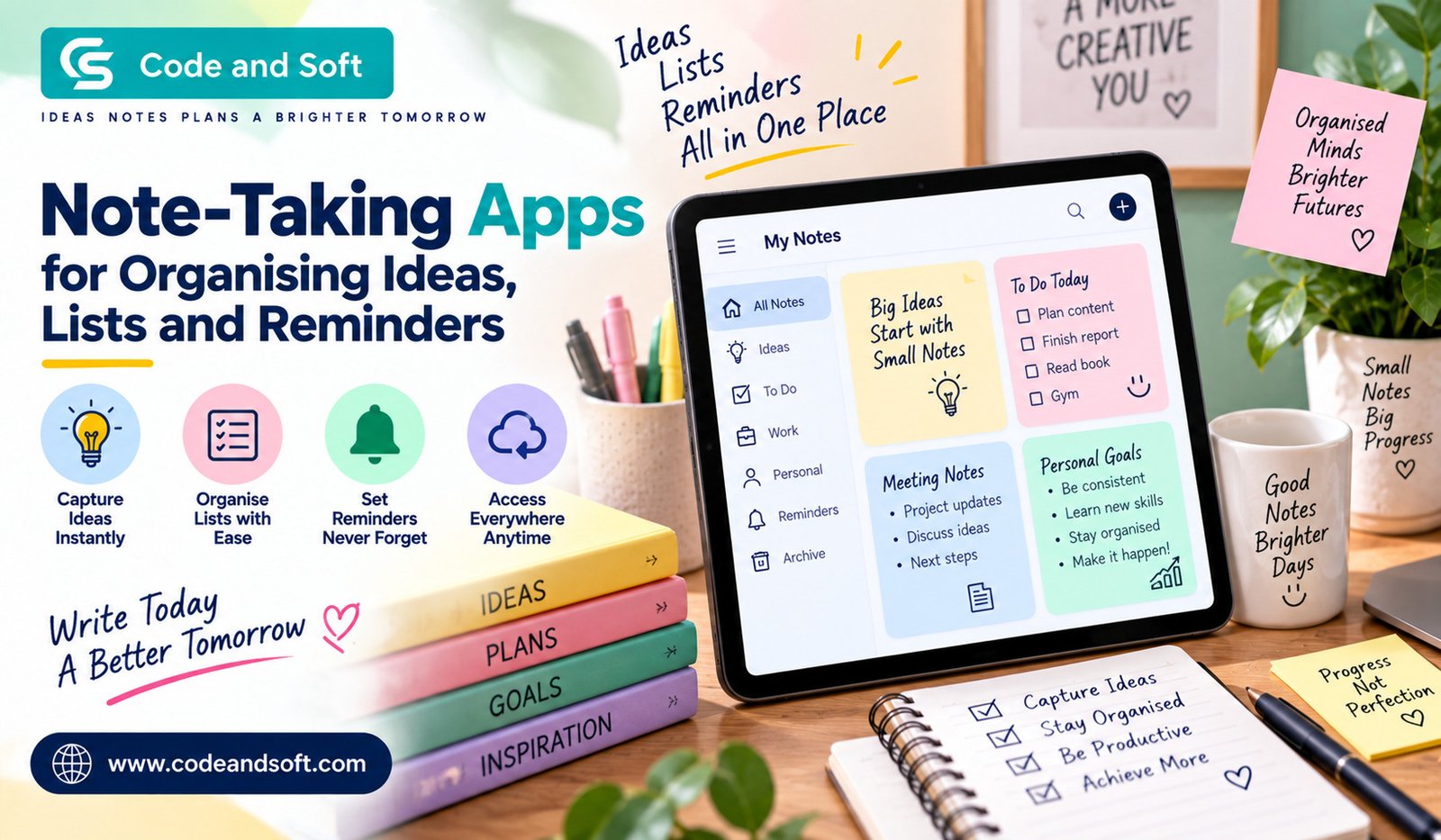

Your best ideas do not always arrive when you are sitting at your desk. You might think of something important while travelling, remember a task during lunch, or suddenly come up with a great idea just before going to sleep. The problem is not having ideas — it is keeping track of them.
This is where Note-Taking Apps can make everyday life much easier. Instead of keeping random notes in different notebooks, messaging apps, screenshots, or pieces of paper, you can bring your thoughts, lists, plans, and reminders into one organised digital space.
Whether you are a student, working professional, content creator, business owner, or simply someone who likes to stay organised, the right note-taking app can become a surprisingly useful part of your daily routine.
Why Should You Use Note-Taking Apps?
You probably already have a way of taking notes. Maybe you use your phone’s basic notes application or still prefer a physical notebook. There is nothing wrong with either approach, but digital note-taking gives you more flexibility.
With Note-Taking Apps, you can quickly capture an idea whenever it appears. You can create a shopping list, save an article idea, write down meeting points, record a reminder, or keep track of personal goals without carrying a notebook everywhere.
Another major advantage is accessibility. Your notes can often be synchronised across your smartphone, tablet, and computer. So, if you write something on your phone while travelling, you can access it later from your laptop.
That convenience becomes especially valuable when you have dozens or even hundreds of small pieces of information to remember.
Turn Random Thoughts Into Organised Ideas
One of the biggest benefits of using Note-Taking Apps is that they can help you organise information instead of simply storing it.
Think about all the ideas you have during a normal week. You may have a blog topic, a business idea, a book recommendation, a travel plan, or something you want to research later. If you do not write these things down, they can easily disappear from your memory.
A good note-taking system lets you create separate notebooks, folders, tags, or categories. You could have one section for work, another for personal plans, and another for creative ideas.
For example, if you regularly write content, you could create categories such as:
- Blog ideas
- Research topics
- Content calendars
- Keywords
- Social media ideas
- Things to follow up on
This simple structure can save you considerable time when you need to find something later.
Create Better To-Do Lists
A note-taking app is not only for writing paragraphs. You can also use it to create simple and practical to-do lists.
Instead of trying to remember everything you need to accomplish during the day, you can write it down and work through each task one by one.
For example, your daily list could include:
- Reply to important emails
- Finish a project
- Buy groceries
- Make a phone call
- Research a new topic
- Prepare tomorrow’s schedule
Checking tasks off as you complete them also gives you a clear sense of progress.
Some advanced Note-Taking Apps allow you to create checklists directly inside notes. This is particularly useful for recurring activities such as shopping, travel packing, project preparation, or weekly household tasks.
Keep Reminders From Slipping Through the Cracks
Writing something down is useful, but sometimes you need more than a note. You need a reminder.
Imagine writing down an important appointment but forgetting to check your notes at the right time. The information was technically saved, but it did not help you when you needed it.
That is why apps combining notes with reminders can be particularly useful.
Depending on the app you choose, you may be able to attach dates and notifications to tasks. You can create a reminder for an upcoming meeting, a bill payment, a deadline, or even something as simple as calling a friend.
This turns your notes into an active planning tool rather than a digital storage box.
Choose an App That Matches Your Routine
There is no single best note-taking application for everyone. The right choice depends on how you actually work.
If you mostly write quick reminders, you probably do not need an app packed with complicated features. A simple interface may be better because you can open it and start typing immediately.
If you manage projects, research information, or large collections of documents, you may want something with folders, tags, search tools, attachments, and collaboration features.
Before choosing among Note-Taking Apps, think about how you will use one on a normal day.
Ask yourself:
- Do you need notes on multiple devices?
- Do you frequently create checklists?
- Do you need reminders?
- Will you store images or documents?
- Do you need handwriting or drawing support?
- Do you work with other people?
- Do you need powerful search?
- Do you prefer a simple or feature-rich interface?
Answering these questions can make your decision much easier.
Look for Easy Synchronisation
One feature you should pay attention to is synchronisation.
If you use multiple devices, you want your notes to remain updated. You might start writing an idea on your smartphone and continue working on it later from your computer.
Without reliable synchronisation, you could end up with different versions of the same note. That defeats much of the purpose of digital organisation.
When comparing Note-Taking Apps, check which operating systems and devices they support. If you regularly switch between Android, iOS, Windows, or macOS devices, cross-platform compatibility can be particularly important.
Make Search One of Your Priorities
As your collection of notes grows, searching becomes increasingly important.
When you have ten notes, finding something manually is easy. When you have hundreds, scrolling through them can become frustrating.
A strong search feature lets you type a keyword and quickly locate relevant information. This can be extremely helpful when you remember the subject of a note but cannot remember where you saved it.
For example, you might remember writing something about a laptop but have no idea whether you saved it under “Technology,” “Shopping,” or “Work.” A good search function can eliminate that problem.
Some apps can also search text within attached documents or images, depending on their features.
Use Tags and Folders Wisely
Organisation does not have to be complicated.
You might be tempted to create dozens of folders and tags in an attempt to organise everything perfectly. In reality, too much organisation can make note-taking feel like work.
Start with a few broad categories that actually make sense for you.
For example:
Work: Projects, meetings, tasks and ideas.
Personal: Goals, appointments and important information.
Ideas: Blog topics, creative concepts and future plans.
Lists: Shopping, travel and things to buy.
You can add more categories later if you genuinely need them.
The goal is to make information easier to find, not to create a complicated filing system.
Take Advantage of Multimedia Notes
Modern Note-Taking Apps can offer much more than plain text.
Depending on the platform, you may be able to add photos, PDFs, web links, audio recordings, screenshots, drawings, or scanned documents to your notes.
This can be useful in many everyday situations.
For example, while shopping for furniture, you could create a note containing product photos, measurements, prices, and links. While studying, you could combine written explanations with screenshots and reference documents.
Instead of keeping related information scattered across different applications, you can keep it together.
Use Notes for More Than Work
You do not have to use note-taking apps only for professional tasks.
They can also help you organise your personal life.
You could create a travel checklist, save restaurant recommendations, plan a weekend trip, maintain a list of books you want to read, or record gift ideas for birthdays.
You could even create a long-term list of things you want to accomplish during the year.
Once you start using notes as an external memory, you may find yourself relying less on mental reminders.
Keep Your Notes Simple and Useful
One common mistake is trying to capture absolutely everything.
Your note-taking system should make your life easier, not create another source of digital clutter.
When you write a note, try to make it useful to your future self. Add a clear title, include the important details, and remove unnecessary information when appropriate.
For example, instead of creating a note titled “Meeting,” use something more specific such as “Marketing Meeting – September 2026.”
That small change makes the note much easier to find later.
You should also review old notes occasionally. Delete information you no longer need, combine duplicate notes, and update lists that have changed.
Think About Privacy and Security
Your notes may contain personal information, work details, financial reminders, or other information you would not want everyone to access.
Before choosing an app, take a look at its security and privacy features. Password protection, device authentication, encryption, and secure synchronisation can all be useful depending on the type of information you store.
You should also protect your account with a strong password and enable additional security features when available.
Build a Note-Taking Habit
The best app will not help much if you rarely use it.
The real benefit comes from building a simple habit around it.
Whenever something important comes to mind, capture it immediately. Do not tell yourself that you will remember it later. Once you have saved the thought, organise it when you have time.
At the end of each day, you can spend a few minutes reviewing your notes. Turn important ideas into tasks, add reminders to deadlines, and remove anything that is no longer relevant.
Over time, this small routine can make your digital information much easier to manage.
Final Thoughts
The purpose of Note-Taking Apps is not simply to replace your notebook. Their real value comes from helping you capture, organise, find, and act on information when you need it.
Whether you want to manage work tasks, collect creative ideas, prepare shopping lists, organise research, or remember important reminders, the right app can give you a central place for all of it.
You do not need the most complicated application or a huge collection of productivity features. Start with something that feels comfortable and fits naturally into your routine. Once you develop the habit of capturing information consistently, you can gradually add folders, tags, reminders, checklists, and other features.
Ultimately, the best note-taking system is the one you will actually use. When your ideas, lists, and reminders are organised in a way that makes sense to you, you spend less time trying to remember things and more time getting them done.