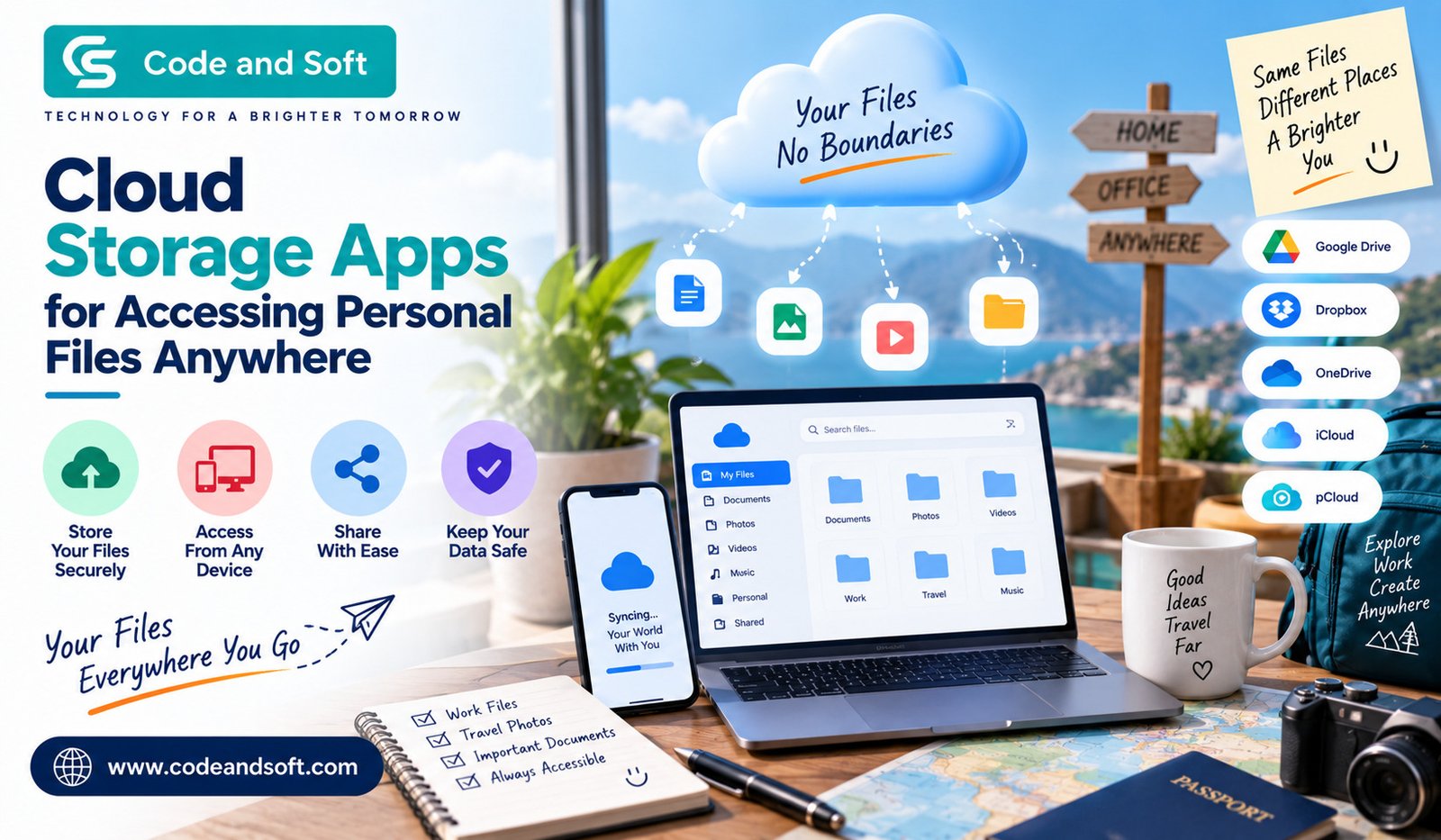

Imagine you are away from home and suddenly need an important document that is saved on your computer. Maybe it is a work file, a scanned certificate, a travel document, or even a collection of family photos. If the file is sitting on your desktop at home, getting access to it can be frustrating.
This is where Cloud Storage Apps can make your digital life much easier.
Instead of keeping all your important files on one device, you can store them securely online and access them whenever you need them. Whether you are using a smartphone, laptop, tablet, or another computer, your files can be just a few taps away, provided you have an internet connection.
But cloud storage is not only about convenience. It can also help you organize files, create backups, share documents, and reduce your dependence on physical storage devices. With so many services available today, understanding how they work can help you choose the right option for your personal needs.
What Are Cloud Storage Apps?
Cloud Storage Apps are applications that let you save files on remote servers instead of storing everything directly on your device. The files are uploaded to the cloud through the internet and can then be accessed from supported devices.
Think of it as having a personal digital storage space that you can carry with you without actually carrying a hard drive or USB drive.
For example, you could upload your holiday photos from your phone and later view them from your laptop. You might save an important PDF from your computer and open it on your tablet while travelling. You can even share selected folders or files with family members, friends, or colleagues.
The exact features depend on the service you choose, but most popular cloud storage platforms offer some combination of storage, synchronization, file sharing, backup, and collaboration tools.
Why Should You Use Cloud Storage?
One of the biggest reasons to use cloud storage is simple: you can access your files from almost anywhere.
Suppose you are travelling and need your passport copy, hotel booking, insurance document, or itinerary. If you previously uploaded these files to your cloud account, you don’t need to search through your computer or carry printed copies everywhere.
Cloud storage can also protect you against unexpected device problems. Your laptop could stop working, your phone could be lost, or an external drive could become corrupted. If your important files exist only on that device, recovering them can be difficult.
By keeping another copy in the cloud, you create an additional layer of protection.
Best Cloud Storage Apps for Personal Files
You have plenty of options when it comes to cloud storage. The best choice depends on how much storage you need, which devices you use, and whether you want advanced sharing or productivity features.
1. Google Drive
Google Drive is one of the most familiar options for personal cloud storage. If you already use services such as Gmail or Google Photos, Drive can fit naturally into your existing digital setup.
You can upload documents, photos, videos, spreadsheets, PDFs, and other files. You can also access your files through your phone, tablet, or computer.
One of its biggest advantages is its integration with Google’s productivity tools. If you frequently work with documents, spreadsheets, or presentations, having your files connected to your Google account can make your workflow more convenient.
You can also share individual files or folders with other people rather than sending large attachments repeatedly.
2. Microsoft OneDrive
If you use Windows or Microsoft 365 regularly, OneDrive is another practical option.
OneDrive allows you to synchronize files between your computer and cloud storage. This means you can work with files across different devices without constantly copying them manually.
It can be especially useful if you already rely on Microsoft Word, Excel, PowerPoint, or other Microsoft services. You can save your files online and continue working on them from another compatible device.
For personal users, OneDrive can also be useful for keeping important documents and photos organized in one place.
3. Dropbox
Dropbox is one of the names that helped make cloud file storage popular with everyday users. Its interface focuses heavily on straightforward file storage and synchronization.
You can create folders, upload files, synchronize them between devices, and share them with others.
If you regularly move files between your smartphone and computer, Dropbox can make the process much simpler than relying on USB cables or manually sending files to yourself.
It can also be useful when you need to share a collection of files without attaching everything to an email.
4. Apple iCloud
If you are deeply invested in Apple’s ecosystem, iCloud can be a convenient choice.
It works across Apple devices and can help keep photos, documents, backups, and other information synchronized. You can access your stored content through supported Apple devices and web-based access where available.
For iPhone, iPad, and Mac users, the biggest benefit is the way iCloud works in the background. You do not necessarily have to think about manually transferring every file between your devices.
That convenience can be particularly useful if you use several Apple products every day.
How Cloud Storage Helps You Access Files Anywhere
The biggest advantage of Cloud Storage Apps becomes obvious when you stop thinking of your files as belonging to one particular device.
Your laptop might be your primary computer, but that doesn’t mean your documents have to remain there.
For example, you could save a presentation on your laptop before leaving home. Later, while travelling, you can open the same presentation from your smartphone or tablet. If you make changes, synchronization can help keep the latest version available across your connected devices.
This is particularly useful when your routine involves multiple devices.
Instead of asking, “Which device did I save that file on?” you can simply check your cloud storage.
Cloud Storage for Photos and Videos
Personal photos and videos can quickly consume the storage space on your smartphone. Cloud storage gives you another way to manage your growing collection.
You can upload important memories and access them from different devices without keeping every file locally.
This can also be helpful when upgrading your phone. Rather than manually transferring thousands of photos, you can use a cloud-based service to keep your collection accessible.
However, you should still check the storage limits and backup settings of the service you use. Large video files can consume cloud storage surprisingly quickly.
Sharing Files Becomes Easier
Another major benefit of Cloud Storage Apps is file sharing.
Instead of attaching a large file to an email, you can upload it to the cloud and send a sharing link. Depending on the platform, you may be able to control whether someone can view, comment on, or edit the file.
This can be useful for everything from sharing family photos to sending documents to colleagues.
You also have more control over what you share. Rather than giving someone access to your entire storage account, you can share a specific file or folder.
What About Security?
Convenience should not come at the expense of security.
When choosing a cloud storage service, you should pay attention to features such as encryption, account security, two-factor authentication, sharing controls, and suspicious-login alerts.
Your cloud account may contain extremely personal information, so protecting the account itself is just as important as choosing a reliable storage provider.
You should also use a strong, unique password and enable two-factor authentication whenever it is available.
It is worth remembering that cloud storage should not necessarily be your only backup. For particularly important files, keeping another copy on an external drive or another secure location can provide additional protection.
How Much Cloud Storage Do You Actually Need?
You don’t necessarily need the largest storage plan available.
If you mainly store documents, PDFs, spreadsheets, and a small number of photos, a basic plan may be enough. If you regularly save high-resolution photographs and videos, your requirements will be much higher.
Before paying for additional storage, look at what is actually consuming space.
You might discover that old videos, duplicate files, or unnecessary downloads are taking up most of your storage. Cleaning your account periodically can help you get more value from the space you already have.
Tips for Using Cloud Storage More Effectively
Once you start using cloud storage, a little organization can make a big difference.
Create folders based on categories that make sense to you, such as Documents, Work, Photos, Travel, Finance, and Personal.
Use clear file names instead of leaving everything with names such as “IMG_3847” or “Document123.”
You should also review your shared files from time to time. A link you created months ago may still provide access to a document you no longer want to share.
Finally, don’t automatically sync every file to every device. Selective synchronization can help save local storage space, particularly on smartphones and laptops with limited capacity.
Choosing the Right Cloud Storage App
There isn’t one perfect cloud storage app for everyone.
If you already use Google’s ecosystem, Google Drive may feel like the natural choice. Microsoft users may prefer OneDrive, while people heavily invested in Apple’s ecosystem may find iCloud more convenient. Dropbox can be attractive if straightforward file synchronization and sharing are your main priorities.
Before choosing, compare the free storage allowance, paid plans, supported devices, synchronization features, sharing controls, security options, and ease of use.
Most importantly, choose a service that fits the way you actually manage your files.
Final Thoughts
Cloud storage has changed the way you think about personal files. Instead of being tied to a particular computer, phone, or external drive, your documents, photos, videos, and other digital content can travel with you.
The right Cloud Storage Apps can give you convenient access to your files, easier sharing, automatic synchronization, and an extra layer of protection against device failure.
You don’t need to be a technology expert to benefit from cloud storage. Start with the files you use most often, organize them into sensible folders, enable strong account security, and gradually build a system that works for you.
Once you get used to having your important files available wherever you go, going back to searching through different devices for that one missing document can feel surprisingly inconvenient.