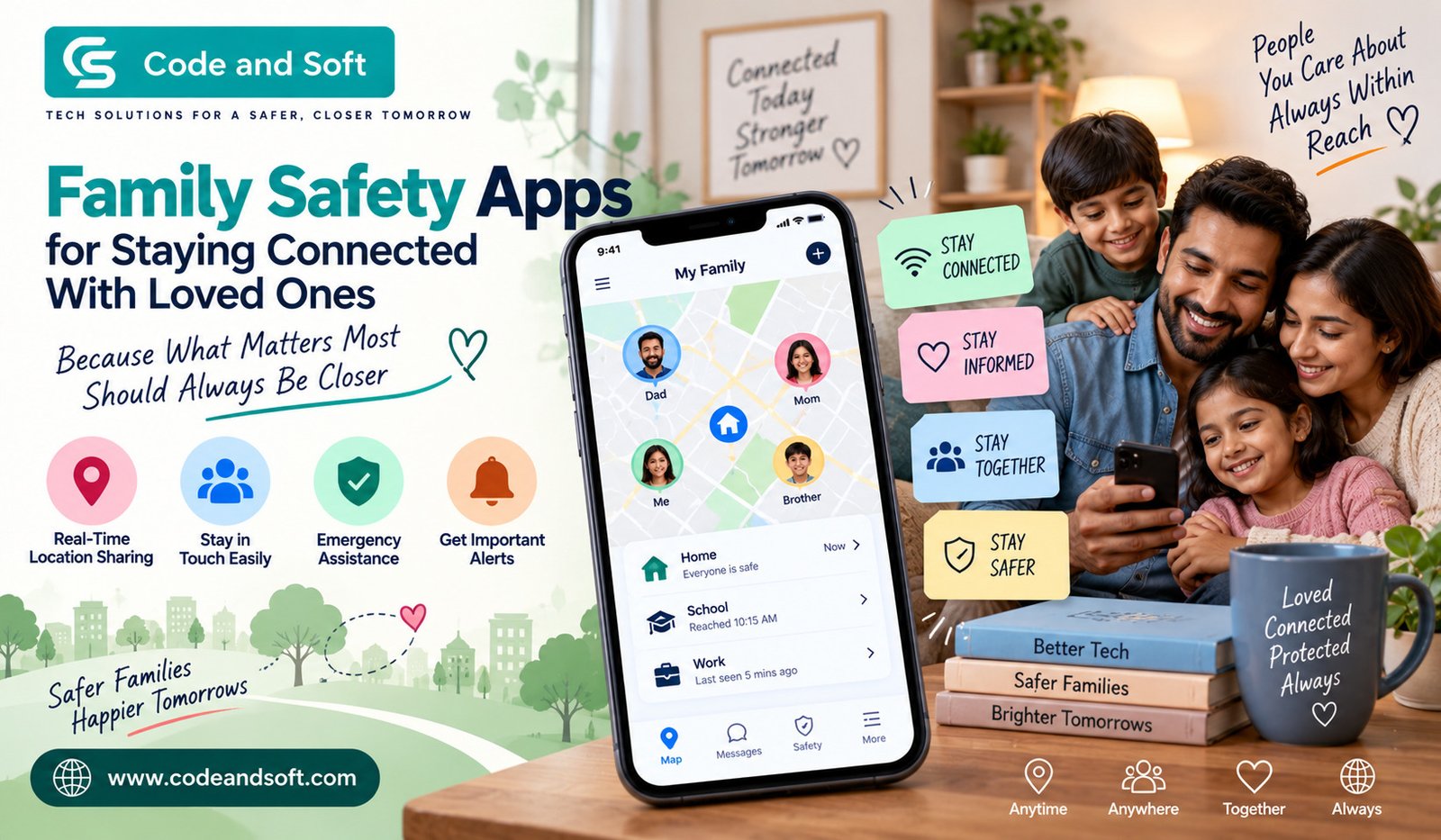

Staying connected with your family is easier than ever, but knowing that your loved ones are safe can still be a challenge. When everyone has different schedules, commutes to different places, attends school or college, or travels for work, a simple phone call may not always be enough. This is where Family Safety Apps can make everyday communication and safety a little easier.
With the right app, you can stay updated about your family members’ locations, receive important alerts, coordinate plans, and check in when necessary. These apps are not just about tracking someone. When used properly and with everyone’s consent, they can help your family communicate better and feel more secure.
Whether you’re looking after children, checking on an elderly parent, or simply trying to stay connected with your partner while you’re both busy, a family safety app can become a useful part of your daily routine.
What Are Family Safety Apps?
Family Safety Apps are mobile applications designed to help family members stay connected and share important safety information. Depending on the app you choose, you may get features such as real-time location sharing, emergency alerts, check-ins, driving reports, communication tools, and notifications when someone reaches or leaves a particular place.
For example, you may want to know whether your child has reached school safely. Instead of repeatedly calling, you can use a location-sharing or check-in feature to get an update. Similarly, if your partner is travelling home late at night, location sharing can provide reassurance without requiring constant messages.
The exact features vary from one app to another, so you should always look at what an app offers before deciding whether it fits your family’s needs.
Why Staying Connected Matters
Modern family life can get surprisingly busy. You may leave home early for work while your children head to school, and another family member may be travelling across town for appointments or errands.
Because everyone’s routine can be different, communication can easily become inconsistent.
A family safety app gives you another way to stay informed. Instead of depending entirely on phone calls or text messages, you can have a central place for certain safety-related updates.
This can be particularly useful during unexpected situations. If someone is delayed, travelling somewhere unfamiliar, or unable to respond immediately, shared safety information can help other family members understand what’s happening.
The goal isn’t to monitor every movement. It’s to create a convenient communication layer that your family can use when it actually matters.
Key Features to Look For in Family Safety Apps
Not every app offers the same tools. Before choosing one, consider which features would genuinely be useful for your family.
1. Location Sharing
Location sharing is one of the most common features you’ll find in Family Safety Apps. It allows selected family members to share their current or recent location with one another.
You might use it when your teenager is travelling home from school or when a family member is driving to another city.
Look for apps that let each person control when their location is shared. Flexible privacy controls are important because everyone should understand what information is being shared and with whom.
2. Emergency Alerts
An emergency feature can be especially valuable when someone needs help quickly.
Depending on the app, an emergency alert may notify selected contacts when a user activates it. Some services may also provide additional information, such as the person’s location.
You should check how emergency features work before relying on them. Make sure every family member knows how to activate an alert and what happens after it is triggered.
3. Check-In Features
Sometimes you don’t need continuous location sharing. You simply want confirmation that someone has arrived safely.
Check-in features can be useful for exactly this situation.
For example, you can ask your child to check in after reaching school or your partner to confirm when they arrive at work. This reduces unnecessary calls while still giving you peace of mind.
4. Place or Location Alerts
Some apps allow you to create specific locations and receive notifications when someone enters or leaves them.
You could use this around places such as home, school, college, or work.
This can make your daily routine easier because you don’t have to constantly check an app manually. Instead, you can receive a notification when a predefined event occurs.
5. Driving and Road-Safety Information
If your family includes new or younger drivers, driving-related features can also be useful.
Certain family safety services can provide information about driving behaviour, trips, or potentially risky events. These tools can help encourage safer driving habits.
However, it’s important to discuss these features openly rather than using them secretly. A family safety app works best when everyone understands how it is being used.
6. Communication Tools
Safety isn’t only about location. Good communication is equally important.
Some apps combine safety features with messaging, group communication, or check-in tools. Having these functions together can make it easier for your family to coordinate everyday activities.
You may use the app to let everyone know that dinner plans have changed, someone needs a ride, or a family member will arrive later than expected.
How Family Safety Apps Can Help Different Family Members
One of the biggest advantages of Family Safety Apps is their flexibility. Different family members can use them for different reasons.
Parents and Children
Parents often want reassurance that their children have reached school, tuition classes, sports practice, or home safely.
Instead of constantly asking, “Where are you?”, you can use check-ins and agreed-upon location sharing when appropriate.
For older children and teenagers, having a conversation about privacy becomes especially important. You should explain why the app is being used and allow them to understand its settings.
Couples
Busy couples may also find these apps useful.
If both of you have different work schedules, location sharing can make coordinating pickups, meetings, or travel easier. You don’t necessarily need to monitor each other throughout the day. You can simply use the feature when it provides practical value.
Elderly Family Members
Safety apps can also provide reassurance when an older family member lives independently.
If they are comfortable using a smartphone, check-in features and emergency tools can give both sides additional peace of mind. You can know that they have arrived somewhere safely without making repeated calls.
The best approach is to keep the technology simple. Too many complicated features can make an app frustrating rather than helpful.
Privacy Should Always Come First
While Family Safety Apps can be useful, privacy should never be treated as an afterthought.
Before installing an app, review its privacy settings and understand what information it collects. Check whether location information is shared continuously or only when someone chooses to share it.
You should also decide who has access to family information. Not every relative necessarily needs access to everyone’s location.
Most importantly, use these apps with transparency. Secretly tracking another person can damage trust and create unnecessary tension. A family safety system should support communication, not replace it.
It’s also a good idea to use strong passwords, enable available security features, keep your devices updated, and review app permissions regularly.
How to Choose the Right Family Safety App
Choosing the best app isn’t necessarily about finding the one with the longest feature list.
Start by thinking about your family’s actual needs.
Do you mainly need location sharing? Are emergency alerts more important? Do you want check-ins for children? Are driving-related features useful? Or are you simply looking for a convenient way to coordinate family members?
Once you know what you need, compare apps based on:
- Location-sharing controls
- Emergency and SOS features
- Check-in options
- Privacy settings
- Ease of use
- Battery consumption
- Device compatibility
- Notification controls
- Data security
- Subscription costs
You should also test the app together before relying on it in an emergency. Everyone should know where the important features are and what they do.
Don’t Let Technology Replace Communication
One mistake families can make is relying too heavily on technology.
An app can tell you where someone is, but it can’t replace a conversation. Location information doesn’t explain why someone is late, whether they’re feeling unwell, or whether they need help.
That’s why you should treat Family Safety Apps as a supporting tool rather than a complete safety solution.
Create simple family habits alongside the technology. For example, everyone can agree to send a quick message when plans change or use an emergency feature if they genuinely need assistance.
These small habits can make your family’s safety plan much more effective.
Final Thoughts
Family Safety Apps can make it easier for you to stay connected with the people who matter most. From location sharing and check-ins to emergency alerts and family communication, the right app can provide useful reassurance without making everyday life more complicated.
The key is choosing features that actually fit your family’s lifestyle and using them responsibly. You should prioritize privacy, communicate openly about tracking and information sharing, and make sure everyone understands how the app works.
When technology is combined with trust and good communication, a family safety app becomes more than just another smartphone application. It can become a practical tool that helps you stay informed, coordinate your day, and feel a little more connected to your loved ones—even when everyone is busy and moving in different directions.