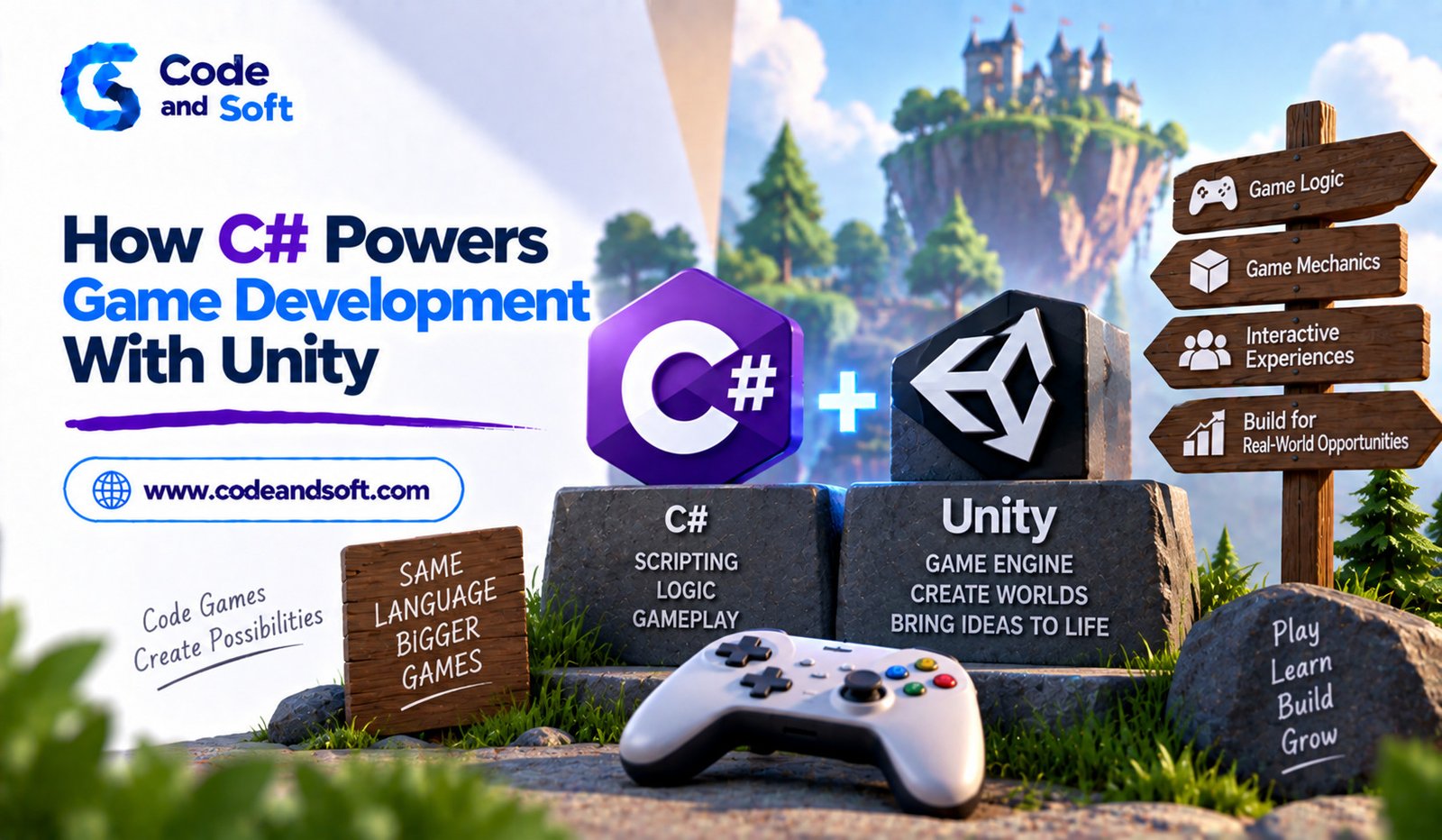

Game development combines programming, design, art, sound and interactive storytelling to create experiences that respond to player actions. Behind the visuals and gameplay mechanics, programming plays an important role in determining how a game behaves. C# is one of the key programming languages used with Unity, a widely used game development engine.
For developers learning C#, Unity provides an interesting environment for turning programming concepts into interactive experiences. Instead of working only with console applications or traditional business software, developers can use C# to control characters, manage game rules, respond to player input, create interfaces and connect different parts of a game.
Understanding how C# powers Unity game development can therefore help beginners see how programming skills translate into a practical software project.
What Is Unity?
Unity is a game development engine that provides tools for creating interactive applications and games.
It includes systems for graphics, physics, animation, audio, user interfaces, input and other game-development tasks. Developers can use the Unity Editor to organize scenes, add game objects and configure different components.
C# is used to create the gameplay logic that connects these components.
For example, a game object might represent a player character. C# code can determine how that character moves, reacts to input, interacts with objects and responds to events in the game.
This combination allows developers to focus on building gameplay rather than implementing an entire game engine from the ground up.
Why Is C# Important in Unity?
C# provides the programming logic behind many Unity projects.
The Unity environment exposes APIs that developers can access through C#. These APIs allow scripts to interact with game objects and different systems provided by the engine.
A beginner might write a simple script that moves an object:
using UnityEngine;
public class PlayerMovement : MonoBehaviour
{
public float speed = 5f;
void Update()
{
float movement = Input.GetAxis(“Horizontal”);
transform.Translate(Vector3.right * movement * speed * Time.deltaTime);
}
}
The exact input systems and recommended APIs can vary between Unity versions and project configurations, but the basic idea remains important: C# code controls how objects behave.
C# Scripts and Game Objects
One of the first concepts Unity beginners encounter is the relationship between game objects and scripts.
A game object can represent something in the game world, such as a character, camera, enemy, vehicle or collectible item.
A C# script can be attached to that object to give it specific behavior.
For example, an enemy object could have a script responsible for movement and another component responsible for health.
This component-based approach allows developers to build complex objects by combining smaller pieces of functionality.
Learning C# classes and methods therefore becomes directly useful when working with Unity.
Creating Player Movement
Player movement is a common beginner game-development project.
C# can receive input from the player and use that information to change an object’s position or behavior.
For a simple platform game, the code might determine whether the character moves left, moves right or jumps.
The programming becomes more interesting as additional rules are introduced. The character may need to stop at boundaries, interact with platforms, respond to gravity or trigger animations.
These features demonstrate how basic programming concepts can combine to produce interactive behavior.
Handling Game Physics
Unity provides physics functionality, while C# can control how game objects interact with those systems.
A developer can use scripts to apply forces, detect collisions or respond when two objects interact.
For example, a game could detect when a player touches a collectible item and then increase the player’s score.
C# can also be used to define custom gameplay reactions to physical events.
Understanding conditions, methods and event-driven programming becomes valuable when creating these interactions.
Creating Enemies and Game AI
Games often need computer-controlled characters.
C# can be used to create basic enemy behaviors such as following the player, patrolling an area or attacking when the player gets close.
A simple enemy might check the distance between itself and the player and change its behavior based on that value.
More advanced games can use state machines, pathfinding and decision-making systems.
For beginners, even a basic patrol system provides useful programming practice because it requires conditions, movement logic and interaction with the game environment.
Managing Game States
A game may contain several states, such as the main menu, active gameplay, pause screen, game-over screen and victory screen.
C# can help manage these states and determine which systems should be active.
For example, when a player loses all health, the game can stop normal gameplay and display a game-over screen.
A well-structured state system becomes increasingly important as a project grows because it prevents unrelated parts of the game from becoming tangled together.
Building User Interfaces
Games need interfaces for displaying information such as health, score, ammunition, objectives and menus.
Unity provides UI tools, while C# can update interface elements based on game events.
For example, when a player collects an item, C# can update the displayed score.
Similarly, when the player’s health changes, the health indicator can be updated.
This gives developers an opportunity to practice working with variables, events and object references in a visual environment.
Working With Animation
Animations make game characters and objects feel responsive.
C# can control when animations should play based on gameplay conditions.
For example, a character might use an idle animation when standing still, a running animation while moving and a different animation when jumping.
The programming logic determines which animation state should be activated.
This demonstrates how C# does not work independently from other Unity systems. Instead, scripts often coordinate different components to create a complete gameplay experience.
Creating Inventory and Item Systems
Inventory systems are another practical example of C# in Unity.
A game may need to track weapons, tools, collectibles or other items.
Developers can use C# classes and collections to represent these objects and manage the player’s inventory.
For example, a basic Item class could contain information such as an item’s name, category and value.
An inventory class could then maintain a collection of item objects.
This kind of project provides excellent practice with object-oriented programming, lists, methods and data organization.
Saving and Loading Game Data
Players generally expect games to remember their progress.
C# can be used to implement systems that store information such as player progress, settings, unlocked items or completed levels.
The exact storage approach depends on the project, but developers need to think about what information should be saved and when it should be restored.
This introduces programmers to concepts that also appear in other software applications, including data serialization, file handling and data validation.
Multiplayer and Networked Games
More advanced Unity projects can include multiplayer functionality.
C# can be used to implement gameplay logic that communicates with networking systems and manages player-related data.
Multiplayer development introduces additional challenges because information may need to be synchronized between different players or devices.
Developers must consider latency, synchronization, authority and unexpected network conditions.
Although multiplayer programming is more advanced, learning basic C# first provides an important foundation for understanding these systems.
Object-Oriented Programming in Unity
C# and Unity provide many opportunities to apply object-oriented programming concepts.
Classes can represent characters, weapons, enemies, items and other game elements.
Inheritance can be used when different types share common behavior. For example, several enemy classes might share functionality from a common base class.
Interfaces can also be useful when unrelated objects need to support the same behavior.
However, developers should avoid creating unnecessarily complicated class hierarchies. Good game architecture usually focuses on keeping individual systems understandable and modular.
Why Unity Is Useful for C# Learners
Unity can make programming more visual.
A beginner can write a small C# script and immediately observe its effect inside a game scene. A few lines of code can move an object, change a score or trigger an interaction.
This feedback can make programming concepts easier to understand.
It also encourages experimentation. Developers can change a variable, run the game and see what happens.
As projects become more complex, programmers naturally encounter topics such as object-oriented design, collections, events, debugging and performance optimization.
Building a C# Game Development Portfolio
Unity projects can also become useful portfolio pieces.
A beginner could start with a simple 2D game and gradually add player movement, enemies, scoring, menus and saving.
Instead of creating many unfinished projects, it can be more valuable to complete a small game and improve its quality.
A finished project demonstrates programming ability, problem-solving skills and an understanding of how different systems work together.
Final Thoughts
C# plays an important role in Unity game development by providing the programming logic behind interactive experiences. Developers use it to control player movement, create enemy behavior, manage game states, handle collisions, update interfaces, control animations and build systems such as inventories and saving.
For beginners, Unity provides a practical way to see C# concepts in action. Classes, methods, variables, conditions and collections stop being abstract programming ideas and become tools for creating something interactive.
The best way to learn C# for Unity is to begin with small projects and gradually introduce new systems. Start with movement or a simple 2D game, then experiment with enemies, scoring, UI and game states.
With consistent practice, C# can provide a strong programming foundation for Unity development while also teaching skills that are valuable across the wider software development industry.