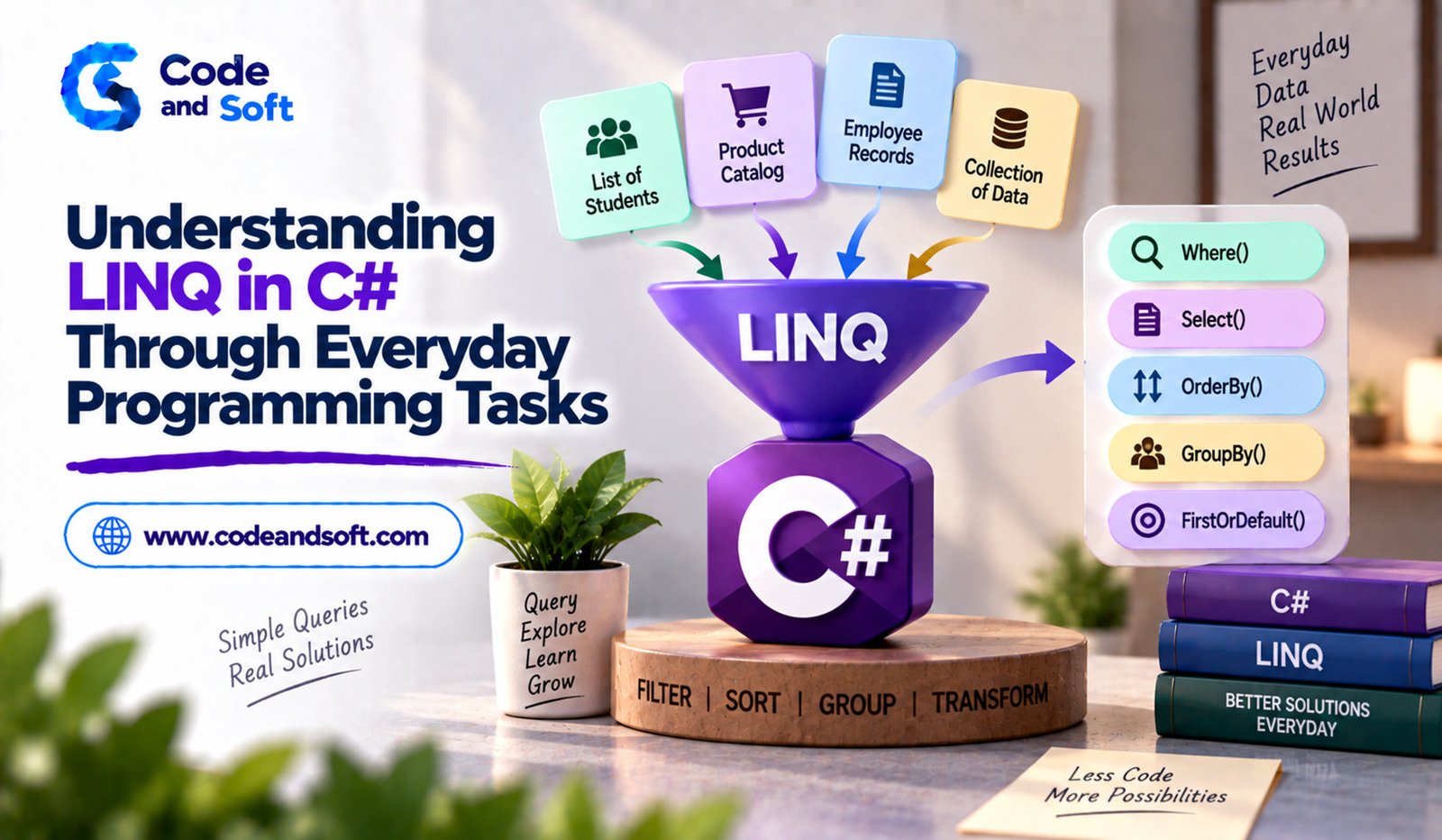

Modern applications work with large amounts of data. A shopping application may need to find products under a certain price, a student system may need to identify students with high scores, and an employee application may need to sort workers according to their salaries. Writing separate loops for every data operation can make code longer and harder to maintain.
This is where LINQ becomes useful in C#.
LINQ, short for Language Integrated Query, provides a convenient way to query and transform data directly within C#. Instead of manually writing complex loops for common operations, developers can use readable methods to filter, sort, search, group and transform collections.
Understanding LINQ in C# is especially valuable for developers working with .NET because the same concepts can be applied to many different types of data.
What Is LINQ in C#?
LINQ is a feature of C# that allows developers to perform queries against data using familiar programming syntax.
It can work with collections such as lists and arrays, as well as other data sources supported by the .NET ecosystem.
For example, suppose an application contains a list of product prices:
List<int> prices = new List<int> { 250, 500, 1200, 800, 1500 };
var affordable = prices.Where(price => price < 1000);
The Where() method selects values that satisfy a condition.
The expression price => price < 1000 is a lambda expression. It tells LINQ which values should be included.
This simple example demonstrates why LINQ is popular: the intention of the code is easy to understand.
Why Developers Use LINQ
Without LINQ, developers often rely on loops and temporary variables to process collections.
Loops are still important and will always have their place, but LINQ can make many common data operations shorter and more expressive.
LINQ is useful for tasks such as:
- Filtering data
- Sorting collections
- Searching for values
- Selecting specific properties
- Grouping records
- Calculating totals and averages
- Checking whether conditions are satisfied
The main advantage is not simply writing fewer lines. LINQ encourages developers to describe what data they want rather than focusing entirely on how to retrieve it.
Filtering Products in an Online Store
Imagine an online shopping application containing a collection of products.
var products = new List<Product>
{
new Product { Name = “Keyboard”, Price = 1200 },
new Product { Name = “Mouse”, Price = 600 },
new Product { Name = “Monitor”, Price = 15000 }
};
If the application needs products costing less than ₹5,000, LINQ can handle the filtering:
var budgetProducts = products
.Where(p => p.Price < 5000);
The result contains only products meeting the condition.
This type of query is common in real applications where users filter products according to price, category, availability or rating.
Selecting Specific Information With Select
Sometimes an application does not need an entire object. It may only need one particular property.
For example:
var productNames = products
.Select(p => p.Name);
The Select() method transforms each item into another form.
This can be useful when creating dropdown lists, displaying names in a user interface or preparing information for another operation.
You can also select multiple properties into a new object:
var productSummary = products
.Select(p => new
{
p.Name,
p.Price
});
This is useful when the application needs a smaller representation of larger objects.
Sorting Data With OrderBy
Sorting is another everyday programming task.
Suppose an employee application needs to display workers from the lowest salary to the highest:
var sortedEmployees = employees
.OrderBy(e => e.Salary);
For descending order, developers can use OrderByDescending():
var highestPaid = employees
.OrderByDescending(e => e.Salary);
Multiple sorting conditions are also possible.
For example, employees could first be sorted by department and then by name.
var sorted = employees
.OrderBy(e => e.Department)
.ThenBy(e => e.Name);
This can be much easier to read than manually implementing sorting logic.
Finding a Particular Record
Applications frequently need to locate a specific item.
For example, a student system might search for a student with a particular ID.
LINQ provides methods such as FirstOrDefault() for this purpose:
var student = students
.FirstOrDefault(s => s.Id == 101);
If a matching student exists, the result contains that object. If there is no match, FirstOrDefault() returns the default value for the type.
Developers should handle the possibility of no result instead of assuming that a matching record always exists.
Checking Conditions With Any and All
Sometimes an application only needs to know whether a condition is true.
The Any() method checks whether at least one item satisfies a condition.
bool hasFailedStudent =
students.Any(s => s.Marks < 40);
This could help a teacher dashboard determine whether any student needs additional attention.
The All() method checks whether every item satisfies a condition:
bool everyonePassed =
students.All(s => s.Marks >= 40);
These methods make conditional collection checks straightforward.
Calculating Totals and Averages
LINQ can also simplify calculations.
Suppose an application stores a list of order values:
var total = orders.Sum(o => o.Amount);
An average can be calculated with:
var average = orders.Average(o => o.Amount);
Other useful aggregation methods include Count(), Min() and Max().
For example:
var orderCount = orders.Count();
var largestOrder = orders.Max(o => o.Amount);
These operations are common in reports, dashboards and business applications.
Grouping Data With GroupBy
Grouping becomes useful when developers need to organize records according to a common property.
Imagine an employee collection containing department information.
var groups = employees
.GroupBy(e => e.Department);
Now employees can be processed according to their departments.
For example, an application could display separate sections for development, marketing, finance and human resources.
GroupBy() is particularly useful for reporting applications because it helps organize related records without manually creating separate collections.
Combining Multiple LINQ Operations
One of the most powerful features of LINQ is that operations can be chained together.
Suppose an application needs products costing less than ₹10,000, sorted from the most expensive to the least expensive:
var result = products
.Where(p => p.Price < 10000)
.OrderByDescending(p => p.Price)
.Select(p => p.Name);
The query performs several steps.
First, it filters the products. Then it sorts the remaining products. Finally, it selects only their names.
This style is often called method syntax because it uses LINQ extension methods.
Understanding Deferred Execution
One important LINQ concept for beginners is deferred execution.
Many LINQ queries do not immediately execute when they are created. Instead, the query is evaluated when the result is actually enumerated.
For example:
var result = products.Where(p => p.Price > 1000);
The query describes what should be retrieved, but the actual processing may happen when the program loops through result.
This behavior can be useful, but developers should understand it when working with changing collections or performance-sensitive code.
Methods such as ToList() and ToArray() can be used when an immediate materialized result is required.
var result = products
.Where(p => p.Price > 1000)
.ToList();
LINQ and Databases
LINQ is not limited to in-memory collections.
It is also commonly used when working with data-access technologies in the .NET ecosystem. For example, Entity Framework Core supports LINQ queries that can be translated into database operations.
This allows developers to write queries using C# rather than manually constructing every database query.
However, developers should understand that not every C# operation can necessarily be translated efficiently to a database query. Writing clear and efficient queries remains important when working with large datasets.
Common LINQ Mistakes Beginners Should Avoid
LINQ is convenient, but it should not be used blindly.
One common mistake is creating complicated chains that are difficult to understand. If a query becomes extremely complex, breaking it into smaller steps can improve readability.
Another issue is performing expensive operations unnecessarily. Developers should understand how much data they are processing and when a query is executed.
It is also important to choose the right LINQ method. For example, FirstOrDefault() and SingleOrDefault() have different meanings and should not be treated as interchangeable.
Good LINQ code should remain readable, predictable and appropriate for the amount of data being processed.
How to Practice LINQ Effectively
The best way to learn LINQ is through everyday programming problems.
Start with small collections such as lists of students, products or employees. Practice filtering with Where(), selecting with Select(), sorting with OrderBy(), searching with FirstOrDefault(), and calculating values with Sum() or Average().
After becoming comfortable with individual methods, combine them into short query pipelines.
Projects such as an expense tracker, shopping application, student management system or employee dashboard provide excellent opportunities to practice LINQ.
Final Thoughts
LINQ in C# provides a powerful and readable way to work with data. From filtering products and sorting employees to calculating order totals and grouping records, many everyday programming tasks can be expressed clearly with LINQ.
The real value of LINQ comes from learning how its methods fit together. Where(), Select(), OrderBy(), GroupBy(), Any(), All() and aggregation methods each solve different problems, but they can also be combined to build useful data-processing operations.
For C# developers, learning LINQ is an important step toward writing cleaner and more expressive .NET applications. Once the basic concepts become familiar, developers can apply them across collections, business logic and data-access scenarios with much greater confidence.