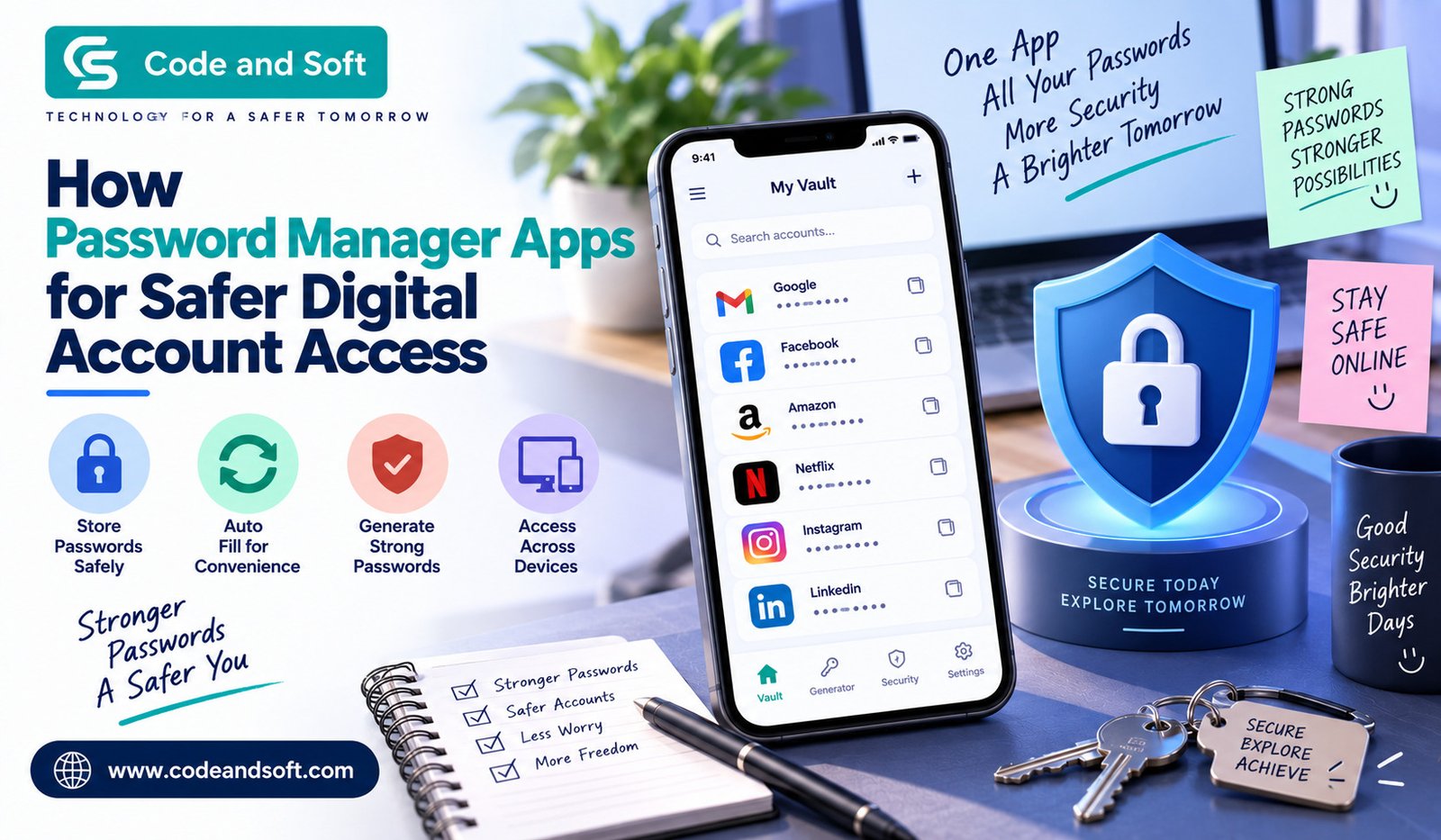

Think about how many online accounts you use every week. You probably have passwords for email, social media, shopping websites, banking, streaming services, work platforms, cloud storage, and dozens of other apps. Remembering all of them can quickly become frustrating. That is often when you start using the same password repeatedly or choosing something simple enough to remember.
Unfortunately, convenience can come at a cost.
If one of your passwords is exposed in a data breach, reused across multiple accounts, or guessed by someone else, several of your accounts could be at risk. This is where Password Manager Apps can make your digital life easier and more secure.
Instead of trying to remember every password yourself, you can use a password manager to securely store your login details and generate stronger passwords when you create new accounts. You generally need to remember only one master password to access your password vault.
What Are Password Manager Apps?
Password Manager Apps are tools designed to securely store and manage your passwords and other sensitive login information. Depending on the service you choose, a password manager may also store usernames, website addresses, credit-card details, secure notes, identification information, and other data.
You typically create a master password that protects your password vault. Once you unlock the vault, you can quickly access saved credentials when signing into websites or apps.
Many password managers can also generate random passwords for you. Instead of creating something like “MyPassword123,” you can generate a long combination of letters, numbers, and symbols that is much harder to guess.
The biggest advantage is simple: you don’t have to remember every complicated password yourself.
Why Should You Use a Password Manager?
You might think that your current password habits are good enough. Maybe you use a combination of letters and numbers, or you change your password every once in a while. However, managing passwords manually becomes increasingly difficult as the number of accounts you use grows.
A password manager can help you solve several common problems.
1. You Can Create Unique Passwords
One of the biggest mistakes you can make is using the same password for multiple accounts. If someone obtains that password, they may try it on your email, shopping accounts, social profiles, and other services.
With a password manager, you can create a different password for every account without having to memorize each one.
For example, your email account can have one unique password while your shopping account has a completely different one. If one password is compromised, the others aren’t automatically exposed.
2. You Don’t Have to Remember Everything
You probably already have enough things to remember. Adding dozens of complicated passwords to that list isn’t particularly practical.
Password managers take this responsibility away from you. Once your credentials are saved, you can retrieve them when needed rather than trying to remember which password belongs to which website.
This becomes especially useful when you have accounts that you rarely use but still need to access occasionally.
3. Strong Password Generation Becomes Easier
Creating a strong password can be surprisingly difficult. If you make it easy to remember, it may also be easier for someone else to guess.
Most modern password managers include password generators that can create long, random combinations automatically. You can often adjust the length and choose whether to include numbers, symbols, uppercase letters, or other characters.
You don’t have to sit there thinking of a new password every time a website asks you to create an account.
4. You Can Access Passwords Across Devices
Another useful feature of many Password Manager Apps is synchronization.
If you save a password on your smartphone, you may be able to access it later from your laptop or tablet, depending on the service and plan you use. This can be particularly convenient if you regularly switch between devices.
Instead of keeping passwords in a notebook or sending them to yourself through email or messaging apps, you can keep them inside a dedicated password-management system.
How Do Password Managers Keep Your Information Safe?
You may naturally wonder whether putting all your passwords in one place creates another security problem.
That is a reasonable concern.
Reputable password managers are designed with security features intended to protect the contents of your vault. Many use encryption so that your stored information is protected from unauthorized access. Some services also use a zero-knowledge architecture, meaning the provider is designed so that it cannot simply view the contents of your vault.
However, you still need to take responsibility for protecting your master password and account.
Your password manager is only as secure as the way you use it. A weak master password, compromised device, or careless sharing of login information can create unnecessary risks.
Important Features to Look For
Not every password manager offers exactly the same features. Before choosing one, consider what you actually need.
End-to-End or Strong Encryption
Security should be your first priority. Look for a service that clearly explains how your vault data is encrypted and how your information is protected.
Avoid choosing a password manager simply because it has an attractive interface or a long list of extra features.
Password Generator
A built-in password generator can save you considerable time. It should allow you to create strong, unique passwords instead of relying on passwords you have invented yourself.
Multi-Factor Authentication
Multi-factor authentication, often called MFA or 2FA, adds another layer of protection. Even if someone obtains your password, they may still need another authentication factor to access your account.
When available, enabling MFA for your password manager is a smart step.
Cross-Platform Support
Check whether the password manager works with the devices you actually use. If you use Android, iPhone, Windows, Mac, or a browser regularly, convenient compatibility can make a big difference.
Secure Sharing
Some password managers allow you to securely share selected credentials with family members, colleagues, or other trusted people without revealing the password directly.
This can be useful for shared subscriptions, household accounts, or work-related credentials.
Security Alerts
Some services can notify you about weak, reused, or potentially compromised passwords. These alerts can help you identify accounts that need attention before they become a bigger problem.
Password Manager Apps vs. Saving Passwords in Your Browser
Modern browsers can save and autofill passwords, so you may wonder why you need a separate password manager.
Browser-based password storage can be convenient, particularly if you mainly use one browser and one ecosystem. However, dedicated password managers may provide additional features such as broader cross-platform support, secure notes, password sharing, detailed security reports, and more advanced password-management tools.
That doesn’t mean browser password storage is automatically unsafe. The better choice depends on your habits, devices, and security requirements.
If you regularly use different browsers and devices, a dedicated password manager may offer more flexibility.
How to Choose the Right Password Manager
Choosing between Password Manager Apps doesn’t have to be complicated. Start by thinking about how you use your devices.
If you’re managing passwords only for yourself, you may not need a family or business plan. If several people need access to shared accounts, look for secure sharing and family features.
You should also compare pricing carefully. Some password managers offer free versions, while others require a subscription for advanced features or multi-device synchronization.
Pay attention to the company’s security practices, privacy policy, supported platforms, recovery options, and reputation. Don’t choose a service solely because it is the cheapest.
Most importantly, make sure you understand how account recovery works before storing your passwords. With some secure password managers, losing your master password can make recovering your vault extremely difficult or impossible.
Tips for Using a Password Manager Safely
Installing a password manager is only the first step. Your everyday habits still matter.
Start by creating a strong, unique master password that you haven’t used anywhere else. Don’t share it with anyone.
Next, turn on multi-factor authentication if the service supports it. This provides an additional layer of protection for your password vault.
Once you’ve set everything up, gradually replace your old reused passwords with unique ones. Start with your most important accounts, especially your primary email, financial accounts, and accounts containing personal information.
You should also keep your phone, computer, operating system, browser, and password manager updated. Security updates can fix vulnerabilities that attackers might otherwise exploit.
Finally, be careful with phishing emails and fake login pages. A password manager can help with some forms of phishing because autofill may only work on recognized website addresses, but you should still verify the website before entering sensitive information.
Are Password Manager Apps Worth It?
For most people who manage numerous online accounts, Password Manager Apps can be a practical way to improve password security without making everyday logins more difficult.
The real benefit isn’t simply storing passwords. It’s changing the way you handle them. Instead of using the same password everywhere, you can create unique credentials for individual accounts. Instead of writing passwords down or trying to remember them, you can store them securely in one place.
You also don’t have to make the transition all at once. Start with your most important accounts, generate strong passwords for them, enable multi-factor authentication, and work through the rest of your accounts over time.
Final Thoughts
Your online accounts contain a lot of information about you, from personal conversations and photos to shopping history and financial details. Protecting them shouldn’t depend on whether you can remember dozens of passwords.
Password Manager Apps give you a simpler way to organize your credentials while encouraging better password habits. By using unique passwords, enabling multi-factor authentication, keeping your devices updated, and choosing a reputable password manager, you can significantly strengthen your approach to digital account security.
You don’t need to become a cybersecurity expert to protect your accounts better. Sometimes, the smartest move is simply using the right tool and making secure habits part of your everyday digital routine.