Introduction
Data has become one of the most valuable resources for businesses of all sizes. Large companies often have dedicated teams of data analysts who collect information, build reports, and identify important trends. However, small businesses usually operate with limited budgets and may not have the resources to hire specialized data professionals.
The good news is that modern Business Intelligence (BI) tools have made data analysis more accessible than ever. Small businesses can now use BI software to understand sales performance, track customer behavior, monitor finances, and improve operations without needing a full-time data analyst.
With user-friendly dashboards, automated reporting, artificial intelligence features, and self-service analytics, business owners and employees can turn everyday business data into valuable insights.
This article explains how small businesses can use Business Intelligence effectively, the benefits of BI tools, practical use cases, and strategies for building a data-driven business without hiring a dedicated analytics team.
What Is Business Intelligence for Small Businesses?
Business Intelligence refers to the process of collecting, analyzing, and presenting business data to support better decision-making.
For small businesses, BI tools help transform information from different sources into easy-to-understand reports and dashboards.
Common data sources include:
- Sales records
- Accounting software
- Customer relationship management systems
- Website analytics
- Marketing platforms
- Inventory management systems
Instead of manually reviewing spreadsheets, business owners can use BI dashboards to quickly understand what is happening inside their company.
For example, a small retail business can use BI software to track:
- Best-selling products
- Monthly revenue
- Customer purchasing patterns
- Inventory levels
Why Small Businesses Need Business Intelligence
Many small businesses make decisions based on experience, assumptions, or limited information. While business knowledge is valuable, data can provide deeper insights and reduce uncertainty.
BI helps small businesses:
- Understand customer needs
- Identify profitable opportunities
- Reduce unnecessary costs
- Improve daily operations
- Forecast future trends
Business Intelligence is no longer limited to large enterprises. Affordable and simple BI solutions allow smaller companies to compete using data-driven strategies.
How Small Businesses Can Use BI Without Data Analysts
1. Use User-Friendly BI Platforms
Modern BI tools are designed for non-technical users. Business owners do not need advanced programming skills to create reports or understand analytics.
Many BI platforms provide:
- Drag-and-drop dashboards
- Ready-made templates
- Automated reports
- Simple data connections
- Visual charts and graphs
Small business owners can connect their business systems and start analyzing information without depending on technical experts.
Popular BI platforms include:
- Microsoft Power BI
- Tableau
- Google Looker Studio
- Zoho Analytics
- Qlik Sense
These tools allow users to explore data through simple interfaces.
2. Start With Existing Business Data
Small businesses already generate valuable data through daily activities.
Examples include:
- Customer purchases
- Invoice records
- Website visits
- Social media engagement
- Employee performance
- Inventory transactions
Instead of collecting new information, businesses can begin by analyzing the data they already have.
For example:
A restaurant can analyze:
- Popular menu items
- Peak customer hours
- Monthly revenue trends
An online store can analyze:
- Customer buying behavior
- Product demand
- Marketing performance
3. Create Simple Business Dashboards
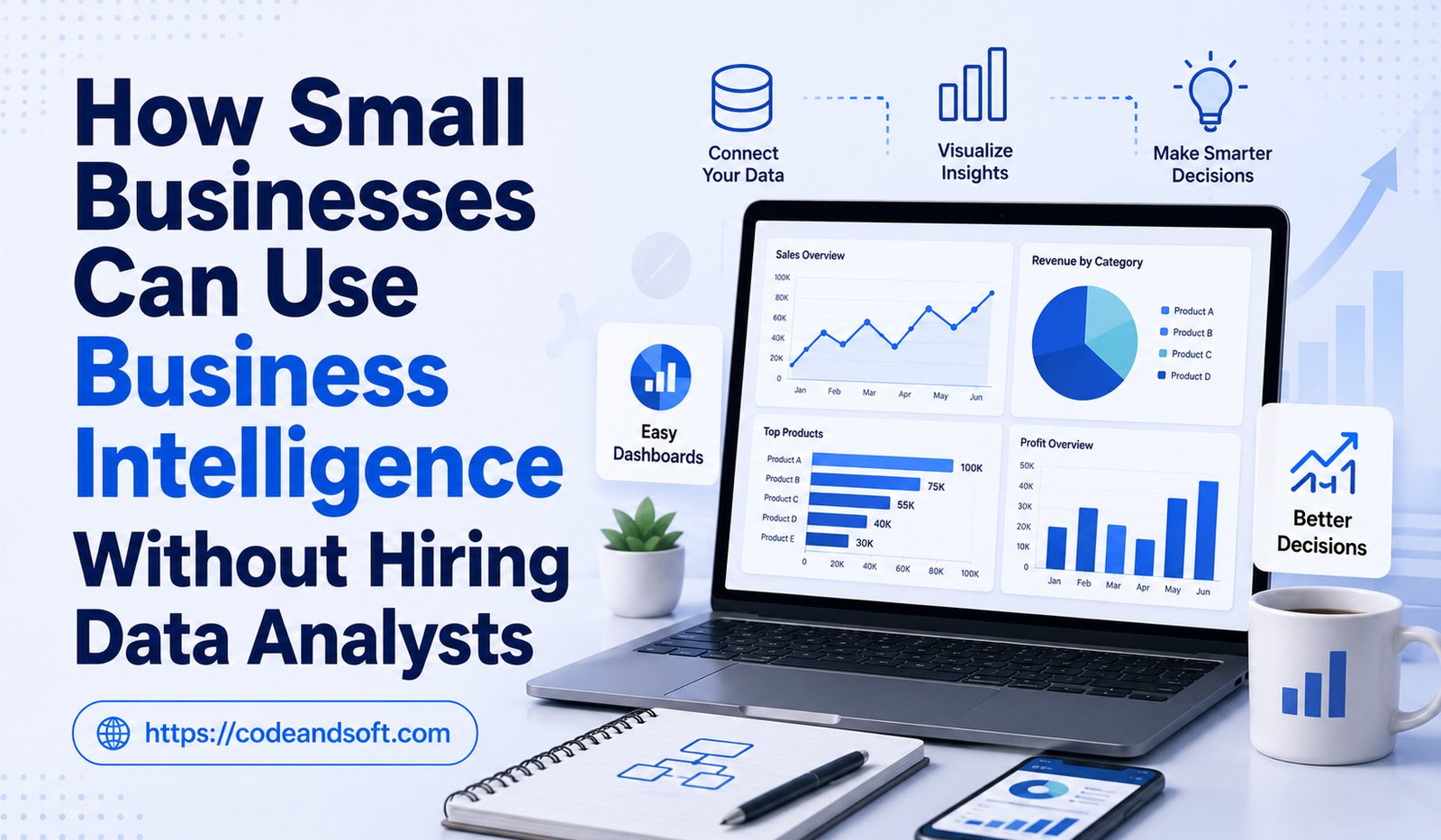
A dashboard provides a quick overview of important business information.
Small businesses do not need complicated dashboards filled with hundreds of metrics.
A simple dashboard can track:
Sales Dashboard
- Total revenue
- Monthly sales growth
- Top-selling products
- Customer orders
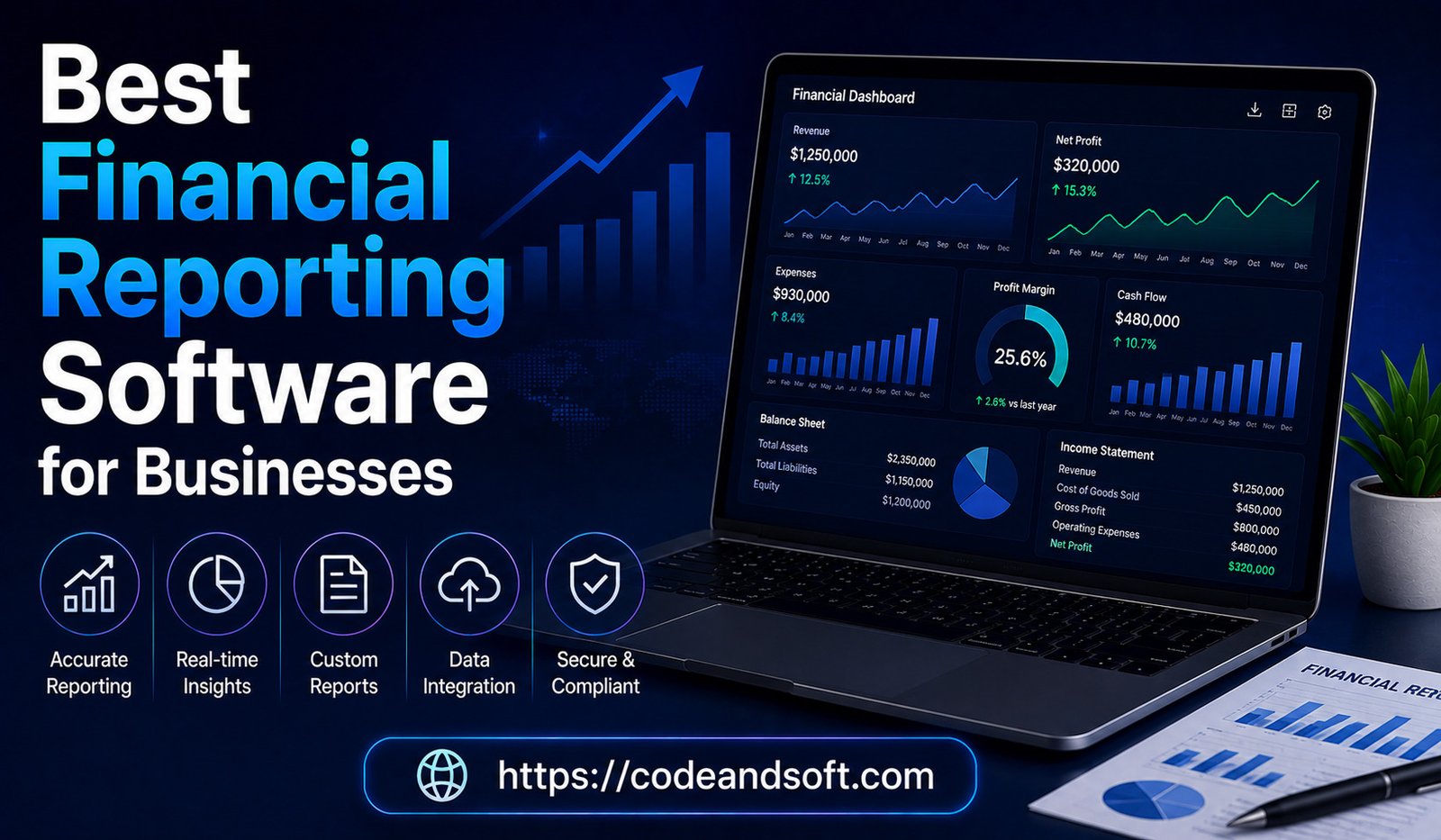
Financial Dashboard
- Income
- Expenses
- Profit margins
- Cash flow
Marketing Dashboard
- Website traffic
- Campaign performance
- Customer engagement
Simple dashboards help business owners focus on the information that matters most.
4. Automate Reporting
Many small businesses spend hours preparing reports manually.
BI tools can automate reporting by collecting and updating data automatically.
Benefits include:
- Less manual work
- Fewer reporting errors
- Faster access to information
- More time for strategic activities
For example, instead of creating a weekly sales report manually, a BI dashboard can automatically update sales performance data every day.
5. Use BI for Better Sales Decisions
Sales data can provide valuable insights for small businesses.
BI tools can help identify:
- Best-performing products
- High-value customers
- Sales trends
- Weak-performing areas
Businesses can answer questions such as:
- Which products generate the most revenue?
- Which customers purchase frequently?
- Which sales channels perform best?
These insights help companies improve sales strategies.
6. Understand Customer Behavior
Customer understanding is essential for business growth.
BI tools help small businesses analyze customer information and identify patterns.
Businesses can study:
- Customer preferences
- Purchase history
- Repeat customers
- Marketing responses
For example, a clothing store can analyze customer buying patterns and stock products based on demand.
Better customer insights help businesses create personalized experiences.
7. Improve Financial Management
Small businesses often struggle with managing expenses and predicting cash flow.
BI software can connect with accounting systems to provide financial insights.
Businesses can monitor:
- Revenue trends
- Operating expenses
- Profitability
- Budget performance
Financial dashboards help owners understand where money is being spent and identify areas for improvement.
8. Optimize Inventory Management
Inventory problems can affect profitability. Overstocking increases storage costs, while insufficient stock can lead to missed sales opportunities.
BI tools help businesses analyze:
- Inventory levels
- Product demand
- Sales patterns
- Stock movement
For example, a small retailer can identify slow-moving products and adjust purchasing decisions.
9. Improve Marketing Performance
Marketing decisions become more effective when supported by data.
BI tools help businesses measure:
- Advertising performance
- Customer acquisition costs
- Website traffic
- Conversion rates
Businesses can identify which marketing channels provide the best results and focus their budgets accordingly.
10. Use AI-Powered BI Features
Many modern BI platforms include artificial intelligence features that simplify data analysis.
AI-powered BI can:
- Identify unusual trends
- Generate insights automatically
- Predict future outcomes
- Recommend actions
Small businesses can use these features without hiring data scientists.
For example, an AI-powered dashboard may alert a business owner that sales are declining in a particular category and suggest further analysis.
Benefits of Using BI Without Data Analysts
Lower Costs
Hiring data analysts can be expensive for small businesses. BI tools provide analytics capabilities at a lower cost.
Faster Decision-Making
Business owners can access important information immediately instead of waiting for reports.
Better Business Understanding
Data insights help owners understand what is working and what needs improvement.
Increased Efficiency
Automation reduces time spent on manual reporting and data management.
Competitive Advantage
Small businesses can compete more effectively by using data-driven strategies.
Challenges Small Businesses May Face With BI
Although BI tools are easier to use today, small businesses may still experience challenges.
Lack of Data Knowledge
Business owners may need basic training to understand analytics concepts.
Solution:
Start with simple dashboards and learn gradually.
Poor Data Quality
Incorrect or incomplete data can affect insights.
Solution:
Maintain accurate records and regularly review data.
Choosing the Wrong Tool
Too many BI options can make selection difficult.
Solution:
Choose software based on business needs, budget, and technical comfort.
Limited Time
Small business owners often manage many responsibilities.
Solution:
Use automated dashboards and focus only on important metrics.
Steps to Start Using Business Intelligence in a Small Business
Step 1: Identify Business Goals
Determine what you want to improve.
Examples:
- Increase sales
- Reduce expenses
- Improve customer retention
Step 2: Collect Available Data
Identify existing data sources such as:
- Accounting software
- Sales systems
- Customer databases
Step 3: Choose a Simple BI Tool
Select a platform that matches your business size and requirements.
Step 4: Create Essential Dashboards
Start with important areas like:
- Sales
- Finance
- Customers
- Operations
Step 5: Review Insights Regularly
Use BI reports to support everyday business decisions.
Conclusion
Business Intelligence is no longer only for large corporations with dedicated data teams. Small businesses can now use affordable and easy-to-use BI tools to analyze information, improve operations, and make smarter decisions without hiring data analysts.
By using simple dashboards, automated reports, AI-powered insights, and existing business data, small companies can gain valuable knowledge about their customers, finances, sales, and operations.
The key to successful BI adoption is starting small, focusing on important business goals, and gradually building a data-driven approach. With the right BI strategy, small businesses can improve efficiency, reduce costs, and compete more effectively in today’s data-focused marketplace.