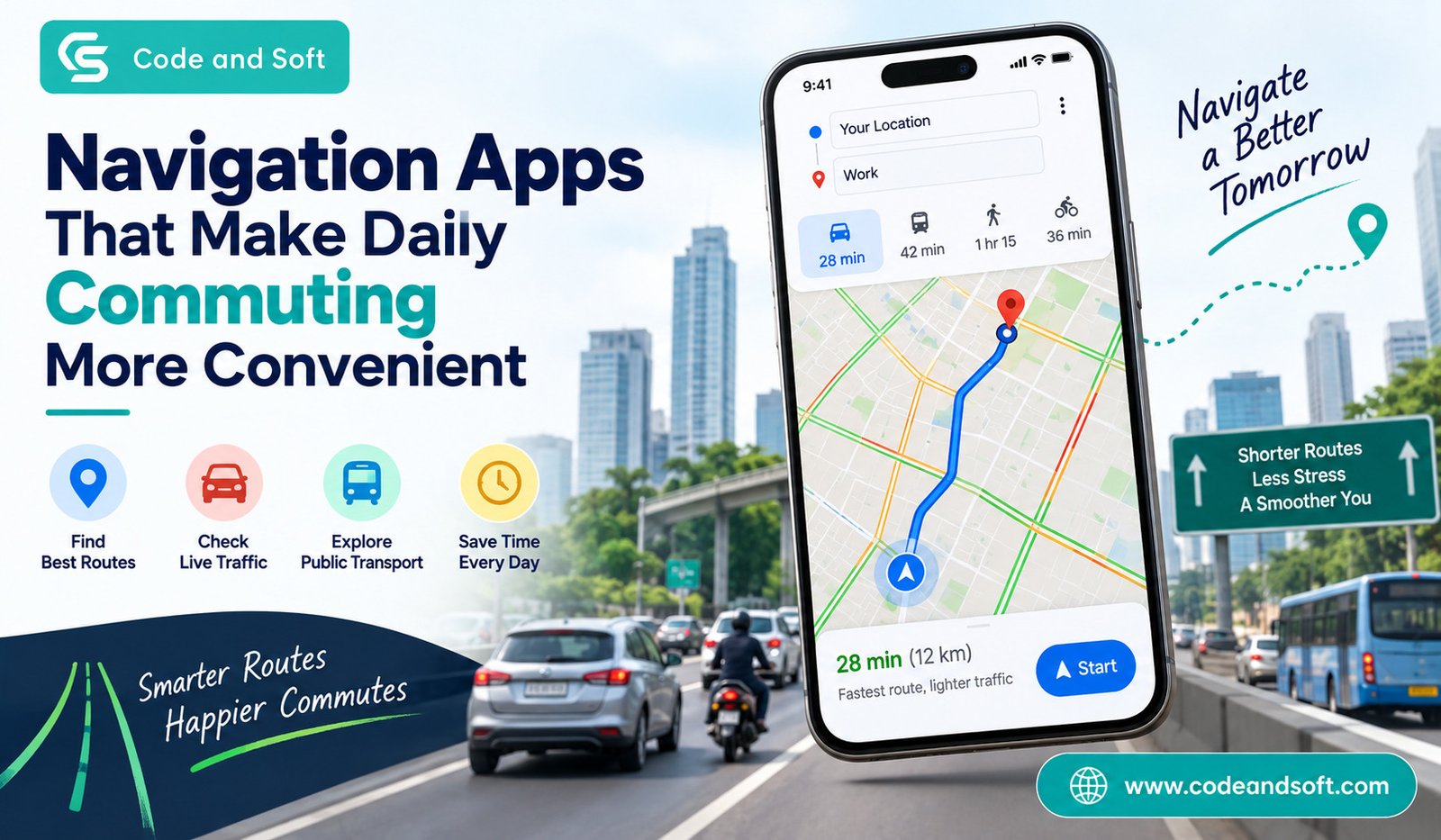

Your daily commute can be one of the most unpredictable parts of your routine. One day, you may reach the office in 30 minutes, while the next day, the same journey can take nearly an hour because of traffic, road closures, construction, or an unexpected accident. This is where Navigation Apps can make a real difference.
Instead of depending entirely on familiar roads or stopping repeatedly to ask for directions, you can use your smartphone to understand traffic conditions, find alternative routes, locate nearby services, and estimate your arrival time. Whether you drive a car, ride a bike, use public transport, or walk to work, the right navigation app can make your journey considerably easier.
But with so many options available, choosing the right one depends on how and where you travel. Here are some of the useful Navigation Apps you can consider for a smoother daily commute.
Why Navigation Apps Are Useful for Daily Travel
Navigation has become much more than simply finding a route from one location to another. Modern apps combine maps, real-time traffic information, location services, road conditions, and other useful features to help you make better travel decisions.
When you use a navigation app, you can check your route before leaving home and get an idea of how long the journey might take. If traffic suddenly becomes heavier, the app can often suggest another route. This can be especially helpful during office hours when major roads are crowded.
You can also use Navigation Apps to find petrol stations, parking areas, restaurants, hospitals, shopping centres, and other places along your route. For someone who travels every day, these small conveniences can save considerable time.
Google Maps: An All-Round Navigation Option
For many commuters, Google Maps is the first app that comes to mind. Its biggest advantage is the amount of information available within a single platform.
You can search for a destination, compare different routes, check estimated travel times, and receive turn-by-turn directions. Traffic information can also help you understand whether your usual route is currently moving slowly.
If you commute using public transport, Google Maps can be particularly useful because it can provide information about available transit routes in supported locations. You can also search for nearby businesses and places without opening a separate application.
Another useful feature is saved locations. You can save places such as your home, office, favourite restaurant, or frequently visited destinations. This makes repeated journeys quicker to plan.
For everyday commuting, Google Maps works well when you want one navigation solution that handles different types of travel.
Waze: Helpful When Traffic Is Your Biggest Concern
If your main concern is reaching your destination while avoiding traffic, Waze is another app worth considering.
Waze has a strong focus on driving and real-time road information. Its community-driven approach allows users to report incidents such as accidents, traffic slowdowns, road hazards, and other problems. These reports can help you become aware of situations that may affect your journey.
For daily drivers, this can be useful when your normal route suddenly becomes congested. Instead of continuing along the same road without knowing what is happening ahead, you can receive information that may help you consider another route.
Waze can be especially useful for people who drive during busy commuting hours. However, you should still pay attention to road signs and local traffic rules rather than blindly following an app’s suggested route.
Apple Maps: A Convenient Choice for Apple Users
If you use an iPhone, Apple Maps provides a convenient navigation experience without requiring you to install another mapping application.
The app offers driving directions, walking routes, and other navigation options depending on location. Its integration with Apple’s ecosystem can also make it convenient if you regularly use other Apple devices and services.
You can search for destinations, receive turn-by-turn directions, and explore nearby places. For someone who already uses an iPhone as their primary device, Apple Maps can be a straightforward option for everyday travel.
The best choice between mapping platforms ultimately depends on which interface and features you find easiest to use in your daily routine.
HERE WeGo: Useful for Different Types of Journeys
HERE WeGo is another navigation platform that can be useful for commuters and travellers. One feature that can make it appealing is its focus on downloadable maps in supported regions.
Offline maps can be valuable when your mobile data connection is unreliable or when you are travelling through an area with limited connectivity. Instead of depending entirely on a live internet connection, having map information stored on your device can provide an additional layer of convenience.
The app also supports different forms of transportation depending on the location, making it useful beyond simple driving directions.
If you frequently travel outside your usual city or visit areas where network coverage can be inconsistent, offline mapping can be a feature worth considering.
Mappls: A Useful Option for Indian Roads
For commuters in India, Mappls can be another interesting navigation option. The platform focuses strongly on Indian mapping and location services.
You can use it to search for destinations, plan routes, and navigate different roads. Having a mapping platform designed around the Indian market can be useful because daily travel conditions can vary significantly between cities and regions.
Indian commuters often deal with a mixture of highways, narrow local roads, busy markets, service roads, flyovers, and rapidly changing road layouts. A navigation app that provides detailed local mapping can therefore be helpful when you are travelling somewhere unfamiliar.
What Should You Look for in a Navigation App?
Not every commuter needs the same features. Before settling on one of the Navigation Apps available today, think about how you normally travel.
Real-Time Traffic Information
If you drive during peak hours, traffic information should be near the top of your list. Knowing that your normal route is heavily congested can help you decide whether to leave earlier or take an alternative road.
Accurate Directions
Turn-by-turn directions should be easy to understand, particularly when you are driving in an unfamiliar area. Clear instructions can reduce the need to constantly look at your phone.
Multiple Transportation Modes
If you occasionally switch between driving, walking, cycling, and public transport, choose an app that supports the travel modes you actually use.
Offline Maps
Offline functionality can be helpful when travelling through areas with poor connectivity. Downloading maps before a trip can give you additional peace of mind.
Nearby Places
Finding a petrol station, parking facility, pharmacy, restaurant, or ATM without leaving your navigation app can make everyday commuting more convenient.
Voice Navigation
Voice guidance allows you to keep your attention on the road instead of repeatedly checking your phone. Always position your device safely and avoid interacting with it while driving.
How to Make Your Daily Commute More Efficient
Simply installing a navigation app is not enough. You can get more value from it by using a few simple habits.
Before leaving home, check your expected travel time. If your app shows unusually heavy traffic, consider leaving a little earlier rather than waiting until the last minute.
You should also save frequently visited destinations. This eliminates the need to type the same address every morning.
If you regularly travel through areas with poor connectivity, download offline maps when the feature is available. And if you are travelling somewhere unfamiliar, take a moment to review the suggested route before starting your journey.
Most importantly, treat Navigation Apps as helpful tools rather than absolute authorities. Road conditions can change quickly, and an app may occasionally suggest a route that is unsuitable because of local restrictions, construction, or temporary closures. Follow traffic signs and local regulations whenever they differ from app instructions.
Final Thoughts
Your daily commute does not have to be unnecessarily stressful. The right navigation app can help you understand traffic, discover faster routes, locate useful places, and plan your journey more confidently.
Google Maps remains a versatile choice for people who want comprehensive mapping and multiple travel options, while Waze can be attractive to drivers who value community-based traffic information. Apple Maps is convenient for iPhone users, HERE WeGo offers useful offline mapping capabilities, and Mappls provides an option focused on the Indian market.
Ultimately, the best Navigation Apps are the ones that fit your everyday travel habits. Once you find the right combination of features, you can spend less time worrying about directions and more time getting where you need to go.