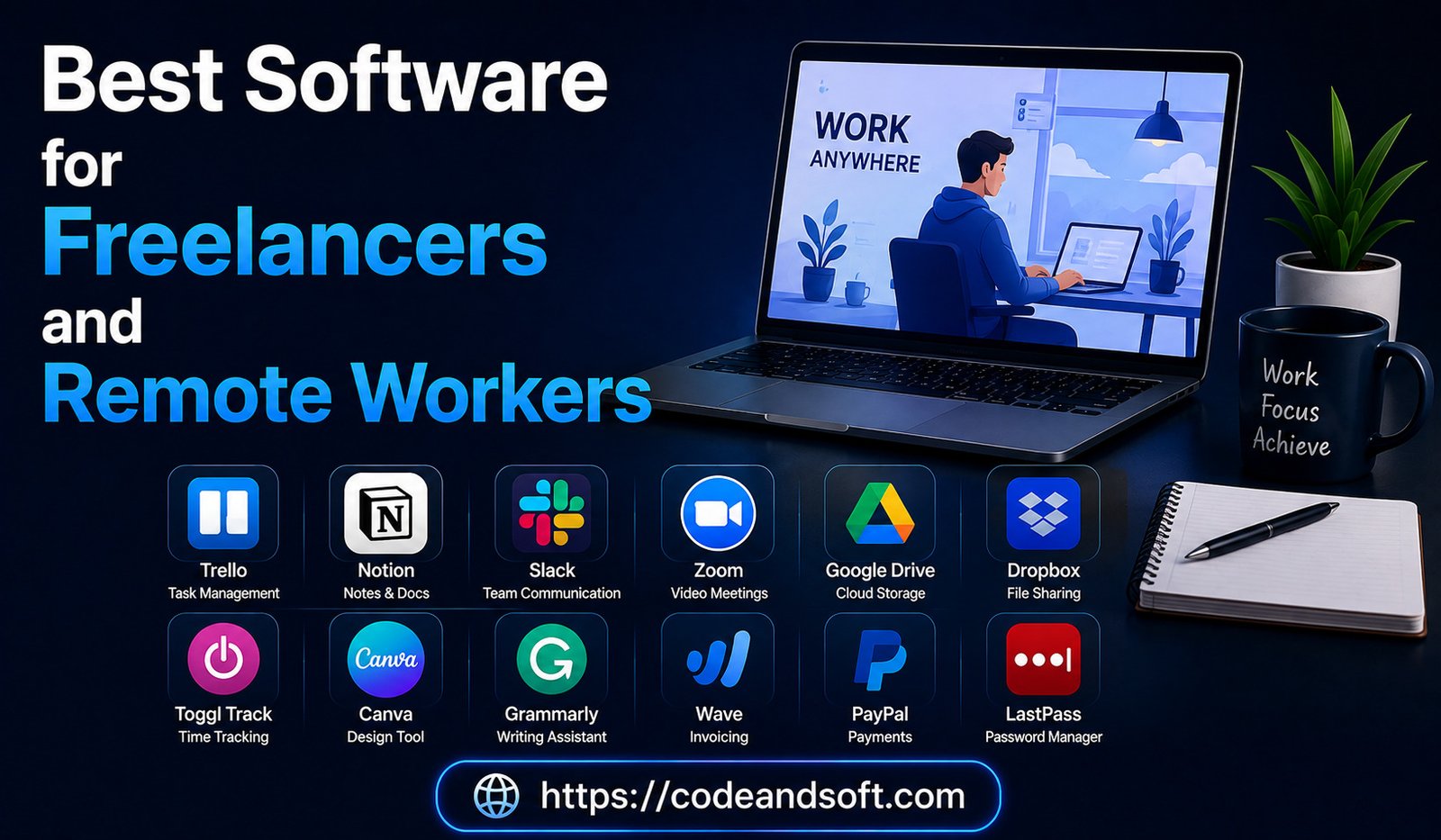
The way people work has changed dramatically in recent years. Freelancing, remote jobs, and digital businesses have become increasingly popular as professionals seek flexibility, independence, and better work-life balance. However, working outside a traditional office environment comes with its own challenges.
Freelancers and remote workers need reliable software to manage projects, communicate with clients, track finances, protect data, organize tasks, and maintain productivity. Without the right digital tools, managing multiple projects, deadlines, and client expectations can become difficult.
In 2026, software solutions for freelancers and remote professionals have become more advanced with artificial intelligence, automation, cloud technology, and smart productivity features. The right software can help independent workers save time, improve efficiency, and deliver better results.
This guide explores the best software for freelancers and remote workers, including productivity tools, project management platforms, communication apps, accounting software, cloud storage solutions, and security tools.
Why Freelancers and Remote Workers Need Specialized Software
Freelancers often handle multiple responsibilities that are usually divided among different departments in traditional companies.
A freelancer may need to manage:
- Client communication
- Project planning
- Invoicing
- Marketing
- File management
- Time tracking
- Content creation
Remote employees also face challenges such as:
- Staying organized
- Collaborating with teams
- Managing online meetings
- Protecting company data
The right software helps simplify these tasks and creates a more professional workflow.
Key Features Freelancers Should Look For
Before choosing software, freelancers and remote workers should consider important features.
Ease of Use
The software should have a simple interface and require minimal technical knowledge.
Cloud Access
Cloud-based tools allow users to work from anywhere.
Automation
Automation reduces repetitive tasks and saves valuable time.
Integration
Software should connect with other tools used for work.
Security
Protecting client information and personal data is essential.
Best Software for Freelancers and Remote Workers in 2026
1. Notion – Best All-in-One Productivity Workspace
Notion has become one of the most popular productivity tools among freelancers and remote professionals.
It combines notes, task management, project planning, and documentation in one platform.
Key Features:
- Digital notes
- Task lists
- Project tracking
- Client databases
- Templates
- AI-powered assistance
Advantages:
- Highly customizable
- Replaces multiple productivity apps
- Useful for organizing freelance projects
- Great documentation system
Limitations:
- Requires setup time
- Beginners may need time to understand advanced features
Best For:
- Freelancers
- Content creators
- Consultants
- Remote professionals
2. Trello – Best Simple Project Management Software
Trello is a visual project management tool that helps freelancers organize tasks using boards, lists, and cards.
Key Features:
- Kanban boards
- Task assignments
- Checklists
- Deadlines
- Workflow tracking
Advantages:
- Very easy to use
- Simple project organization
- Great for managing multiple clients
Limitations:
- Limited advanced reporting
- Not ideal for very complex projects
Best For:
- Freelancers managing several projects
- Small remote teams
3. Asana – Best Professional Project Management Tool
Asana helps freelancers and remote teams manage detailed projects and deadlines.
Key Features:
- Task management
- Project timelines
- Progress tracking
- Team collaboration
- Automation
Advantages:
- Professional project organization
- Better visibility into deadlines
- Suitable for client-based work
Limitations:
- Advanced features require premium plans
- Can feel complex for beginners
Best For:
- Freelancers handling large projects
- Agencies
- Remote teams
4. Microsoft 365 – Best Office Software Suite
Microsoft 365 is one of the most important software solutions for professionals.
It provides essential tools for writing, data management, presentations, communication, and file storage.
Key Features:
- Word
- Excel
- PowerPoint
- Outlook
- OneDrive
- Teams
Advantages:
- Professional-quality tools
- Widely accepted by businesses
- Excellent compatibility
Limitations:
- Requires subscription
- Some features may be unnecessary for casual users
Best For:
- Freelancers
- Consultants
- Remote employees
5. Google Workspace – Best Cloud Productivity Platform
Google Workspace provides online tools that allow professionals to work from anywhere.
Key Features:
- Gmail
- Google Docs
- Google Sheets
- Google Drive
- Google Meet
Advantages:
- Real-time collaboration
- Easy file sharing
- Works on all devices
Limitations:
- Requires internet access for full functionality
Best For:
- Remote teams
- Freelancers working with clients
- Online businesses
6. Slack – Best Communication Software
Slack helps freelancers and remote workers communicate efficiently with clients and teams.
Key Features:
- Direct messaging
- Channels
- File sharing
- App integrations
- Notifications
Advantages:
- Organized conversations
- Reduces email dependence
- Good team communication
Limitations:
- Too many notifications can become distracting
- Advanced features require paid plans
Best For:
- Remote teams
- Freelancers working with multiple clients
7. Zoom – Best Video Meeting Software
Zoom Video Communications is widely used for online meetings, client discussions, and remote collaboration.
Key Features:
- Video meetings
- Screen sharing
- Recording
- Webinars
- Team communication
Advantages:
- Reliable video quality
- Easy meeting setup
- Professional communication experience
Limitations:
- Free plans have restrictions
- Requires stable internet connection
Best For:
- Client meetings
- Remote interviews
- Online consulting
8. QuickBooks Online – Best Accounting Software for Freelancers
QuickBooks Online helps freelancers manage finances, invoices, and expenses.
Key Features:
- Invoice creation
- Expense tracking
- Financial reports
- Tax management
- Payment tracking
Advantages:
- Simplifies bookkeeping
- Saves financial management time
- Professional invoices
Limitations:
- Subscription cost
- Advanced accounting features may require learning
Best For:
- Freelancers
- Small business owners
- Consultants
9. FreshBooks – Best Invoicing Software
FreshBooks is designed specifically for freelancers and service-based professionals.
Key Features:
- Client management
- Time tracking
- Invoicing
- Expense tracking
- Online payments
Advantages:
- Freelancer-friendly interface
- Easy billing management
- Professional invoices
Limitations:
- Best suited for service businesses
- Limited features for large companies
Best For:
- Freelancers
- Consultants
- Creative professionals
10. Canva – Best Design Software for Freelancers
Canva allows freelancers to create professional designs without advanced design skills.
Key Features:
- Social media graphics
- Presentations
- Marketing materials
- Templates
- AI design tools
Advantages:
- Easy to use
- Saves design time
- Large template library
Limitations:
- Limited compared to professional design software
Best For:
- Content creators
- Social media managers
- Marketing freelancers
11. Dropbox – Best File Management Software
Dropbox helps freelancers store and share files securely.
Key Features:
- Cloud storage
- File synchronization
- File sharing
- Backup options
Advantages:
- Easy client file sharing
- Reliable performance
- Works across devices
Limitations:
- Storage limits depend on plan
Best For:
- Designers
- Photographers
- Freelancers managing large files
12. Grammarly – Best Writing Assistant
Grammarly helps freelancers improve written communication.
Key Features:
- Grammar checking
- Writing suggestions
- Tone improvement
- AI writing support
Advantages:
- Improves professional communication
- Saves editing time
Limitations:
- Premium features require payment
Best For:
- Writers
- Marketers
- Professionals
13. NordVPN – Best Security Software for Remote Workers
NordVPN provides online privacy and security protection.
Key Features:
- Encrypted internet connection
- Privacy protection
- Secure browsing
- Threat protection
Advantages:
- Protects data on public networks
- Improves online privacy
Limitations:
- Subscription required
- Performance depends on server location
Best For:
- Remote workers
- Digital nomads
- Freelancers handling sensitive data
Software Comparison Table for Freelancers and Remote Workers
| Software | Category | Best Feature |
| Notion | Productivity | All-in-one workspace |
| Trello | Project Management | Simple organization |
| Asana | Project Management | Professional workflows |
| Microsoft 365 | Productivity | Office tools |
| Google Workspace | Collaboration | Cloud teamwork |
| Slack | Communication | Team messaging |
| Zoom | Meetings | Video communication |
| QuickBooks | Accounting | Financial management |
| FreshBooks | Invoicing | Client billing |
| Canva | Design | Easy creativity |
| Dropbox | Storage | File sharing |
| Grammarly | Writing | Communication improvement |
| NordVPN | Security | Online protection |
How Freelancers Can Choose the Right Software
Identify Your Work Requirements
Different professions need different tools.
For example:
- Writers need writing and organization tools
- Designers need creative software
- Consultants need communication and accounting tools
Avoid Using Too Many Applications
Using too many platforms can reduce productivity. Choose software that combines multiple functions.
Consider Budget
Many tools offer free plans. Upgrade only when advanced features provide real value.
Focus on Security
Freelancers often handle client data, so secure software is essential.
Conclusion
Freelancers and remote workers need more than just a laptop and internet connection to succeed. The right software tools can improve productivity, simplify project management, strengthen communication, and help professionals manage their businesses effectively.
Platforms like Notion, Trello, Asana, Microsoft 365, Google Workspace, Slack, Zoom, QuickBooks, Canva, Dropbox, and security tools provide powerful solutions for modern digital workers.
The best software depends on your profession, workflow, and goals. By choosing reliable tools and avoiding unnecessary complexity, freelancers and remote professionals can work smarter, deliver better results, and build successful careers in the growing digital workplace of 2026.